Scan Date:Apr 29, 2026
Show More

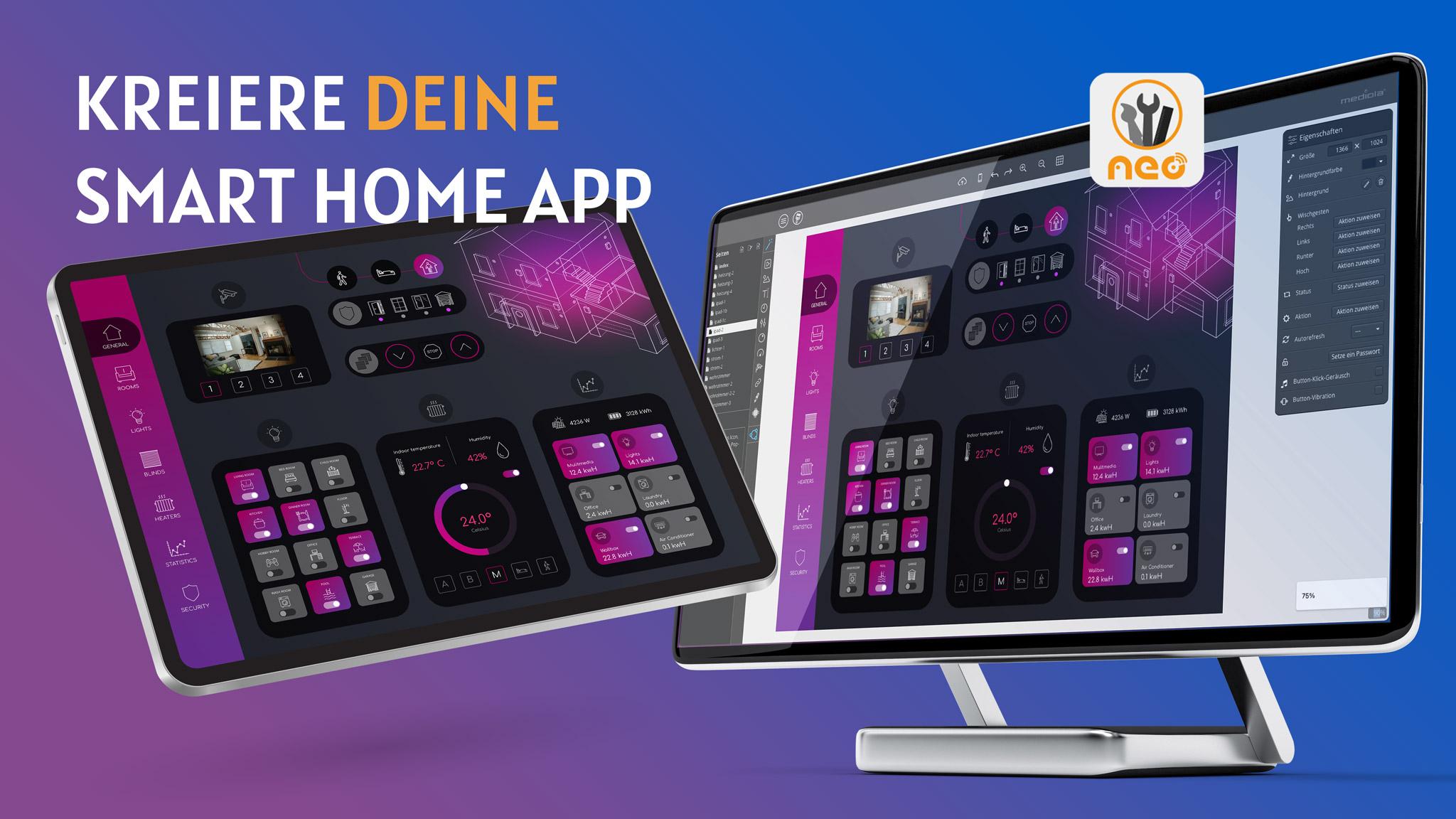
mediola® AIO REMOTE NEO is the smart home control app for your individual Smart Home control system created with the mediola® AIO CREATOR NEO.
The mediola® AIO CREATOR NEO is an universal and independent solution for controlling your Smart Home. With the extremely powerful and uniquely flexible software solution, you can easily design your own personal all-in-one smart home app and unite many incompatible devices and systems in one.
At the same time, AIO CREATOR NEO gives you all the freedom through the following central components, both graphically and functionally:
★ NEO App Designer [Design your app by yourself, individually according to your visual preferences and functional needs]
★ NEO Icon Sets [Use our optional icon sets to embellish your app's design quickly and easily]
★ NEO Plugins [Connect all devices across brands and technologies; You only control the brands you want]
★ NEO Automation Manager [with the Automation Manager you bring intelligence to your Smart Home: You can create automation sequences without needing to have skills in programming]
Integratable components from more than 50 brands:
★ AV devices [Yamaha, Denon, Marantz etc.]
★ Gateways [CCU, Homematic IP, Homewizard, Internorm etc.]
★ Heating controls [netatmo, MAX !, TadoSmart, REHAU nea smart etc.]
★ IP devices [Foscam, Axis, DoorBird, Mobotix, Bose, Teufel Raumfeld etc.]
★ Light / dimmer [Philips HUE, Osram Lightify, LEDvance, Belkin WeMo etc.]
★ Roller shutter switch [radio or IP]
★ Sensorics / Temperature [netatmo, MAX !, TadoSmart, REAHU nea smart etc.]
★ Sockets [radio or IP]
A list of integratable brands can be found here:
https://www.mediola.com/checkliste
Important NOTE:
In order to use the AIO REMOTE NEO app, a remote control must first be configured with the AIO CREATOR NEO, which can then be transferred to the AIO REMOTE NEO.
For more information and to download the AIO CREATOR NEO, please visit:
https://www.mediola.com/neo
Latest Version
1.95.1Uploaded by
Khan Faizal
Requires Android
Android 5.0+
Category
Free Libraries & Demo AppContent Rating
Everyone
Security Report
Report
Flag as inappropriateLast updated on Apr 29, 2026
* Bugfix: Slider element only reacted to touch and not to swipe movement anymore
* Bugfix: Slider element jumped to wrong value when used if view was zoomed in






APKPure - A multi-platform app store primarily focused on Android, providing extensive app-related content. Discover the app you want easier, faster, and safer, with quick and efficient downloads and installations.