Adguard helps users who want fewer ads and more control over connections made by apps and websites. It works across the device instead of focusing on a single browser, so you can manage filtering from one place. The app is installed as an APK and uses a local connection on the phone to process traffic. If you plan to download Adguard, this setup explains why it can work with many different Android apps.
Block ads in apps and browsers
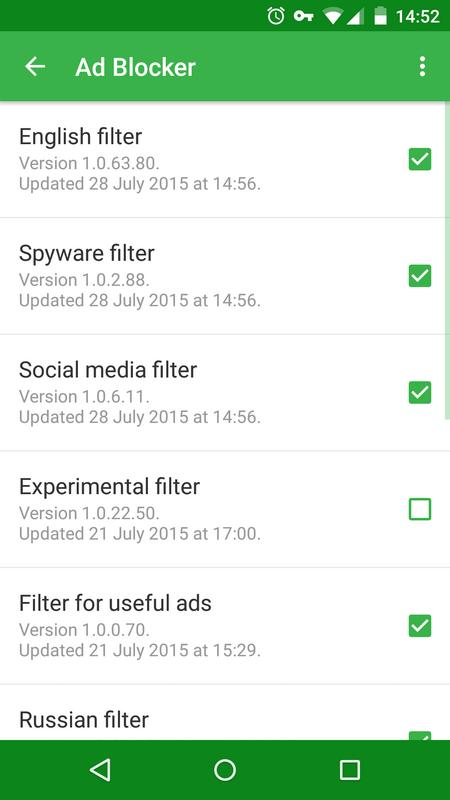
Adguard can block banners, pop ups, redirects, and other advertising requests before they load. This applies to browsers, websites, games, and other installed apps. Its filters receive regular updates to recognize new ad sources.
Limit tracking activity
Adguard can stop trackers, analytics tools, and unwanted telemetry from connecting in the background. As a result, you can reduce some of the data requests that follow browsing and app activity. Filtering rules can be adjusted when you need a different level of control.
Filter unsafe web requests
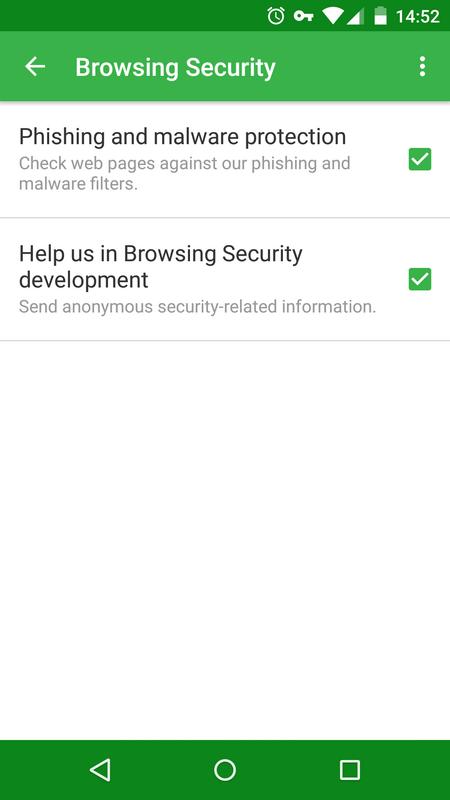
Adguard also includes browsing security tools that help block phishing pages, harmful redirects, and sites associated with malware threats. This can be useful when opening unfamiliar links or using public Wi Fi. The tool filters requests locally before the content is loaded in the browser or app.
Keep website pages usable
When Adguard removes advertising elements, it aims to keep the page text, navigation, and original layout available. This avoids leaving large empty spaces where ads appeared. You can therefore continue reading or using a site without repeated advertising interruptions.
Manage protection by app
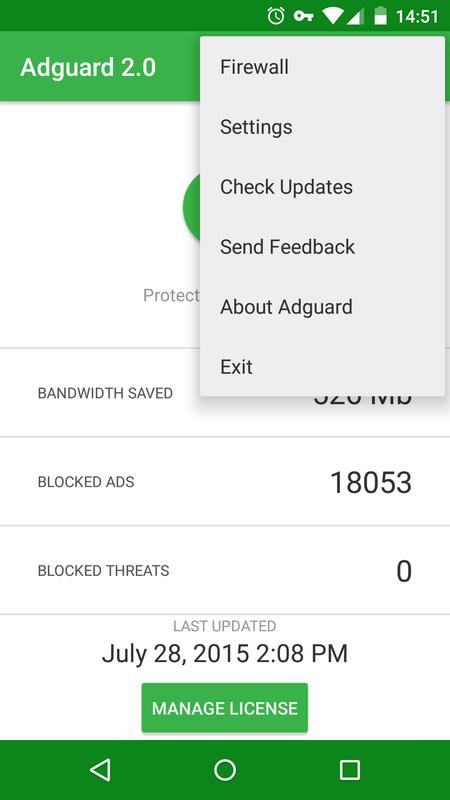
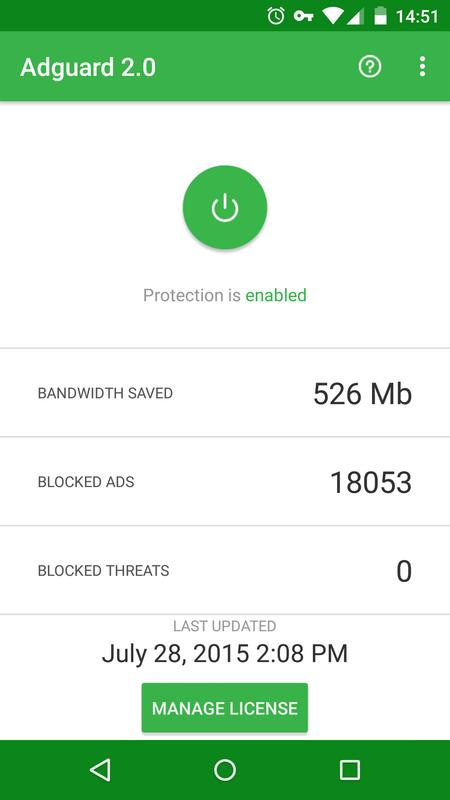
Adguard provides basic and advanced filtering settings, along with tools for managing individual apps. You can check protection status, view information about saved bandwidth, and pause or enable protection with one tap. By preventing some ads and tracking scripts from loading, the app may also reduce unnecessary mobile data use and battery drain.
After installing the Adguard APK, open the app and review the protection controls before browsing or opening other apps. Adguard latest version may show its filtering status and connection activity in the main interface. Start with the default settings, then change rules only when you need a specific result.
Open Adguard and turn on protection from the main screen. Android will ask you to approve the local VPN connection that the app needs for filtering.
Once the connection is active, use your usual browser or open an installed app. Adguard filters supported advertising, tracking, and unsafe requests as they are made.
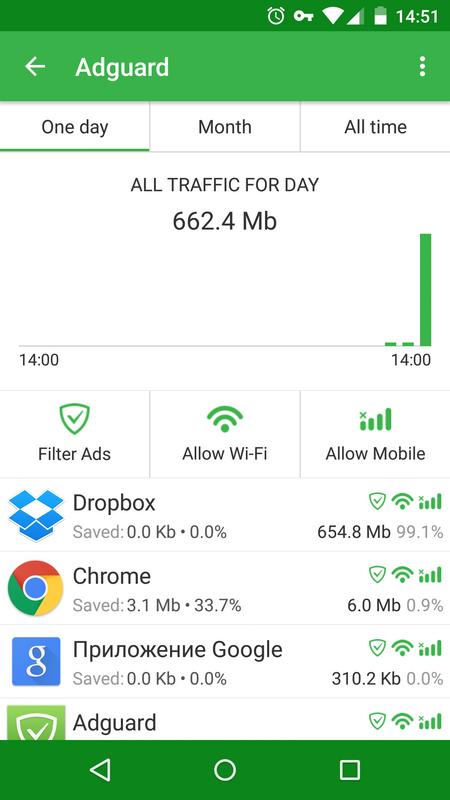
Check the app management section if you want to control how filtering applies to a particular app. Keep protection enabled for apps where you want requests filtered.
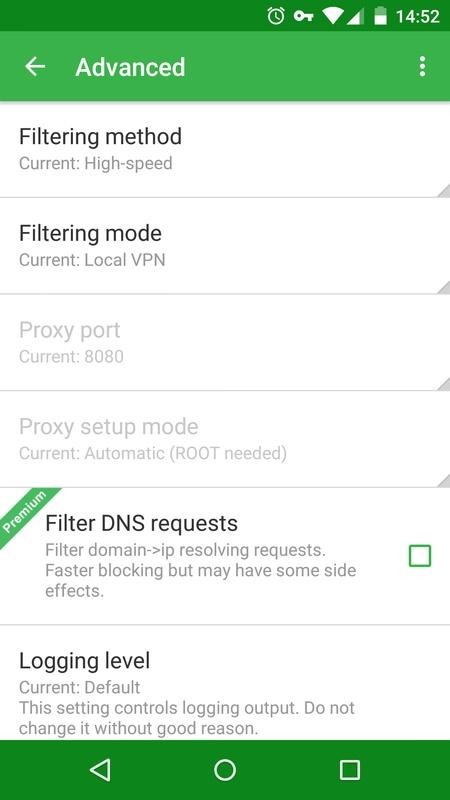
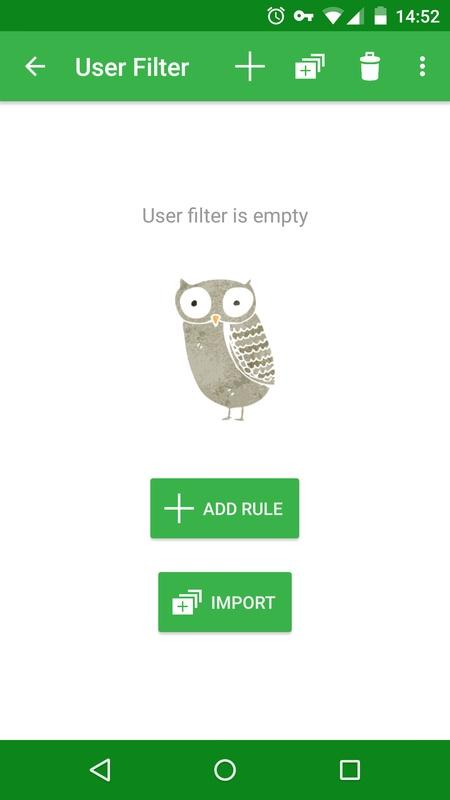
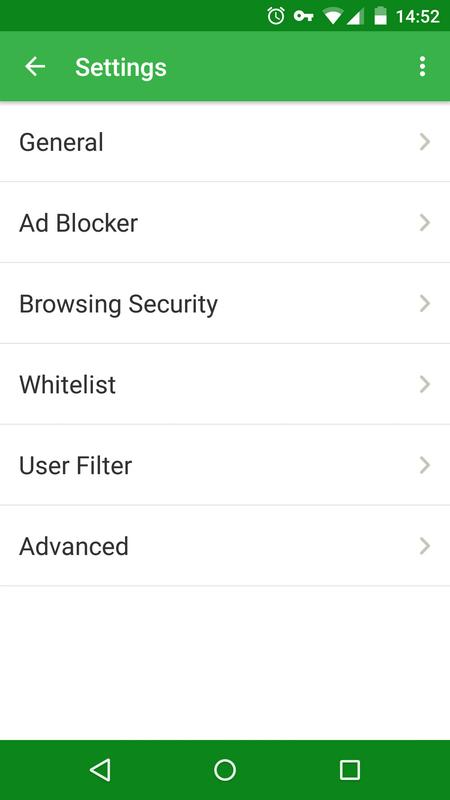
Open the filtering settings to select basic or advanced options that fit your needs. You can also review available filter rules when a website or app does not behave as expected.
Use the pause control when you need to temporarily stop filtering, then enable protection again when finished. Check the status screen to confirm that the local VPN connection is active.
Adguard provides device wide ad filtering, privacy controls, and browsing safety tools through a local VPN setup. Download Adguard if you want to manage unwanted requests across browsers and apps without root access.
Latest Version
4.14.68Uploaded by
Adguard Software Limited
Requires Android
Android 9.0+
Category
Free Tools AppReport
Flag as inappropriateLast updated on May 18, 2026
This release includes minor bug fixes and general improvements. Update to the latest version for the best experience.


APKPure - A multi-platform app store primarily focused on Android, providing extensive app-related content. Discover the app you want easier, faster, and safer, with quick and efficient downloads and installations.