Scan Date:Jan 19, 2026
Show More

PixelLab helps you create text on pictures quickly on your phone. It centers on clean typography tools, simple controls, and practical export options that work well for social posts, memes, posters, and quick graphic design. You can start from a blank canvas or import a photo, then build your layout with text and creative elements. The interface is straightforward for beginners, and it gives enough depth for precise adjustments when you need them. When you finish, you can export at the size and format you choose and share directly. Download PixelLab latest version on APKPure to keep your edits moving from idea to share in one place.
Text layers and 3D titles
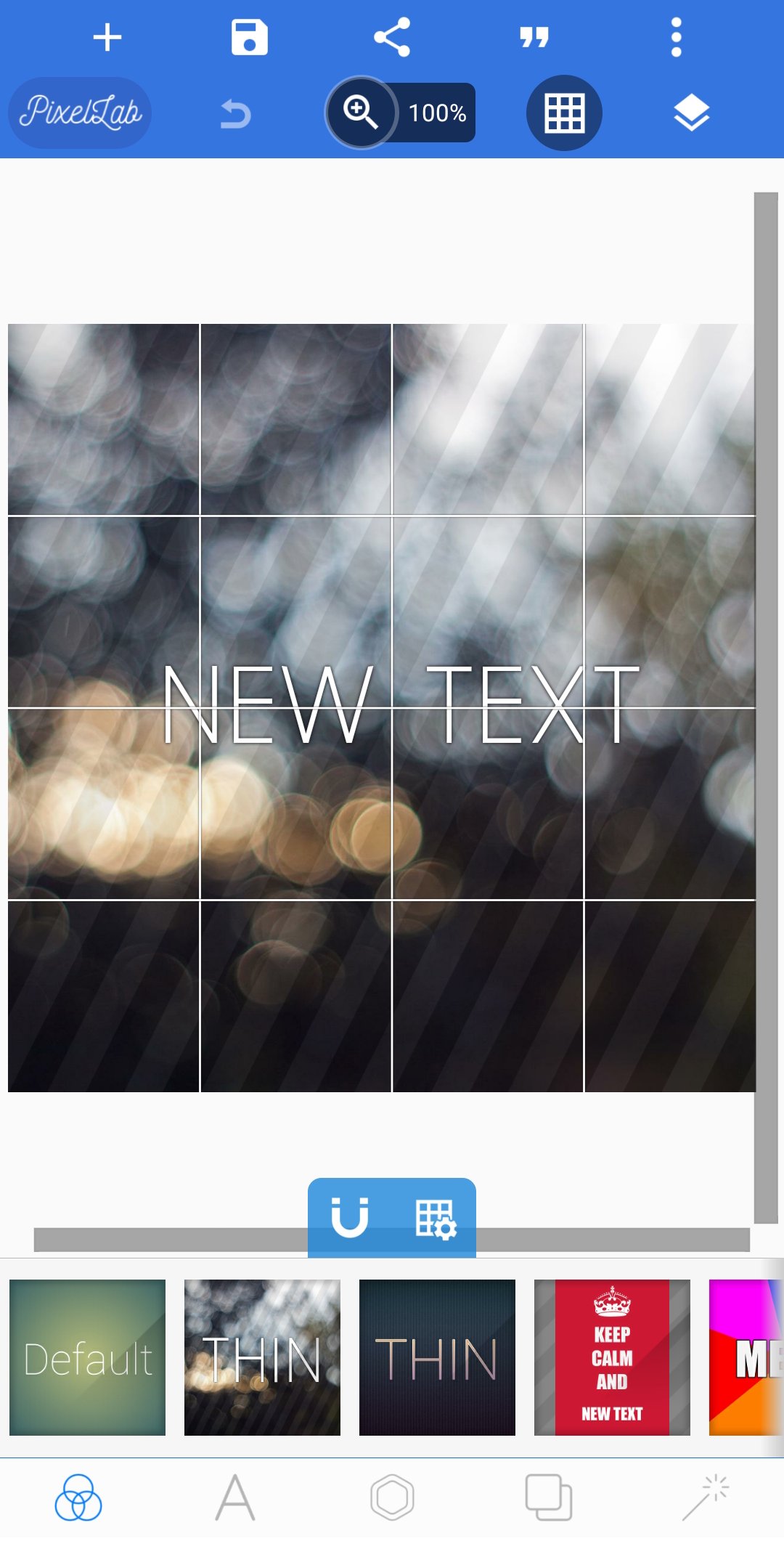
PixelLab lets you add multiple text layers so you can build headlines, subheads, and captions in one project. You can switch any layer to 3D text, then adjust depth and lighting for a more standout look. This structure makes it easy to reorder items and fine-tune without starting over.
Fonts and color controls
The app includes a curated font library and supports your own fonts, so your design can match a brand or mood. You can fill text with solid colors, gradients, or an image texture for a more custom style. Moreover, quick sliders help you set size, spacing, and alignment with accuracy.
Stickers, shapes, and image imports
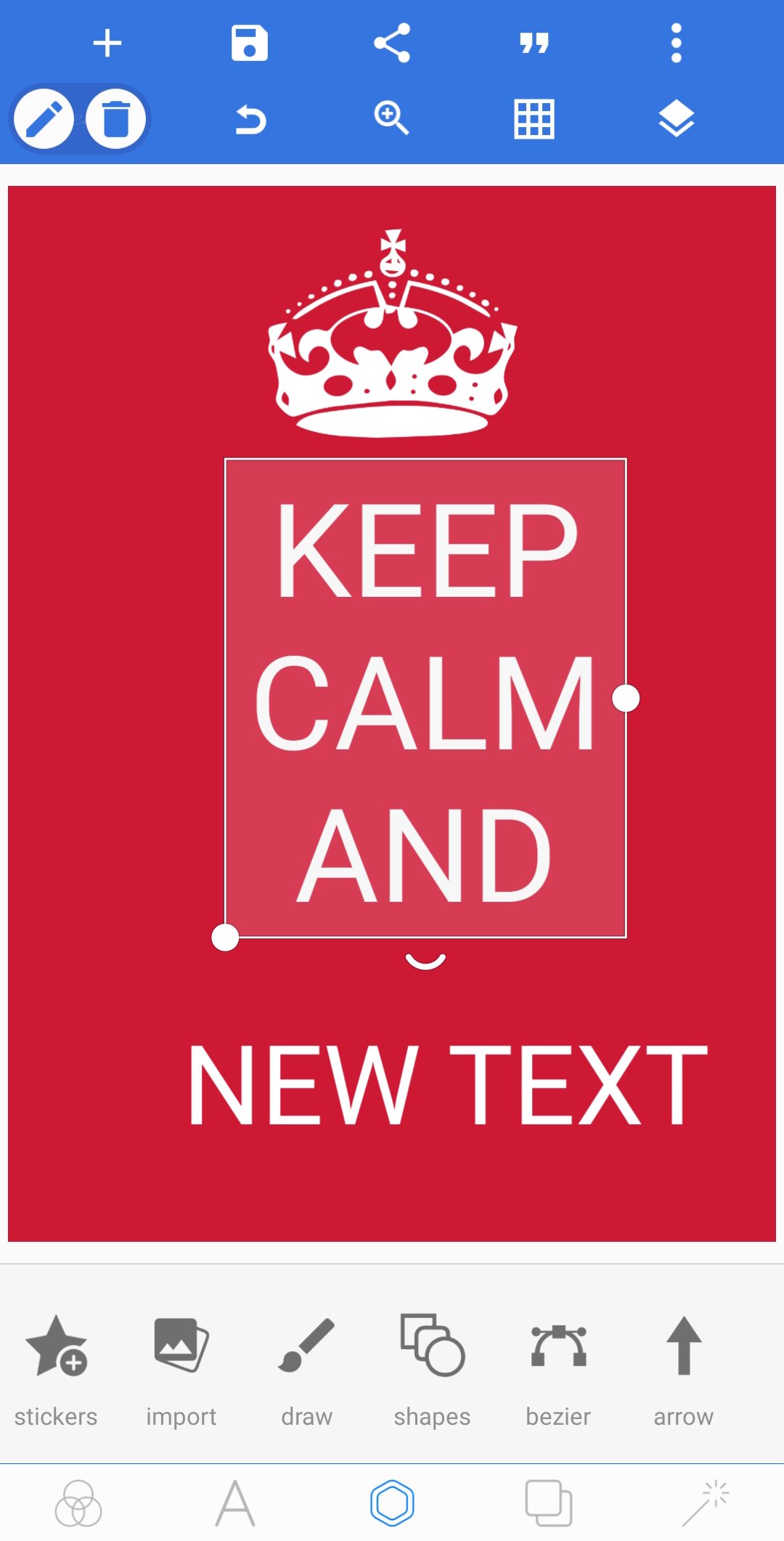
Ready shapes, emojis, and stickers to speed up layouts are all supported on the PixelLab app. You can also import images like logos or product shots and place them alongside your text. In addition, preset backgrounds make it simple to begin a design without hunting for assets.
Background removal and perspective tools
The PixelLab app also provides a background remover that works with green, blue, or white screens for fast cutouts. You can fix skewed angles using perspective and warp tools to place text on signs, screens, or mockups. This reduces the need for desktop edits when creating quick previews.
Drawing and reusable layouts
PixelLab includes freehand drawing with an adjustable pen so you can underline, circle, or sketch over images. You can also save projects for reuse, which is useful for recurring posts or templates. Therefore, repeating a campaign layout becomes a simple update rather than a rebuild.
Quick export and share
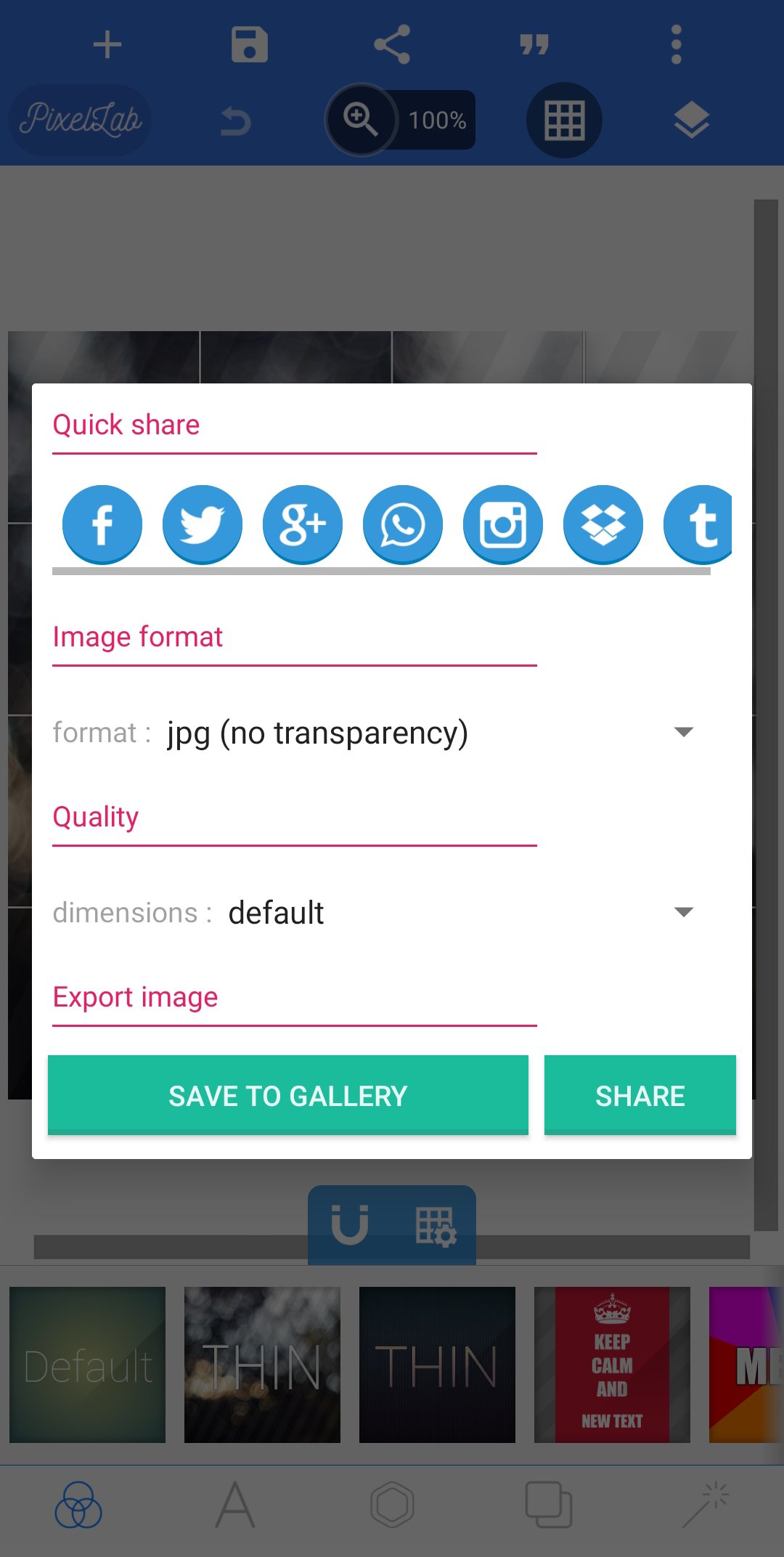
Image effects like vignette and color adjustments are available on PixelLab, along with meme presets and a quote browser to speed up ideas. You can choose resolution and format before you export, then share with your apps. Also, the workflow fits mobile creation, so you can publish without extra steps.
This quick guide shows the basic flow from import to export. It focuses on practical steps so you can create a simple social post or meme right away.
Download PixelLab APK latest version on APKPure. Install the app and open it on your mobile phone.
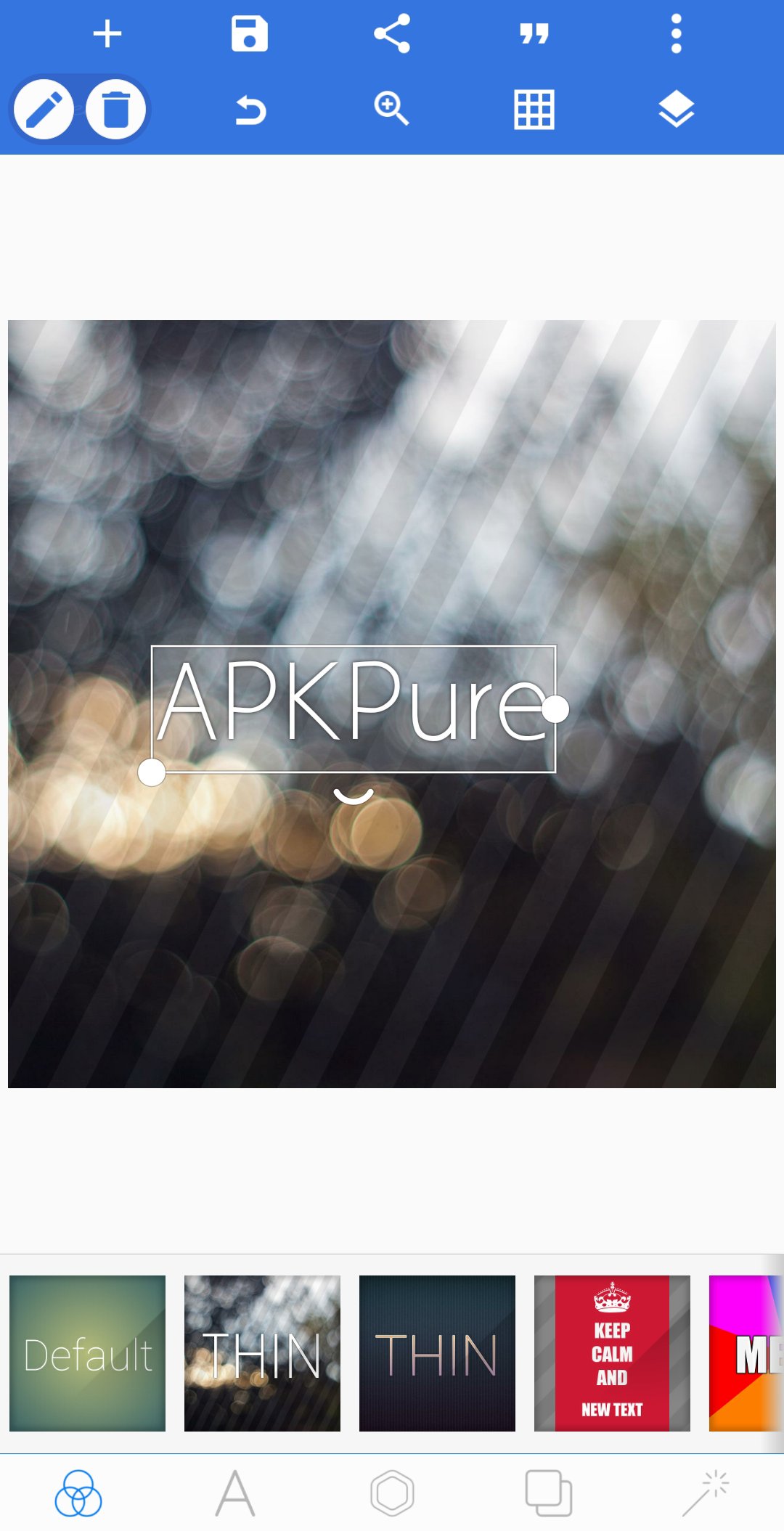
Open PixelLab and start a new project. Tap the gallery icon to import a photo, or tap the canvas to pick a solid or gradient background.
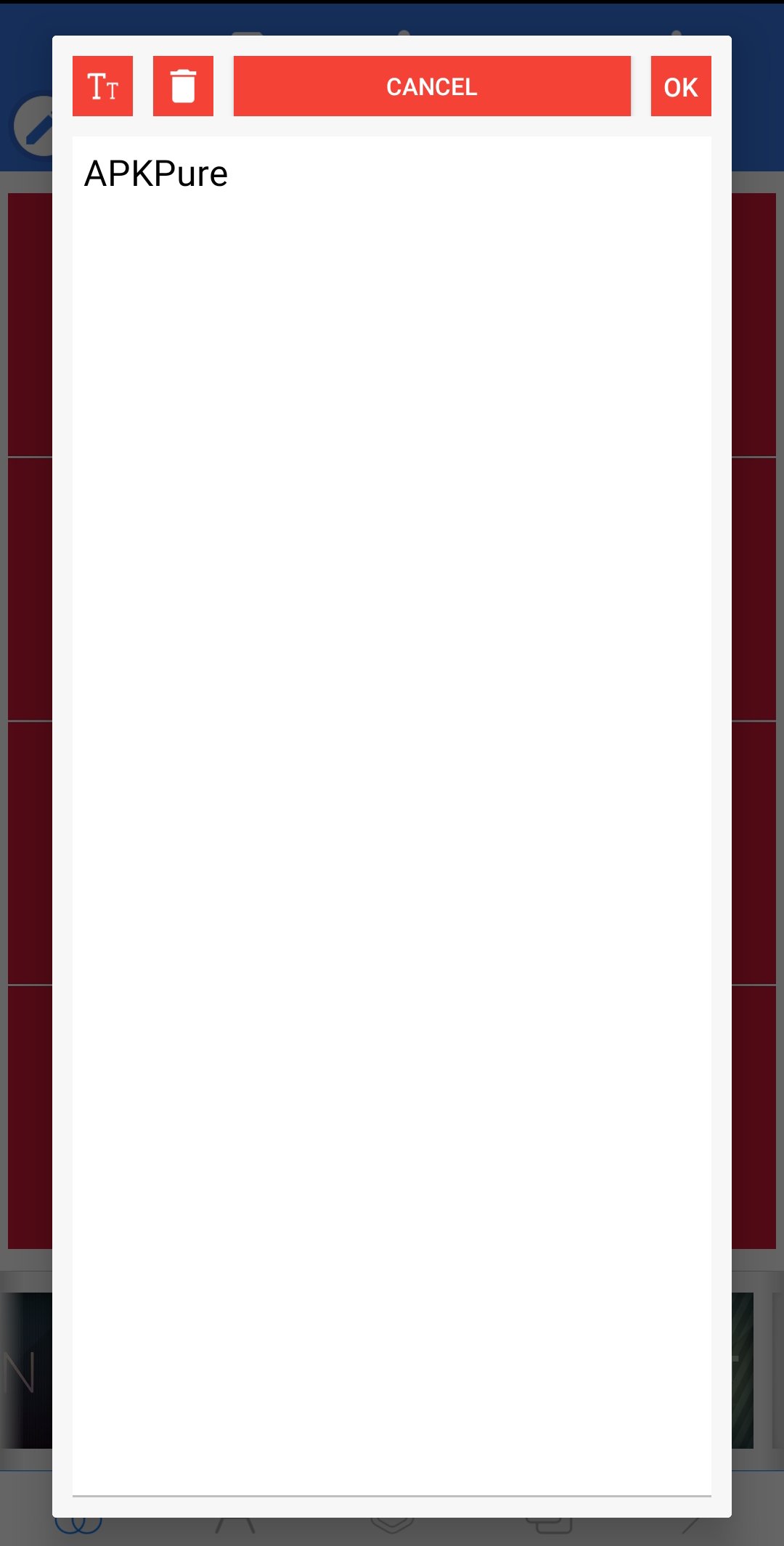
Tap the text tool to add your first line. Type your message, then set font, size, color, and alignment in the toolbar.
After that, add more text layers for captions or tags. Adjust spacing and position by dragging handles, and use duplicate to keep consistent styling.
Then open effects to apply shadow, stroke, or 3D if needed. Use perspective to fit text on a sign or screen, and use background remover to cut out an image.
So once your layout is ready, tap export. Choose resolution and format, save to your device, and share from the confirmation screen.
PixelLab keeps text-focused editing simple for fast results on mobile. Download PixelLab APK latest version on APKPure to create clean titles, 3D text, and quick social graphics in minutes.
Can I use PixelLab on PC?
Yes, you can run PixelLab on a PC with an Android emulator. Install an emulator on your computer, then import the PixelLab APK and complete the PixelLab app download inside the emulator. This allows you to work with a larger screen and keyboard while using the same mobile features.
Is PixelLab free to use?
Yes, PixelLab is free to install and use on Android. The core tools for adding text to pictures, 3D titles, stickers, and drawings are available without extra steps.
Latest Version
2.1.9Uploaded by
App Holdings
Requires Android
Android 6.0+
Category
Free Photography AppContent Rating
Everyone
Security Report
Report
Flag as inappropriateLast updated on Jan 19, 2026
Fixed custom fonts and plp file saving issue.





APKPure - A multi-platform app store primarily focused on Android, providing extensive app-related content. Discover the app you want easier, faster, and safer, with quick and efficient downloads and installations.