Scan Date:May 12, 2026
Show More


Lark Player helps when you want to enjoy songs and videos stored on your phone without relying on a connection. It focuses on steady playback and a layout you can adjust, so daily listening stays simple to manage. The library view keeps local media easy to find, and the main controls remain accessible while you use other apps. Whether you play a full album or a short clip, the experience stays consistent from start to finish. If you are looking for the Lark Player APK, you can click the Download button below and start right away..
Offline playback across common formats
Lark Player plays music and videos saved on your device without a network. It supports major audio and video formats, so you can open most files from your folder or library view. This keeps your listening and viewing focused on the content you already have on your phone.
Audio tools for clear sound
You can shape the sound with a built in equalizer and ready presets like Classical, Dance, Jazz, Pop, Rock, and more. A volume booster increases loudness up to 200 percent when your phone speaker needs extra gain. Reverb and sound field options let you fine tune how tracks feel in your headphones or speakers.
Library control and handy utilities
The Lark Play app lets you browse your collection by album, artist, genre, or folder, then sort, shuffle, loop, or queue tracks as needed. Create and manage playlists to group songs for work, study, or travel. You can also set a local track as a ringtone, and convert a video to MP3 when you only need the audio.
Multitasking and playback control
Background playback keeps music going while you switch to other apps, and a floating window lets you keep video in view while you chat or browse. Notification controls provide quick access to play, pause, or skip. A speed changer adjusts tempo for podcasts or practice, while a sleep timer and power saving mode help manage battery and listening time.
Lyrics and personalization options
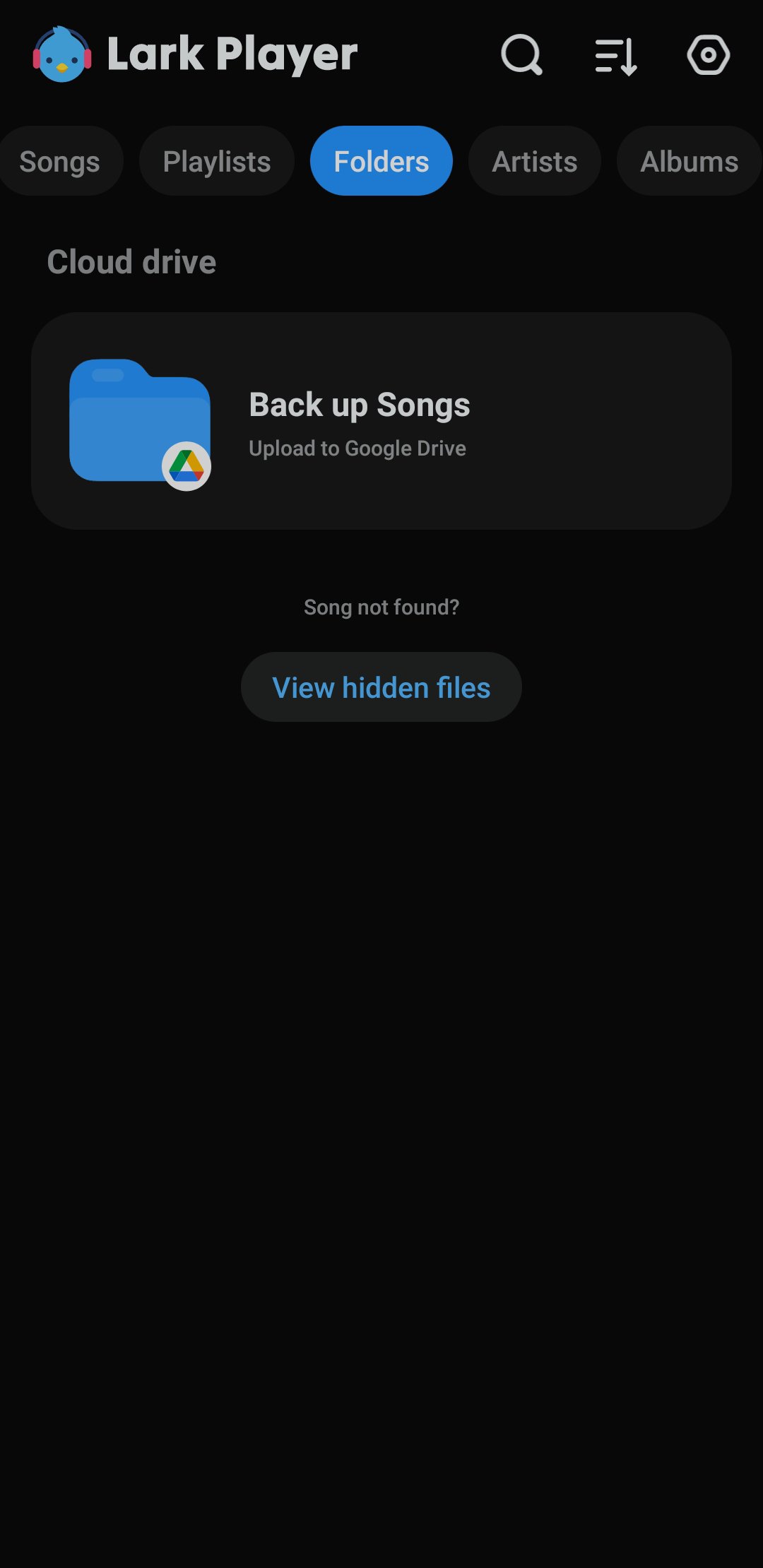
Lark Player can match and display lyrics for local songs to make following along easier. Day and night themes, plus custom colors and backgrounds, let you set a look that fits your environment. When needed, you can back up songs to Google Drive for safekeeping and future access.
The Lark Player app recognizes a broad set of audio and video file types commonly found on phones and memory cards. This helps you open content without extra conversion tools.
Audio: MP3, MIDI, WAV, FLAC, AC3, AAC, M4A
Video: MP4, 3GP, WEBM, MOV, MKV
If a file uses one of these formats, you can browse to it in your folders or library and play it directly.
Lark Player is an offline player and not a music downloader. It does not fetch songs or videos from the internet, and there are no downloads available inside the app. Playback uses files already stored on your device or backed up by you.
Google Drive backup may require a network connection and a valid account. The volume booster raises output up to 200 percent, so adjust levels gradually to protect your hearing and speakers.
The app is set up for quick access to music and video on your phone. After install, you can start playing local files with a few simple steps. For consistent results with the Lark Player latest version, follow the process below.
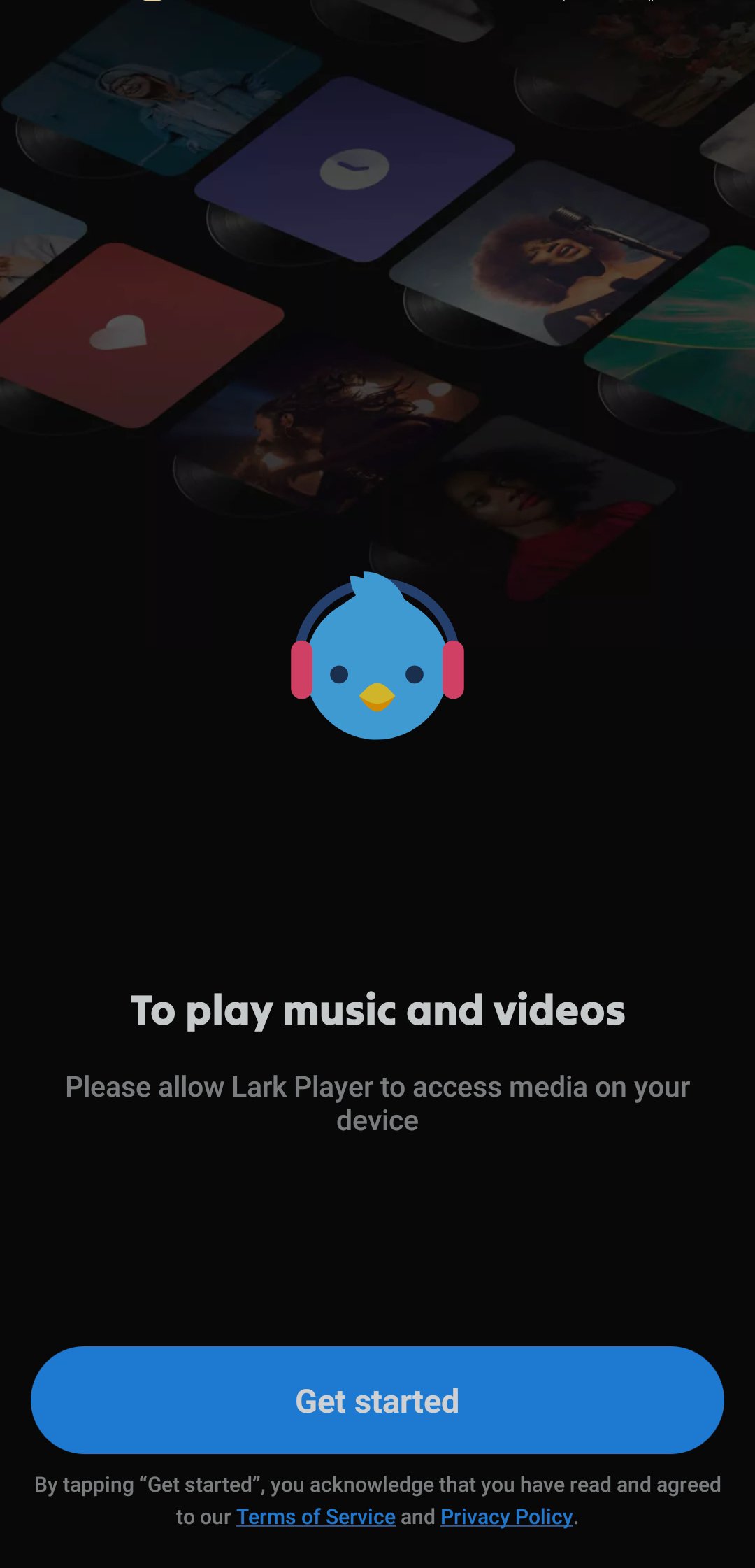
Open Lark Player, then allow media permissions so the app can detect songs and videos on your device.
Next, browse by albums, artists, genres, or folders, and tap a track or video to start playback.
Then open the equalizer from the player screen, pick a preset, and adjust the volume booster if you need more loudness.
After that, create a playlist from the library, add songs, and if needed convert a video to MP3 or set a track as your ringtone.
Finally, enable the floating window or keep playback in the background for multitasking, and set a sleep timer when you want it to stop automatically.
Lark Player focuses on offline playback, strong sound tools, and practical control of local media. It suits users who want broad format support, multitasking options, and simple customization. To try these tools on your phone, download Lark Player and begin with your own library.
For support and product information, use the official contacts below.
Website: https://www.larkplayer.com
Email: larkplayer@larkplayer.com
Latest Version
2026.6.9Uploaded by
رضوان عبدالوهاب
Requires Android
Android 5.0+
Category
Free Music & Audio AppContent Rating
Everyone
Security Report
Report
Flag as inappropriateLast updated on May 12, 2026
What’s New in 2026
Switch to landscape mode to get a wider and more immersive playback experience.




APKPure - A multi-platform app store primarily focused on Android, providing extensive app-related content. Discover the app you want easier, faster, and safer, with quick and efficient downloads and installations.