Scan Date:May 11, 2026
Show More

Google Sheets fits users who need to track budgets, manage lists, or analyze numbers away from a computer. It keeps files in sync across your phone and other devices, so you can pick up work anywhere. With simple sign in using a Google account, getting started takes only a moment. As you use it more, it adapts to quick edits and team updates, making everyday tasks straightforward. If you plan to download Google Sheets, expect a focused mobile workspace built for everyday productivity.
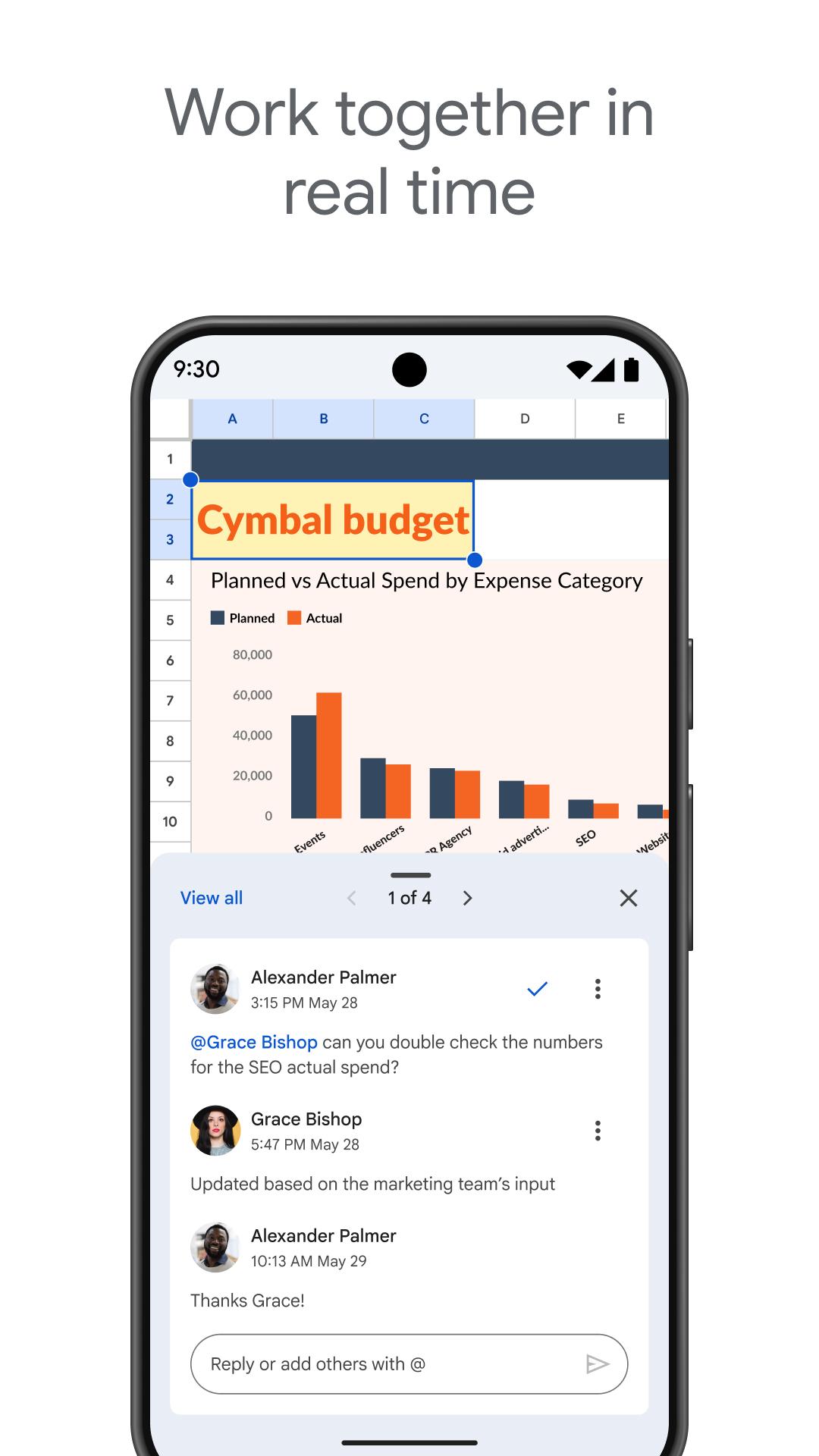
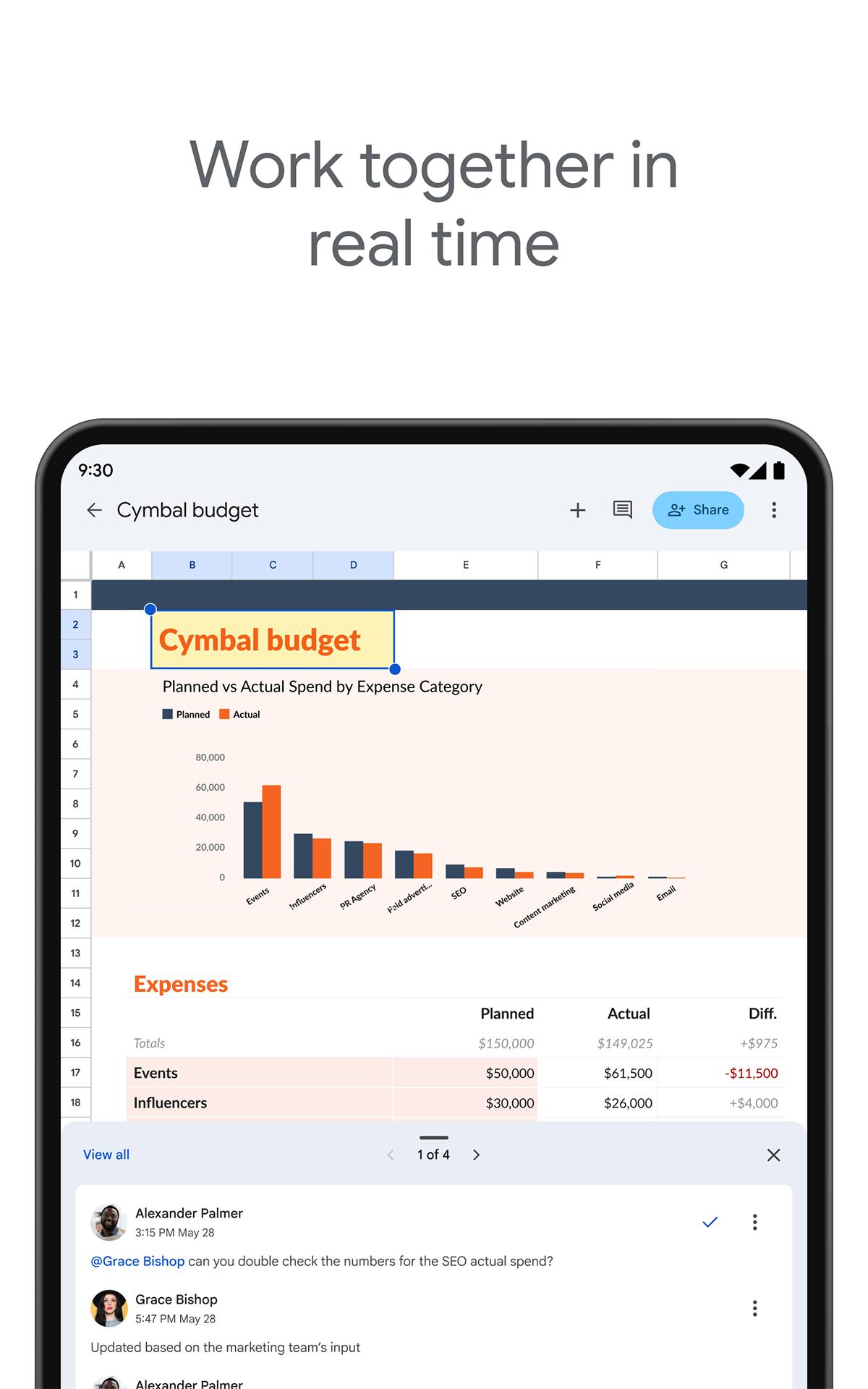
Real time collaboration
Google Sheets lets you share a file and edit together at the same time. You can see where teammates are working, add comments to clarify details, and reply in context. A simple chat inside the sheet helps resolve quick questions without switching apps. This setup keeps everyone aligned during fast changes.
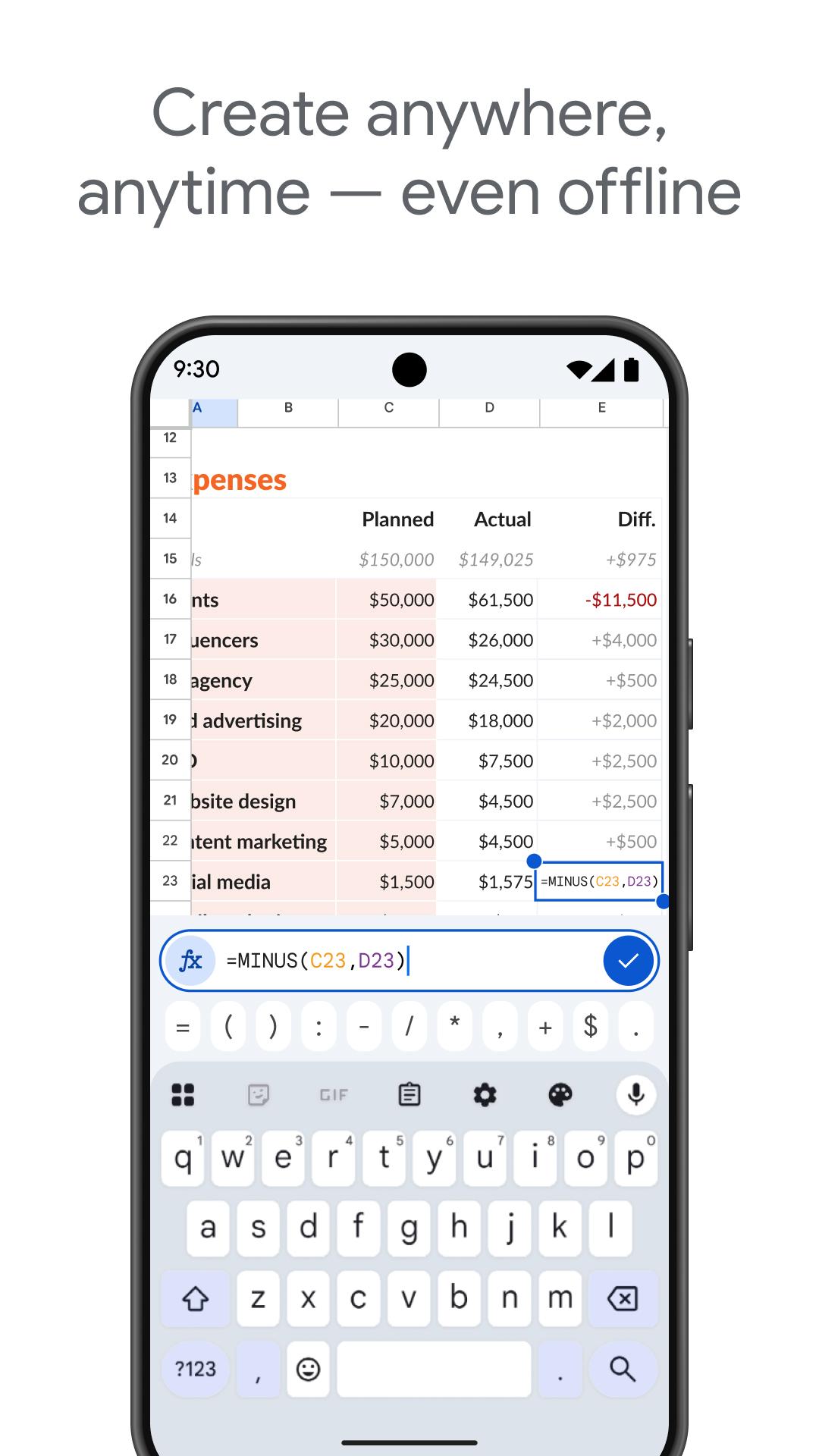
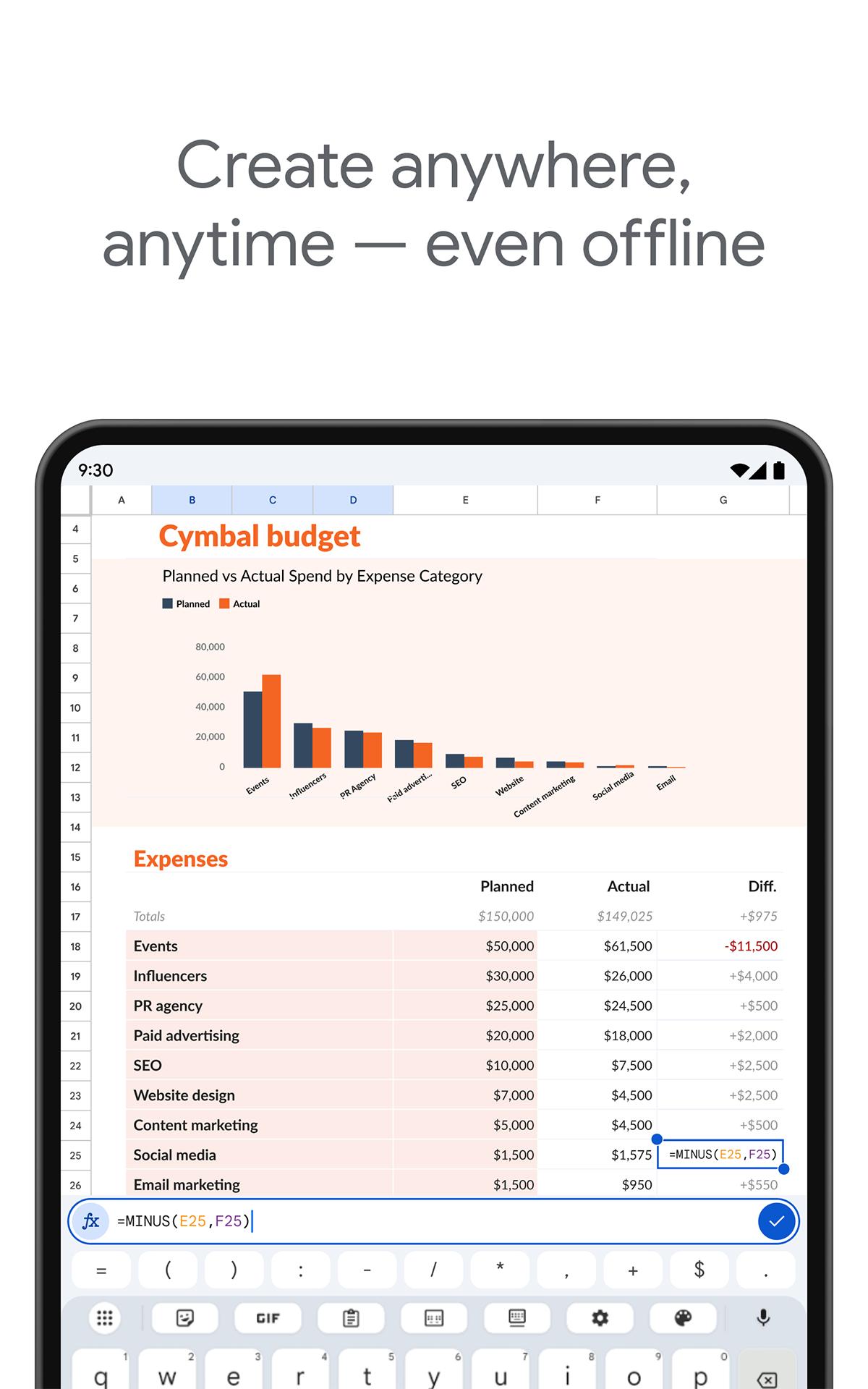
Offline work and auto save
You can keep working even without a connection. Google Sheets automatically saves your edits in the background, which protects your progress if your signal drops. When you are back online, changes sync to the cloud and your other devices. This is helpful on commutes and during travel.
Essential spreadsheet tools
The app supports core tools you use every day. You can enter formulas, apply formatting, insert charts, and sort or filter data to review information quickly. Find and replace helps update repetitive entries in seconds. These tools are designed to work smoothly on a phone screen.
Smart suggestions and insights
Built in suggestions can recommend formatting, charts, and quick insights based on your data. These prompts help you present information clearly without extra setup. You can accept a suggestion or continue editing manually. Either way, routine tasks take fewer steps.
Excel compatibility and Workspace integration
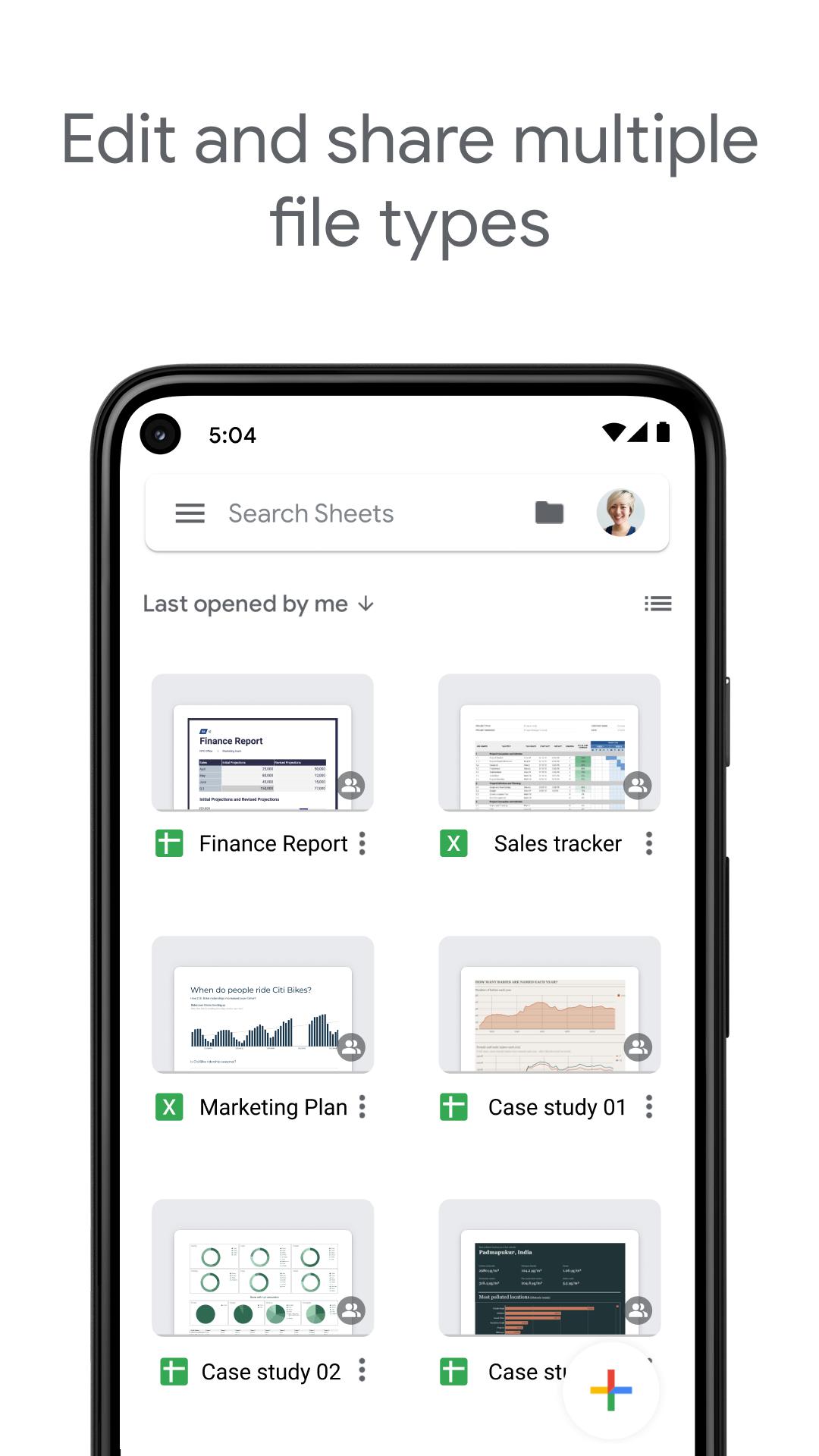
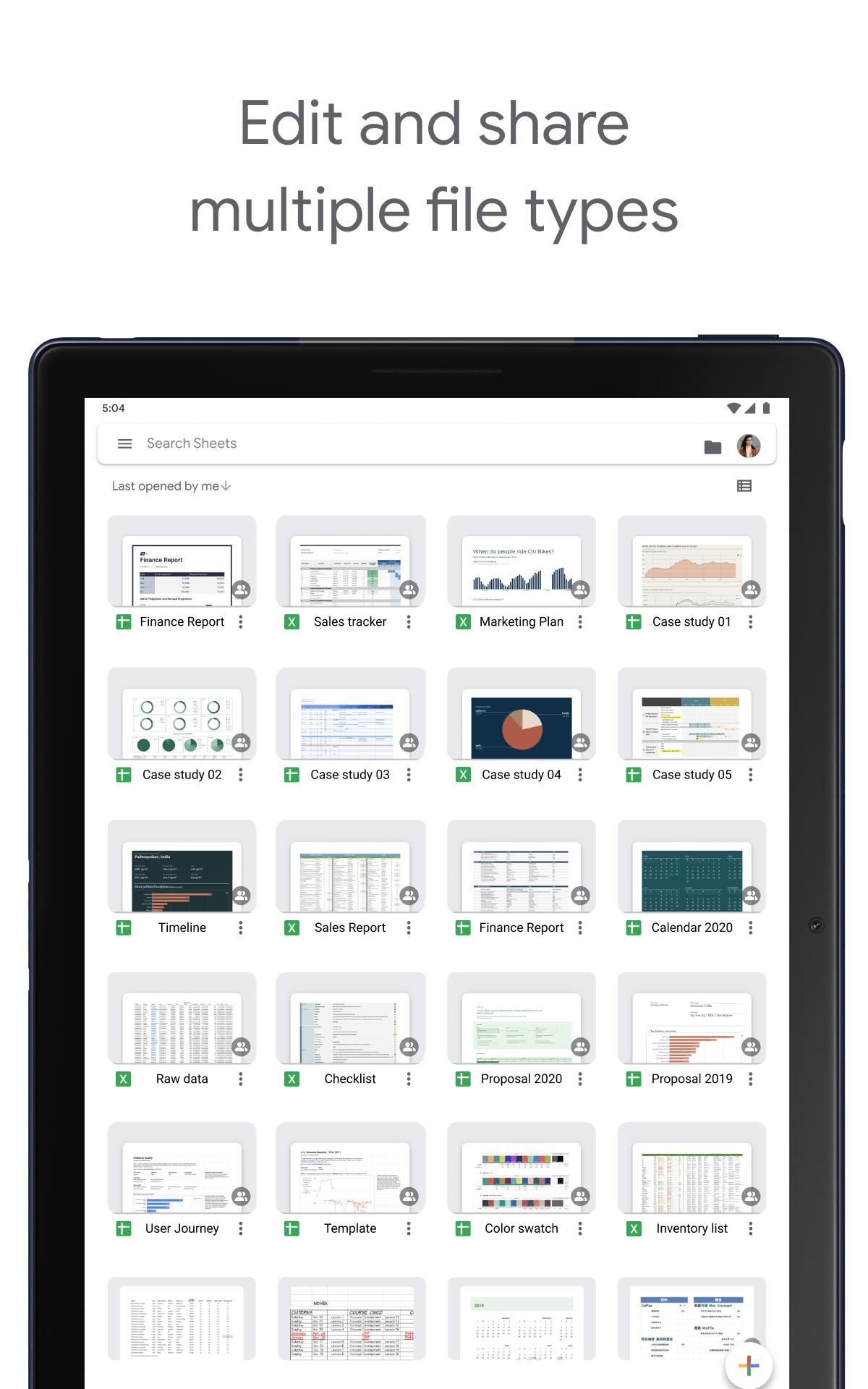
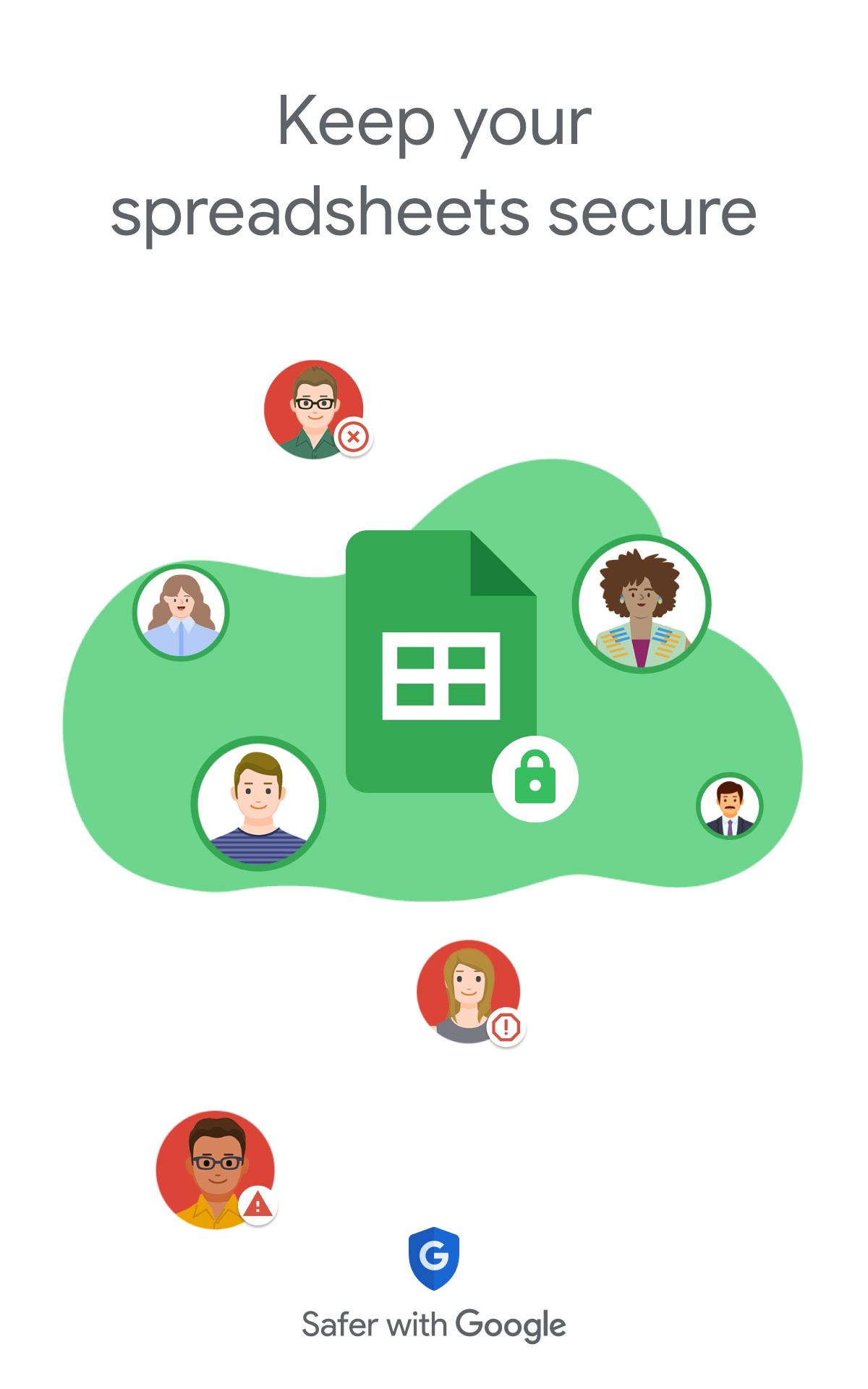
Google Sheets opens, edits, and saves Microsoft Excel files, which helps teams working across different tools. You can move between devices and keep your files accessible on the web, Android, iOS, and ChromeOS. For organizations using Google Workspace, the app also works with security and admin controls. This makes collaboration consistent across your company environment.
Google Sheets is available at no cost for individual users with a Google account. Organizations can subscribe to Google Workspace for additional admin controls, security features, and support. You can access your spreadsheets on the web and on Android or iOS phones and tablets, as well as ChromeOS devices. A single sign in keeps your work synced across platforms.
Many teams rely on Microsoft Excel. Google Sheets supports opening, editing, and saving Excel files, which reduces friction when collaborating across tools. This lets users keep existing spreadsheets while handling day to day updates on mobile. When needed, you can save a sheet as an Excel file for partners who prefer that format.
For text and slides, users often pair Sheets with Google Docs and Google Slides. Files are stored in Google Drive, which keeps sharing and organization simple. For basic data collection, Google Forms can send responses directly into a sheet. This connected workflow helps projects move from input to analysis without extra copying.
Using Google Sheets on Android is straightforward for quick edits and sharing. The steps below outline a simple path from sign in to collaboration. If you installed the Google Sheets APK, the process is the same.
Google Sheets brings mobile editing, team collaboration, and Excel support in a familiar layout. To begin, get the Google Sheets latest version and sign in with your Google account. Your spreadsheets stay available across devices for quick access.
For official details and learning resources, visit the website below.
Latest Version
1.26.191.00.90Uploaded by
Google LLC
Requires Android
Android 8.0+
Category
Free Productivity AppContent Rating
Everyone
Security Report
Report
Flag as inappropriateLast updated on May 11, 2026
* Bug fixes and performance improvements


APKPure - A multi-platform app store primarily focused on Android, providing extensive app-related content. Discover the app you want easier, faster, and safer, with quick and efficient downloads and installations.