Scan Date:Nov 11, 2025
Show More


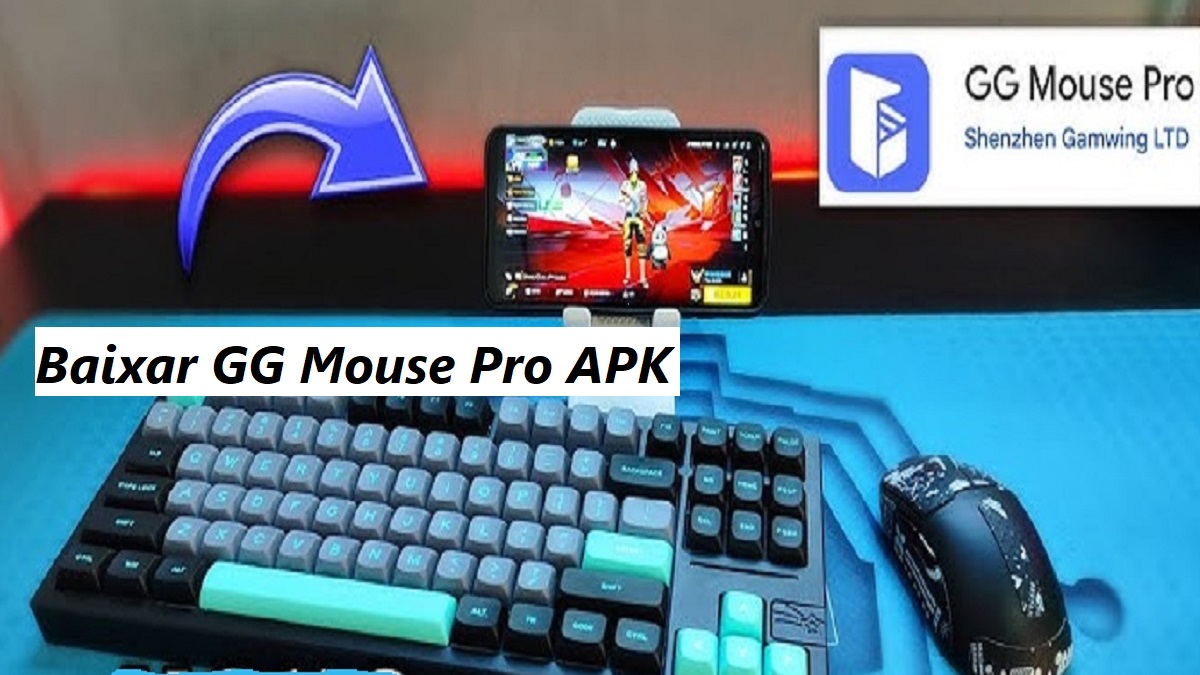
GG Mouse Pro 2 connects your phone to a PC or Mac keyboard and mouse so you can control mobile games with familiar desktop inputs. It focuses on precision and consistency, and it aims to deliver a play experience that feels close to a traditional PC setup without running a full emulator on your device. You get straightforward setup, practical key mapping, and a clear interface that helps you start quickly. It is free to download and it is designed for players who want better aiming, faster tapping, and more comfortable control during long sessions. Therefore it is a practical option for turning mobile play into a desktop like experience.
Desktop grade control for mobile games
GG Mouse Pro 2 lets you use a physical keyboard and mouse to aim, tap, and swipe on your Android screen. This gives you direct, precise inputs, and it helps with fine control in shooters, MOBAs, and other action titles.
Custom key mapping for every title
You can assign keys and mouse buttons to on screen controls and save different layouts for different games. This makes it easy to switch playstyles and keep controls consistent across your library.
PC or Mac peripherals on your phone
GG Mouse Pro 2 works with your existing desktop keyboard and mouse. You do not need to run a full emulator on the phone, and you can still get an emulator like feel during gameplay.
Fast setup with community guidance
The app uses a clear connection flow, and there are many community tips that help you fine tune sensitivity and layout. This support shortens the learning curve and gets you into a match faster.
Responsive inputs without extra overhead
Inputs are translated to the touch interface on your device, and that keeps interaction responsive in supported games. As a result you can aim and move with confidence while keeping your phone’s performance focused on the game.
Privacy focused data practices
According to the published data safety disclosure, no data is collected, no data is shared with third parties, and data is encrypted in transit. You can also request deletion of data if needed.
Privacy is often a concern when connecting third party tools to games. GG Mouse Pro 2 lists strong data safety practices that include no data collected, no sharing with third parties, and transport encryption. In addition you can request data deletion. These points help you decide with more confidence, and they make the tool suitable for users who value minimal data handling.
Some players prefer a full desktop environment while keeping an Android toolchain. GG Mouse Pro 2 can also run inside an Android emulator on a PC or Mac. This setup lets you keep everything on one screen with your existing keyboard and mouse, and it can be helpful for testing layouts or streaming gameplay. Results vary by emulator and by game, so you should verify input recognition and adjust sensitivity per title.
Because GG Mouse Pro 2 maps keyboard and mouse inputs to touch actions, compatibility depends on how each game reads on screen controls. Many games with visible buttons work well, and some titles may need fine tuning for sensitivity and dead zones. It is a good idea to start with a simple layout, test in training areas, and then adjust bindings step by step for better comfort.
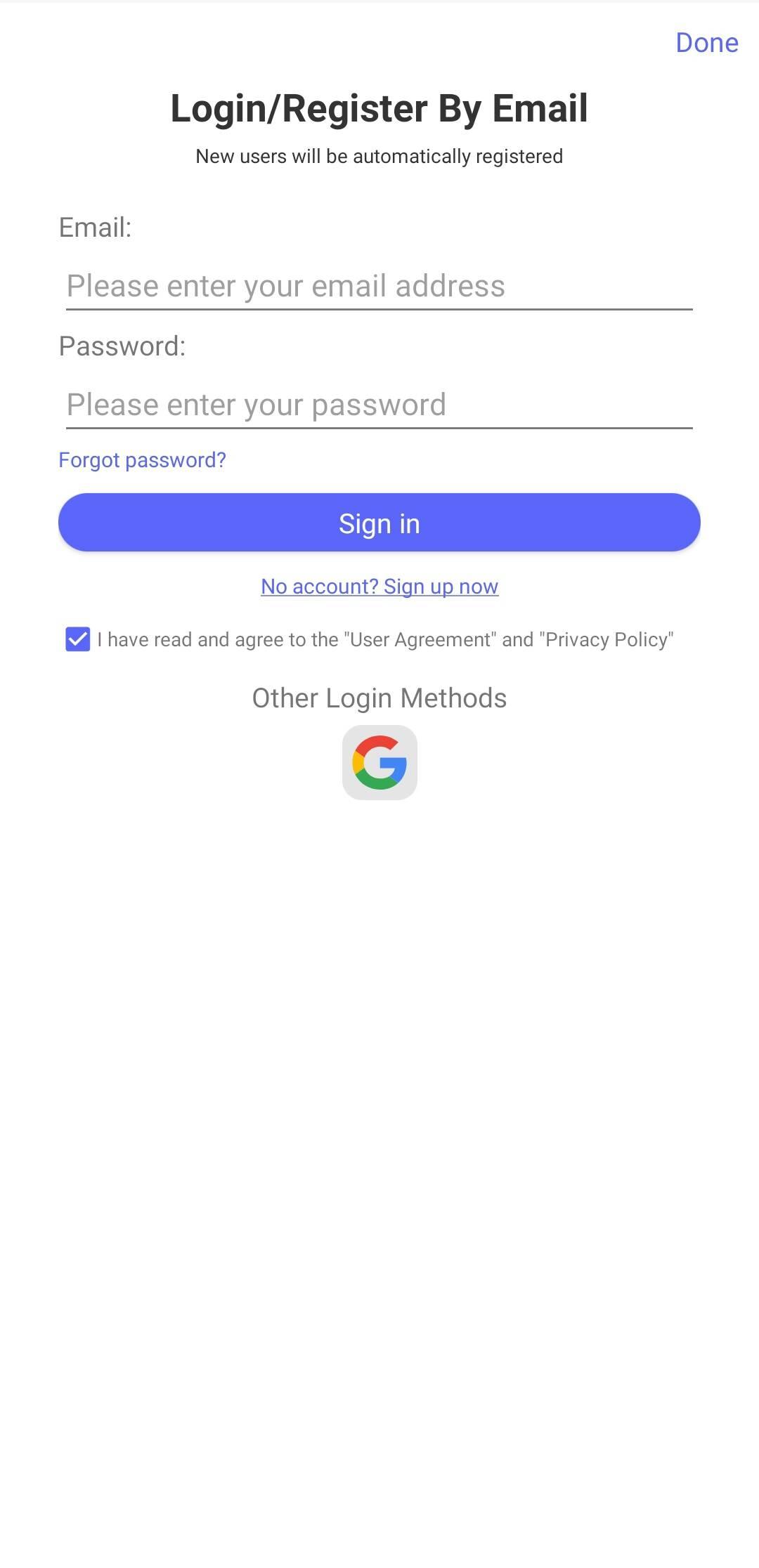
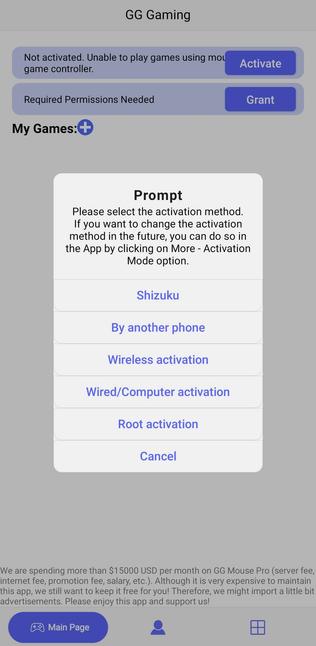
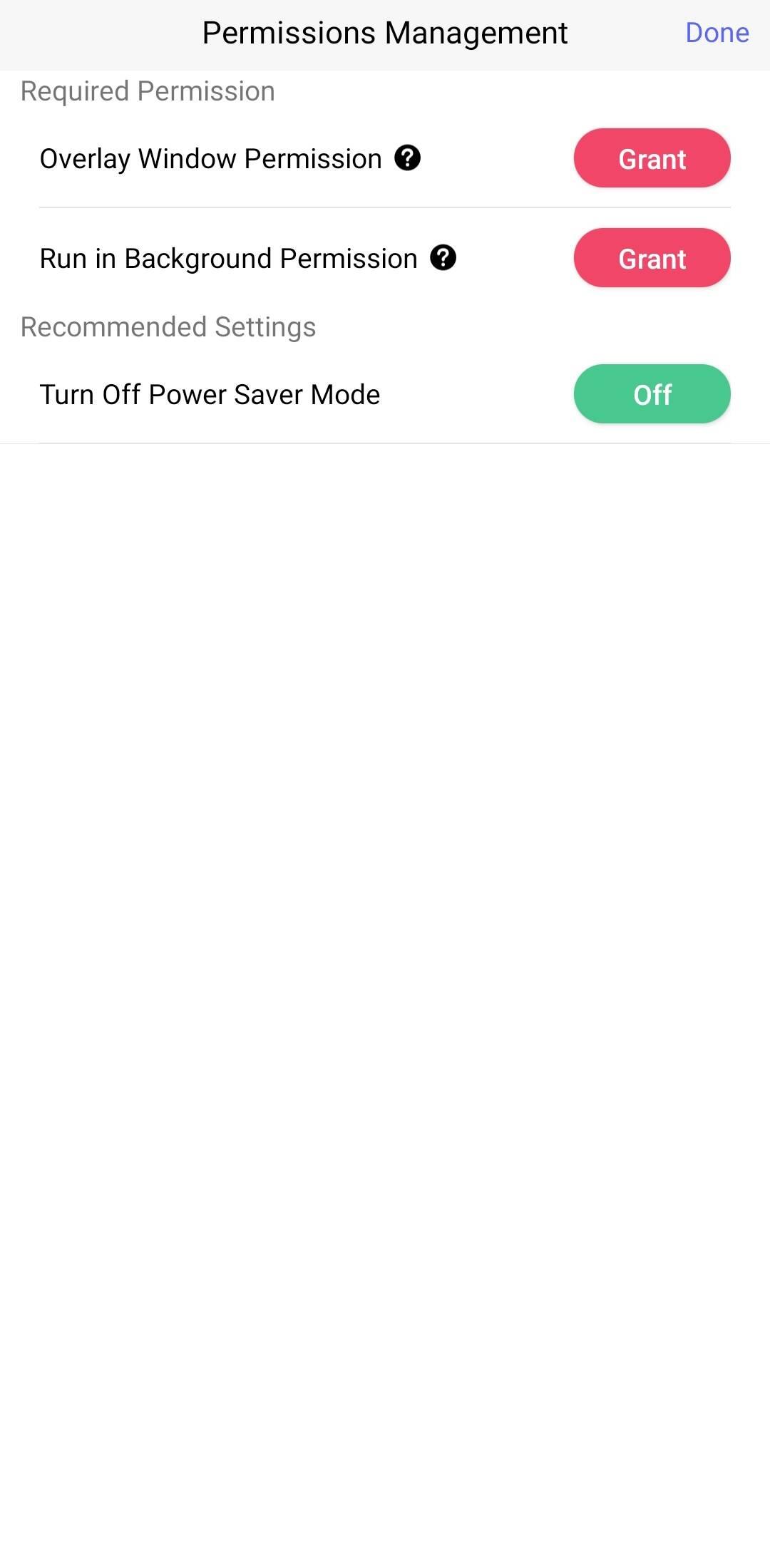
The setup focuses on getting you from install to play with minimal steps. You only need to connect your peripherals, map keys, and test controls inside a game. Follow the steps below to begin.
Get the GG Mouse Pro 2 APK latest version on APKPure, then install it and open the app on your phone.
Connect your PC or Mac keyboard and mouse according to the app’s instructions, and confirm the app recognizes both devices.
After that, open a game on your phone and return to GG Mouse Pro 2 to create a new key map profile for that title.
Place touch points on the on screen controls, assign keys and mouse buttons, and set sensitivity for aiming and movement.
Then save the profile, return to the game, and test your inputs in a practice mode. Adjust bindings until movement and aiming feel natural.
GG Mouse Pro 2 brings practical keyboard and mouse control to mobile gaming. It helps you play with better precision while keeping setup simple. Get the GG Mouse Pro 2 APK latest version on APKPure to download GG Mouse Pro 2 and start mapping your controls today.
What is GG Mouse Pro?
GG Mouse Pro is a tool that converts keyboard and mouse inputs into touch actions on Android. GG Mouse Pro 2 improves this experience with refined mapping and a smoother setup so you can control mobile games using desktop peripherals.
Is GG Mouse Pro 2 free or paid?
GG Mouse Pro 2 is free to download and use. You can get the GG Mouse Pro 2 APK on APKPure and install it at no cost, then customize mappings to fit your games.
How do I play Android games with a keyboard and mouse?
You can install GG Mouse Pro 2 and map keyboard and mouse actions to on screen controls. Download GG Mouse Pro 2 APK on APKPure, connect your devices, assign keys to buttons, and then test the layout inside your game.
What free games can I play with keyboard and mouse?
Any game that uses on screen buttons and supports standard touch input can often work with GG Mouse Pro 2. Many shooters, MOBAs, and sandbox titles fit this model, although results vary by game, so you should check community profiles and adjust mappings for best results.
Latest Version
2.3.21Uploaded by
Shenzhen Leland Ltd.
Requires Android
Android 8.1+
Category
Free Tools AppContent Rating
Everyone
Security Report
Report
Flag as inappropriateLast updated on Nov 11, 2025
Optimize joystick logic




APKPure - A multi-platform app store primarily focused on Android, providing extensive app-related content. Discover the app you want easier, faster, and safer, with quick and efficient downloads and installations.