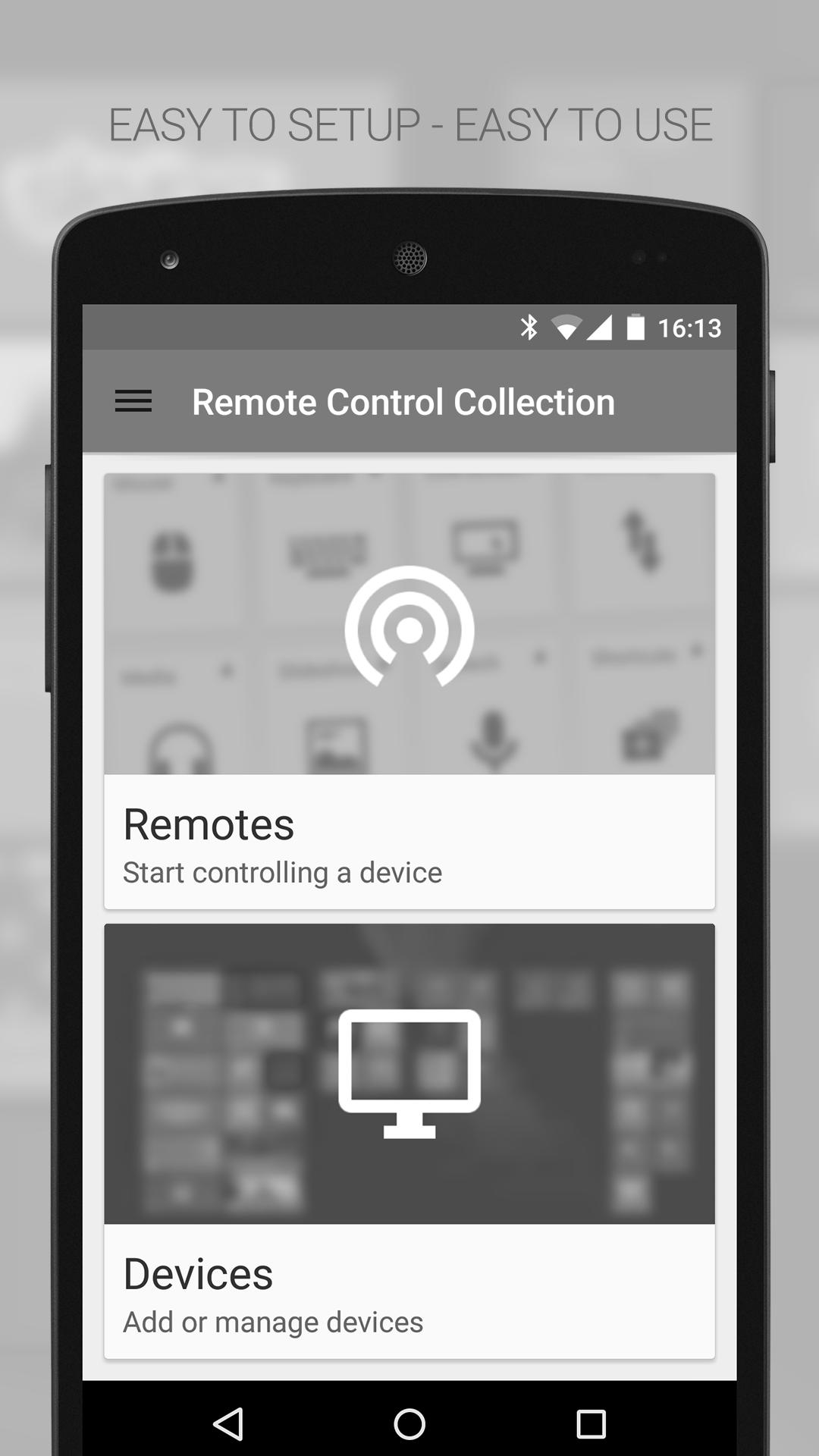
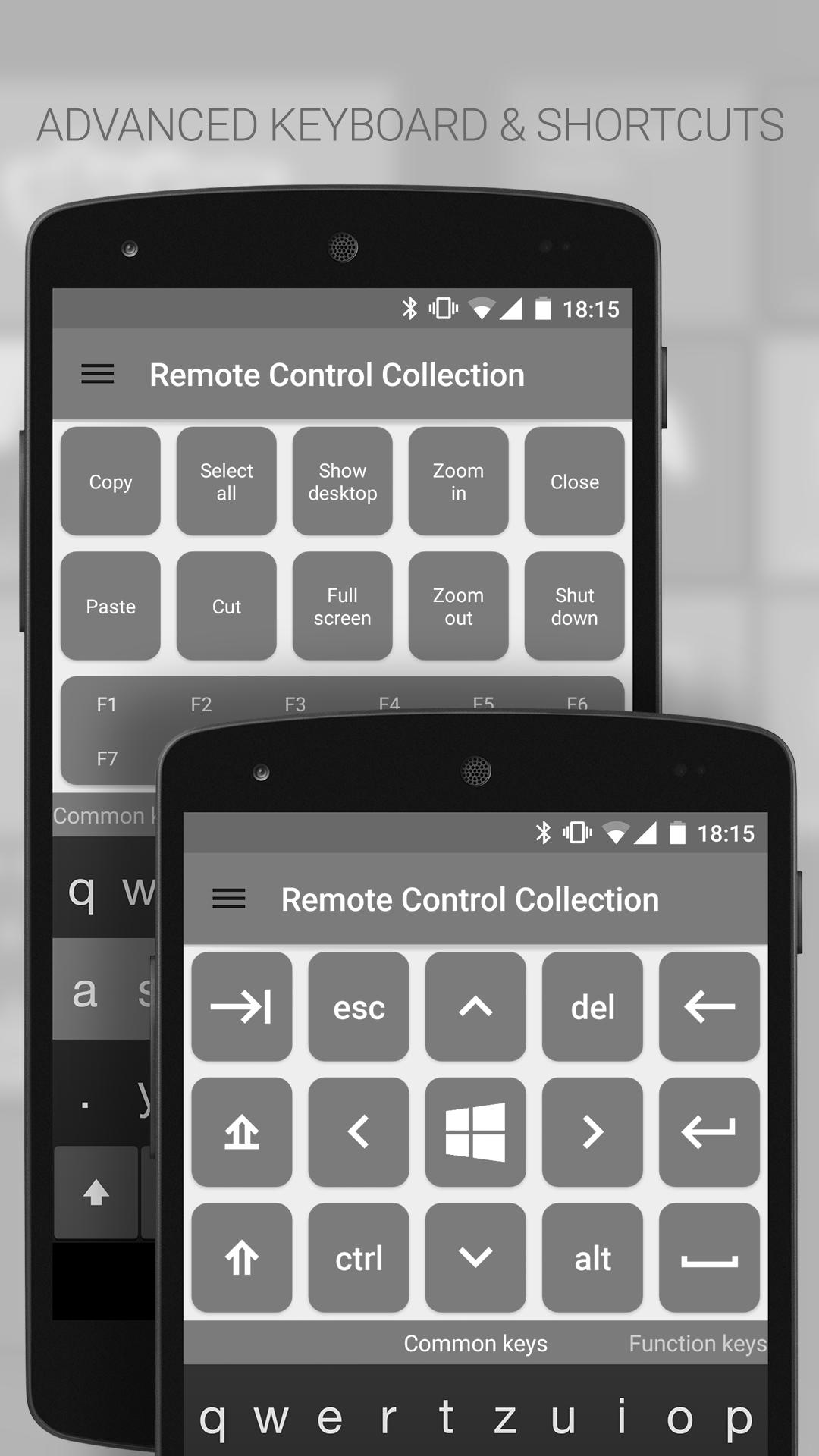
The Mouse and Keyboard Remote turns your Android phone into a wireless remote control for your PC! You can control the mouse with a touchpad (like on laptops), and type text with the Android software keyboard or a built-in hardware keyboard. You also have the ability to send frequently used shortcuts (show desktop, shutdown, etc.). The remote control works via Wi-Fi but does not require an internet connection.
Mouse Remote
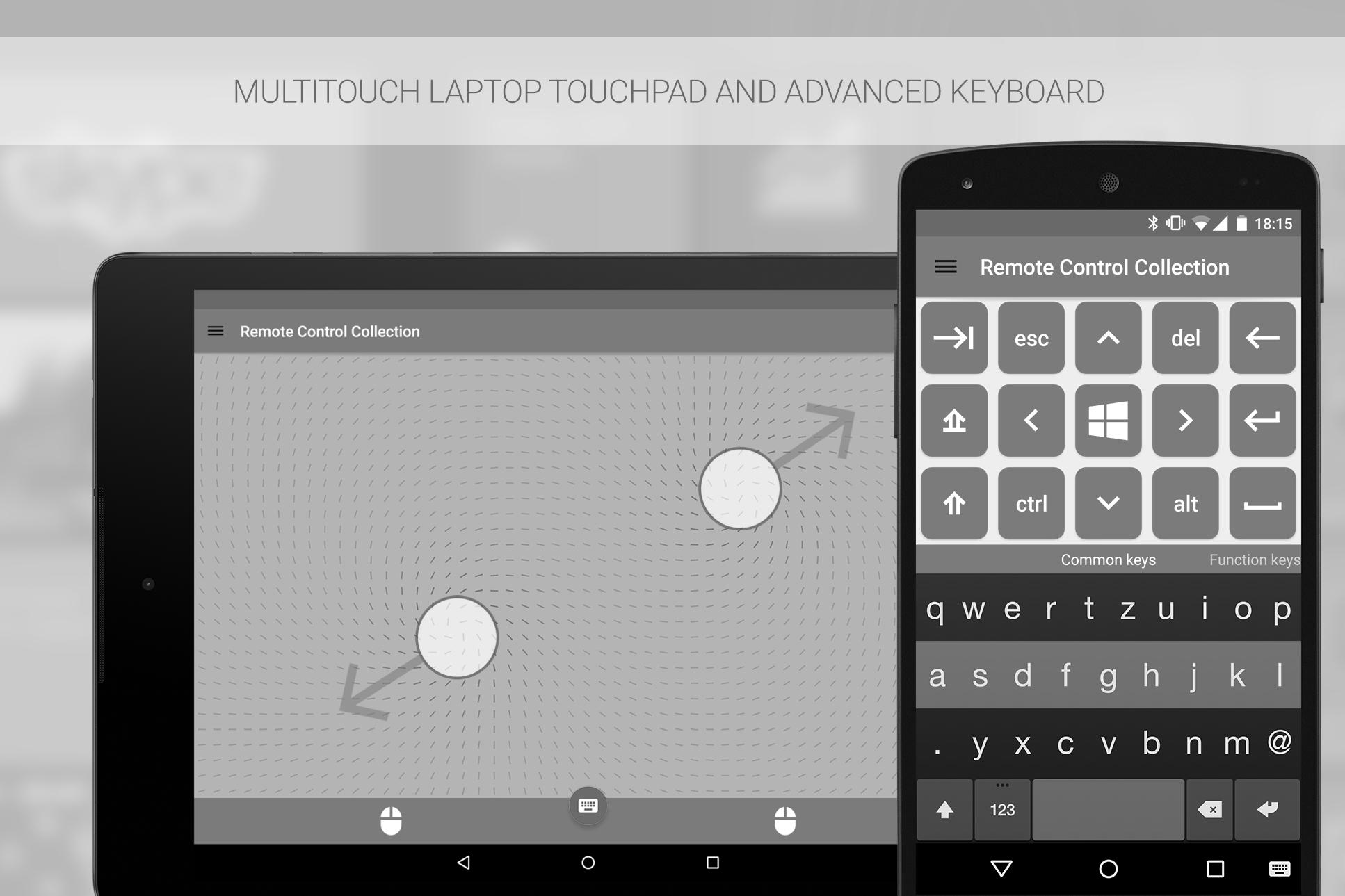
Imagine your PC’s touchpad right on your Android device. Multitouch gestures like scrolling and zooming are supported. You can toggle the keyboard to send keys at the same time.
Keyboard Remote
Use the physical or virtual Android keyboard to type characters and they will appear on your PC. Important keys like Windows, Escape and Control are also available.
Speech recognition
Simply say what you want to be typed on your PC. You can also use voice commands to control your PC's media, e.g. "skip this track" or "turn the volume up".
To receive the commands from the Remote Control App, you will need the Remote Control Server. You can download it for free from:
http://server.android-remote.com
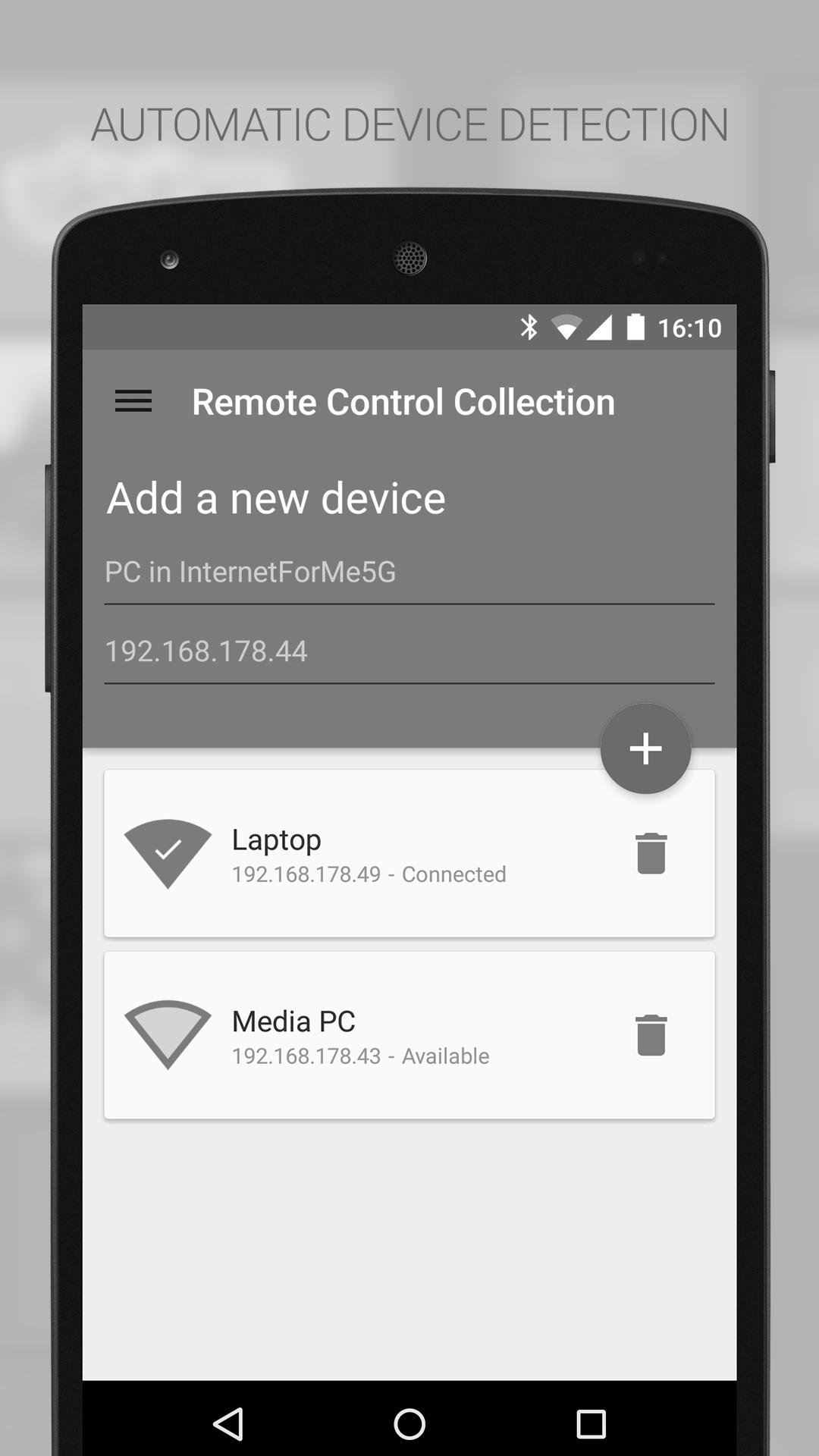
If you have trouble setting up a connection, follow this step-by-step guide or watch the video tutorial at:
http://setup.android-remote.com/
Facebook fans can test the pro version for free:
http://facebook.com/RemoteControlApps
Permissions:
Network communication
For creating network sockets and using custom network protocols to connect with the pc.
Phone calls
Is needed to create a unique device id. Used to verify purchases and register unlock codes.
Vibration
For haptic feedback.
Latest Version
3.4.3.7Uploaded by
Bilal Omar
Requires Android
Android 4.1+
Category
Free Tools AppContent Rating
Everyone
Report
Flag as inappropriateLast updated on Jul 19, 2015
Server version 3.+ required!
- Material Design UI
- New network API
- New shortcuts
- Performance improvements






APKPure - A multi-platform app store primarily focused on Android, providing extensive app-related content. Discover the app you want easier, faster, and safer, with quick and efficient downloads and installations.