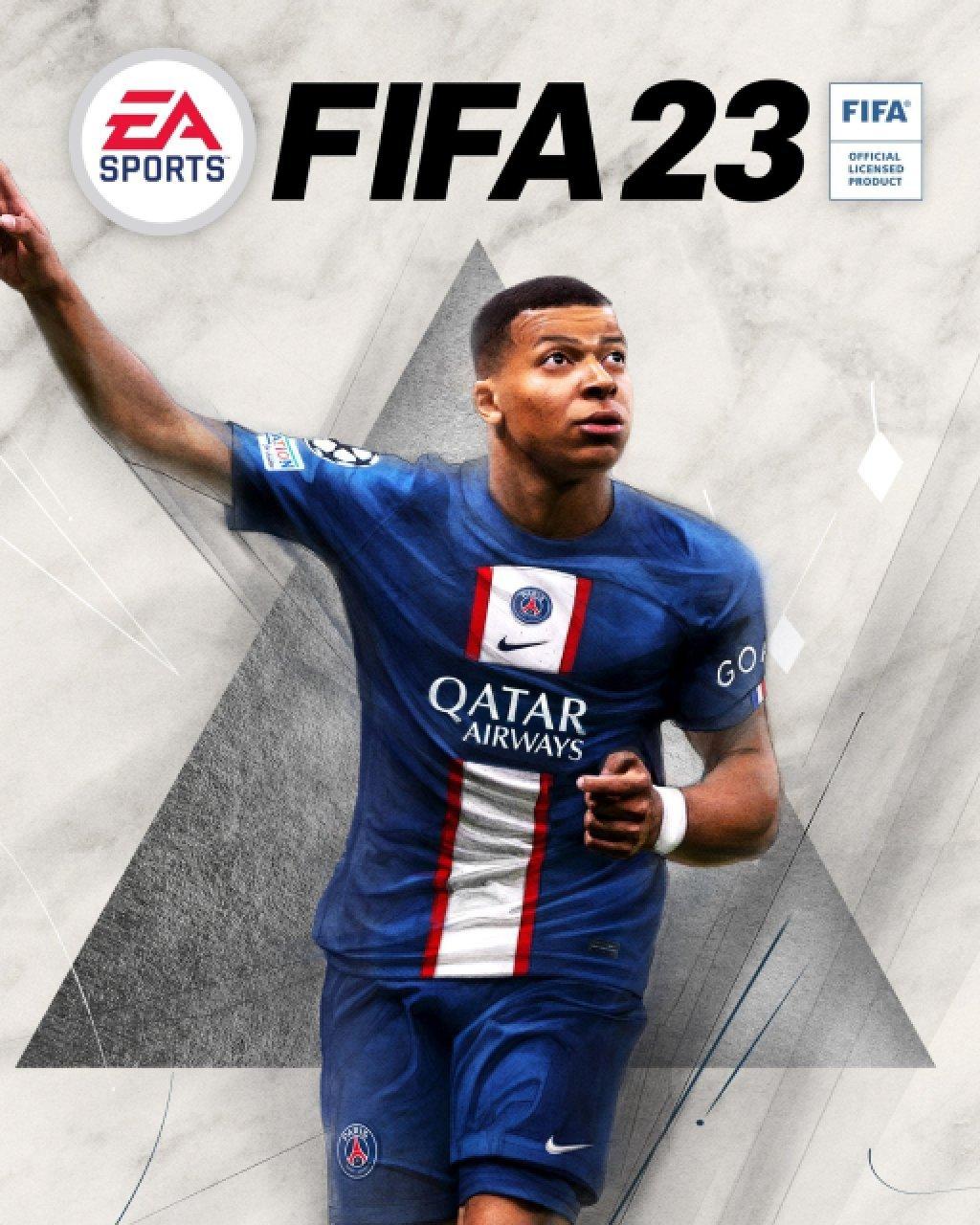
FIFA 23 suits players who want an authentic football experience with licensed clubs and tournaments. It supports deep modes for casual kickoffs and longer careers, so you can play short sessions or build a team over time. The presentation centers on real broadcast style visuals and match flow, which helps new players follow the action. If you plan to download FIFA 23, note that the core experience is designed for console and PC, while mobile users will find companion options for club management.
HyperMotion2 animation and on-pitch feel
FIFA 23 uses HyperMotion2 data to deliver more natural player movement and match rhythm. This system analyzes real football motion to shape animations and responsiveness. Availability for HyperMotion2 applies to PS5, so results vary by platform.
Major tournaments and expanded women’s football
You can play dedicated modes for the men’s and women’s FIFA World Cup, which arrived in post launch updates. Women’s club teams are also included for the first time, giving you more matchups and leagues to explore. This helps fans follow global football across both men’s and women’s competitions.
Cross-play in supported modes
Cross-play lets you match with friends on same generation platforms in certain modes. This reduces the time it takes to find opponents and makes social matches easier to arrange. Be sure to check which modes support cross platform play before inviting friends.
Ultimate Team updates for squad building
FIFA Ultimate Team adds FUT Moments for quick, scenario based challenges that reward club progress. A refreshed Chemistry system helps you link players in new ways while still valuing league and nationality choices. Together, these tools give you more control over how a dream squad takes shape.
Career, VOLTA, Pro Clubs, and full authenticity
Career Mode lets you define a player personality or take charge as a well known manager. VOLTA and Pro Clubs give you options to customize style and play with friends in small sided football. Authentic licenses cover 19,000 plus players, 700 plus teams, 100 plus stadiums, and 30 plus leagues including the UEFA Champions League, Premier League, FA WSL, and France D1 Arkema.
Platform features differ by hardware. HyperMotion2 is available on PS5, and cross-play works only in certain modes across same generation platforms. For online play, a platform specific subscription such as PlayStation Plus may be required by the platform holder. Ultimate Team includes optional in game purchases with random items, so consider spend settings before you start opening packs.
Many users search for a FIFA 23 app or a FIFA 23 APK, but the main game is built for console and PC. If you want to manage your club on a phone, use the official FUT Companion app or the FC Ultimate Team Web App to handle squads, transfers, and objectives when away from your system. If you are seeking a FIFA Mobile download, note that FIFA Mobile is a separate title made for handheld play with its own modes and progression.
FIFA 23 includes options that support a wider range of players. You can adjust controller mappings to suit your setup, reduce quick time challenge inputs in relevant moments, and turn on chat transcription features during supported online interactions. Review these settings early to match your preferences.
If you play EA SPORTS FIFA 23, you can manage your Ultimate Team on a phone between matches. This helps you keep up with transfers and objectives while you wait to play on your system. For consistency, sign in with the same account you use in the FIFA 23 latest version.
FIFA 23 delivers licensed football, varied play modes, and ongoing squad management through connected tools. This overview helps users searching for FIFA 23 APK understand platform features and mobile management options. If you want to explore new modes or update your club, check your account and prepare to play.
Latest Version
0.0.60Uploaded by
Ab10
Requires Android
Android 4.4+
Available on
Ab10Category
Free Sports GameReport
Flag as inappropriateLast updated on Nov 27, 2023
New




APKPure - A multi-platform app store primarily focused on Android, providing extensive app-related content. Discover the app you want easier, faster, and safer, with quick and efficient downloads and installations.