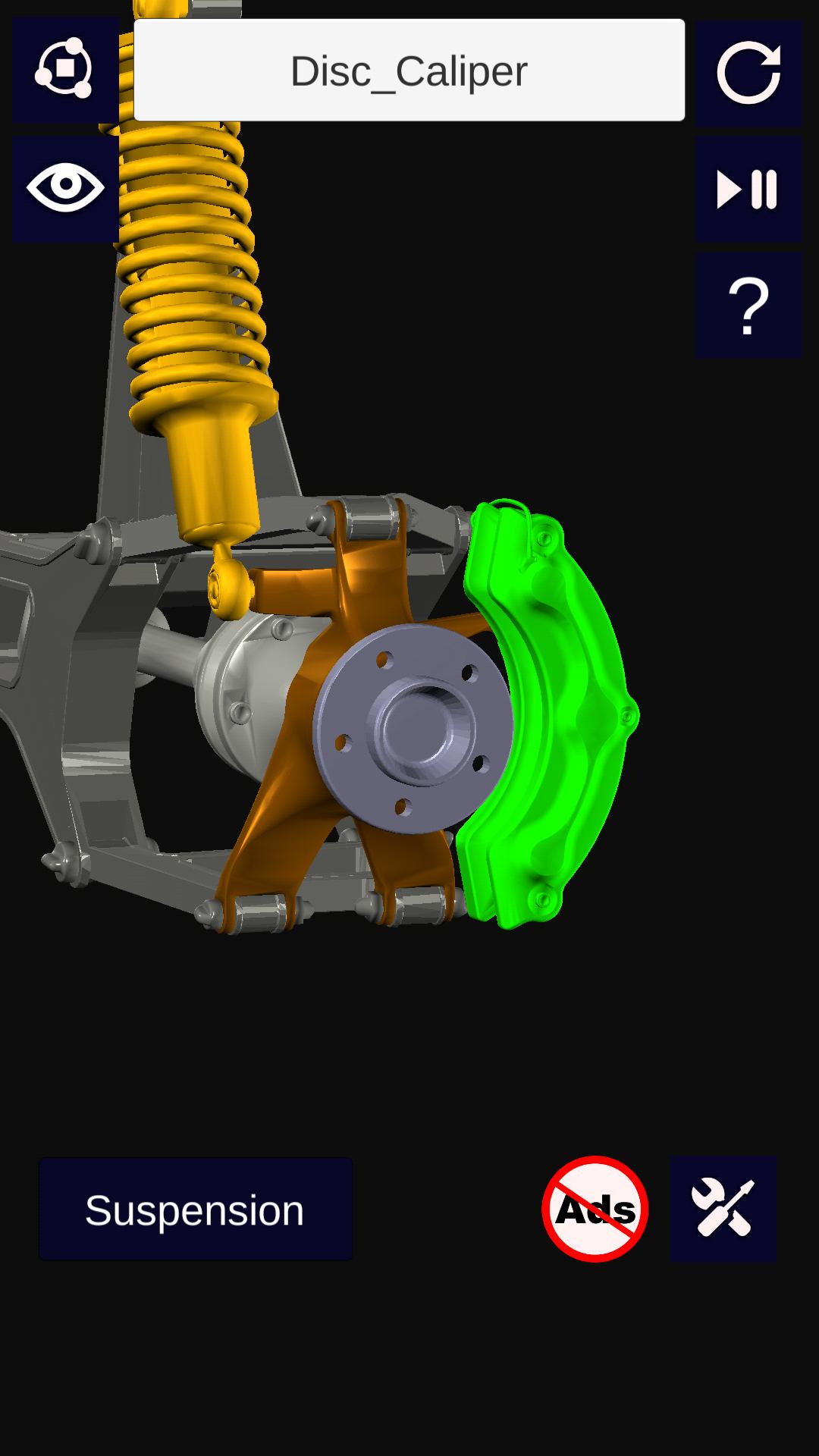
"3D Engine Auto +" provides information, visualization and working animation on engine 3d and other car mechanisms in 3d. A 3D interactive model helps to visualize the car engine and other mechanisms like "Suspension", "Steering", "Transmission","Differential" from all sides. Models can be rotated, enlarged and panned.
Features:
1. Enable/disable 3D parts to see the parts which exactly you want to view.
2. Information of each 3D engine parts and other mechanism. The Information is categorized under the following:
a) Introduction of the part
b) Construction of the part
c) Working of the part
d) Material and Dimensions of the part
e) Types of part
f) Other Applications of the part
g) Extra Information related to the part
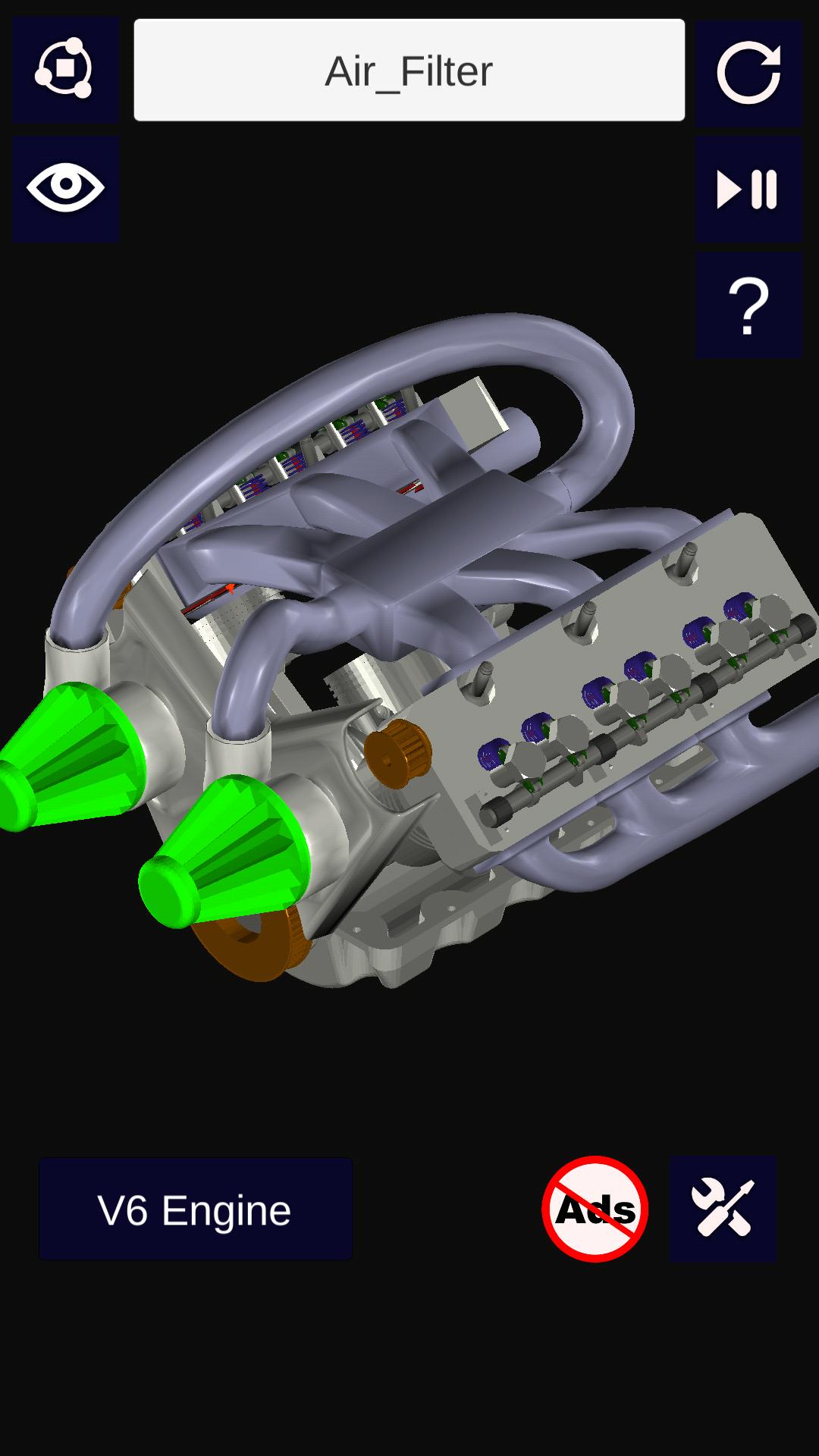
3. 3D Engine Model:
a) Camshaft
b) Camshaft Bushing
c) Camshaft Sprocket
d) Crankshaft
e) Crankshaft Bushing
f) Crankshaft Sprocket
g) Engine Valve
h) Hex Screw
i) Piston Head
j) Piston Pin
k) Piston Rod
l) Piston Rod Cap
m) Rocker Arm
n) Rocker Roll
o) Valve Spring
p) Flywheel
4. 3D Wheel Assembly Model:
a) Axle
b) Coil Spring
c) Disc Brake
d) Double Wishbone AA Arm
e) Frame
f) Knuckle
g) Tire
h) Rim
i) Wheel Hub
j) Disc Caliper
5. 3D Steering Model:
a) Axle
b) Ball Joint
c) Bellows
d) Control Arm
e) Disc Brake
f) Pinion Gear
g) Rack
h) Shafts
i) Steering Wheel
j) Tie Rod
k) Universal Joints
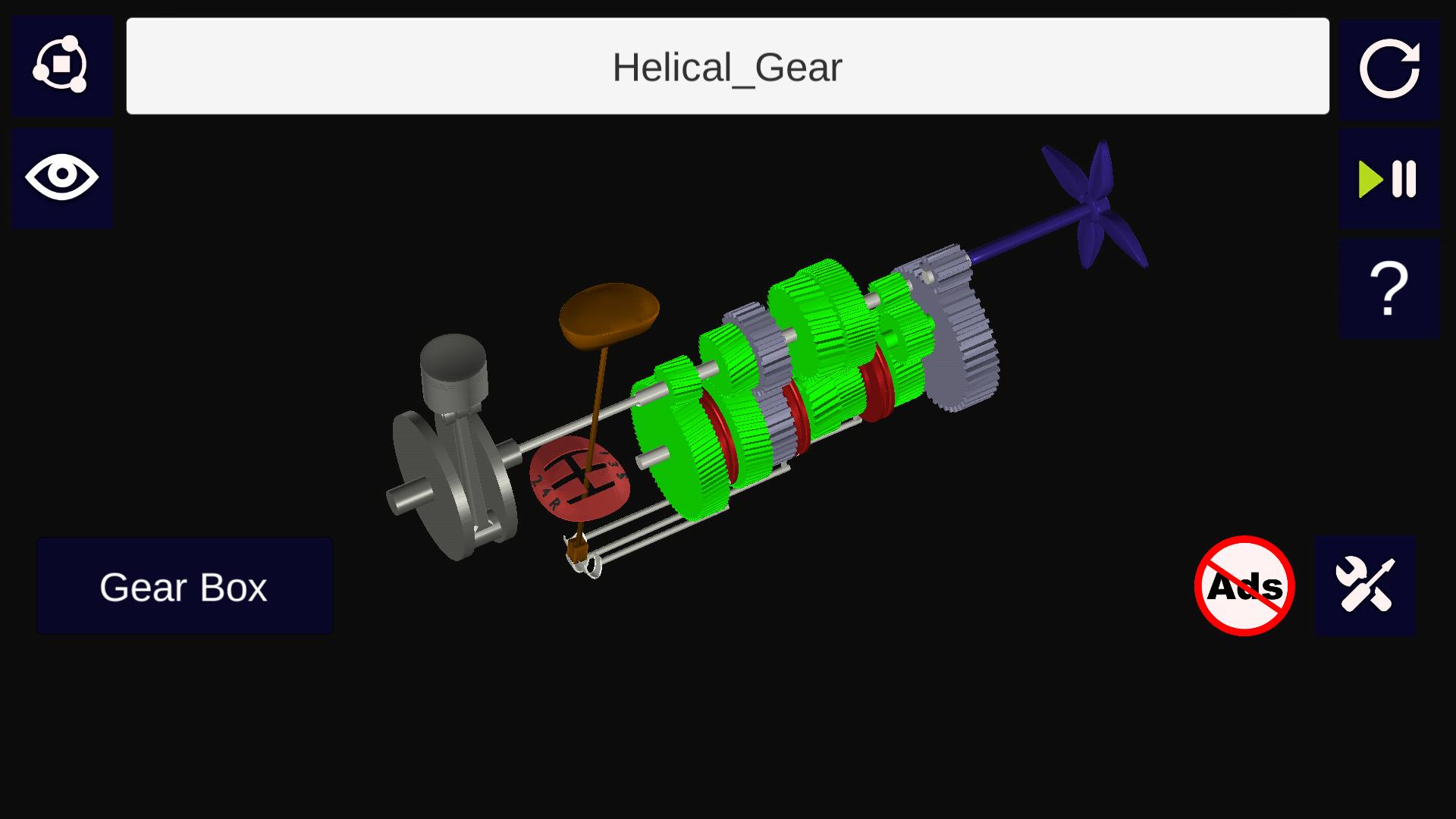
6. 3D Transmission Model(5-speed Gearbox):
a) Connecting Rod
b) Crankshaft
c) Dog Clutch
d) Helical Gears
e) Piston
f) Shafts
g) Shift Lever
h) Shift Rod
i) Spur Gears
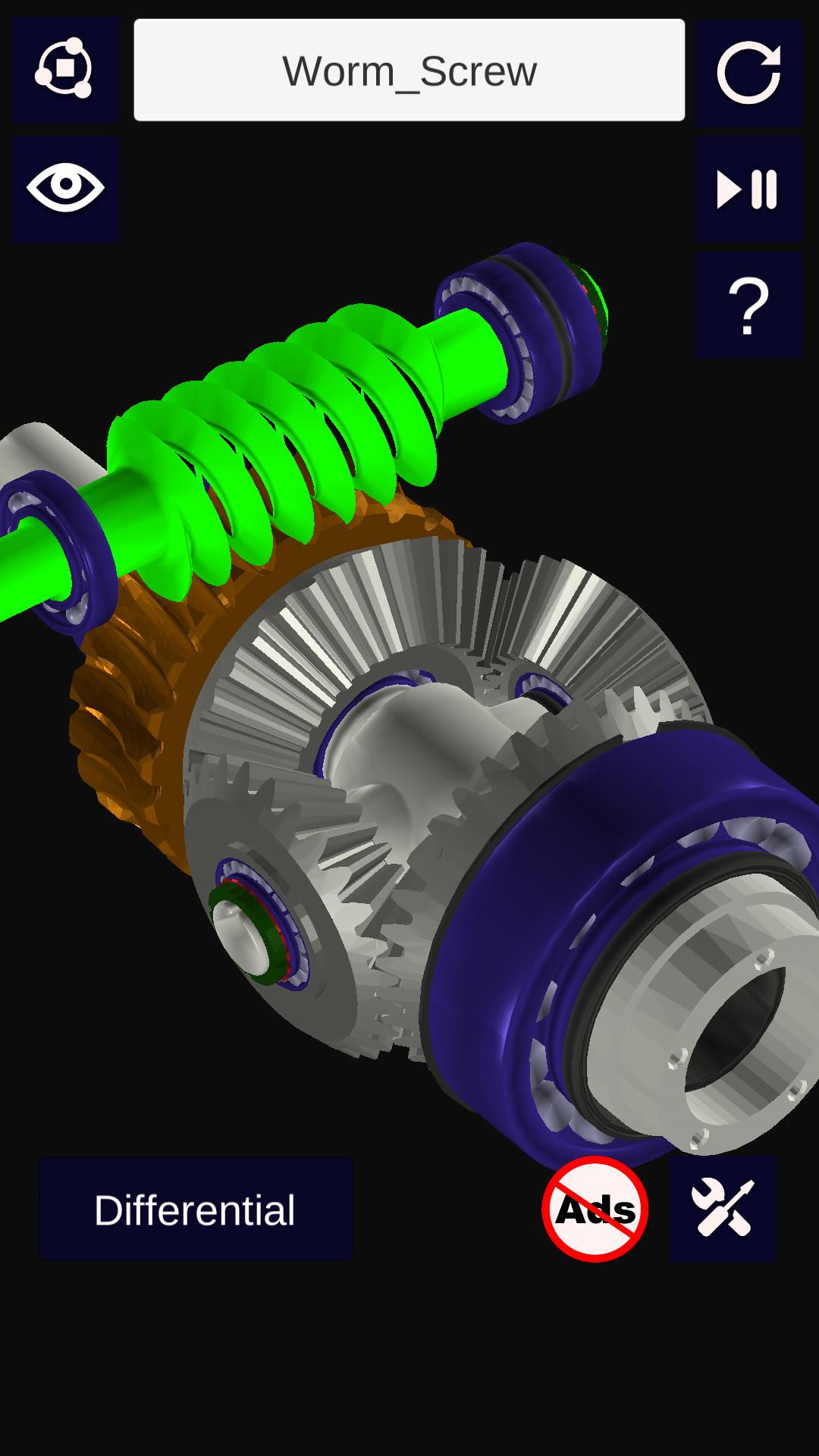
7. 3D Differential Model(Worm):
a) Differential Bevel Gears
b) Satellite Gears
c) Worm Gears
d) Bearings
e) Washer
f) Bushings
g) Gasket
h) Shaft Key
i) Flange
8. Working Animation of each 3D Model.
9. Rotation and Scale Sensitivity of the 3d model can be controlled.
Usage and Navigation:
1. Rotate the scene by dragging your fingers over the model.
2. Zoom the model in and out by pinching with your fingers.
3. Select the focus mode, and focus on a particular part in a mechanism.
4. Toggle check/uncheck the part to enable/disable them.
5. Reset the camera to get the initial view of the model.
Note: Currently, the app is in English language only
This is a must have app for engineering students and high school students who are interested in learning about how car moves and how the mechanism works.
Latest Version
4.7Uploaded by
Kaissana Aonsalauy
Requires Android
Android 4.1+
Category
Free Auto & Vehicles AppContent Rating
Everyone
Report
Flag as inappropriateLast updated on Mar 2, 2019
- Bug Fixes




APKPure - A multi-platform app store primarily focused on Android, providing extensive app-related content. Discover the app you want easier, faster, and safer, with quick and efficient downloads and installations.