Scan Date:Feb 3, 2026
Show More
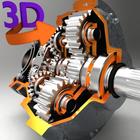
"3D Engineering Animations" provides information, visualization and animations on 3D models, which can be downloaded within the app. A 3D interactive model helps to visualize working mechanisms from all sides. Models can be rotated, enlarged and panned.
Features:
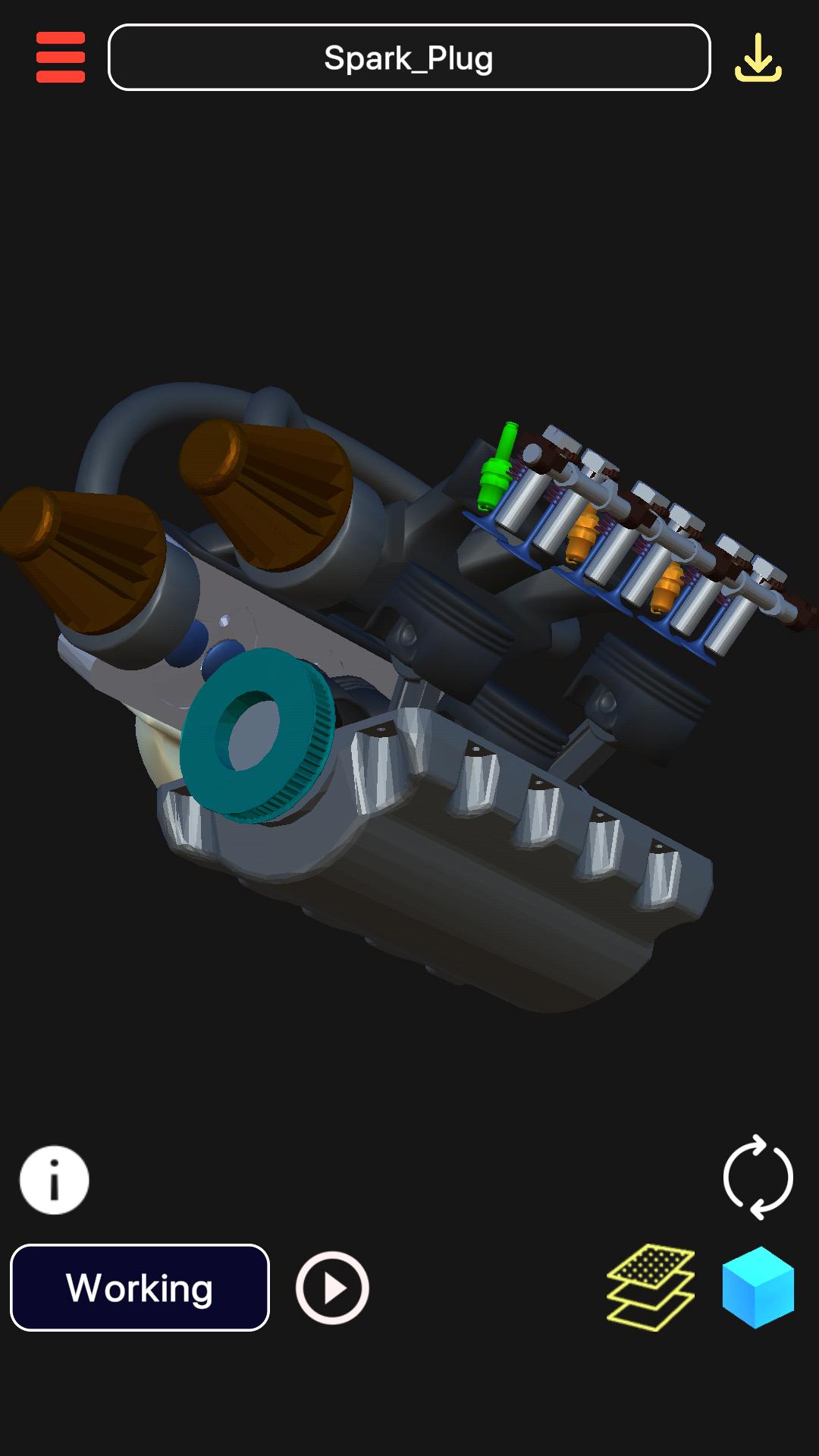
1. Enable/disable 3D parts to see the parts which exactly you want to view.
2. Information of each 3D models' parts and other mechanism available through Animation Dictation and Search Engine.
3. Download 3D Models from Online Library and visualize them anytime. Some of the 3D Models in the Online Library:
a) V6 Engine (Automobile)
b) Arduino (Electronics)
c) Planetary Gearbox (Automobile)
d) Wind Turbine (Energy)
e) Car Suspension (Automobile)
f) Car Steering (Automobile)
g) Gear Transmission (Automobile)
h) Pneumatic Gripper (Hydraulics)
i) Stop Valve (Hydraulics)
j) Radial Engine (Aeronautics)
k) Watt Governor (Mechanical)
l) Differential System (Automobile)
m) Clutch Pad (Automobile)
n) Airbus (Visualization)
o) Planetary Gearbox (Automobile)
p) Lathe (Industrial), etc. (More content added every month)
4. "Animations + Dictation of information related to the model" of 3D Models.
5. Rotation, Pan and Scale Sensitivity of the 3d model can be controlled.
6. Eagle's Eye Mode: Can see through the objects for skeletal view of an object.
Usage and Navigation:
1. Rotate the scene by dragging your finger over the model.
2. Zoom the model in and out by pinching with your fingers.
3. Pan the model by swiping two fingers over the model.
4. Toggle check/uncheck the part to enable/disable them.
5. Reset the camera to get the initial view of the model.
6. Internet Connection is mandatory to download models. Downloaded models can be viewed in Offline Mode.
Note: App is supported in 6 Languages(+ dictation):
1. English
2. Spanish
3. Russian
4. German
5. Portuguese
6. Japanese
Note: A 3D Model size ranges from 2-5 MB. Otherwise, internet connection is required for TTS information which hardly takes 1 KB per session. So, only downloading models use up little data; visualizing pre-downloaded models take negligible data, if internet connected.
This is a must have app for students who are interested in learning/visualizing different structures in 3D animations.
Latest Version
5.5Uploaded by
Saikhul Islam
Requires Android
Android 7.1+
Category
Free Education AppContent Rating
Everyone
Security Report
Report
Flag as inappropriateLast updated on Feb 1, 2026
- Patches
- Targets newer Android versions



APKPure - A multi-platform app store primarily focused on Android, providing extensive app-related content. Discover the app you want easier, faster, and safer, with quick and efficient downloads and installations.