
ZERO Injector is designed for players who want cosmetic changes without touching gameplay rules. It focuses on simple setup and keeps things light on your phone, so you can refresh looks without extra effort. Therefore, it suits quick visual edits when you want a different style in a supported title. Additionally, new visual options appear in the app when available, which helps you decide what to apply next. To get started, look for the ZERO Injector APK and use it for personal visual customization.
Skin library and original files
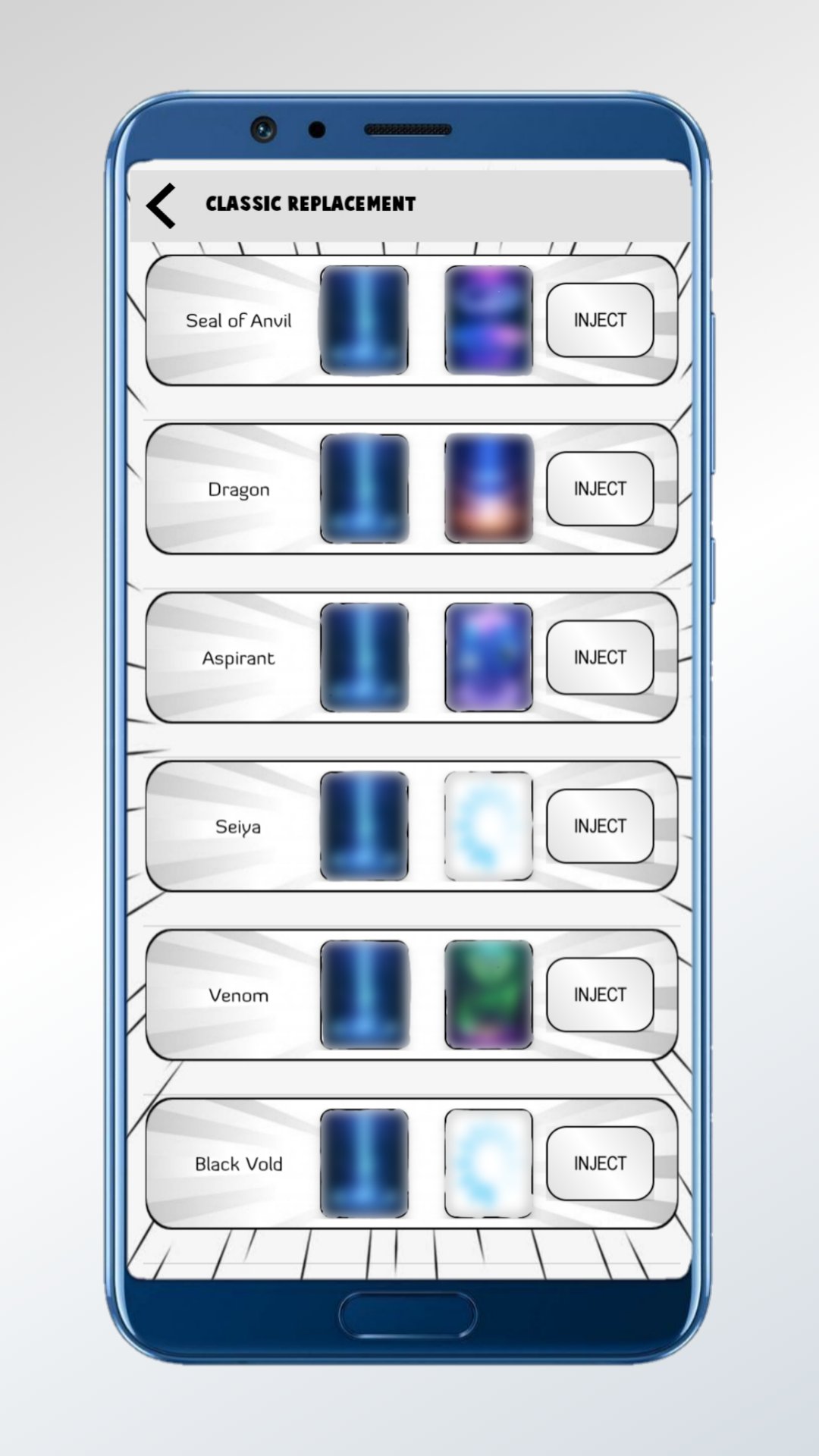
ZERO Injector groups a wide range of MOD SKIN choices together with original files inside one app. You can browse categories, check previews, and keep both custom and stock visuals in easy reach. This structure helps you pick a look and also keep the default option available.
Simple one-tap setup
You can install selected skins with a single tap, and ZERO Injector handles the download and placement automatically. This reduces manual steps and avoids complex patching. As a result, switching styles feels quick during short sessions.
Server-side updates and alerts
Skin additions are managed server side, and ZERO Injector shows in-app notifications when new items arrive. You can open the app to see fresh options and apply them without updating the app itself. This approach keeps ongoing customization straightforward.
Lightweight for low-RAM phones
ZERO Injector is built to be lightweight and friendly to devices with small RAM. It aims to minimize resource usage while you browse and install skins. This makes it a practical choice if you often keep multiple games and tools on the same phone.
User requests and responsive support
ZERO Injector accepts user skin requests and provides email support for non-working skins. If a file fails or a visual is missing, you can report it and receive help to resolve the issue. This responsiveness helps maintain a working skin set over time.
Use this quick guide to customize visuals safely and keep your default files within reach. Before you begin, download ZERO Injector and open it on your Android device. The steps below outline the basic flow from selection to restore, so you can manage changes easily.
Open ZERO Injector, then choose the game category that matches the title you want to customize.
Next, browse the available MOD SKIN options and tap a skin to view its details and preview.
Then tap Install to apply the selected skin. The app downloads and places the file for you.
After that, return to the category list to check for other skins or see in-app notifications for new additions.
Finally, to restore the original look, open the originals section for that category and tap Install on the stock file.
ZERO Injector focuses on visual personalization with a simple install flow and lightweight performance. If you prefer cosmetic changes that do not affect gameplay, consider the ZERO Injector latest version to manage skins and restore originals as needed.
Latest Version
1.17Uploaded by
David Olarte
Requires Android
Android 5.0+
Category
Free Entertainment AppContent Rating
Everyone
Report
Flag as inappropriateLast updated on Sep 29, 2025
Memperbarui Tampilan




APKPure - A multi-platform app store primarily focused on Android, providing extensive app-related content. Discover the app you want easier, faster, and safer, with quick and efficient downloads and installations.