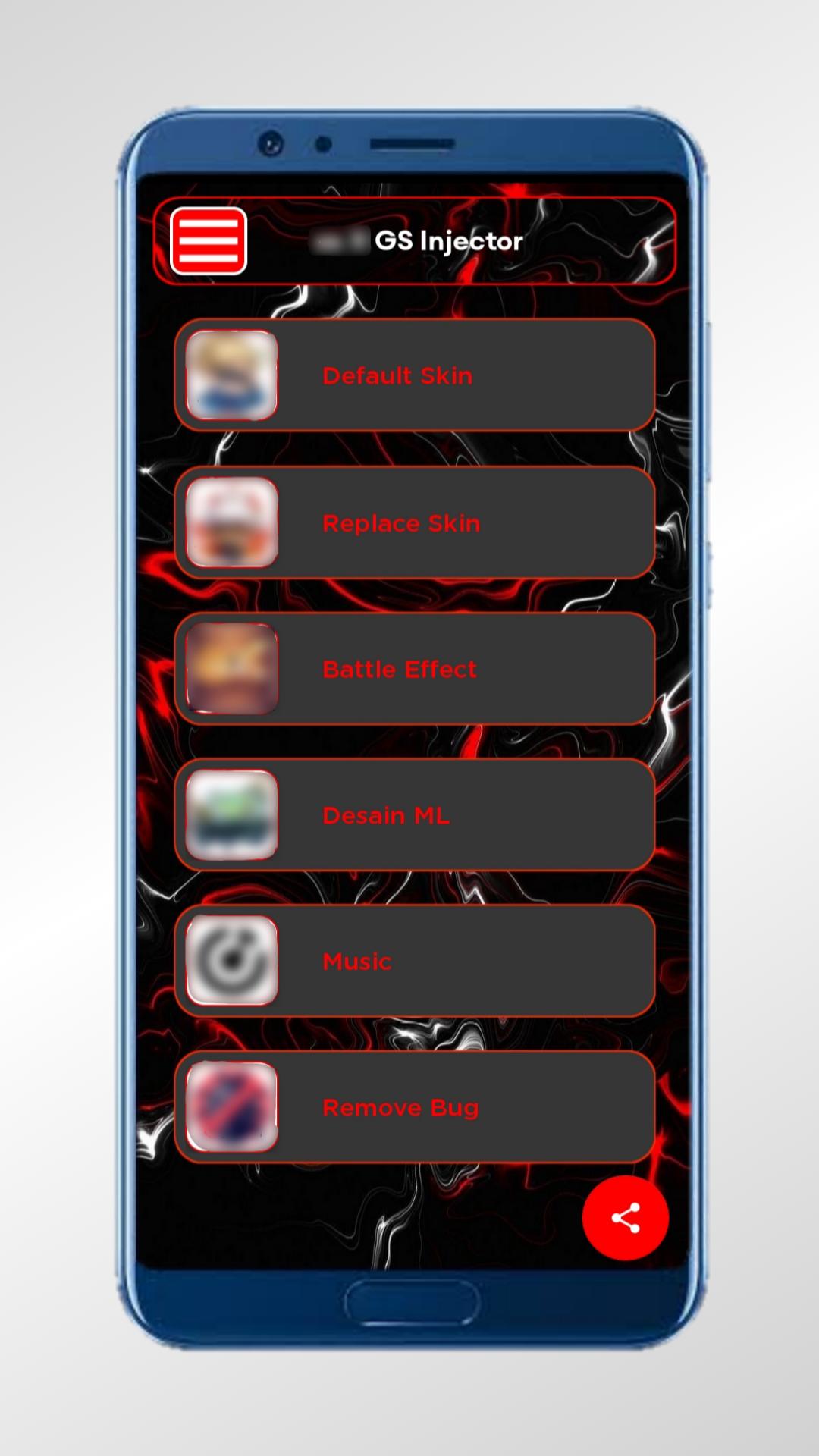
GS Injector focuses on simple skin management for Android players who want quick visual changes. The app gathers MOD SKINs and original files in one place so you can browse, download, apply, or restore with minimal steps. It runs smoothly on phones with limited memory, and it shows alerts inside the app when new skins are added so you do not need to update the app just to see the latest options.
One tap skin install
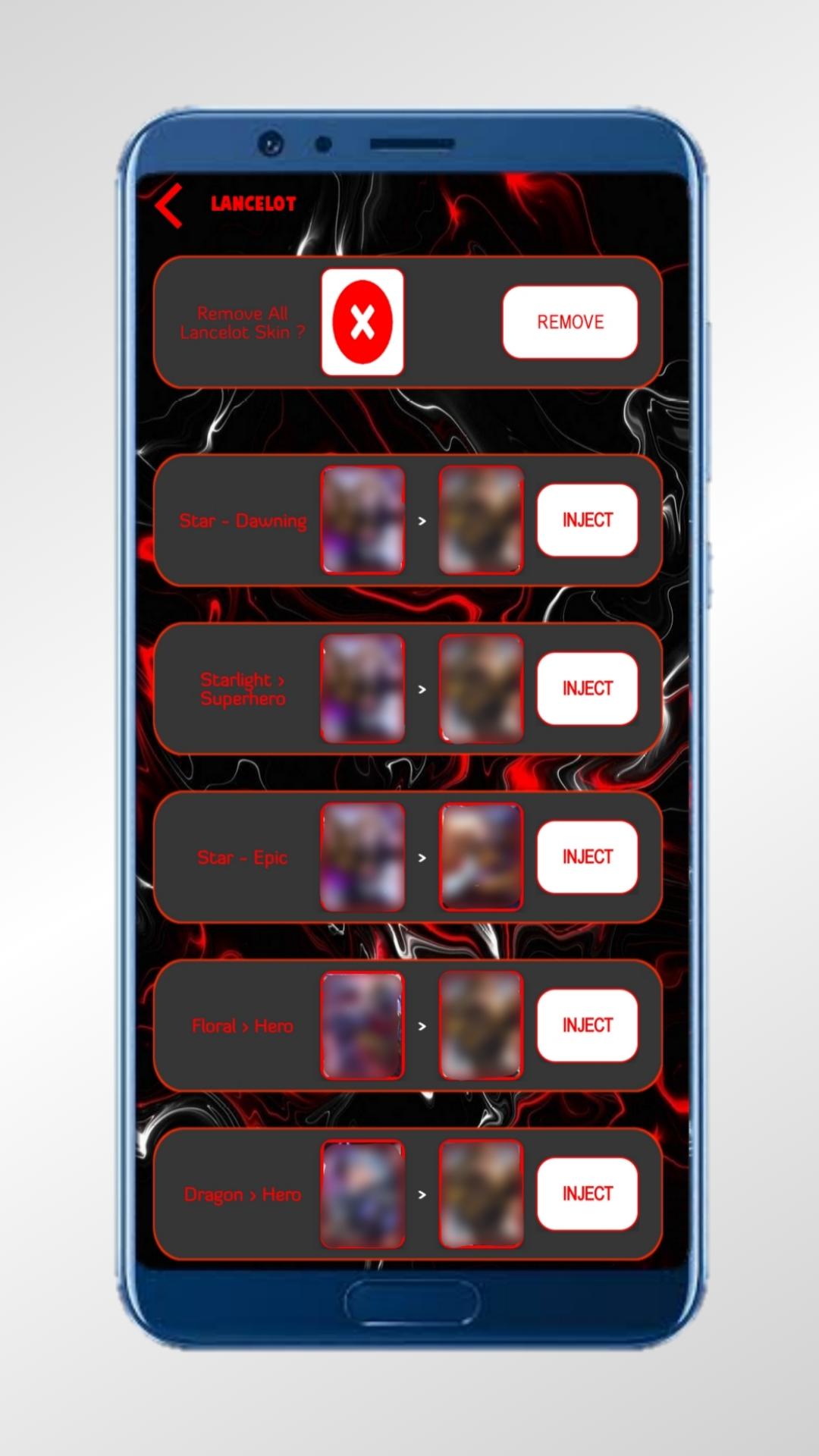
GS Injector streamlines skin setup with a single tap to download and apply. The process is designed to be quick so you can return to your game. Moreover, you do not need extra tools or complex steps.
Easy restore to original files
You can revert to the original files at any time from the same section where you applied a skin. This helps you test looks safely and switch back when needed. In addition, it keeps your setup clean.
New skin alerts inside the app
GS Injector shows notifications inside the app when fresh skins are available. You can open the app and install the new items directly. Also, there is no need to update the entire app just to get the latest skins.
Optimized for low RAM devices
The app is lightweight and runs reliably on entry level phones. It avoids heavy processes so more devices can use it. Therefore, you can apply skins even if your phone has limited memory.
The steps below show how to apply a skin and how to restore the original files. You do not need extra permissions beyond normal installation. Follow the sequence to complete setup smoothly.
Install GS Injector and open the app on your Android device.
Choose your supported game from the home screen.
After that, browse the MOD SKIN catalog and select a skin to view its details.
Tap Download and Apply, then wait for the process to finish.
To revert, open the same section and choose Original Files to restore the default look.
Is GS Injector safe?
GS Injector is designed for visual changes only, and it does not modify gameplay for other users. For safer installation, download GS Injector APK from APKPure and use the restore option to return to original files at any time.
Where can I download GS Injector APK latest version?
You can download GS Injector APK latest version on APKPure. Open this page, check the version info, and tap the download button to start the install.
Is GS Injector free to download?
Yes, GS Injector is free to download on APKPure. You can install it at no cost and apply visual skins, then restore original files whenever needed.
Latest Version
1.42Uploaded by
Fábio Alexandre Paulo
Requires Android
Android 6.0+
Category
Free Tools AppContent Rating
Everyone
Report
Flag as inappropriateLast updated on Dec 5, 2025
added a feature to remove ads




APKPure - A multi-platform app store primarily focused on Android, providing extensive app-related content. Discover the app you want easier, faster, and safer, with quick and efficient downloads and installations.