Scan Date:May 5, 2026
Show More
How to manage the attendance of staff off site?
With ZClockIn, the app designed to clock in when off site, it is possible to track employee attendance (clock in and clock out) and associate any reasons for absence or presence.
How?
By simply selecting the clock in option and the reason used.
With the ZClockIn app you can in fact:
- Clock in and clock out during the day
- Associate any absence/presence reason
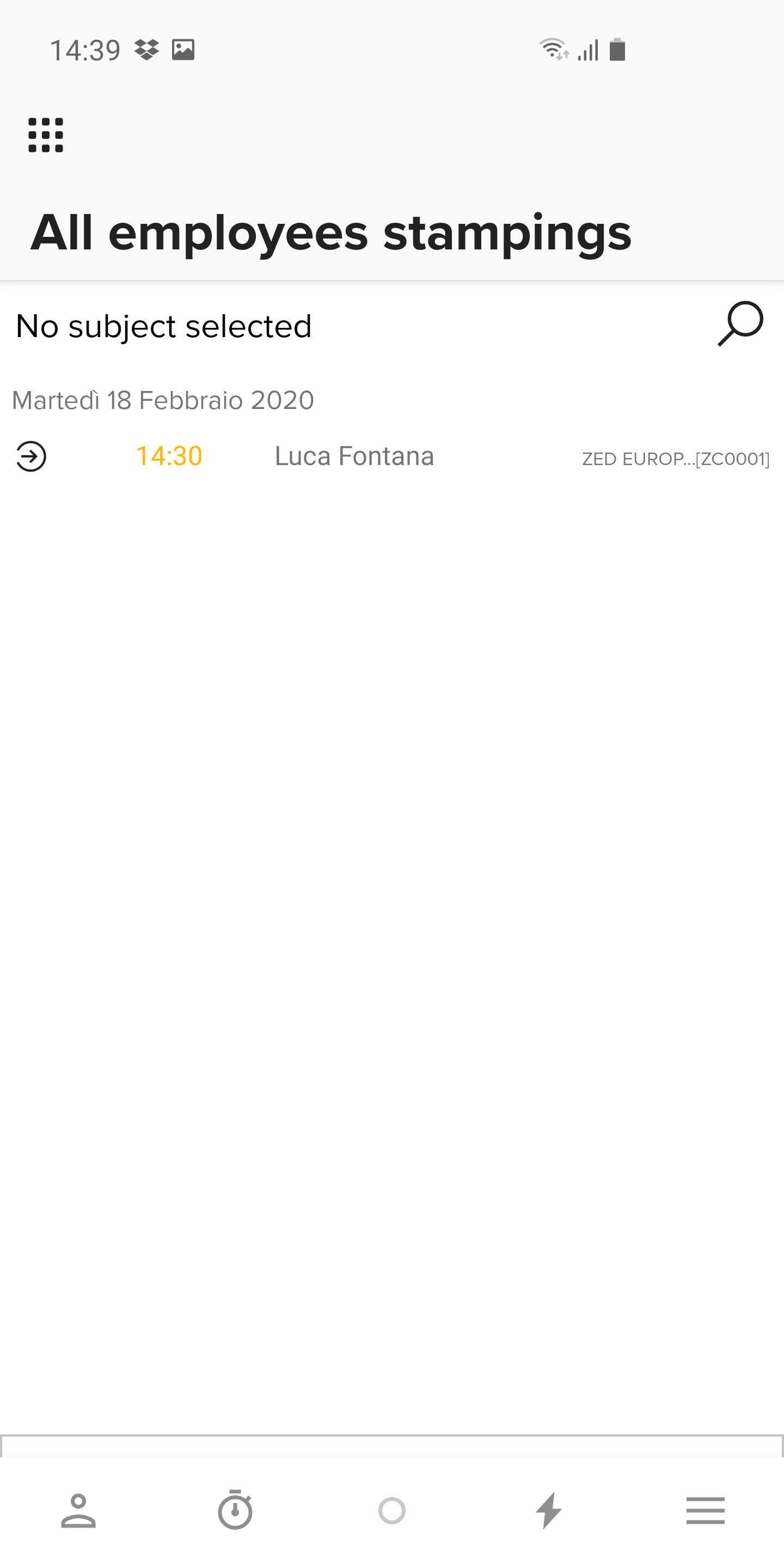
- Visualize the list of each clocking in or out on a specific device, of previous days as well
- Visualize the geographical location (GPS) of the clocking in/out
ZClockIn allows company’s employees who work off site to clock in/out anywhere they are. Its uniqueness lies in the fact that is natively integrated with the Zucchetti HR Suite (HR Portal).
In this way all the information is available with a simple click, from any place and at any moment, even to those who do not have a PC or fixed workstation.
Who it is dedicated to:
ZClockIn is available to all companies that have purchased Zucchetti HR Suite (HR Portal). In particular, the company needs to be using the following module:
- HR portal to keep track of each clocking in/out
For more information about ZClockIn app, take a look at the FAQ section inside the app or on www.zucchetti.com
Operational notes:
In order for the app to work properly, the company needs to purchase the ZClockIn license and enable employees before letting them download the app from the store.
It is necessary to install the HR portal 07.03.00 version or higher.
Technical requirements – Server
HR Portal v. 08.00.00 or higher
Time & Attendance Project v. 21.00.00
Technical requirements – Device
Android 5.0 (Lollipop) version or higher
Latest Version
26.03.00.29729Uploaded by
Ahmed Bael Ahmed
Requires Android
Android 9.0+
Category
Free Business AppContent Rating
Everyone
Security Report
Report
Flag as inappropriateLast updated on May 5, 2026
Performance improvement
Minor bug fixes






APKPure - A multi-platform app store primarily focused on Android, providing extensive app-related content. Discover the app you want easier, faster, and safer, with quick and efficient downloads and installations.