
ATTENTION
• This is not standalone app! a supported launcher is required to use this icon pack!
• FAQs section inside the app which answers a lot of questions you may have. Please read it before you emailing your question.
• If you have Any Issues with this icon pack kindly email me before Rating the Icon Packs.
Feature
• Adaptive icon
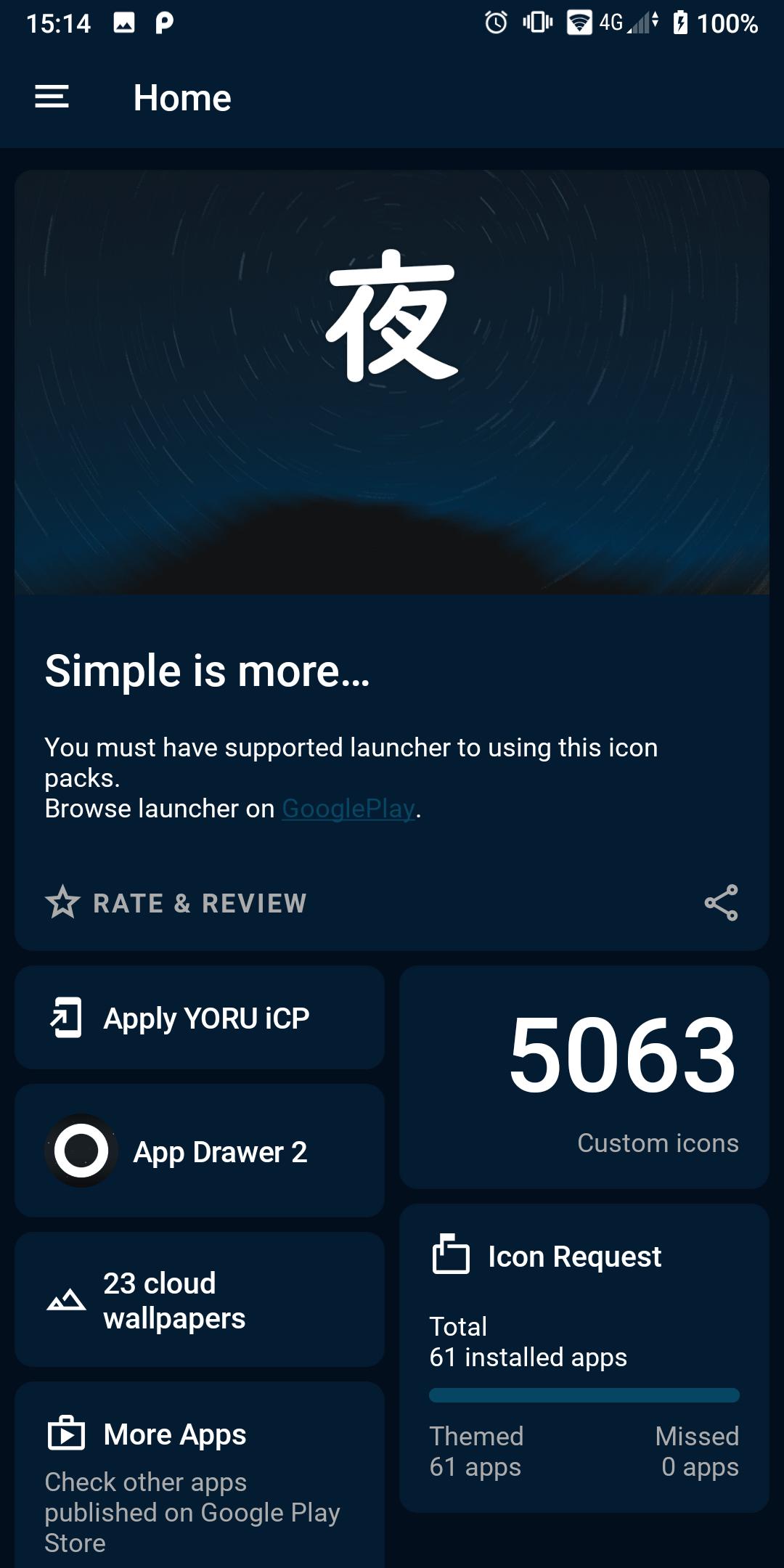
• 5000+ icons (still growing)
• Icon request tool
• Cloud based Wallpapers
• Simple and clean looks
• Dynamic calendar (icon changes each day, need supported launcher)
• Icon search and showcase
• free icon requests
Support over 35+ Launchers:
• Nova Launcher ( highly recommended)
• Lawnchair 2 ( highly recommended)
• Action Launcher • AUG launcher • ADW Launcher • Apex Launcher • Alpha Hybrid Launcher
• Apolo Launcher • Blackberry Launcher • Aviate Launcher • CM Theme Engine • CPL Launcher
• Flick Launcher • GO Launcher • Holo Launcher • Holo Launcher HD • LG Home (not support on some version)
• Lucid Launcher • hyperion • M Launcher • Mi Launcher • Next Launcher
• Niagara Launcher • Nougat Launcher • posidon Launcher • Shade Launcher • Smart Launcher 5 • Solo Launcher
• Sony xperia Home • V Launcher • ZenUI Launcher • Zero Launcher • ABC Launcher
• Evie Launcher • Microsoft Launcher • Rootless Launcher • POCO Launcher • Pear Launcher
• Total Launcher • Quickstep • Yandex Launcher
maybe more...
- Some launcher not support direct apply from dashboard
- so, you can simply apply from your launcher settings.
*Instructions*
-Open YORU application and inside it go to the menu that is in the upper left select set or apply.
-It will show you the launchers supported and in the first place the ones you have installed.
-Select the one of your preference and press accept.
-You do not have any installed launcher just select it and it will take you to the download link of it.
-Some launcher not support direct apply from dashboard, so, You can also open your launcher setting and from there apply YORU iCP Icon Pack.
-missing an icon? feel free to send an icon request, I will try to make it and update this icon pack with your requests.
Thank you!
CREDITS:
Dashboard by Dani Mahardhika
Improved version of the original CandyBar Dashboard by Sarsa Murmu
Category:
#Icon packs
#Dark Icons pack
Latest Version
1.0Requires Android
8.0
Category
Personalization AppContent Rating
Everyone
Report
Flag as inappropriateLast updated on Jul 20, 2022
Minor bug fixes and improvements. Install or update to the newest version to check it out!






APKPure - A multi-platform app store primarily focused on Android, providing extensive app-related content. Discover the app you want easier, faster, and safer, with quick and efficient downloads and installations.