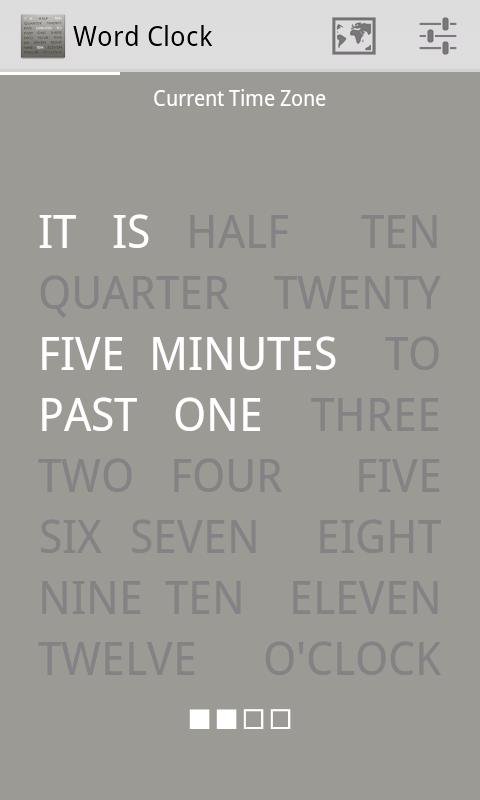
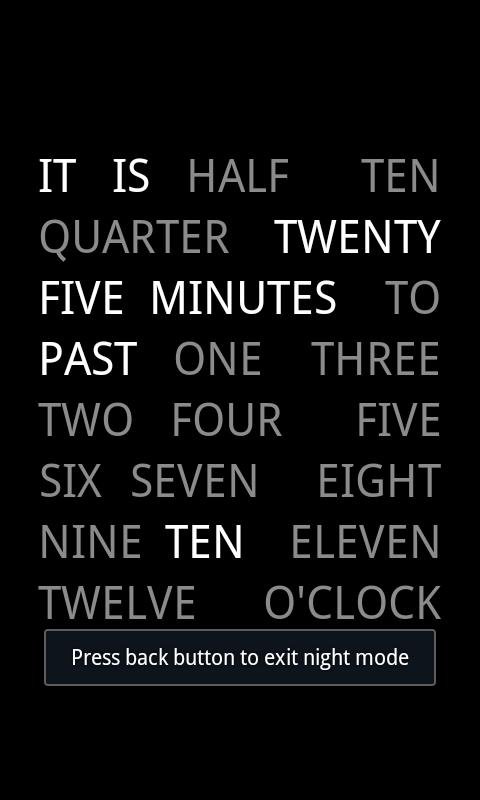
A word clock is a clock that tells the time using words.
This clock is really special because it displays words instead of numbers.
Speaking is a very curious thing. And so is time. You can “read” the clock and tell what time it is. And when you do this you use a certain code like a cypher that allows you to say “It is half past three” when all you see on the clock is “3:30”. So wouldn't it be easier to just see the words instead of the symbols? This Application does that for you.
This clock uses dim walk lock and night mode can be used as night clock.
This clock uses service to update only the particular UI part and saves battery life.
Enhanced for jelly beans.
Touch the clock to say time.
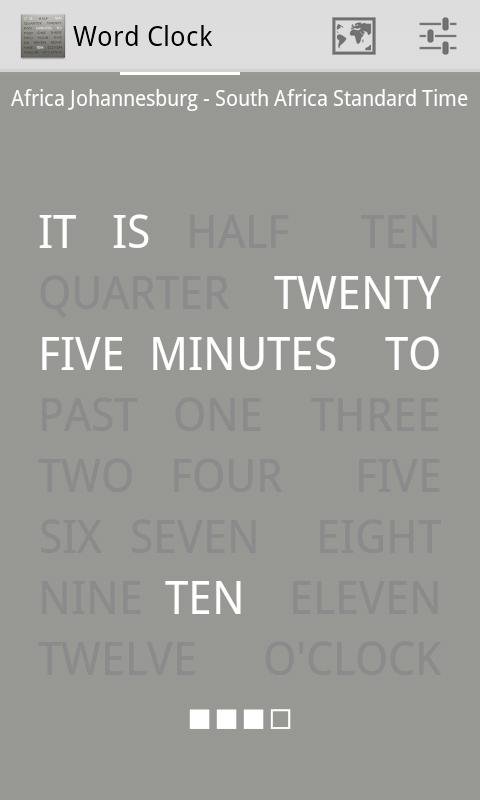
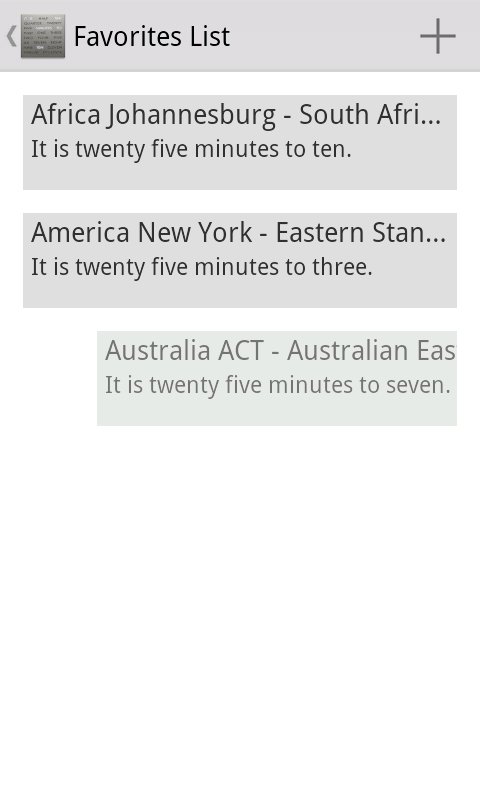
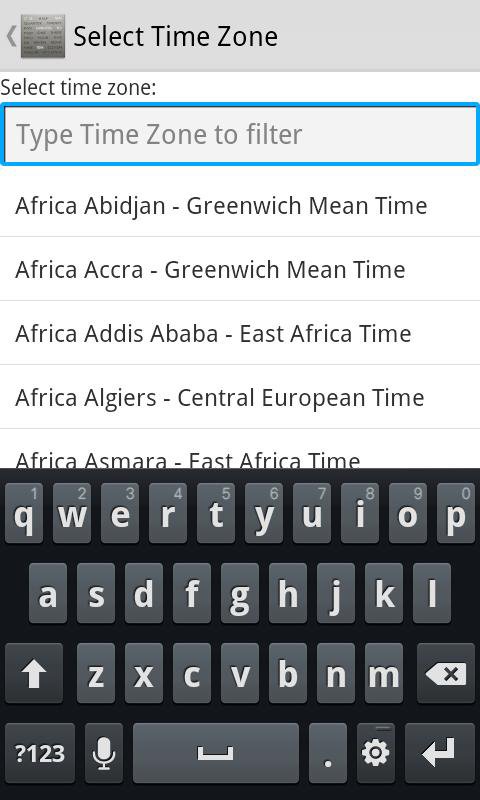
This Clock allows you to select time zone for the clock.
Support for daylight saving time.
alt: word clock, wordclock, textclock, text clock, world clock, worldclock
REMARKS & DISCLAIMER
Ads free application(No ads)!
Application needs TTS engine. Application will prompt the user only once to install TTS engine if it is not available.
Application requests android.permission.WAKE_LOCK
Thanks to dougswordclock.
Screen Orientation Only portrait.
We would love to hear your feedback. Please don't hesitate to contact us if you have any questions or feature requests.
Latest Version
1.4Uploaded by
Nguyen Jav
Requires Android
Android 2.1+
Category
Free Tools AppContent Rating
Everyone
Report
Flag as inappropriateLast updated on Jul 28, 2015
Word Clock just got even better:
- Enhanced default theme.
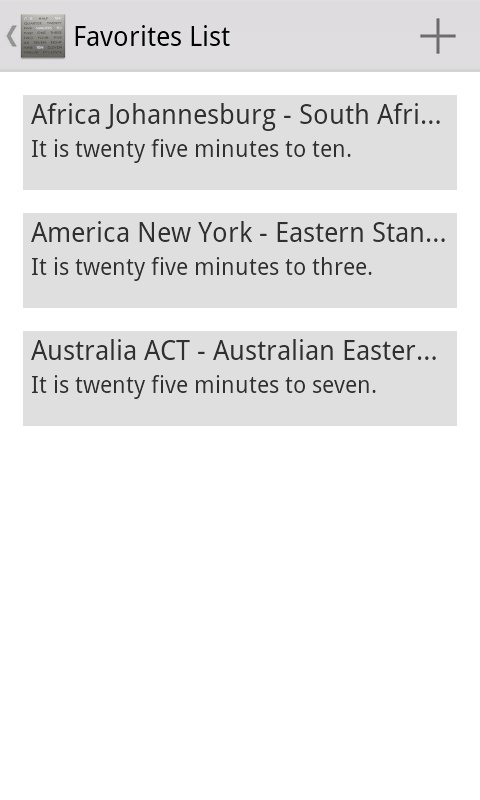
- User can add different time zone to favorites list.
- Swipe to remove time zone from the favorites list.
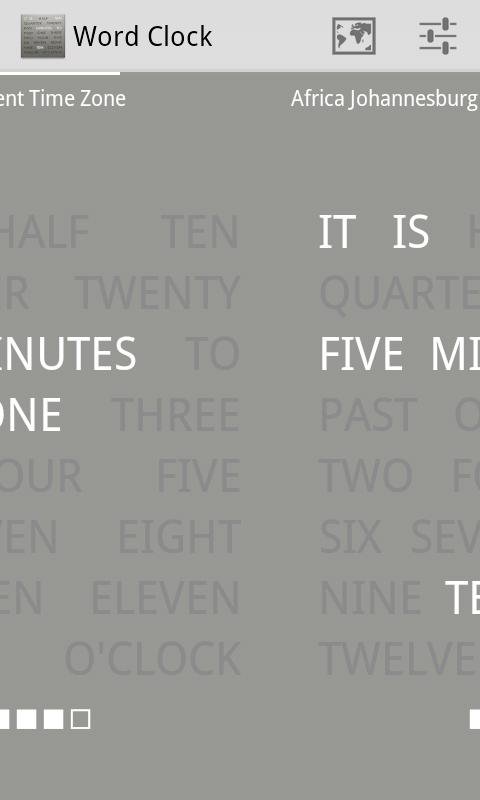
- Swipe to see different time zone clock on home screen (after user adds different time zone using time zone menu).



APKPure - A multi-platform app store primarily focused on Android, providing extensive app-related content. Discover the app you want easier, faster, and safer, with quick and efficient downloads and installations.