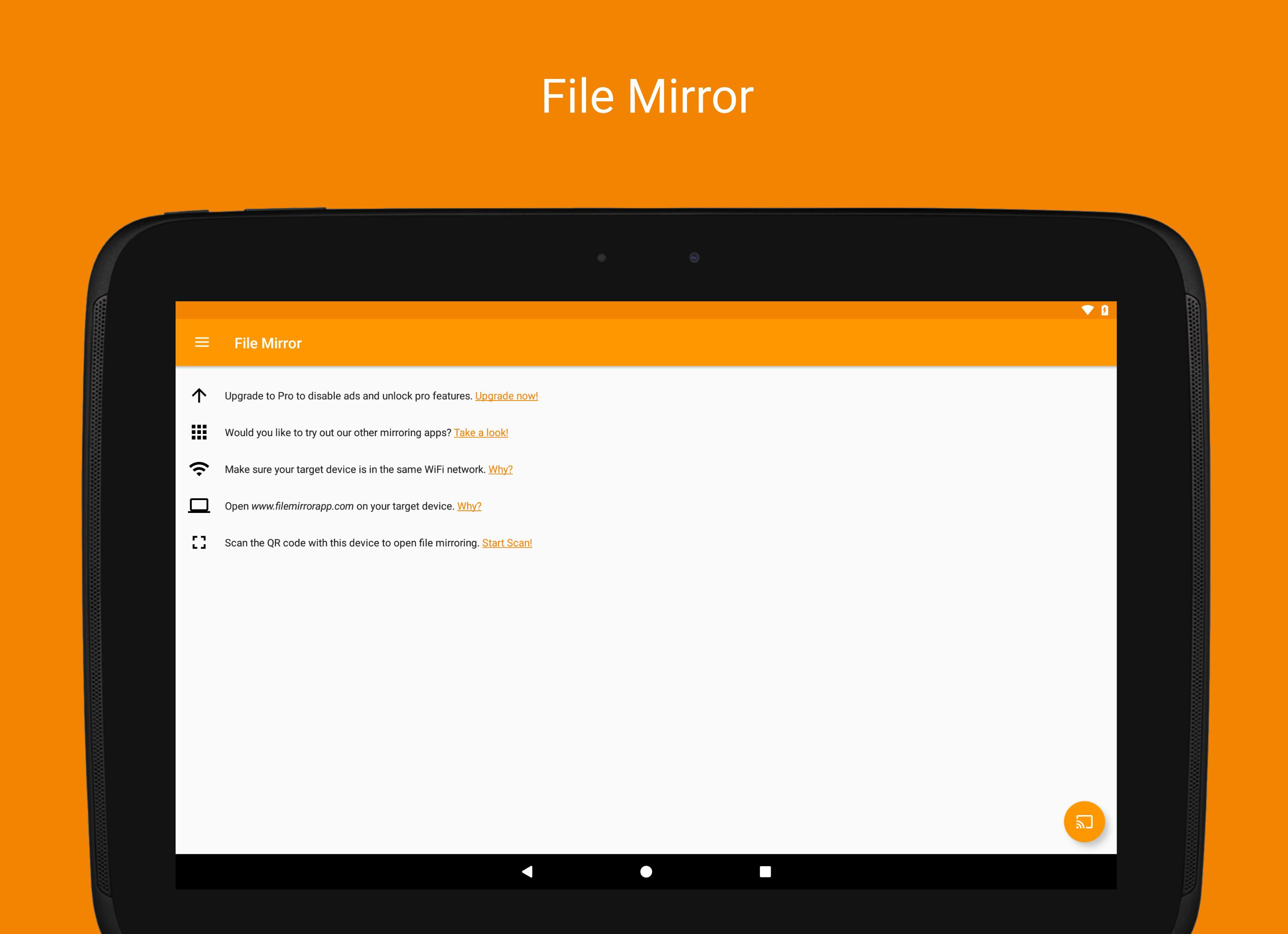
WiFi file transfer is a simple file manager for the browser - copy files from and to your notebook via WiFi. Amongst all the existing wifi file transfer apps, WiFi file transfer is the only one connecting without the need to type in an IP address. Just scan the QR code on filemirrorapp.com and you are good to go!
So just open http://www.filemirrorapp.com on your remote device, start the file transfer process on your Android device, scan the QR code and the file transfer starts immediately. As simple as that. No additional software on your target device is needed.
No file size limit in the free version!
WiFi file transfer is ideal if you want to copy files from your smartphone to your notebook, without the need to connect it with a cable. You can as well upload files e.g. from your computer to your phone. With WiFi file transfer, no more cables are needed, no more additional software is needed, just your smartphone and a browser. WiFi file transfer also provides File Manager capabilities as renaming and deleting files.
WiFi file transfer works with all operating systems - you just need a modern browser and WiFi.
Attention - Please read before use:
SmartTVs might not work, since some of their browsers do not support the needed features for WiFi file transfer. Furthermore an internet connection is required. For more information, please watch our how-to video on youtube.
Works great with Google Chrome, Apple Safari and Firefox.
WiFi file transfer is not supported by all Android device's and Android Versions. If you face any problems with your device or have any questions or feedback, feel free to send us an email (apps@smart-dato.com)!
WiFi file transfer requires at least Android 5.0.
WiFi file transfer contains ads which will be shown before and at the end of each file mirror session and after changing the settings. To disable ads, consider updating to the pro version. This can be done in the side bar menu, just click on "Upgrade to Pro".
Please note: If you face any problems or discover bugs, please send an email to apps@smart-dato.com. If you like WiFi file transfer, we would be happy if you rate it in the Play Store. Thanks!
Latest Version
0.9.2Uploaded by
Ziaulhaq Hanjra Ziaulhaq Hanjra
Requires Android
Android 6.0+
Category
Free Tools AppContent Rating
Everyone
Report
Flag as inappropriateLast updated on May 24, 2022
- Adds translations
- Rename and delete files and folders
- MP3 - Files can be played directly
- Folder size calculation
- Image thumbnails
- Android 11 adaption
- Fixes






APKPure - A multi-platform app store primarily focused on Android, providing extensive app-related content. Discover the app you want easier, faster, and safer, with quick and efficient downloads and installations.