Our website uses necessary cookies to enable basic functions and optional cookies to help us to enhance your user experience. Learn more about our cookie policy by clicking "Learn More".
Accept All Only Necessary Cookies
WiFi FTP Server icon

WiFi FTP Server


Medha Apps
2.4.3
  • 10.0
    5 Reviews
  • Jan 6, 2026
    Update date
  • 0/65
    Security
  • Everyone
  • Android 6.0+
    Android OS

About WiFi FTP Server

Bernadine Wisoky avatar
Reviewed byBernadine WisokyContent Editor

WiFi FTP Server is a utility app that turns your Android device into a file transfer server.

WiFi FTP Server helps when you want to move photos, movies, songs, or backups without plugging in a cable. With a WiFi connection, you start a local server on your phone and connect from an FTP client on your computer to send or receive files. This approach gives you control over where files are stored and how they are accessed. To get started quickly, install WiFi FTP Server APK and follow the on-screen steps.


WiFi FTP Server Features

Quick setup and usage

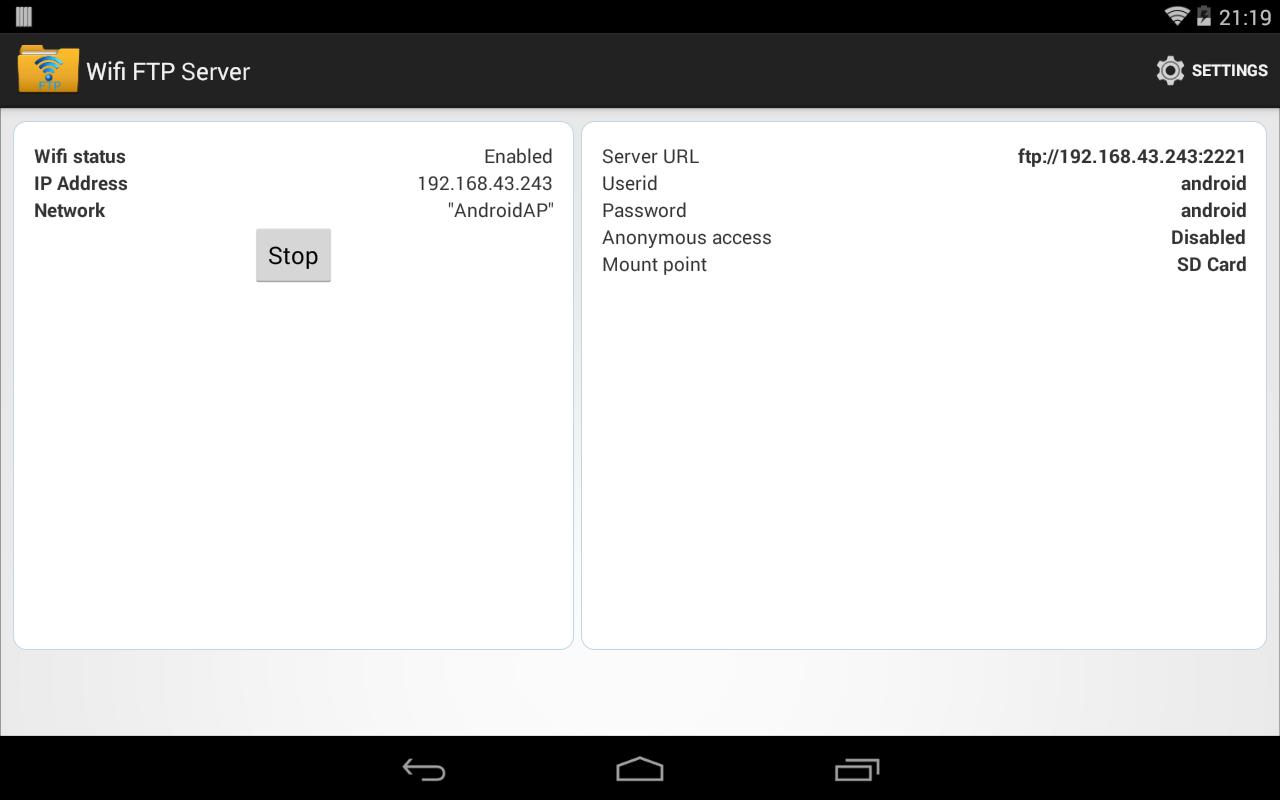
  • Connect your phone to a WiFi network and open the app.
  • Tap Start to run the server.
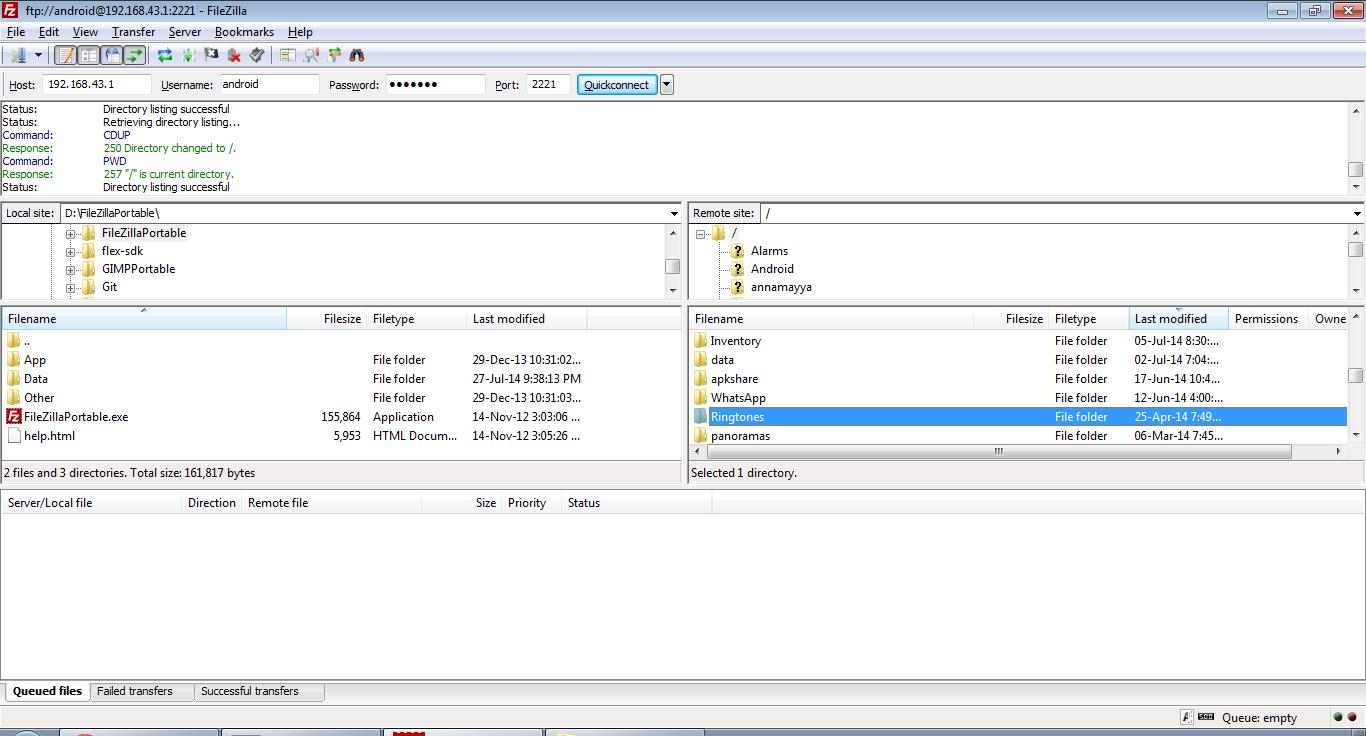
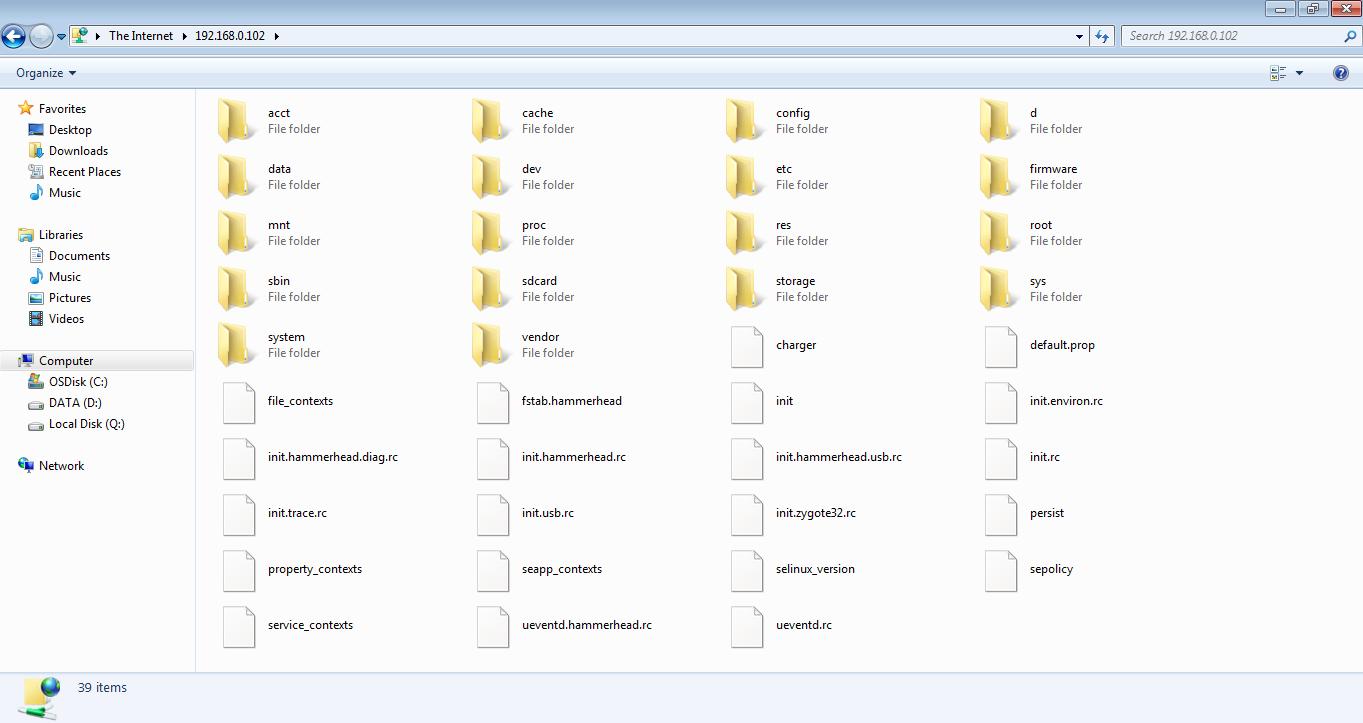
  • Enter the server address in an FTP client or Windows File Explorer to transfer files.

Secure transfers with FTPS

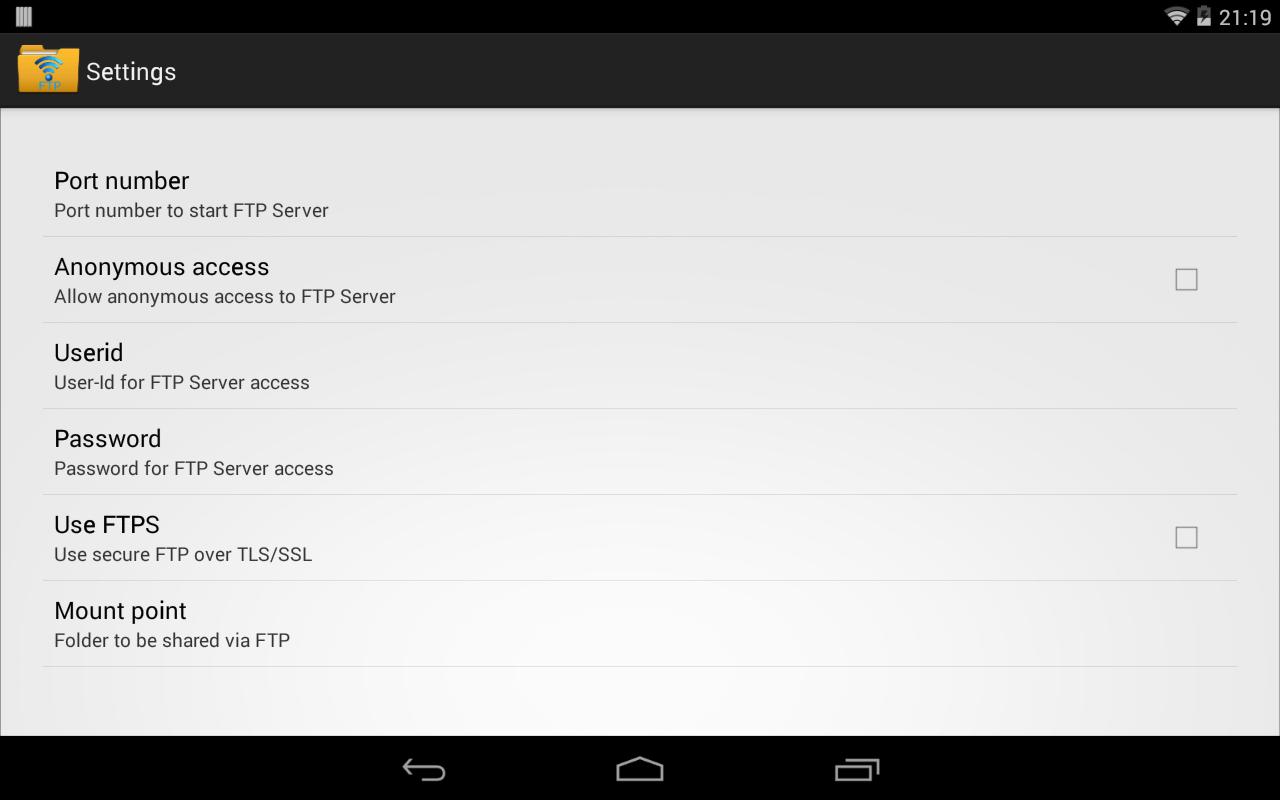
WiFi FTP Server supports FTP over TLS or SSL for encrypted sessions. When using FTPS, the server address begins with ftps:// instead of ftp://. SFTP is not supported, so use an FTPS capable client if you need encryption.

Configurable access and folders

  • Set a custom port. The default is 2221. Use a port greater than 1024 because binding to 21 is not possible on non rooted phones.
  • Create a username and password. Anonymous access is off by default and can be enabled in settings.
  • Select a home folder. On Android 5.0 and higher, open Settings, tap Mount folder, choose Custom, then pick the external SD card.

Works on WiFi and hotspot

You can run the server on a standard WiFi network or in hotspot mode. This helps when a router is not available and you still need local file access.


Start transferring files over WiFi

WiFi FTP Server offers simple local transfers between your phone and computer. For cable free file movement and basic security options, download WiFi FTP Server and follow the setup steps. Use an FTP client like FileZilla or Windows File Explorer to connect and manage your files.

Show More

Additional APP Information

Latest Version

2.4.3

Uploaded by

Awat Bokani

Requires Android

Android 6.0+

Available on

Content Rating

Everyone

Security Report

What's New in the Latest Version 2.4.3

Last updated on Jan 6, 2026

Minor issue fixes
Show More
0/65
Scan Result: Secure
No security vendors flagged this file as malicious
No Virus
No Spyware
No Malware
No Virus
No Spyware
No Malware
Scan Date:Jan 6, 2026
Package Name:com.medhaapps.wififtpserver
SHA-256:e4828608355ca1132da88e949ef8a8cc0a6a7a771a39497df037c7a05b6c1d34
SHA-1:4efc35546d1d3b32400f49e0f56e2b0b6efe0c58
Show More
View Security Report

WiFi FTP Server Screenshots

WiFi FTP Server posterWiFi FTP Server screenshot 1WiFi FTP Server screenshot 2WiFi FTP Server screenshot 3WiFi FTP Server screenshot 4WiFi FTP Server screenshot 5WiFi FTP Server screenshot 6

Related Tags

WiFi FTP Server Articles

Subscribe to APKPure
Be the first to get access to the early release, news, and guides of the best Android games and apps.
No thanks
Sign Up
Subscribed Successfully!
You're now subscribed to APKPure.