
WPSWiFi connect checks if your network is secure by connecting with the WPSWiFi protocol.
This protocol allows you to connect to a WiFi network using an 8-digit numeric pin normally predefined in the router. The problem is that the pin of many routers from different companies is known or knows how to calculate it.
This application uses these pins to try to connect and check if the network is vulnerable. It implements several known pin generation algorithms and many default pins. It also calculates the default password for some routers, lets you view WiFi passwords you have saved on the device, scans devices connected to your network, and analyzes the quality of WiFi channels.
The use is very simple, when we analyze the networks around us, it will appear with a red arrow, they are "secure" networks, the WPSWiFi protocol is disabled and the default password is not known.
Those that appear with a question mark have the WPSWiFi protocol activated, but the pin is not known, in this case the application allows you to test with the most common.
Finally, those with a green tick are vulnerable (in principle), the WPSWiFi protocol is activated and the pin with which to connect to the network is known. You can also have it disabled, but your password is known, in this case it will also appear green and you can log in with the password.
You just need to be a Root user to see passwords, to log in on Android 9/10 and for some additional functions.
NOTICE: Not all networks are vulnerable and just because the network appears green does not guarantee 100% vulnerability, several companies have updated their router software to fix the fault.
Try it in your network and if it is vulnerable, PLEASE REMEDY. Disable WPSWiFi and change the password to a strong and personalized one.
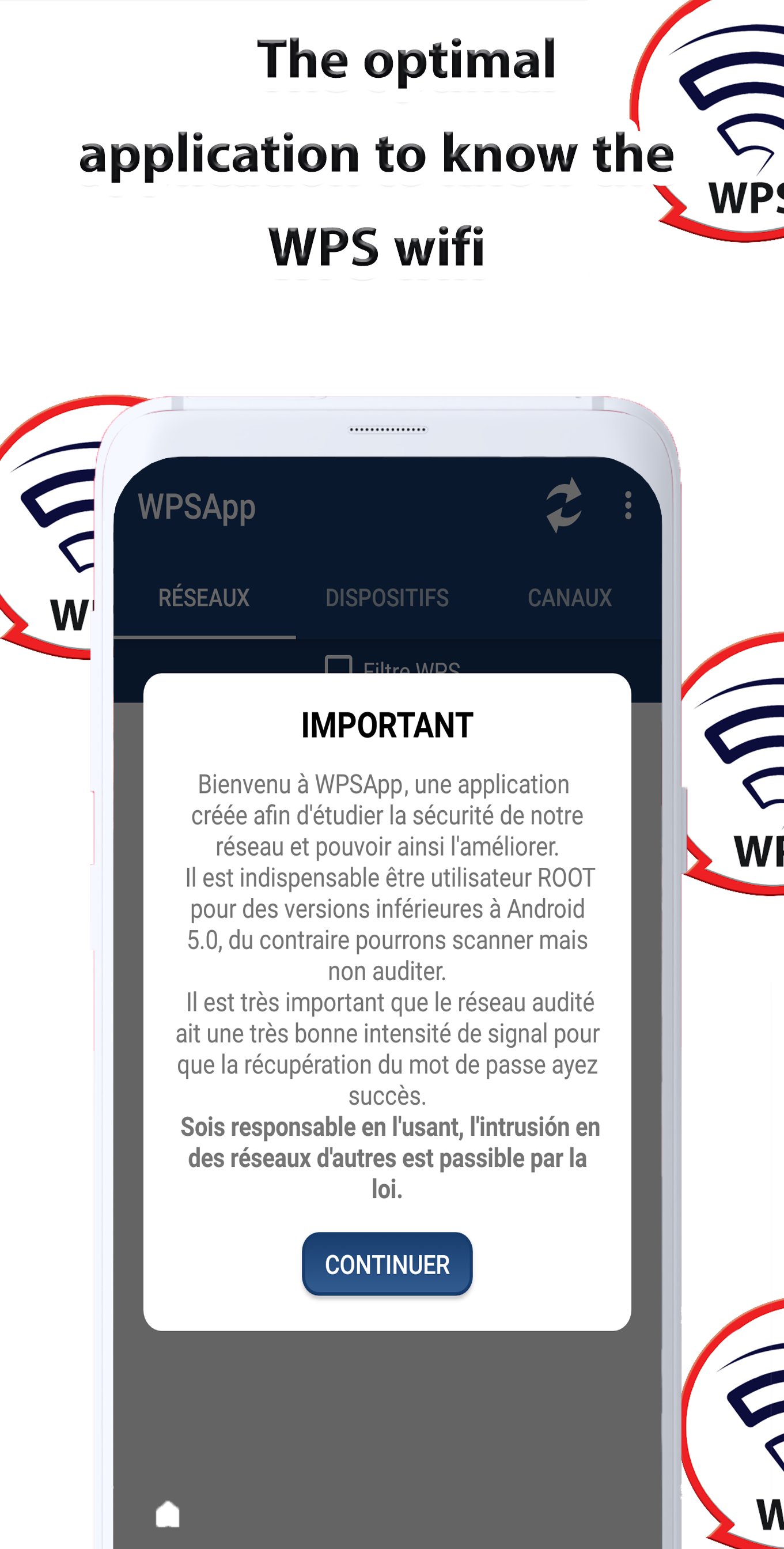
I AM NOT RESPONSIBLE FOR THE MISUSE OF THE APP, THE INTRUSION IN THE NETWORKS IS PENALIZED BY LAW.
Since Android 6 (Marshmallow), it is necessary to grant location permissions. This is a new requirement added by Google in this release. More info in: https://developer.android.com/about/versions/marshmallow/android-6.0-changes.html#behavior-hardware-id
Some Samsung models use encryption and don't show actual passwords, show a long string of hexadecimal digits. Search the internet for information or contact me if you want to know how to decrypt it.
Pin connection does not work on LG models with Android 7. This is a problem with LG's own software.
Understand how the app works before issuing a review.
Send a proposal, decision or comment to oulaarifyassine@gmail.com, thank you.
Latest Version
2.6.33Requires Android
4.4
Category
Free Tools AppContent Rating
Everyone
Report
Flag as inappropriateLast updated on Jul 13, 2023
Minor bug fixes and improvements. Install or update to the newest version to check it out!



APKPure - A multi-platform app store primarily focused on Android, providing extensive app-related content. Discover the app you want easier, faster, and safer, with quick and efficient downloads and installations.














