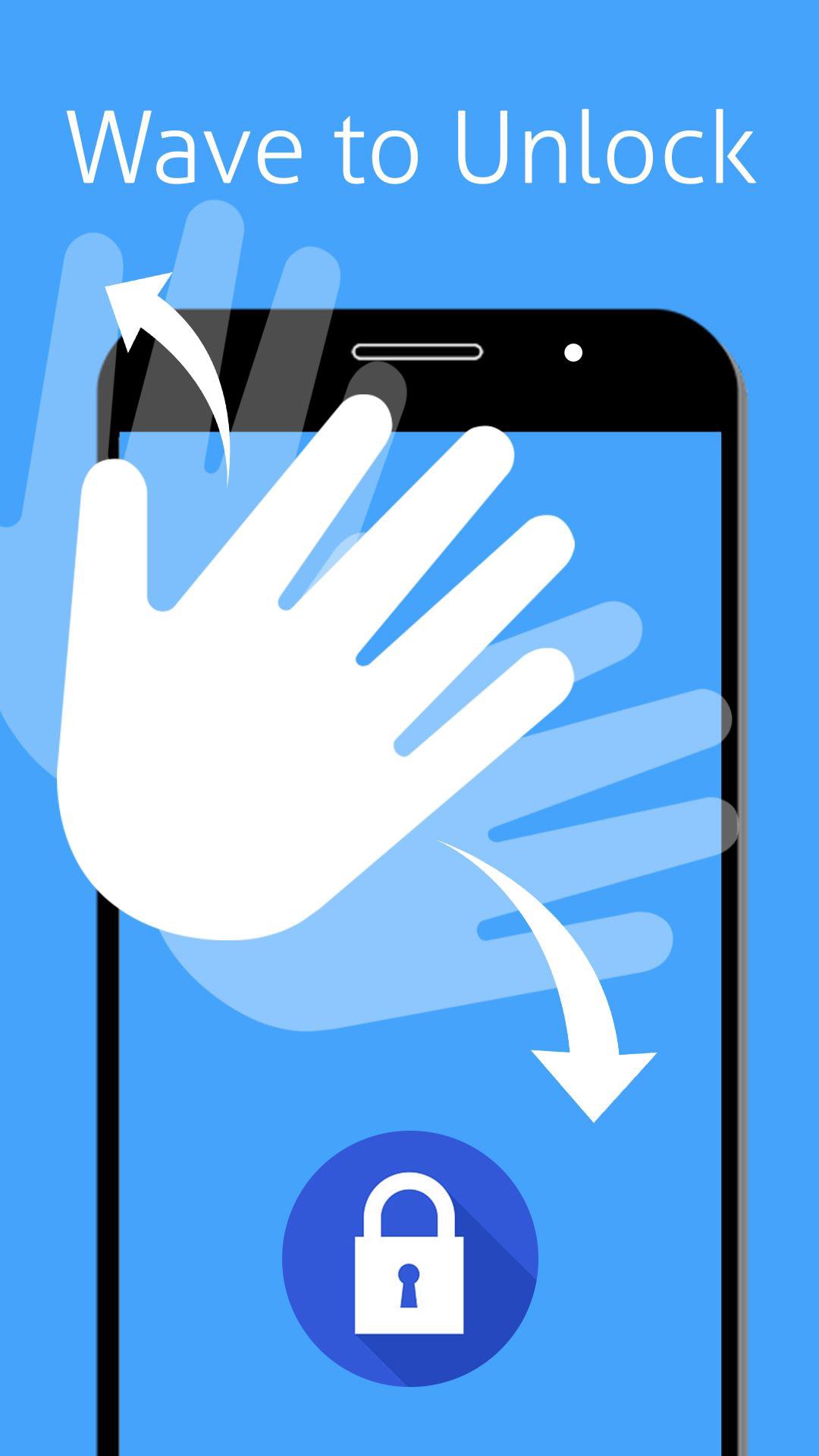
Wave to Unlock, Lock app is a unique screen locker app where it uses phone’s proximity sensor to lock and unlock phone screen.
Wave to Unlock, Lock app will help you to Lock or Unlock the phone’s screen by not touching any button on the phone so you can save phone buttons for long time.
Wave to Unlock, Lock will use proximity sensor to perform screen ON/OFF operations.
In Wave to Unlock, Lock app we have below features:
Wave to Lock Screen
Wave to Unlock Screen
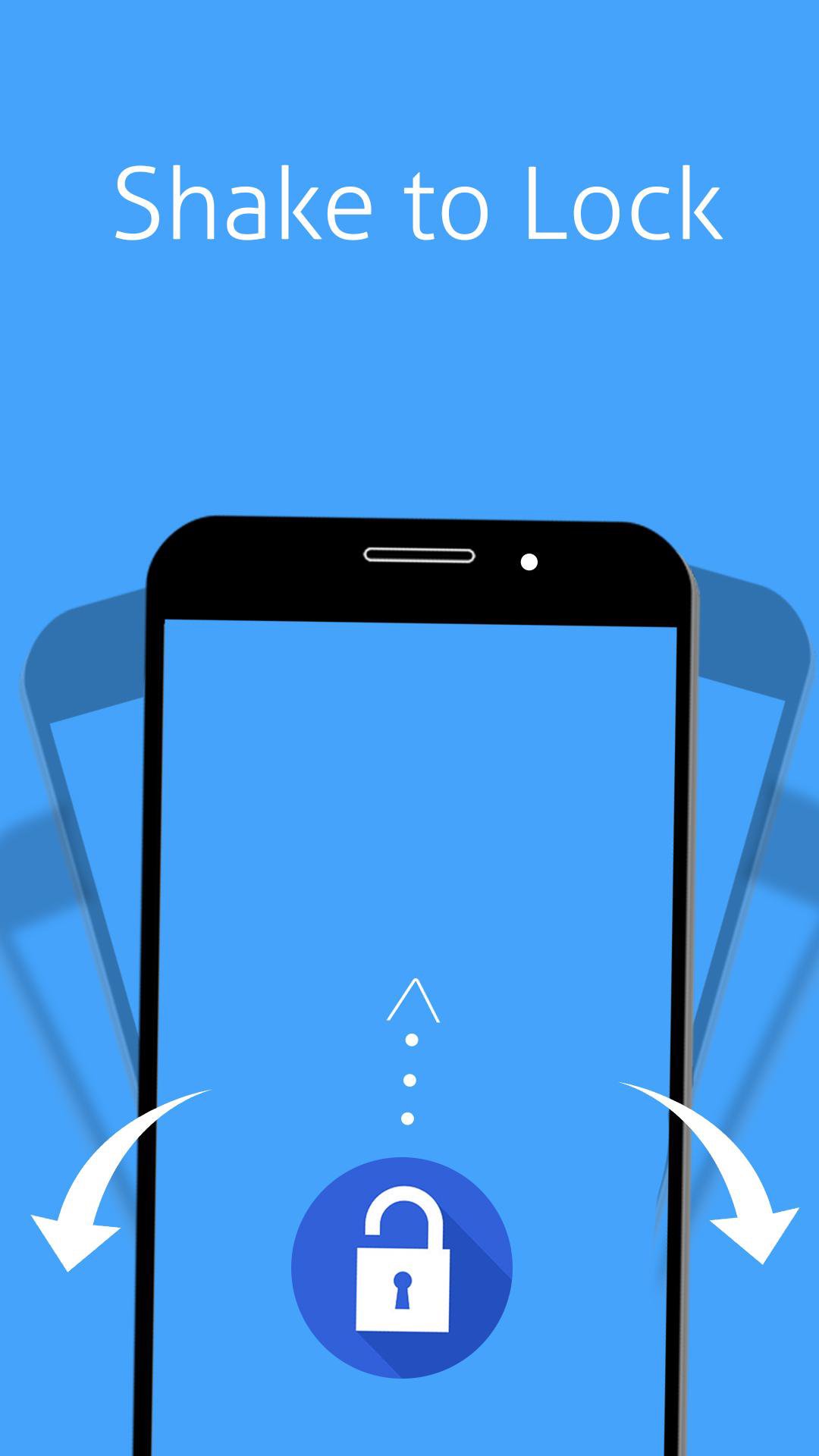
Shake to Lock Screen
Shake to Unlock Screen
In Wave to Unlock, Lock app we have Wave to Unlock, Lock option and Shake to Unlock, Lock options. All you need to do is just go to app and ON/Off which feature you want as per your convenience whether it’s a Wave to Unlock, Lock feature or Shake to Unlock, Lock option.
Using Proximity Sensor is the best method to Lock or Unlock the Phone Screen without touching the phone.
Its simple to use Wave to Unlock, Lock app all you need to do is ON Wave to Lock option if you wants to Lock Screen by waving your hand in front of the phone screen. Similarly you can Wave again to Unlock, Shake to Lock and Shake to Unlock.
In Wave to Unlock, Lock app you can chose any off the 4 options to Lock or Unlock Phone Screen like Wave to Lock, Wave to Unlock, Shake to Lock and Shake to Unlock.
In Wave to Unlock, Lock We have Settings in the app where you can adjust Sensor sensitivity to Low, Medium or High. According to the Sensitivity level app start working smoothly.
By using Wave to Unlock, Lock app you can save battery power because if phone is in ON status then the phone Battery will get drain out quickly so this app will help you quickly Lock screen and save Phone Battery. Also you can save phone buttons from frequently pressing.
You can follow Help section in the app Wave to Unlock, Lock if you wants to understand more about the functionalities in the app.
If you wish not to use this app and uninstall this app then go to Settings and choose Uninstall option to remove it from your phone.
The app Wave to Unlock, Lock is free to download and use it. You can download for free from Google Play. Enjoy the app.
Use the app and please give us your valuable suggestions and comments to improve app functionality.
Latest Version
1.1Uploaded by
Fajar Ali Mustaqim
Requires Android
Android 3.0+
Category
Free Tools AppContent Rating
Everyone
Report
Flag as inappropriateLast updated on Mar 23, 2017
Minor bug fixes and improvements. Install or update to the newest version to check it out!





APKPure - A multi-platform app store primarily focused on Android, providing extensive app-related content. Discover the app you want easier, faster, and safer, with quick and efficient downloads and installations.