VR Media Platform: JAMONG
You can share 360-degree photos and videos on Jamong.
※ In some cases there may be a device that is not installed, [phone settings] - [Storage] - [Unmount SD card], and please try the installation again.
* Beta 2.0 update information
1. Design change
2. Optimal video encoding is provided based on smartphone specification
- Galaxy Note 4 and higher: 4K
- Lower than Galaxy Note 4: 2K or HD
3. Jamong has collaborated with professional VR media company "Verest". You can now enjoy Verest's VR media on Jamong.
Jamong is a VR media sharing platform which allows VR content creators to create their own channels and freely provide VR media to subscribers.
Features include:
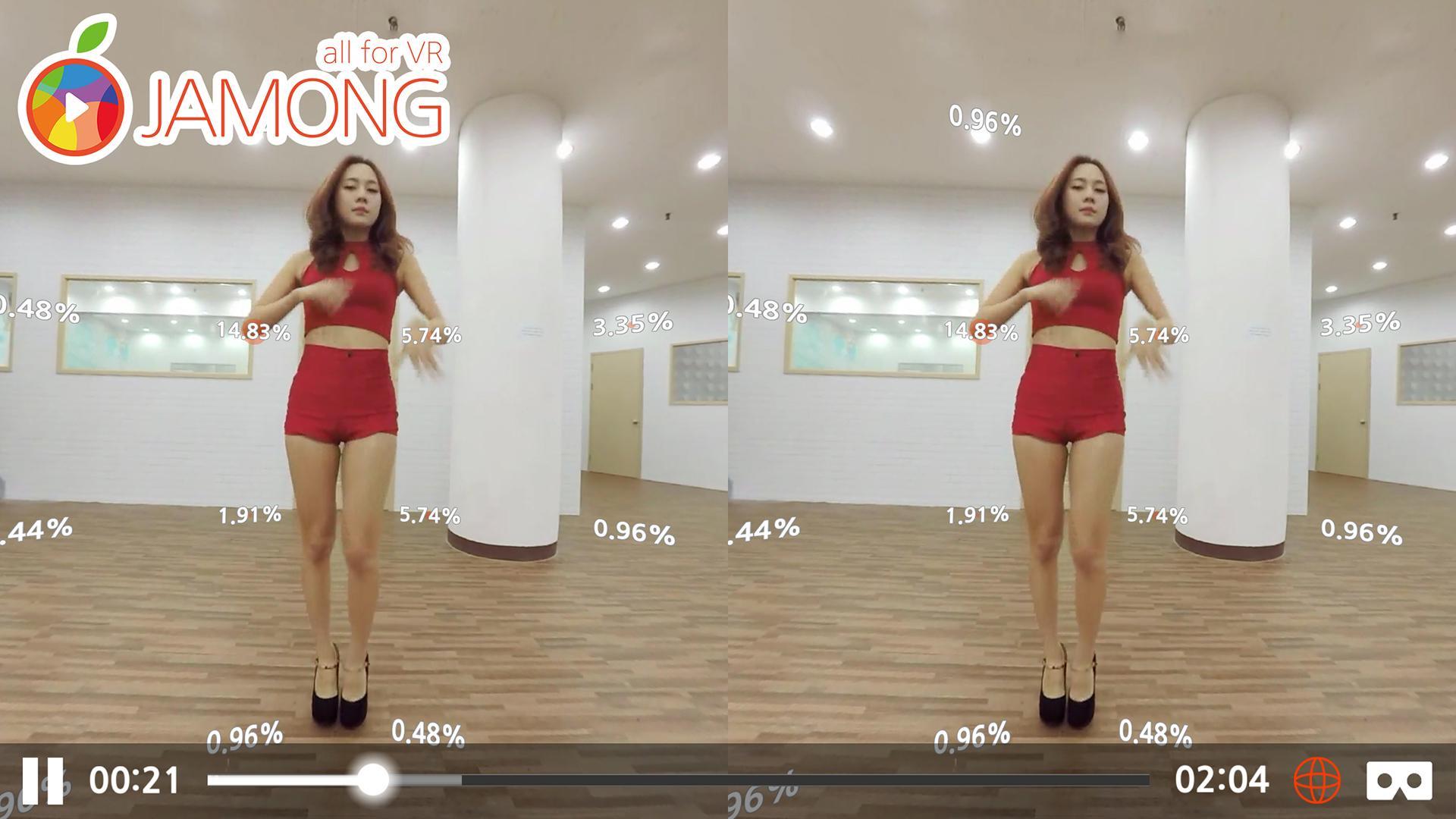
1. Users can enjoy various VR media fit for their mobile environment through the 2D swipe mode or 3D 360° mode.
2. Media uploaded by content creators are automatically encoded and provided in various encoding qualities.
3. Content creators are also able to have users pay to view their media content.
4. VR live streaming is available and taking advantage of this feature is as simple as setting up a personal channel.
5. Content creators can check analytical statistics to identify areas where users showed more interest and areas which where ledd popular.
6. Content creators can also set up to receive donations from their fans.
7. You can easily zoom in and zoom out (Normal viewing mode).
8. 360° photos can also be shared.
Enjoy a full VR media experience through Jamong.
Media player which provides a 360° view in all directions.
* Characteristics
1. 4K high definition 360° video and images
2. 3D + 360° video playback
3. Easily switch between Normal view mode and VR mode
4. Zoom in and zoom out capability (Normal view mode)
5. Data collection and visualization of users' viewing patterns (focus areas).
※ Galaxy A5, A7 do not run in VR mode because they do not contain a gyro sensor.
※ When not run in Wi-Fi mode, download or streaming videos may be subject to data rates (depending on your data plan).
※ Separate VR equipment (i.e. Google Cardboard) is required to experience 3D VR media.
Latest Version
1.36Uploaded by
Florian Grießbach
Requires Android
Android 4.4+
Category
Free Entertainment AppContent Rating
Teen
Report
Flag as inappropriateLast updated on Feb 7, 2017
This release includes minor bug fixes and general improvements. Update to the latest version for the best experience.





APKPure - A multi-platform app store primarily focused on Android, providing extensive app-related content. Discover the app you want easier, faster, and safer, with quick and efficient downloads and installations.