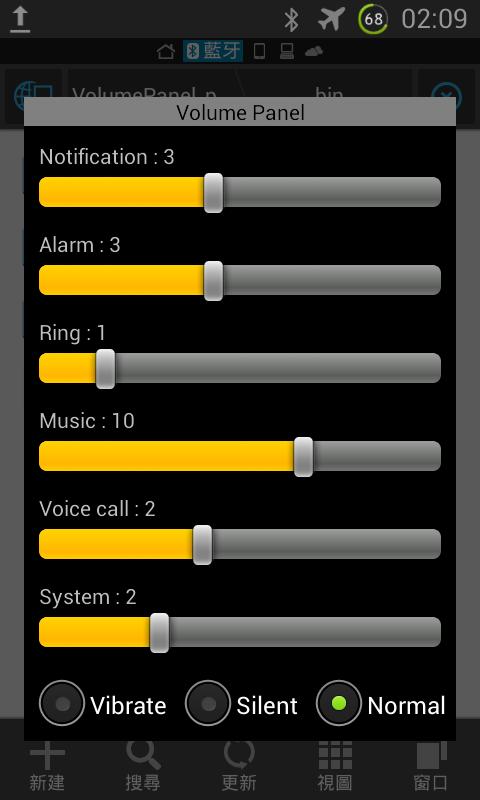
1. Simple volume adjustment.
2. After the long press on the control panel, you can adjust the brightness of the up / down control (the lowest value will go to the automatic brightness).
3. Click the space to leave the volume adjustment screen, do not press the "Back" button (to facilitate the larger screen and one-handed operation).
Latest Version
1.2Uploaded by
Nazeer Khan Gujjar
Requires Android
Android 3.0+
Category
Free Tools AppContent Rating
Everyone
Report
Flag as inappropriateLast updated on Jul 18, 2017
-Increase the compatibility of some models





APKPure - A multi-platform app store primarily focused on Android, providing extensive app-related content. Discover the app you want easier, faster, and safer, with quick and efficient downloads and installations.