QR code scan
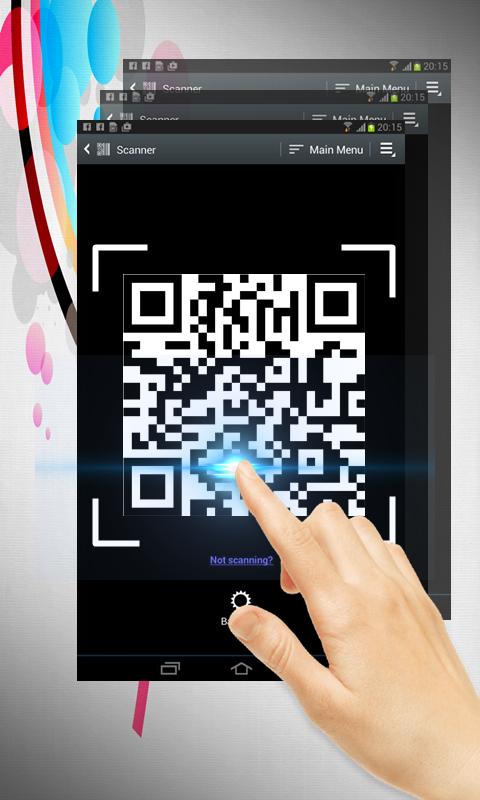
QR code scan is extremely easy to use; simply point to QR you want to scan and app will automatically detect and scan it. No need to press any buttons, take photos or adjust zoom.
When scanning a QR code, if the code contains a website URL, you will automatically be taken to the site. If the code just contains text, you'll immediately see it. For other formats such as phone numbers, email addresses, or contact info, you will be prompted to take the appropriate action.
Simple user guide as following:
To scan the QR code, simply open the application, align the code. QR Code Reader will automatically recognize any QR code. When scanning the QR code, if the code contains a URL, you can open browser to the site by press browser button . If the code contains only text, you can instantly see.
Phiên bản mới nhất
4Được tải lên bởi
Daniels Unique
Yêu cầu Android
Android 4.0+
Danh mục
Miễn phí Mua sắm ỨNG DỤNGXếp hạng nội dung
Everyone
Báo cáo
Gắn cờ là không phù hợpLast updated on Dec 11, 2017
Phiên bản này bao gồm các bản sửa lỗi nhỏ và cải tiến chung. Hãy cập nhật lên phiên bản mới nhất để có trải nghiệm tốt nhất.


APKPure - Kho ứng dụng đa nền tảng chủ yếu tập trung vào Android, cung cấp nội dung phong phú về ứng dụng. Khám phá ứng dụng bạn muốn dễ dàng, nhanh chóng và an toàn hơn, với tính năng tải xuống và cài đặt nhanh chóng và hiệu quả.