QR code scan
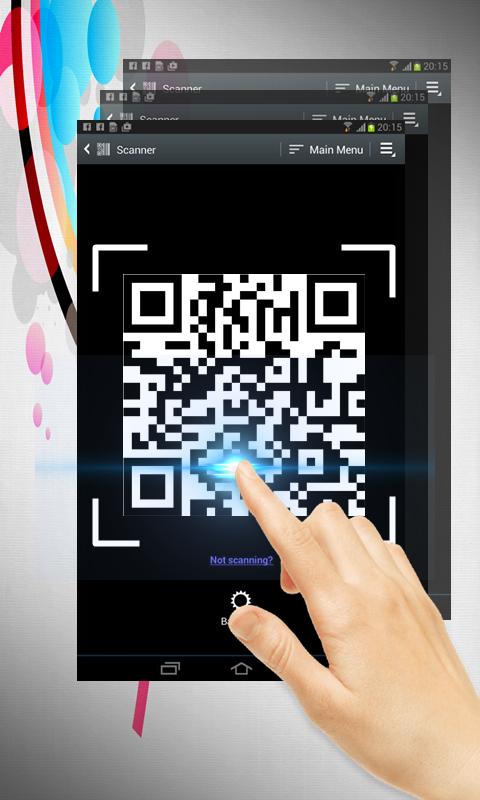
QR code scan is extremely easy to use; simply point to QR you want to scan and app will automatically detect and scan it. No need to press any buttons, take photos or adjust zoom.
When scanning a QR code, if the code contains a website URL, you will automatically be taken to the site. If the code just contains text, you'll immediately see it. For other formats such as phone numbers, email addresses, or contact info, you will be prompted to take the appropriate action.
Simple user guide as following:
To scan the QR code, simply open the application, align the code. QR Code Reader will automatically recognize any QR code. When scanning the QR code, if the code contains a URL, you can open browser to the site by press browser button . If the code contains only text, you can instantly see.
Laatste Versie
4Geüpload door
Daniels Unique
Android vereist
Android 4.0+
Categorie
Gratis Winkelen APPInhoudsbeoordeling
Everyone
Melden
Rapporteer als ongepastLast updated on Dec 11, 2017
Deze versie bevat kleine bugfixes en algemene verbeteringen. Werk bij naar de nieuwste versie voor de beste ervaring.


APKPure - Een multi-platform appstore die zich voornamelijk richt op Android en uitgebreide app-gerelateerde content biedt. Ontdek de app die je wilt, eenvoudiger, sneller en veiliger, met snelle en efficiënte downloads en installaties.