QR code scan
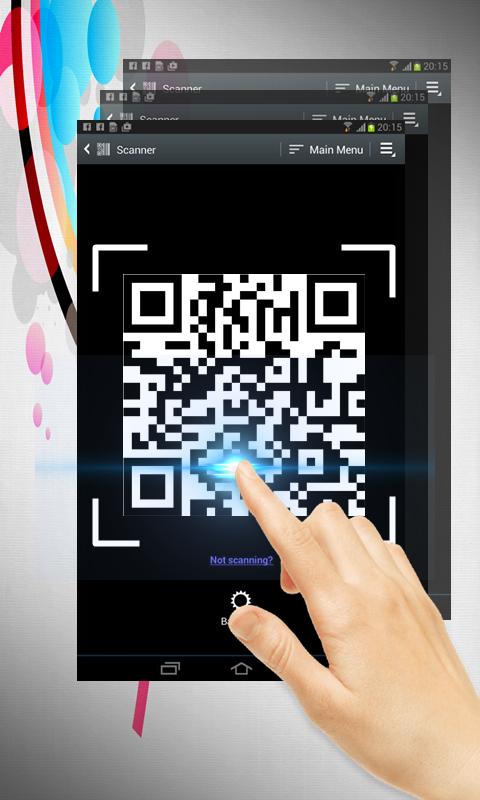
QR code scan is extremely easy to use; simply point to QR you want to scan and app will automatically detect and scan it. No need to press any buttons, take photos or adjust zoom.
When scanning a QR code, if the code contains a website URL, you will automatically be taken to the site. If the code just contains text, you'll immediately see it. For other formats such as phone numbers, email addresses, or contact info, you will be prompted to take the appropriate action.
Simple user guide as following:
To scan the QR code, simply open the application, align the code. QR Code Reader will automatically recognize any QR code. When scanning the QR code, if the code contains a URL, you can open browser to the site by press browser button . If the code contains only text, you can instantly see.
Versi Terbaru
4Dimuat naik oleh
Daniels Unique
Memerlukan Android
Android 4.0+
Category
PERCUMA Beli-belah APLIKASIPenilaian Kandungan
Everyone
Laporkan
Tandai sebagai tidak sesuaiLast updated on Dec 11, 2017
Versi ini mengandungi pembaikan pepijat kecil dan penambahbaikan umum. Kemas kini kepada versi terkini untuk pengalaman terbaik.


APKPure - Sebuah gedung aplikasi berbilang platform yang tertumpu terutamanya pada Android, menyediakan kandungan berkaitan aplikasi yang meluas. Temui aplikasi yang anda mahukan dengan lebih mudah, pantas, dan selamat, dengan muat turun dan pemasangan yang cepat dan cekap.