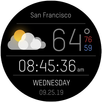
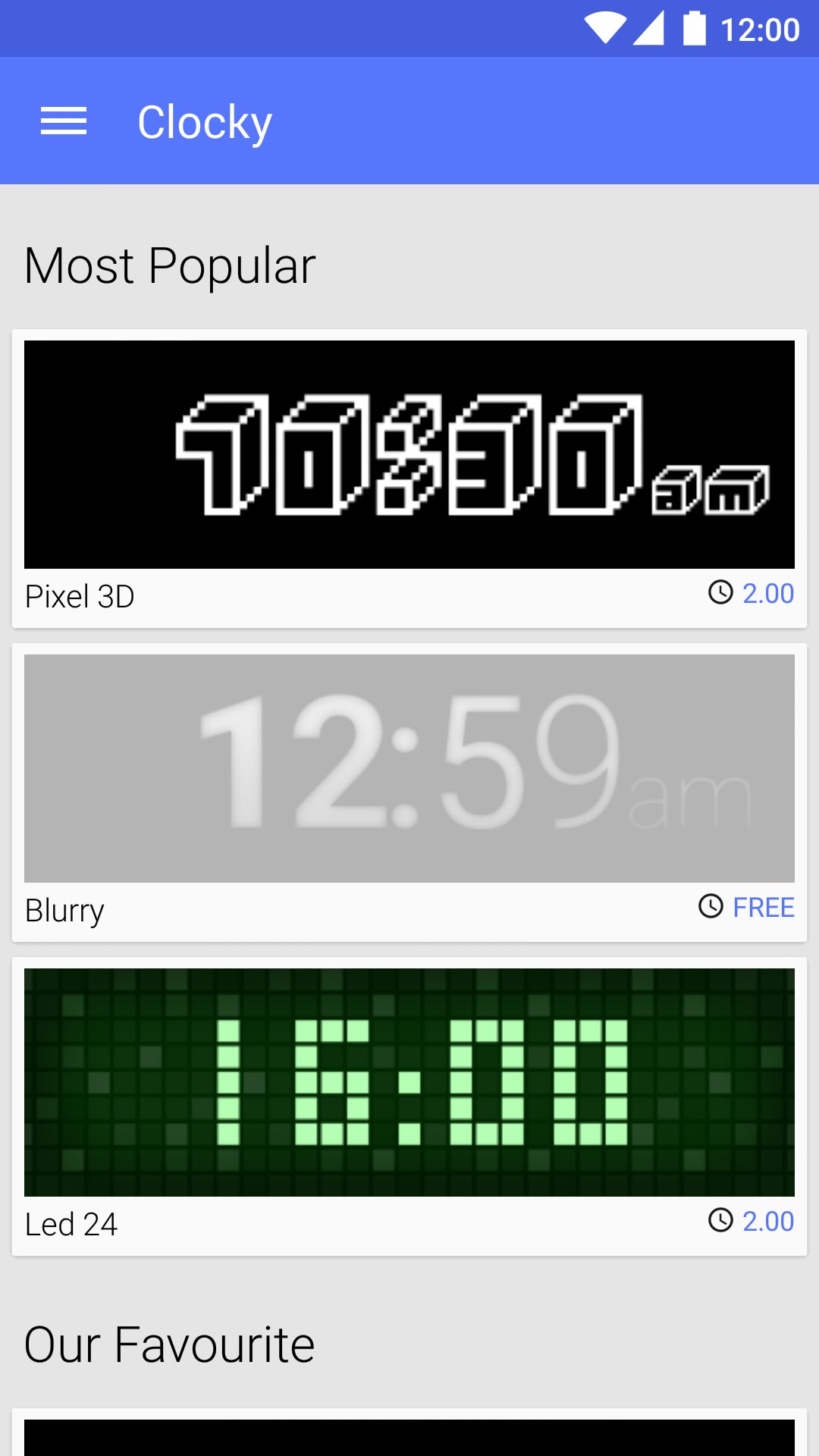
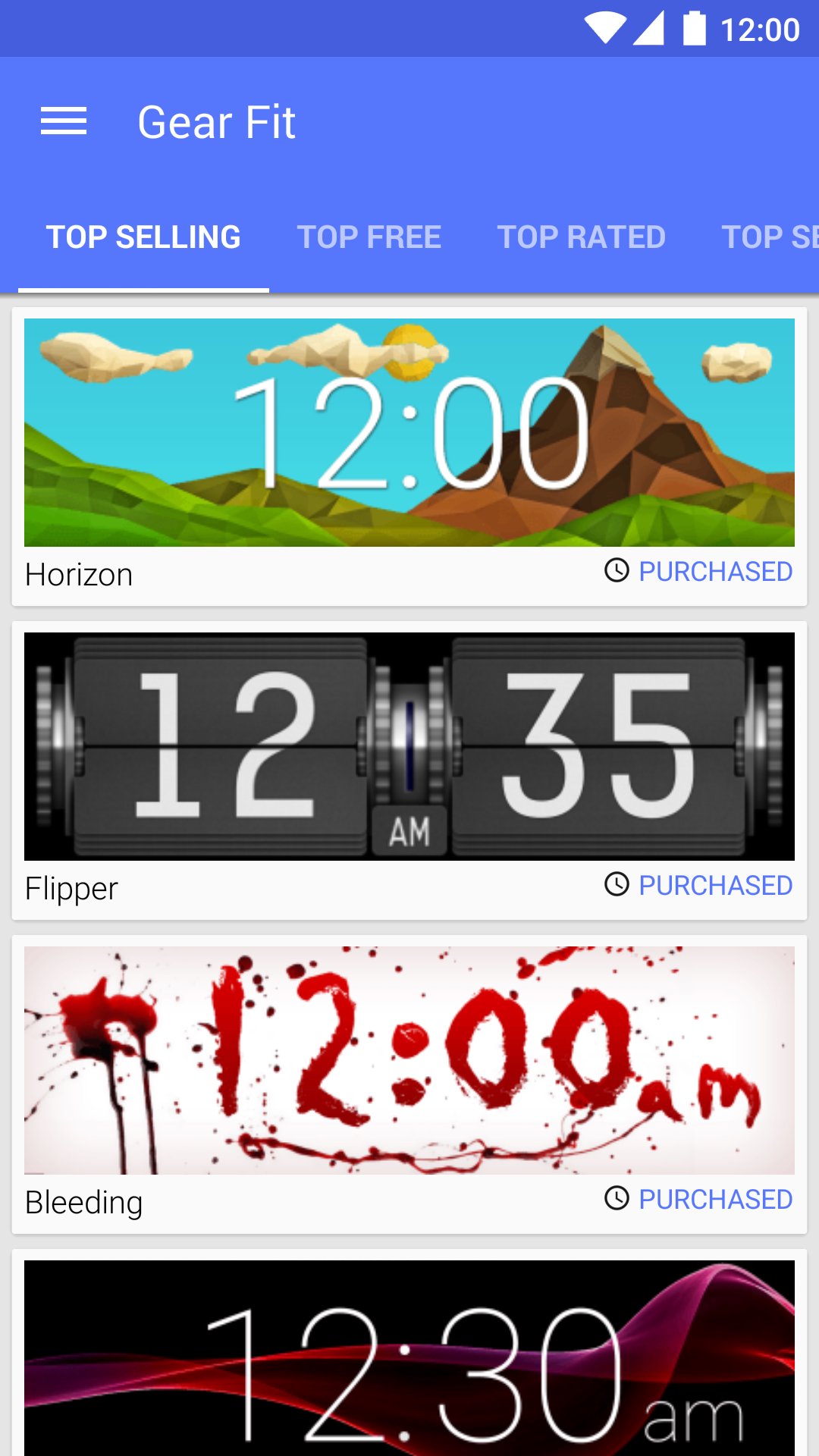
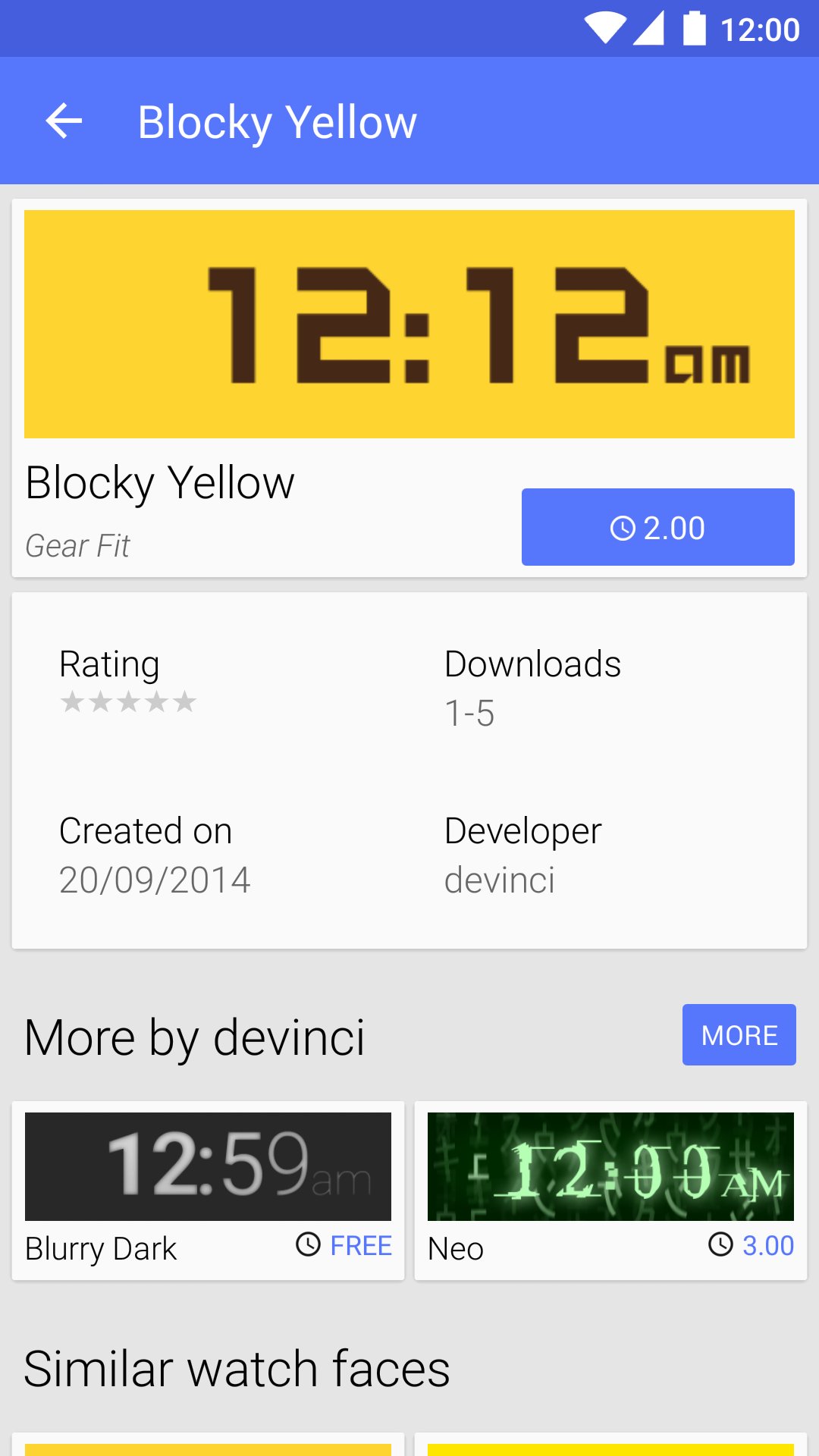
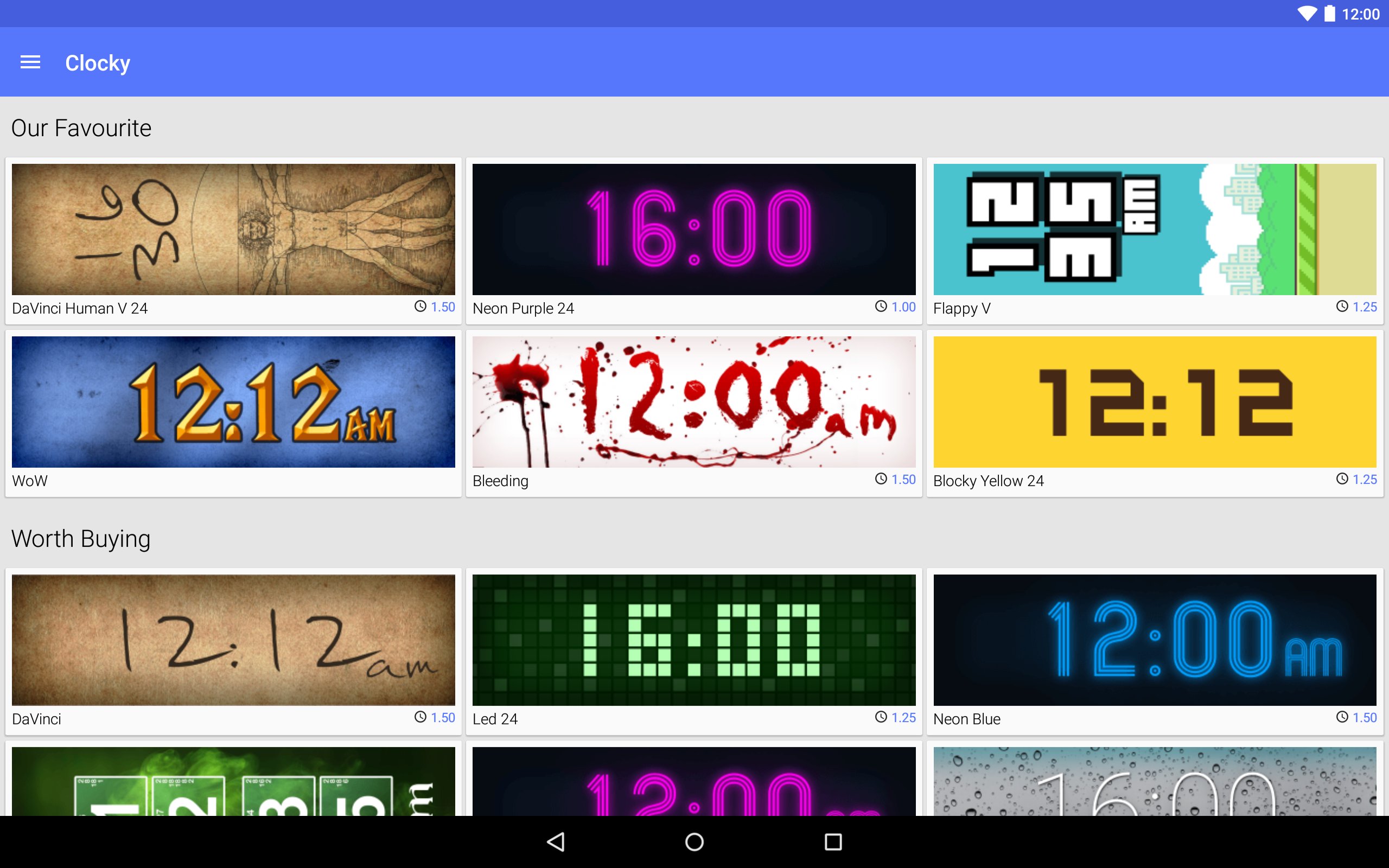
Clocky is a store with watch faces for Samsung Gear Fit
Clocky provides hundreds of watch faces designed by people around the world. Enjoy free clocks as well as beautiful premium ones. Style your Gear Fit with Clocky!
How to set the watch face
- Install the Gear Fit Manager and pair your Gear Fit
- Buy a watch face in the Clocky app
- Click the "Set" button to open Gear Fit Manager
- Choose Home screen styler > Clock > Style Clocks settings icon
- Select Clocky to display the selected watch face on your Gear Fit
SAMSUNG_CUP_ENABLED SAMSUNG_GEAR_FIT_CLOCK
Phiên bản mới nhất
1.4.6Được tải lên bởi
Rhanna Luiza
Yêu cầu Android
Android 4.1+
Danh mục
Miễn phí Công cụ ỨNG DỤNGXếp hạng nội dung
Everyone
Báo cáo
Gắn cờ là không phù hợpLast updated on Sep 21, 2015
- UI/UX improvements for Lollipop
- Caching thumbnails on device
- Bug fixes




APKPure - Kho ứng dụng đa nền tảng chủ yếu tập trung vào Android, cung cấp nội dung phong phú về ứng dụng. Khám phá ứng dụng bạn muốn dễ dàng, nhanh chóng và an toàn hơn, với tính năng tải xuống và cài đặt nhanh chóng và hiệu quả.