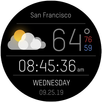
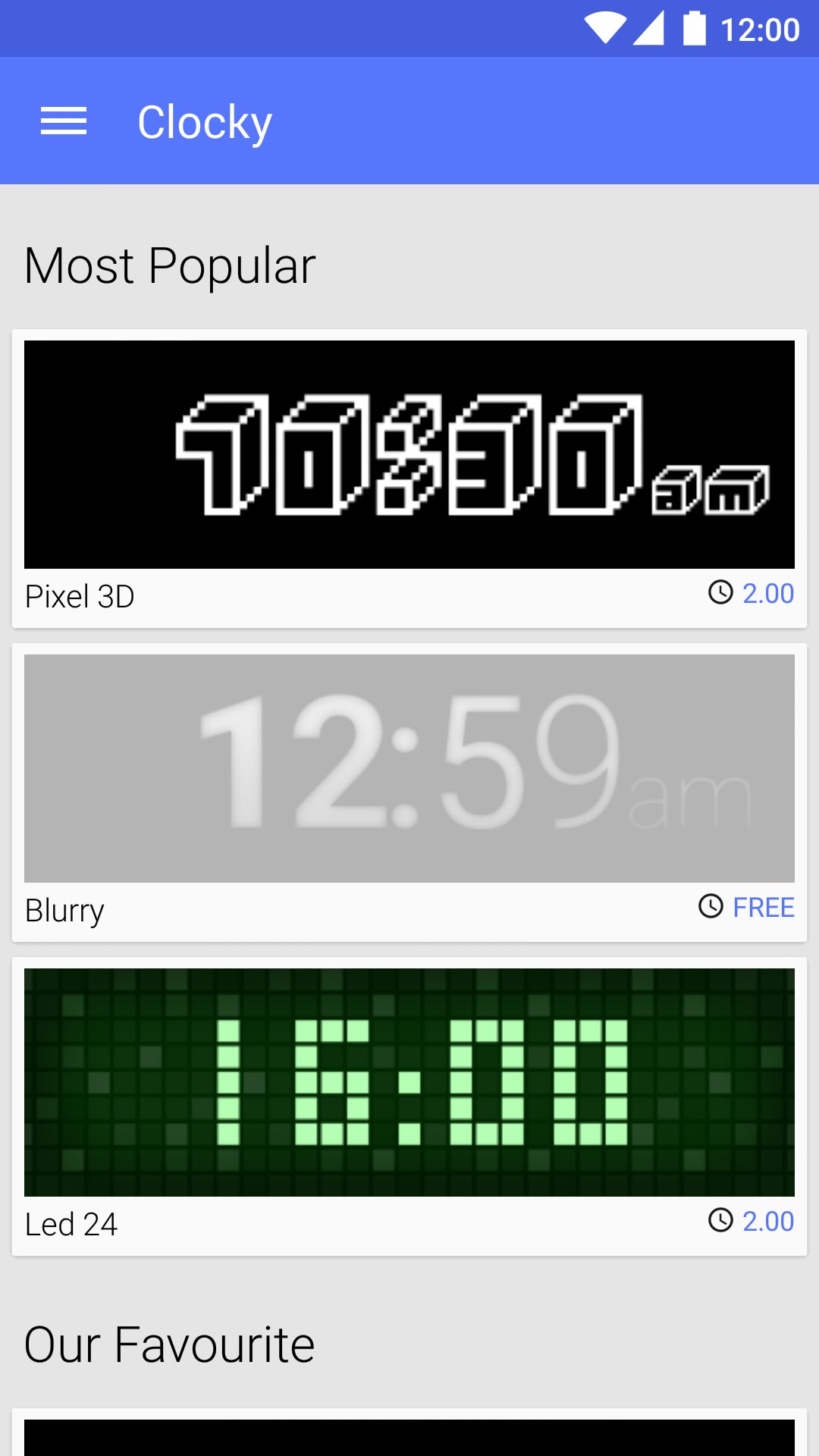
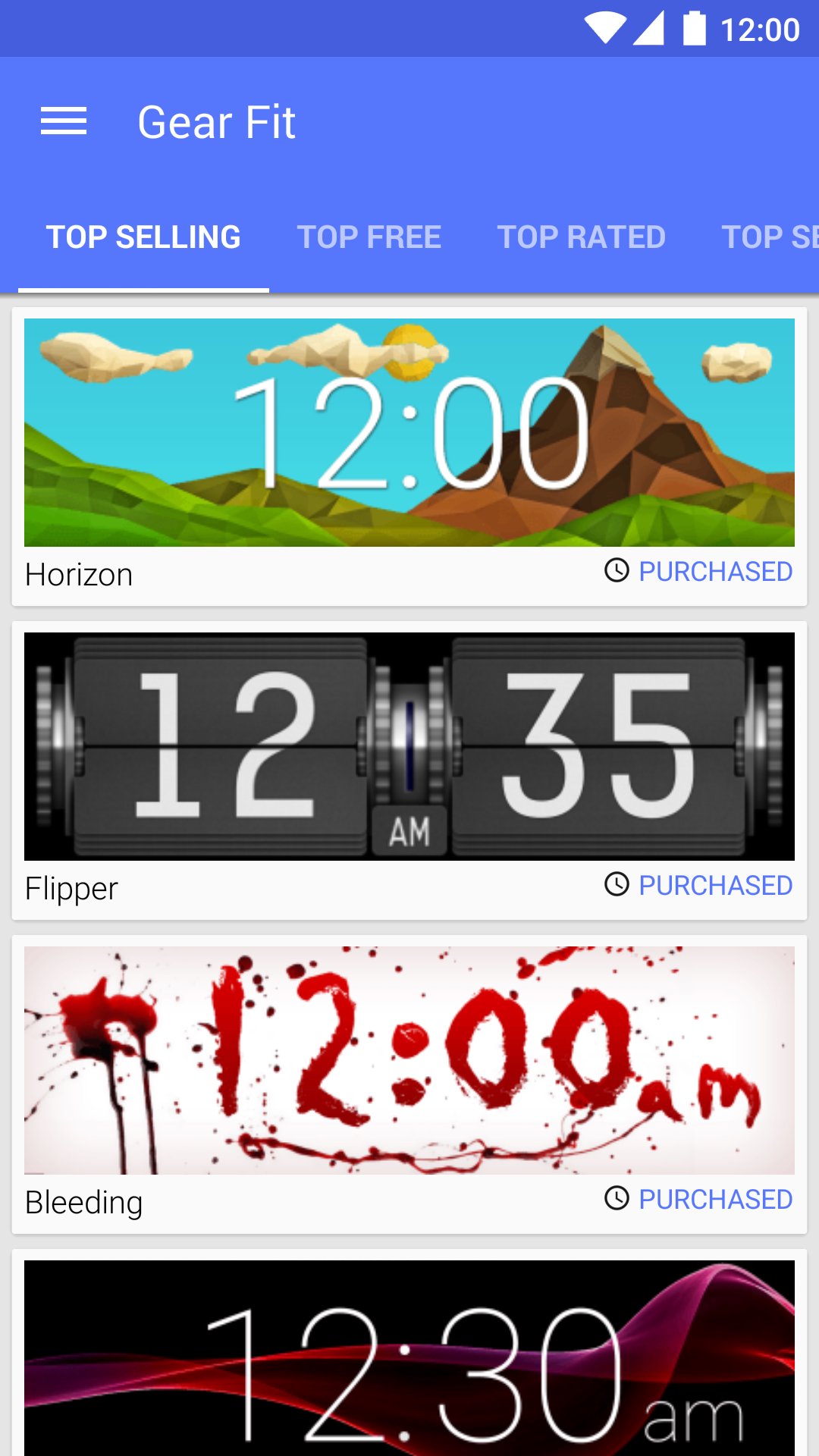
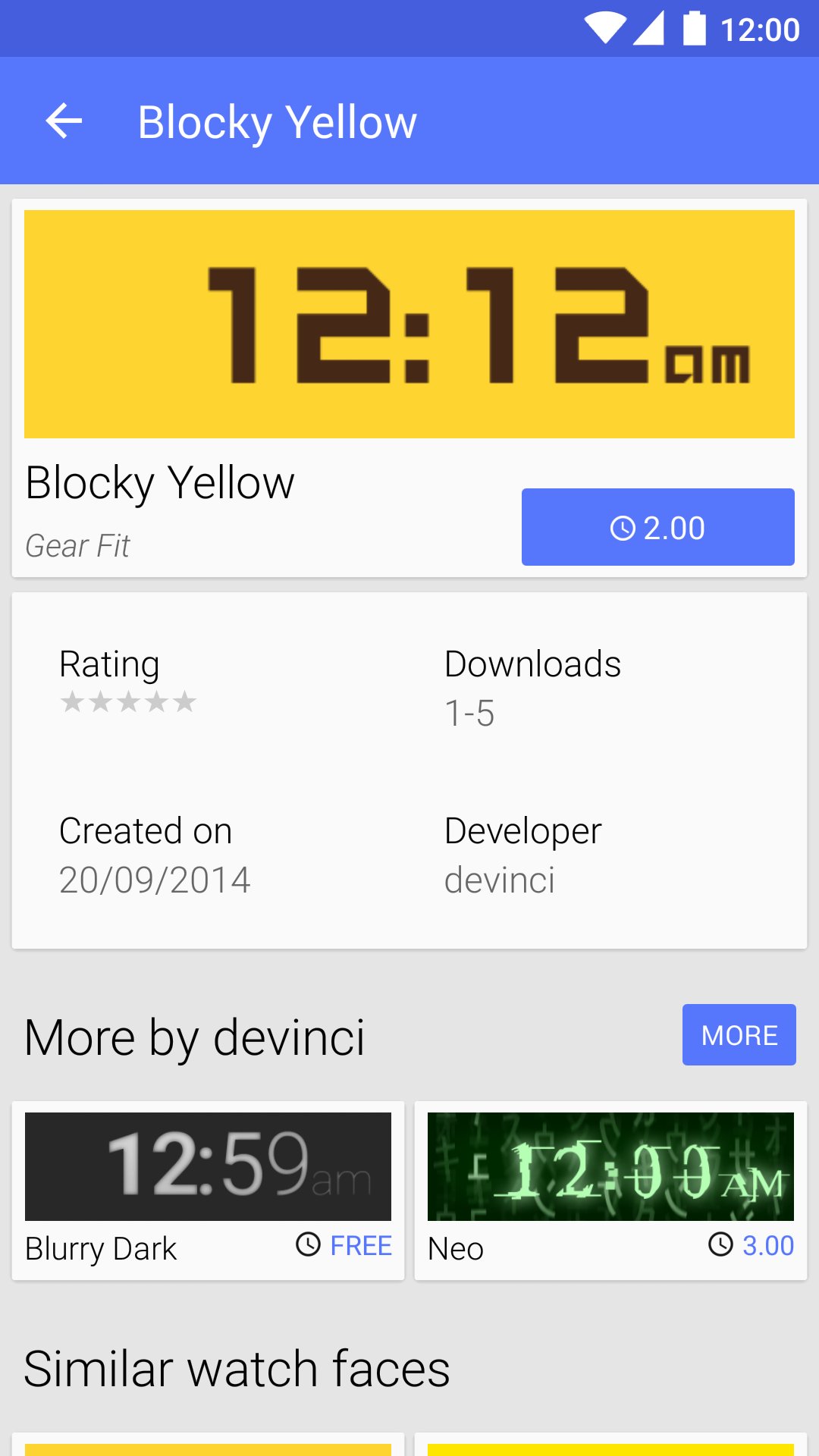
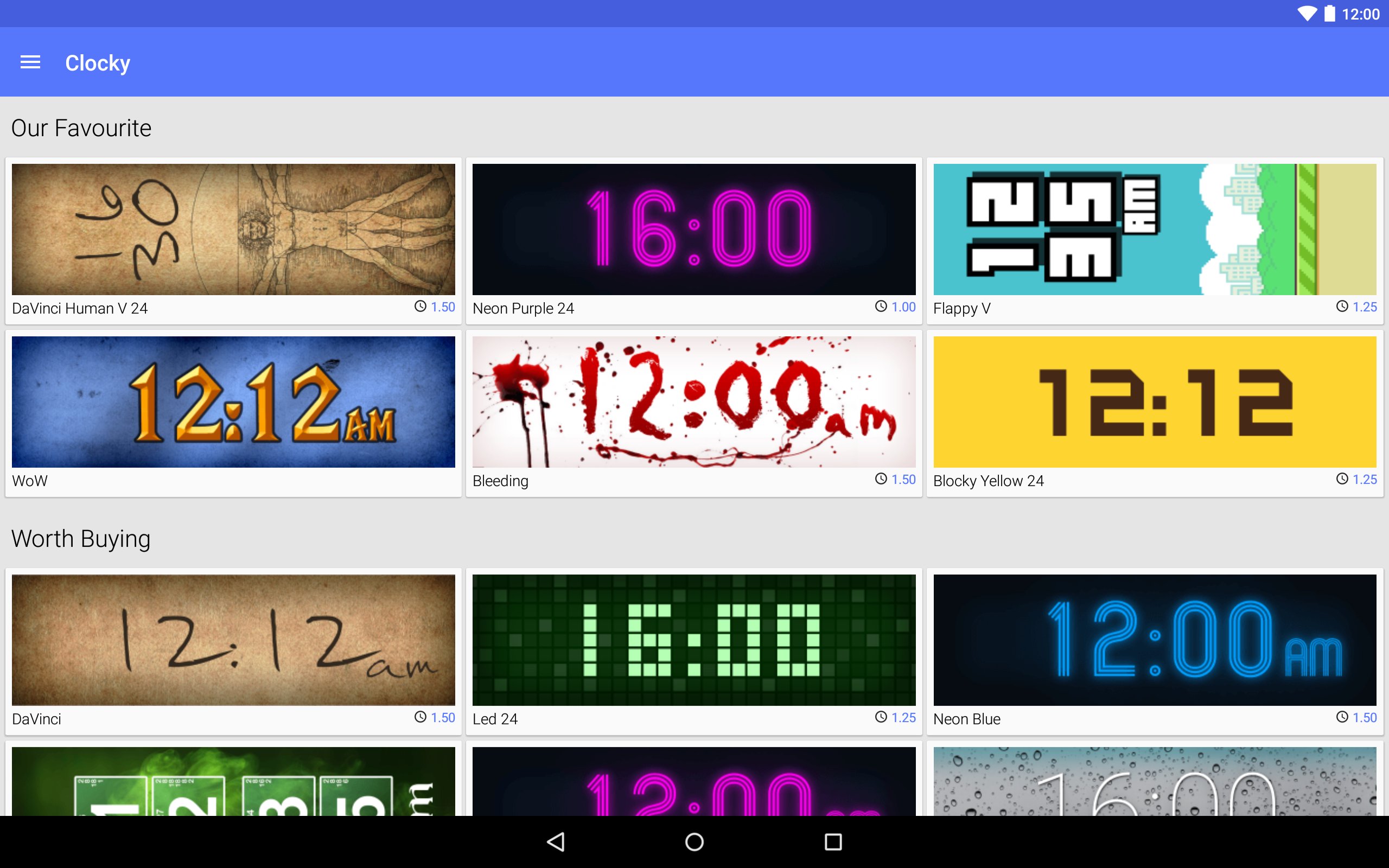
Clocky is a store with watch faces for Samsung Gear Fit
Clocky provides hundreds of watch faces designed by people around the world. Enjoy free clocks as well as beautiful premium ones. Style your Gear Fit with Clocky!
How to set the watch face
- Install the Gear Fit Manager and pair your Gear Fit
- Buy a watch face in the Clocky app
- Click the "Set" button to open Gear Fit Manager
- Choose Home screen styler > Clock > Style Clocks settings icon
- Select Clocky to display the selected watch face on your Gear Fit
SAMSUNG_CUP_ENABLED SAMSUNG_GEAR_FIT_CLOCK
Versi Terbaru
1.4.6Dimuat naik oleh
Rhanna Luiza
Memerlukan Android
Android 4.1+
Category
PERCUMA Alatan APLIKASIPenilaian Kandungan
Everyone
Laporkan
Tandai sebagai tidak sesuaiLast updated on Sep 21, 2015
- UI/UX improvements for Lollipop
- Caching thumbnails on device
- Bug fixes




APKPure - Sebuah gedung aplikasi berbilang platform yang tertumpu terutamanya pada Android, menyediakan kandungan berkaitan aplikasi yang meluas. Temui aplikasi yang anda mahukan dengan lebih mudah, pantas, dan selamat, dengan muat turun dan pemasangan yang cepat dan cekap.