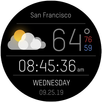
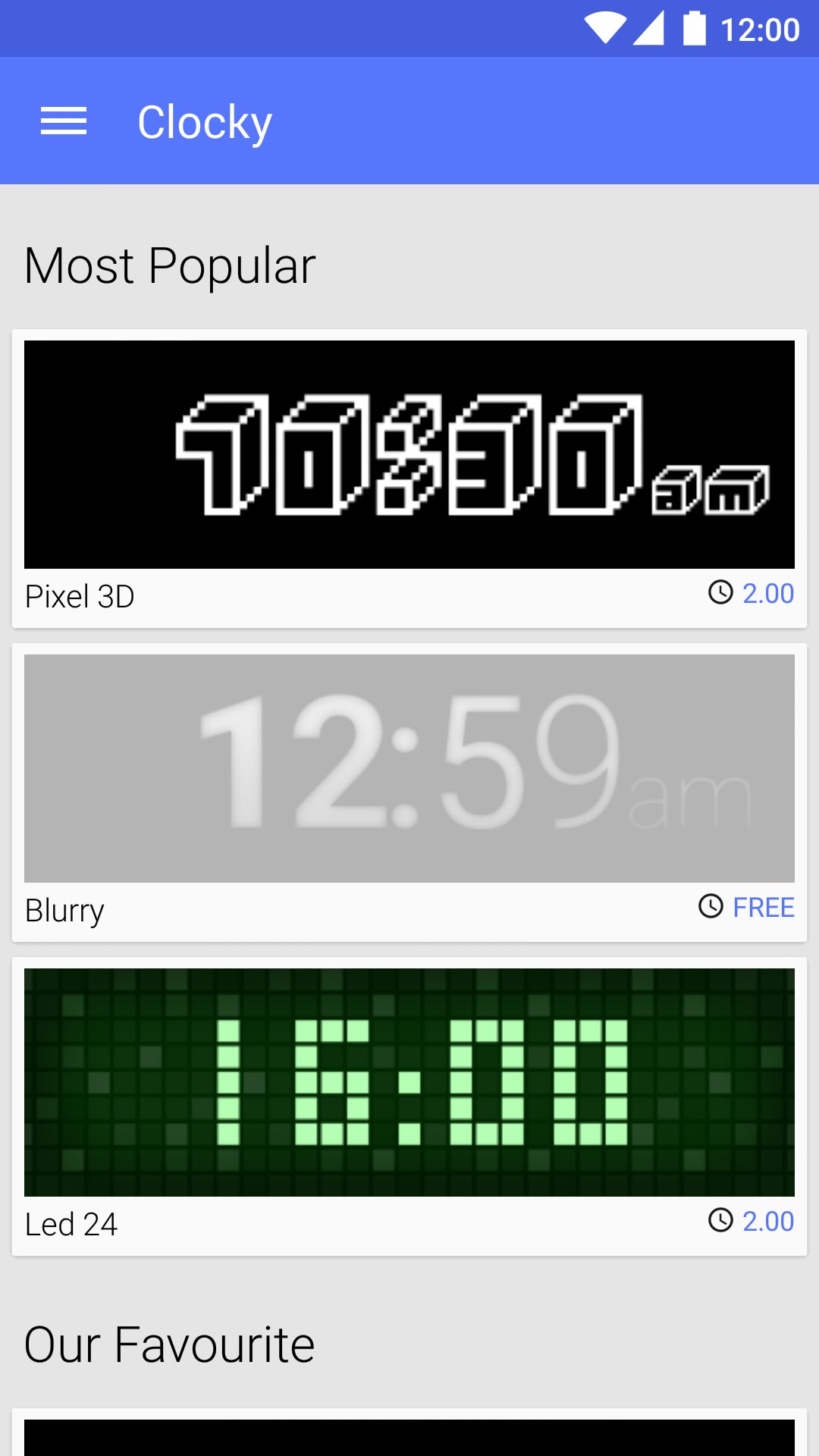
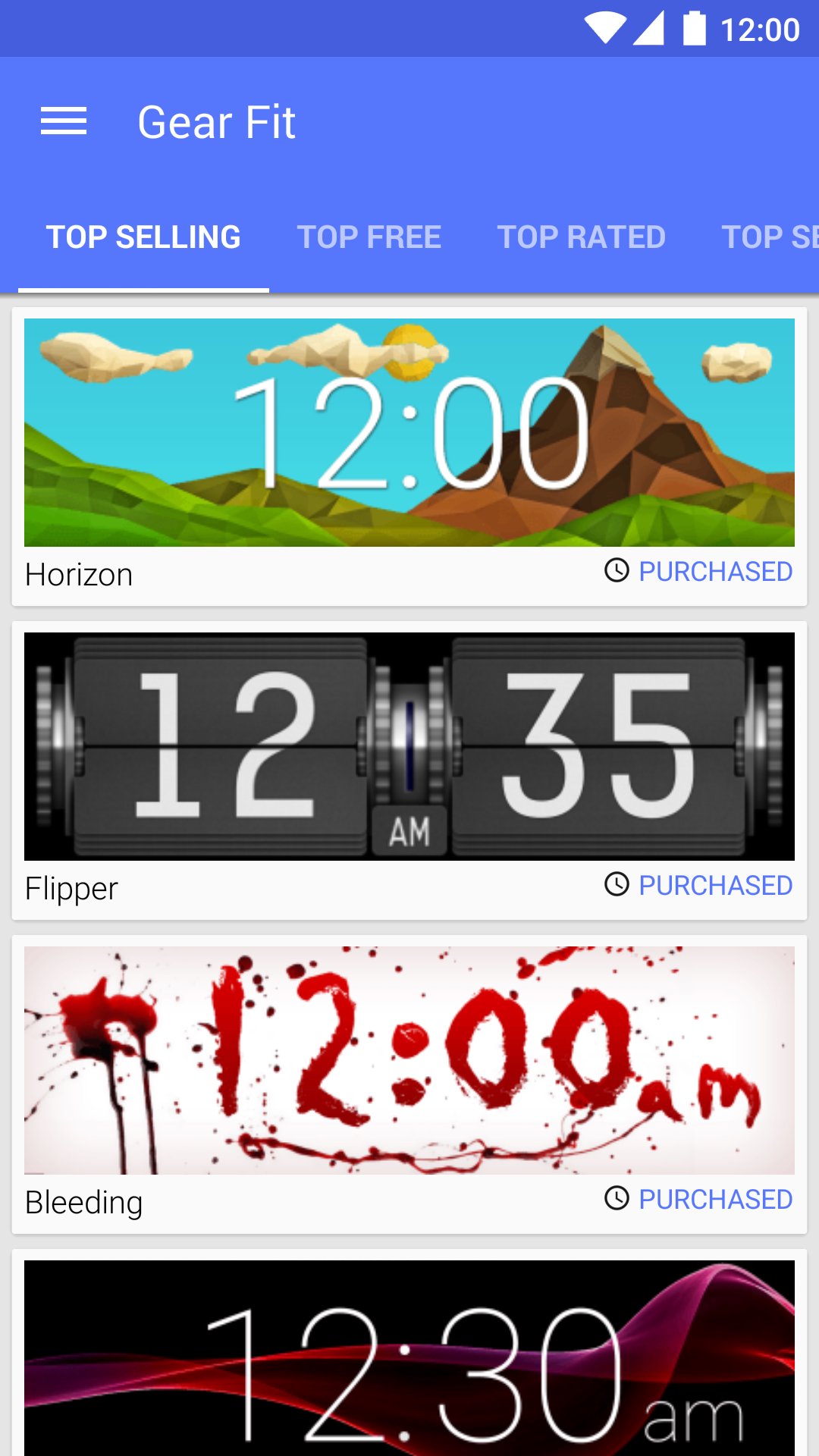
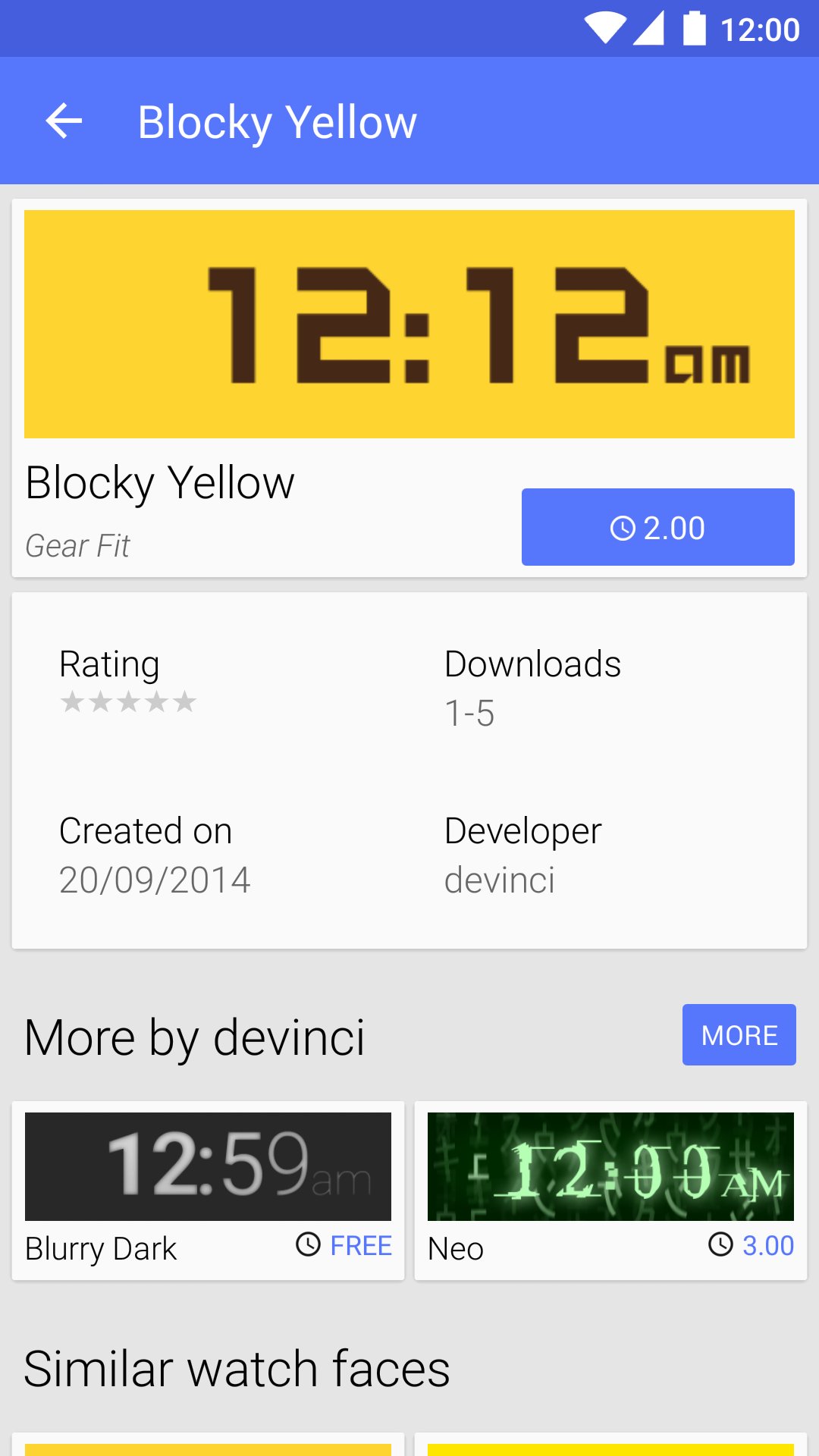
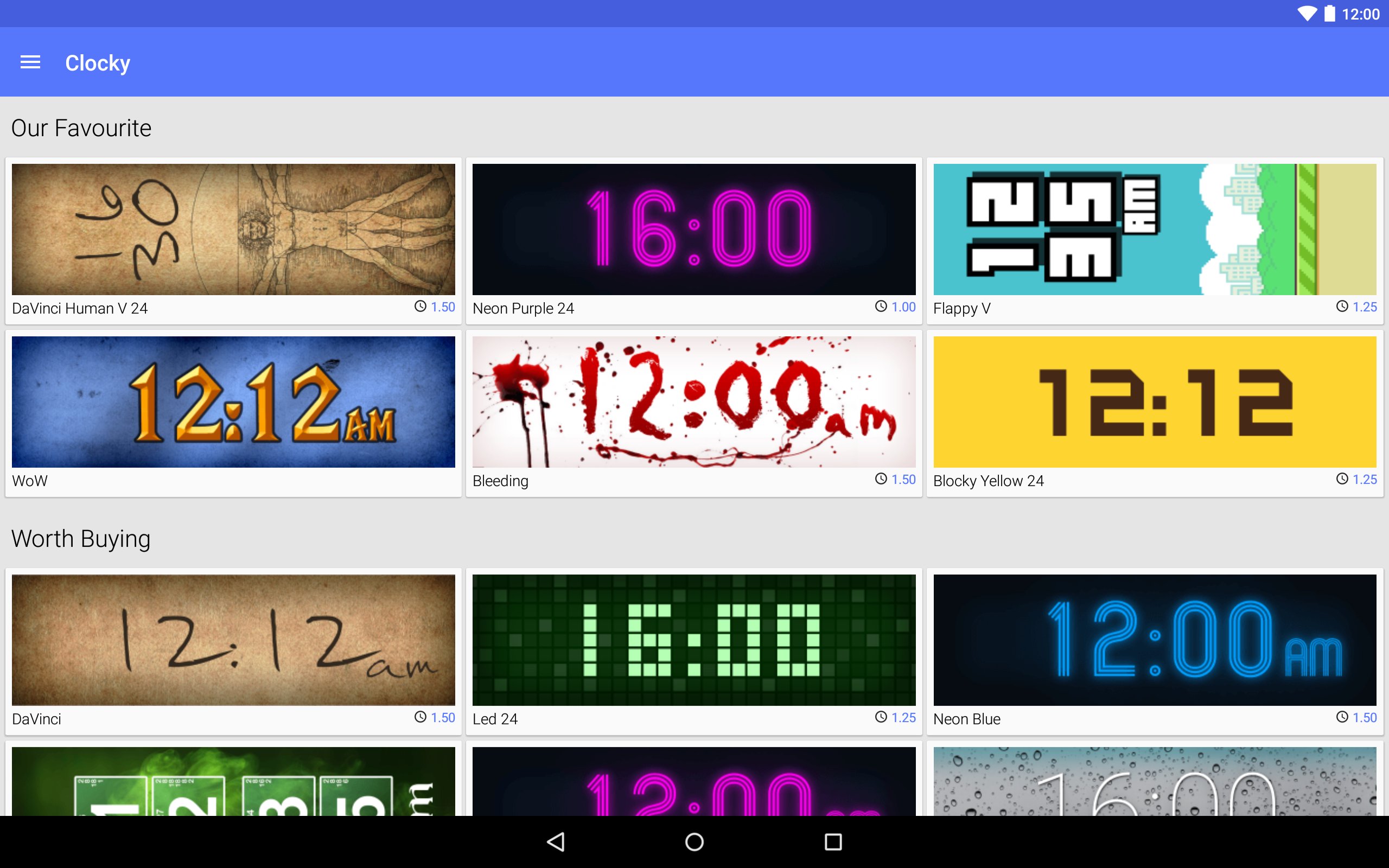
Clocky is a store with watch faces for Samsung Gear Fit
Clocky provides hundreds of watch faces designed by people around the world. Enjoy free clocks as well as beautiful premium ones. Style your Gear Fit with Clocky!
How to set the watch face
- Install the Gear Fit Manager and pair your Gear Fit
- Buy a watch face in the Clocky app
- Click the "Set" button to open Gear Fit Manager
- Choose Home screen styler > Clock > Style Clocks settings icon
- Select Clocky to display the selected watch face on your Gear Fit
SAMSUNG_CUP_ENABLED SAMSUNG_GEAR_FIT_CLOCK
Última Versión
1.4.6Presentado por
Rhanna Luiza
Requisitos
Android 4.1+
Categoría
Gratis Herramientas APPClasificación de contenido
Everyone
Reportar
Marcar como inapropiadoLast updated on 21/09/2015
- UI/UX improvements for Lollipop
- Caching thumbnails on device
- Bug fixes




APKPure - Una tienda de aplicaciones multiplataforma enfocada principalmente en Android, que proporciona un amplio contenido relacionado con aplicaciones. Descubre la aplicación que deseas de forma más fácil, rápida y segura, con descargas e instalaciones rápidas y eficientes.