Scan Date:Mar 31, 2026
Show More


Visha-Video Player All Formats suits users who want one app for videos, music, and online shows. It helps you browse your phone’s media quickly, organize files by source, and switch between watching and listening without extra tools. You can also stream popular programs from multiple countries when you do not want to rely only on local files. For quicker access, you can download Visha-Video Player All Formats to manage viewing, privacy, and offline use with straightforward controls.
Privacy Folder for hidden viewing
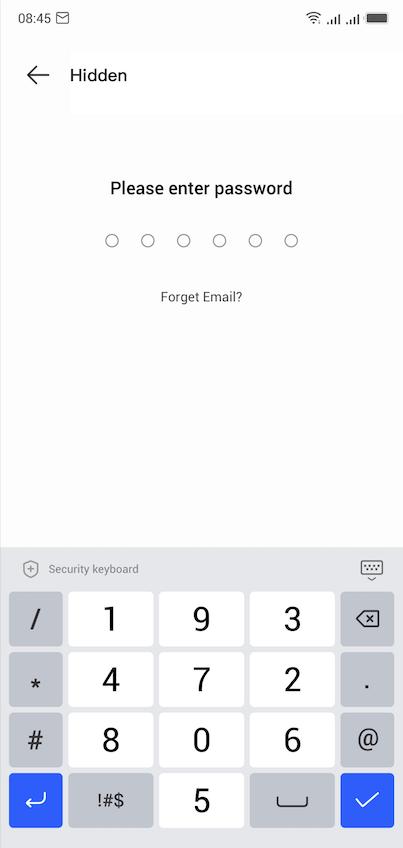
Visha-Video Player All Formats includes a Privacy Folder that keeps selected videos out of your public gallery. You move sensitive clips into this secure space to reduce accidental exposure when sharing your device. This helps separate personal media from general libraries while keeping playback simple when you need it.
Flexible playback controls for everyday viewing
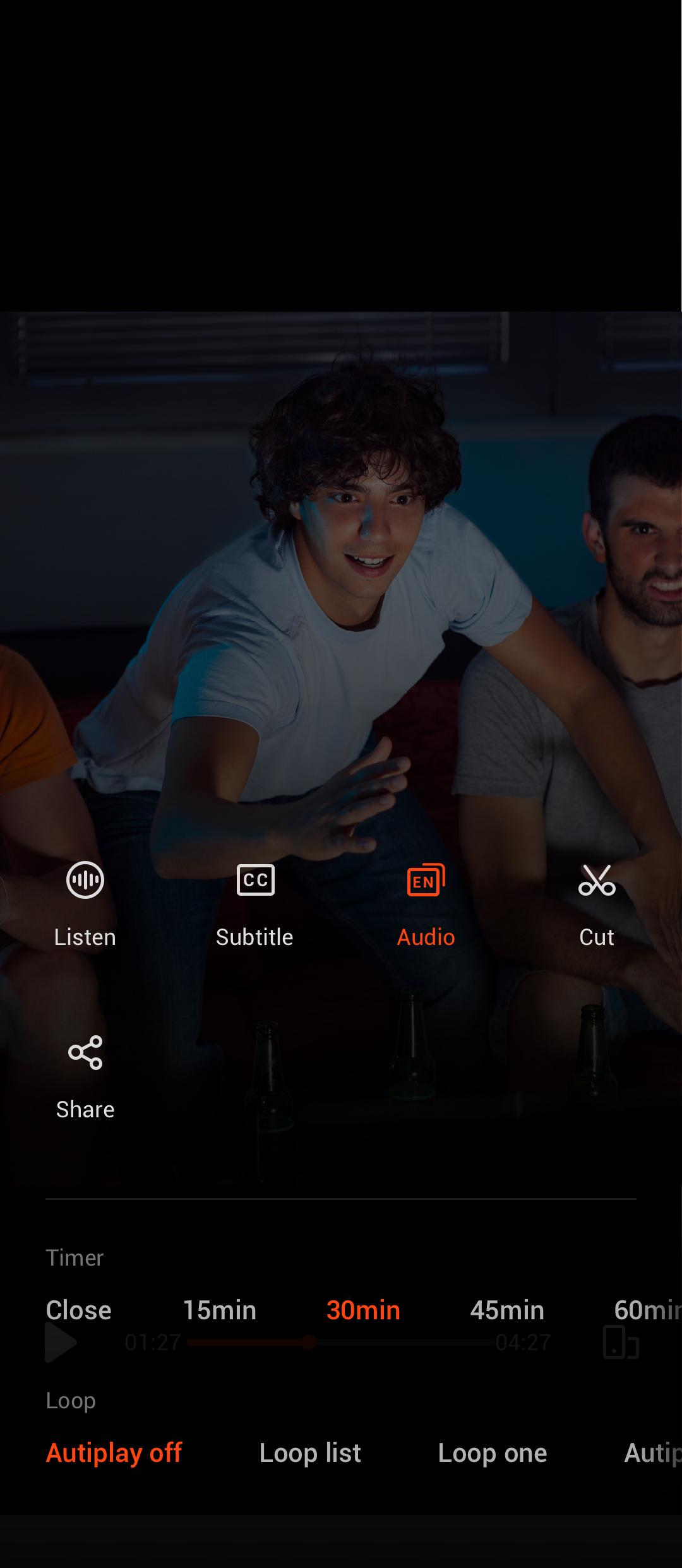
You can keep videos running in the background or open a floating window to watch while using other apps. The player supports speed control and double tap seek so you can review or skip content with accuracy. A history list makes it easy to resume later, and auto pause after playback helps avoid unwanted continuous play. Multiple audio tracks are supported to match your preferred language or commentary.
Subtitle support and audio track switching
The app lets you browse and download subtitles directly from the player. You can sync timing if lines are early or late so the text matches the scene. When a video includes more than one audio track, you can switch tracks without leaving the screen. This is helpful for multilingual content or alternate mixes.
Online streaming with optional VIP
When you want new content, open the online section to watch movies, TV shows, and variety programs from multiple countries. Streaming within the app organizes browsing and playback in a familiar interface. VIP membership is optional and unlocks ad free viewing, selected exclusive content, and a 1080P mode for supported titles. This gives users a clear choice between free watching and extra perks.
Offline downloads, MP3 conversion, and integrated music player
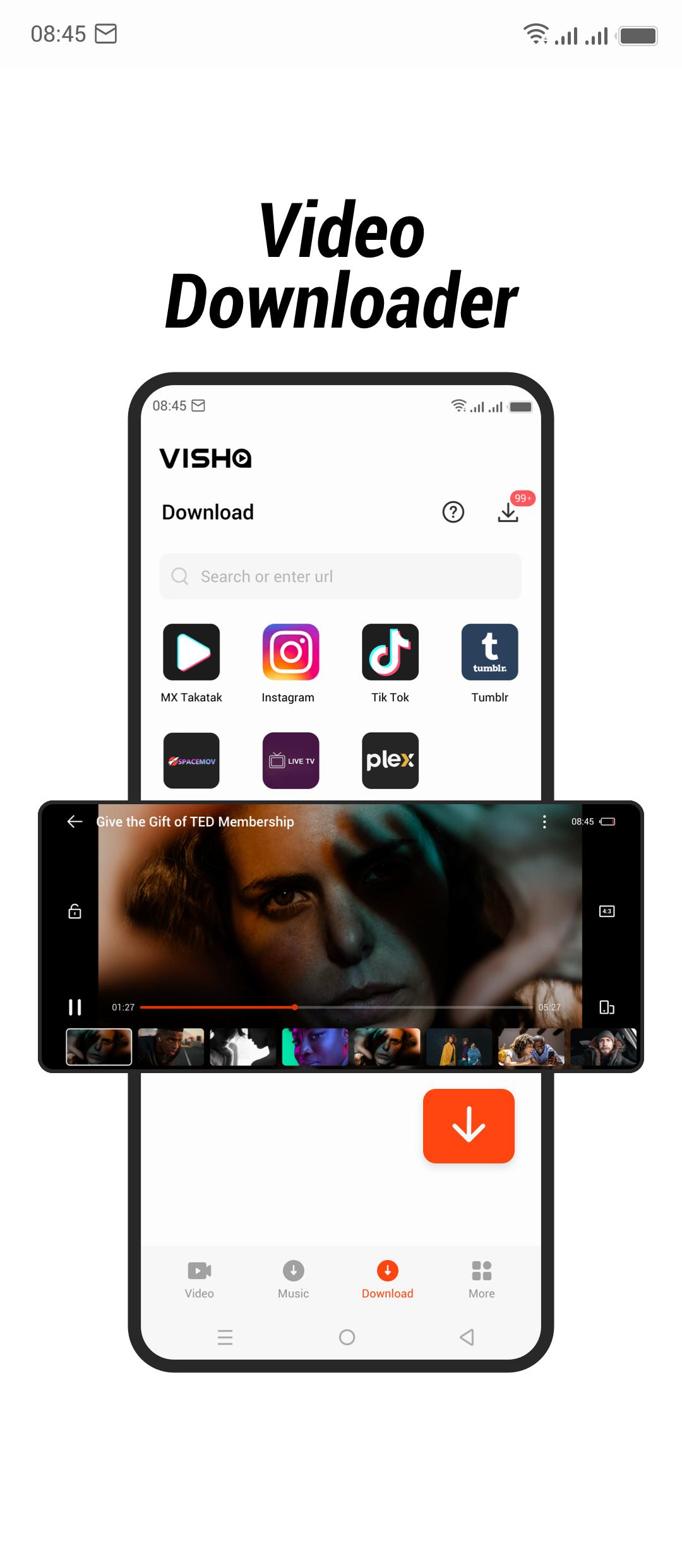
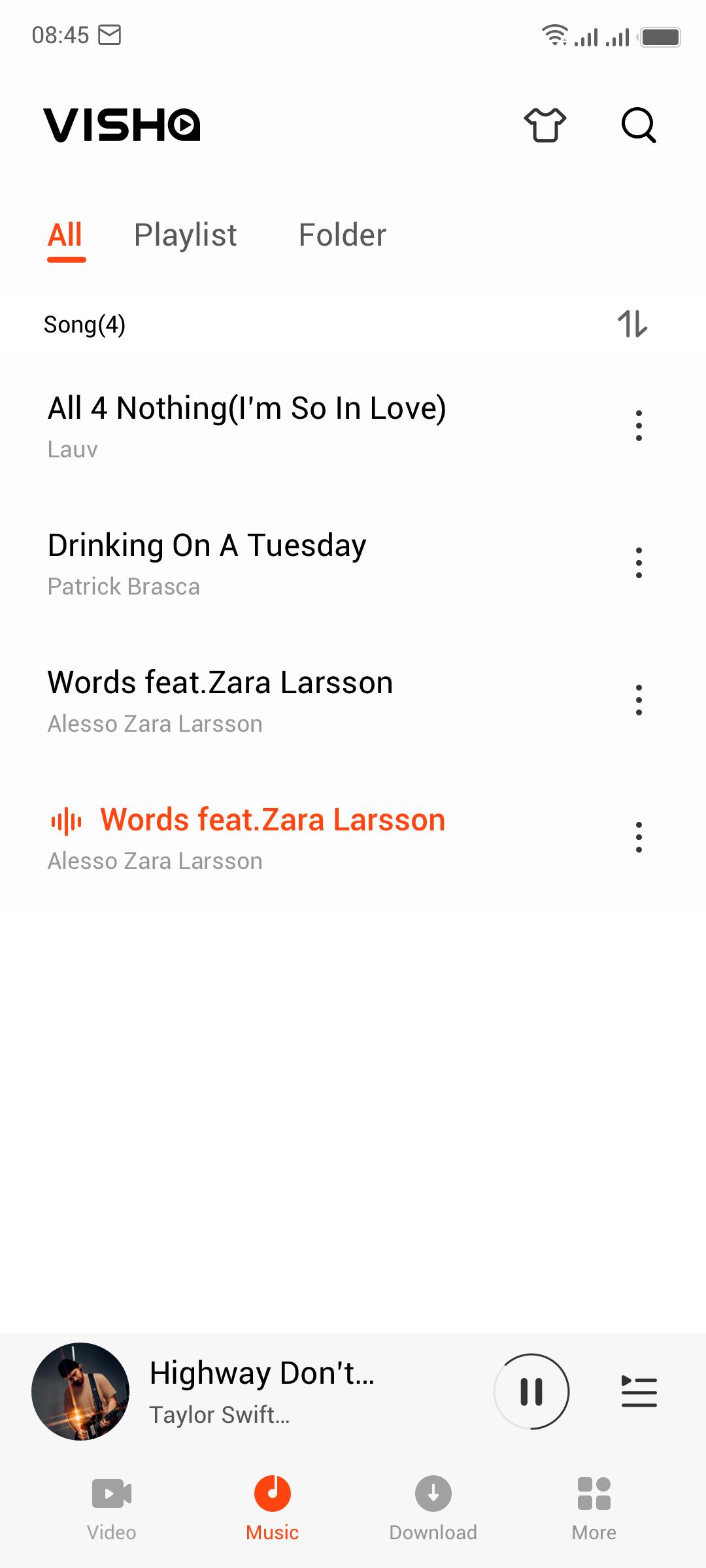
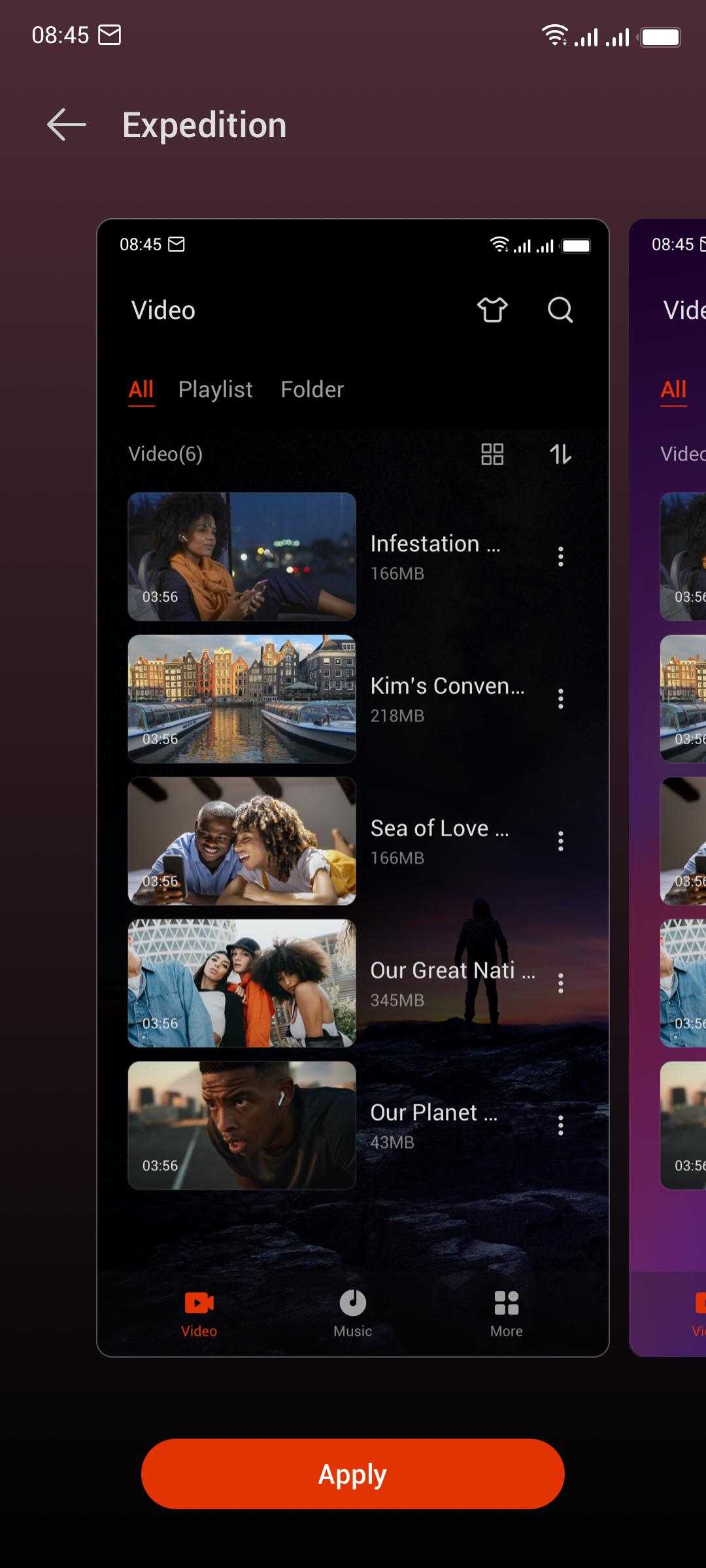
Visha-Video Player All Formats includes a video and audio downloader for saving supported media to your device. You can also convert a video to MP3 when you only need the audio for offline listening. The built in music player auto detects files on internal storage and SD card, then offers an equalizer, filtering, sorting, and a sleep timer. For organization, you can classify videos by download source, and for personalization you can switch skins to change the look of the app.
Getting started is direct and takes only a few steps. This quick guide covers local playback, streaming, privacy, and offline use in one flow. If needed, install the Visha-Video Player All Formats APK and then follow the steps below on your Android phone.
Visha-Video Player All Formats brings local media playback, online streaming, privacy controls, and a music player into a single workflow. If you prefer a simple setup for everyday viewing and offline listening, consider the Visha-Video Player All Formats latest version for a consistent experience across your library and online picks.
Latest Version
8.2.0.20Uploaded by
Visha Group
Requires Android
Android 10.0+
Category
Free Video Players & Editors AppContent Rating
Everyone
Security Report
Report
Flag as inappropriateLast updated on Mar 31, 2026
Minor bug fixes and improvements. Install or update to the newest version to check it out!




APKPure - A multi-platform app store primarily focused on Android, providing extensive app-related content. Discover the app you want easier, faster, and safer, with quick and efficient downloads and installations.