This VL Remote Control App lets you control VL Media Player on your desktop or laptop and allows you to browse, play your computer files as well as YouTube videos
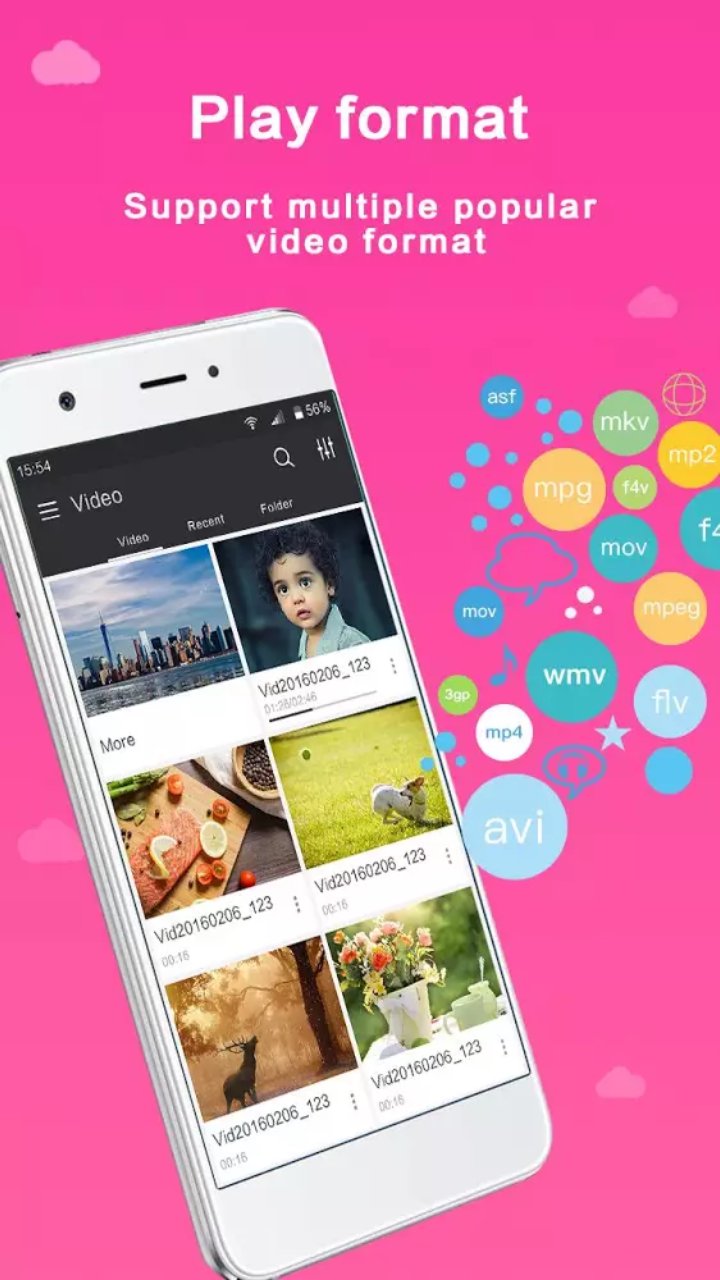
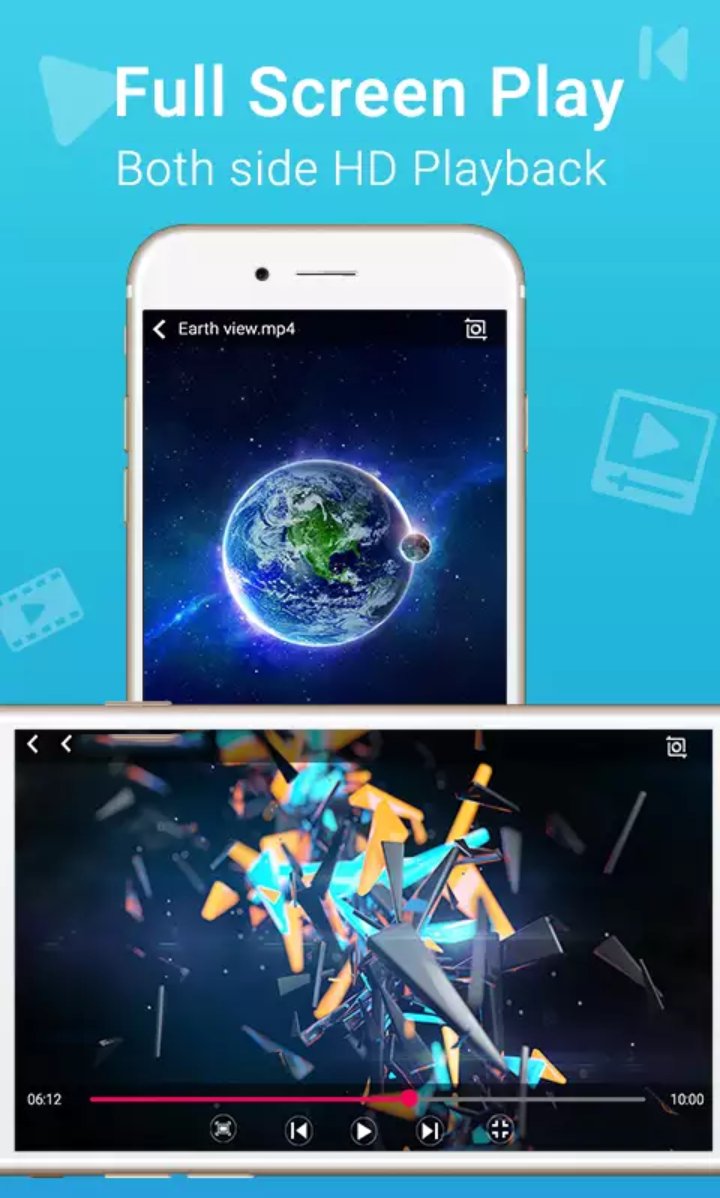
VL Video Player IPTV supports all video formats and most popular audio, and video and audio playing local files and from the network.
To work properly even on less powerful devices, VL Video Player IPTV uses hardware acceleration.
Enjoy online videos, movies, TV channels, music and more by adding m3u lists.
VL Video Player IPTV can play all the videos and music from your gallery.
Meet VLC media’s most compatible, up-to-date and user-friendly partner—VL Mobile Remote for Android. VL Remote is the most convenient way of controlling VC Player from your smartphones and tablets. No more couch-to-computer workout. If you watch movies and videos offline on your computers, this VC Remote gives you the awesome power to control VC Player wherever you're seated, whether in the kitchen or in the garden.
Just install the app, sit back, relax and remotely control VC Player from the couch. Works well with VC running on both Desktops & Laptops.
Features
• With this VC Remote App, You don't need to install any software on your PC or Mac!
• 'Setup Wizard' step by step guide makes it easy to setup VC Media with this LC Remote app.
• Control LC from Android Wear devices aka Android watches
• This LC Remote App auto connects to LC Player when you're on same Wi-Fi
• Fast & responsive as home TV Remote
• Stop, Play and Pause
• Control volume, next track and previous track
• Seek control, fast forward and fast rewind
• Toggle full-screen, Repeat, Shuffle, Loop, Aspect Ratio, Audio Track
• Manage Subtitle, playback speed, crop
• DVD Controls
• Gesture Controls
• Use this app as a PC remote to access all your media files.
• Works as a YouTube remote.
• Manage playlist
• Add subtitle files to currently playing video (supports .srt files only and requires LC v2.2.0 or up).
• Play on-line media files (Website videos, radio channels etc)
• Take screenshot or snap of video frame
• Set a folder as 'Home location'
• Save favourite folders
• Home Screen Widget & Notification controls
• Lock screen notification controls/widget
• Incoming call handling with soft pause & soft resume options
• Use device volume buttons to control LC volume
• Handle multiple files on saved computer, browse & playlists
• Fast scrolling on browse & playlists
• Switch Audio output devices
• Save multiple host/computer addresses
• Close/Quit VC video player directly from the App
• Better than any PC Remote or Mac Remote apps to control media on your computer
All You Need
- VC video player on your Windows PC, OSX Mac or Linux PC
- VC video Player v2.0 or newer
- Common local network (LAN or WiFi) connection between your phone & desktop or laptop
Disclaimer:
video player is based on VLC for Android Beta, and licensed under the GNU General Public License version 3 or later .
GNU General Public License: http://www.gnu.org/licenses/
Latest Version
1.3.1Uploaded by
James Smith
Requires Android
Android 2.1+
Category
Free Music & Audio AppContent Rating
Everyone
Report
Flag as inappropriateLast updated on Jul 11, 2017
Minor bug fixes and improvements. Install or update to the newest version to check it out!





APKPure - A multi-platform app store primarily focused on Android, providing extensive app-related content. Discover the app you want easier, faster, and safer, with quick and efficient downloads and installations.