Scan Date:Apr 19, 2026
Show More

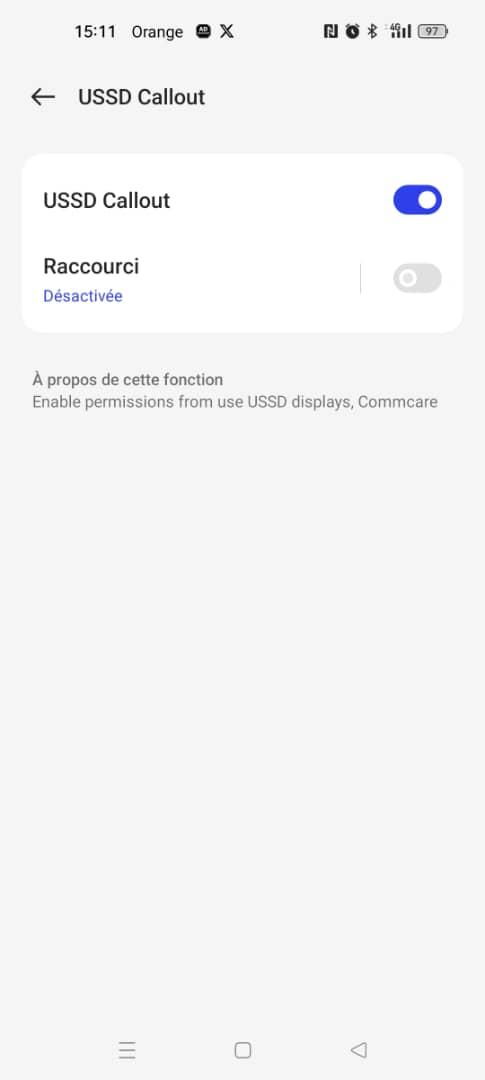
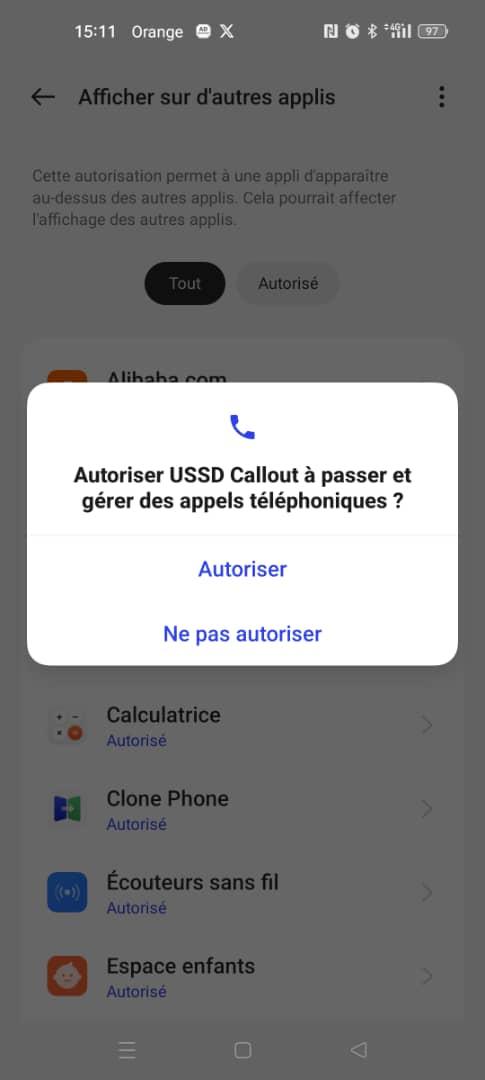
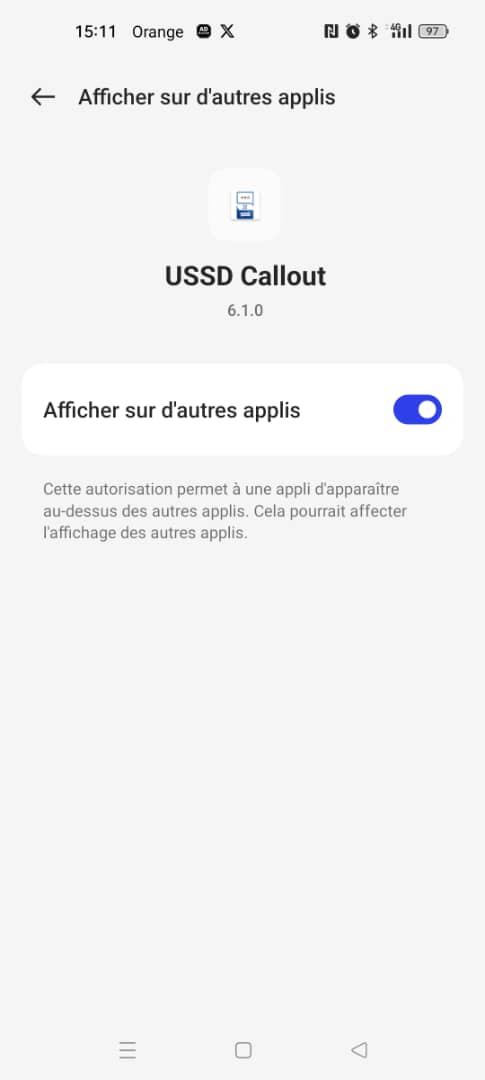
USSD Callout is an Application that can be called out by CommCare App through an intent callout and automatically send the message transmitted by CommCare App via SMS.
User complete CommCare form and enter data of beneficiary (e.g. name, date of birth, address, phone number, bank account number)
User triggers an app callout in CommCare, which opens up the Android USSD messaging app. The callout includes a message (string) containing the required information (ussd code to send)
The Android USSD messaging app sends the USSD sms app to the bank platform to get validation of the bank account number
The bank platform sends back the response to the USSD messaging app.
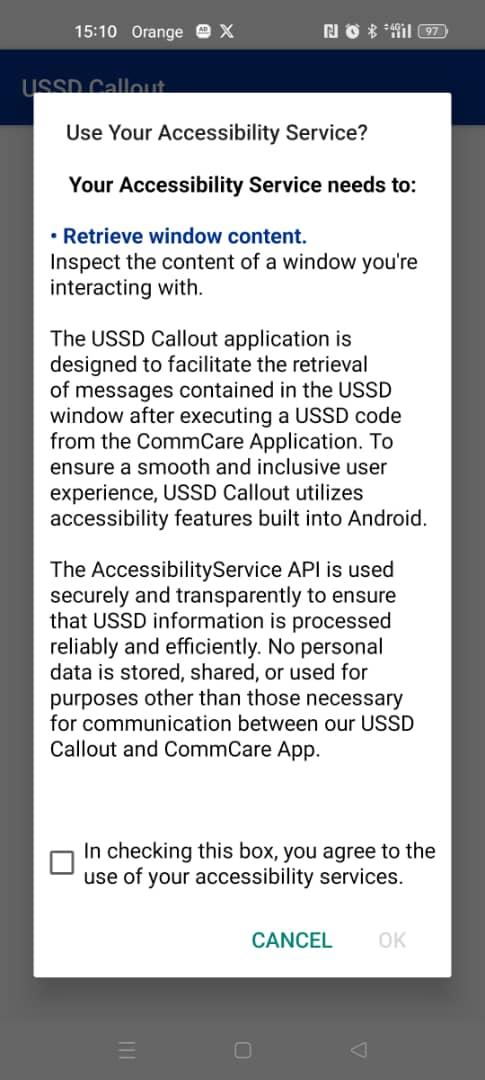
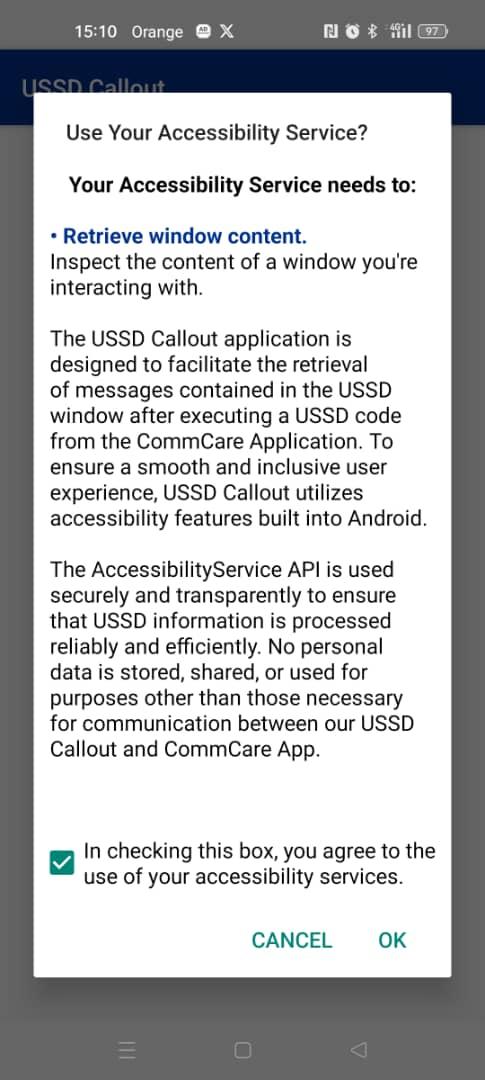
The Android USSD message app returns to the CommCare app with the response and a status (API Accessibility is required only to allow USSD Callout app to retrieve information shown in the ussd window and to close it automatically).
The user now back in CommCare can check the response of the USSD message and continue with the workflow in CommCare.
This accessibility service designed to extract USSD (quite codes) response.
The USSD codes, also known as `quick codes`, are usually used for communicating with GSM operator. Often they look like *100#, *123#, etc.
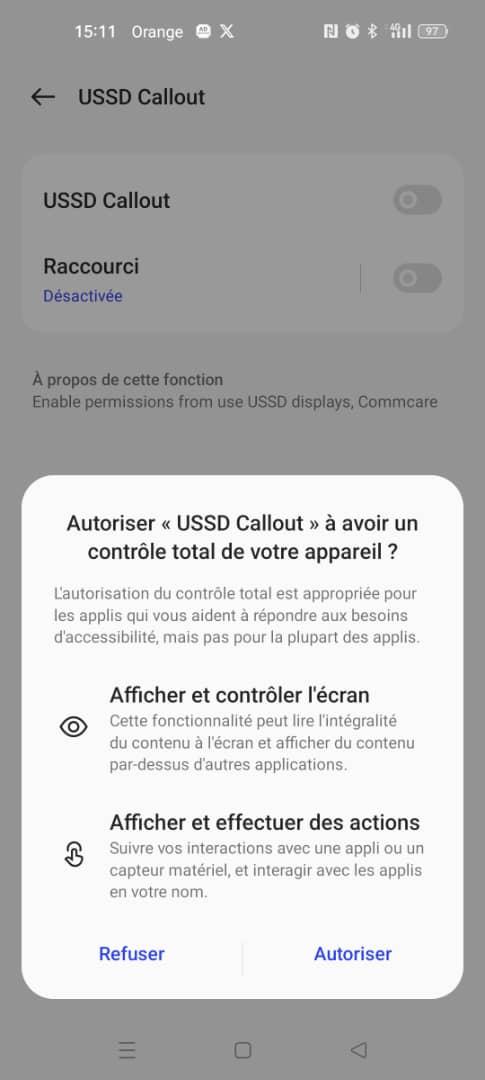
Enable the accessibility service if you want it to read USSD responses (like current SIM balance, etc) from system dialog and show them in the list within the application.
In the application you will need to add quick code. If you click on the list item with USSD code, the system telephony dialog will appear.
When USSD response arrives, the accessibility service will extract the text of dialog and show it on the list within the application.
Latest Version
7.0.0Uploaded by
Élisa Manz
Requires Android
Android 6.0+
Category
Free Business AppContent Rating
Everyone
Security Report
Report
Flag as inappropriateLast updated on Jul 16, 2024
Update your Play Core Maven dependency to an Android 14 compatible version!
Update Android 14 (API Level 34)


APKPure - A multi-platform app store primarily focused on Android, providing extensive app-related content. Discover the app you want easier, faster, and safer, with quick and efficient downloads and installations.