◀▶◀▶◀▶◀▶Rotation Control◀▶◀▶◀▶◀▶
Rotation Control is a screen rotation control app that will give you full control of your screen. You can easily rotate and lock your screen orientation via the buttons on notification panel or the widget. You can also set up smart rotation events.
Rotation Control is controllable in the app or status bar.When you run a specific app, the auto-run feature automatically launches the app to control the screen rotation when a specific app is launched.
The one and only rotation control app that can really lock your screen in any orientation and also force the automatic orientation to app specific settings.
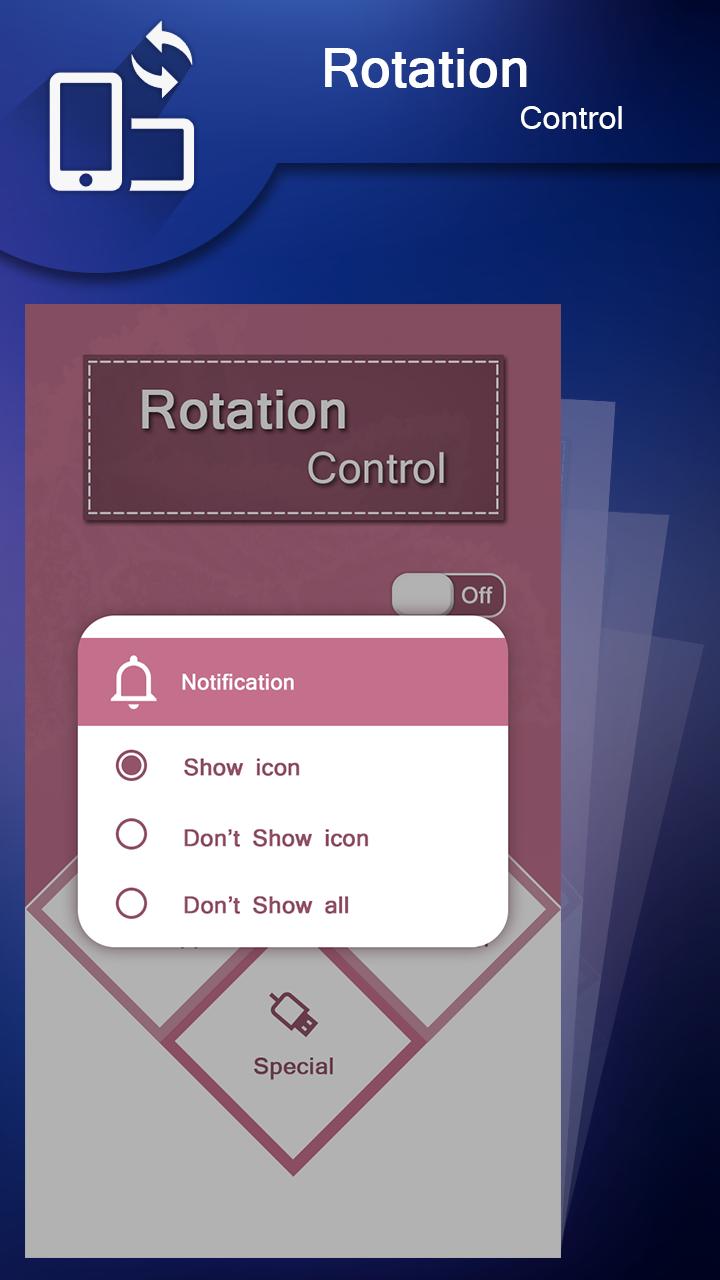
Rotation Control it's easy and simple to use. install apk in your mobile phone and set rotation according to your choice.you have unspecified,automatic,landscape and portrait mode screen mode.you can also set notification if you want to show and dont show adjust it according to your choice.
Rotation Control also provide special mode settting whenever youR phone in charge or headphone plug in.Lock your screen to any orientation when a specific app launched.
Modes of rotation:
◀▶◀▶Rotation settings◀▶◀▶
Can configure the rotation of the screen.
◀▶◀▶Notification settings◀▶◀▶
Control the rotation of the screen easily from the notification bar.
◀▶◀▶Per App rotation settings◀▶◀▶
Can configure different rotations for each apps.
Rotates to your preset screen orientation upon starting the application.
Returns to the original screen orientation on closing the application.
◀▶◀▶Special case settings◀▶◀▶
Detects when chargers or earphones are connected and rotates to your preset screen orientation.
Returns to the original screen orientation when they are removed.
◀▶◀▶Headset◀▶◀▶
Lock your screen to any orientation when headset is plugged in.
The screen will return back to the previous orientation when headset is plugged out unless you rotate it manually or interrupted by another auto-rotate feature.
◀▶◀▶On Power◀▶◀▶
Lock your screen to any orientation when your device is plugged in.
When the device is removed from charger it will return back to the previous orientation unless you rotate it manually or interrupted by another auto-rotate feature.
Last updated on 2018年08月24日
此版本包含小幅錯誤修正和一般改善。請更新至最新版本,以獲得最佳體驗。