GrabText is creative tool for quick copy, translate and share text from another apps.
GrabText can extract text from apps where you cannot use the native Android text selection feature.
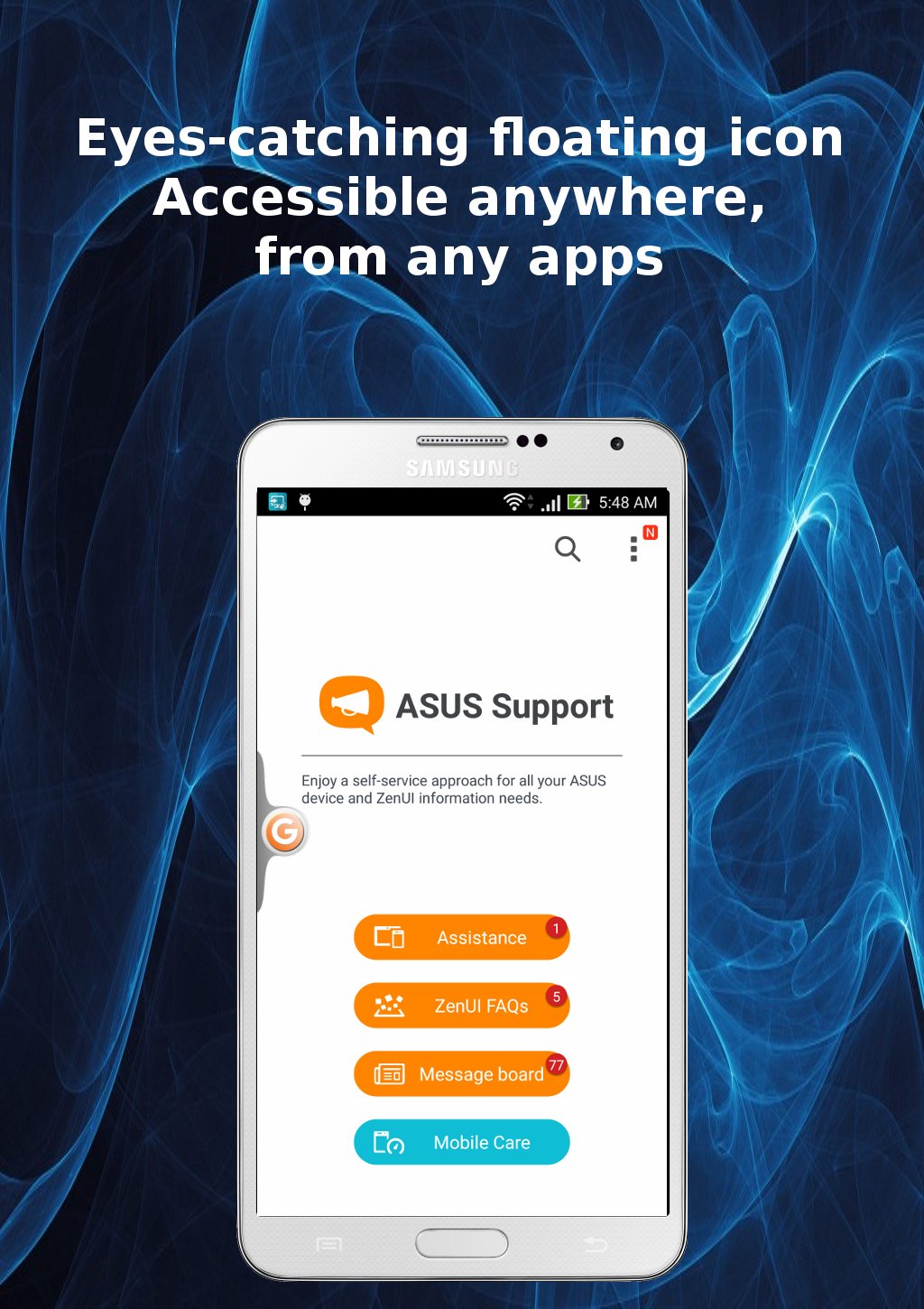
GrabText provides eyes-catching, floating icon on screen. You can activate, deactivate or access its service anywhere, in any apps.
No root required, no ads and free!
Main features:
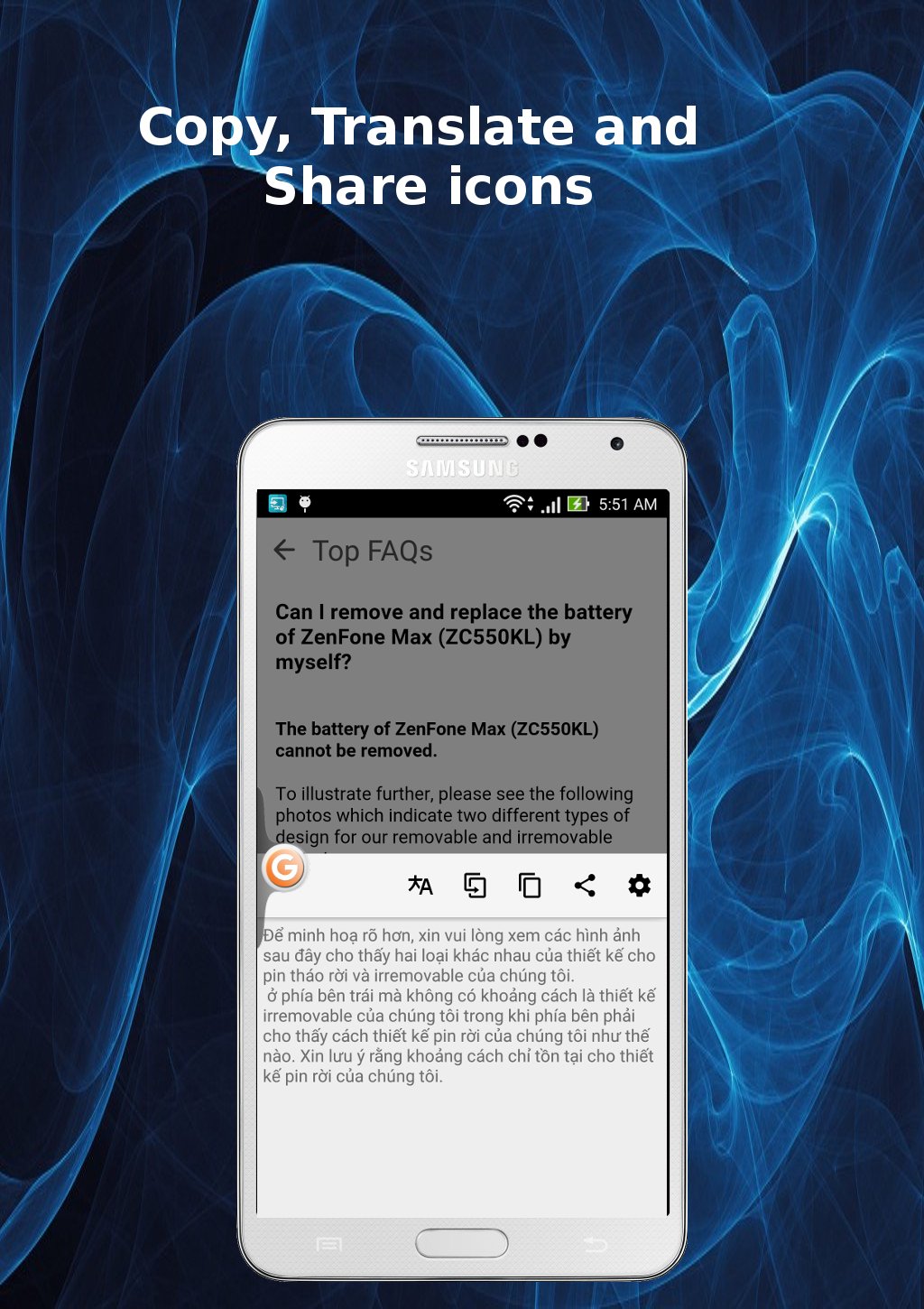
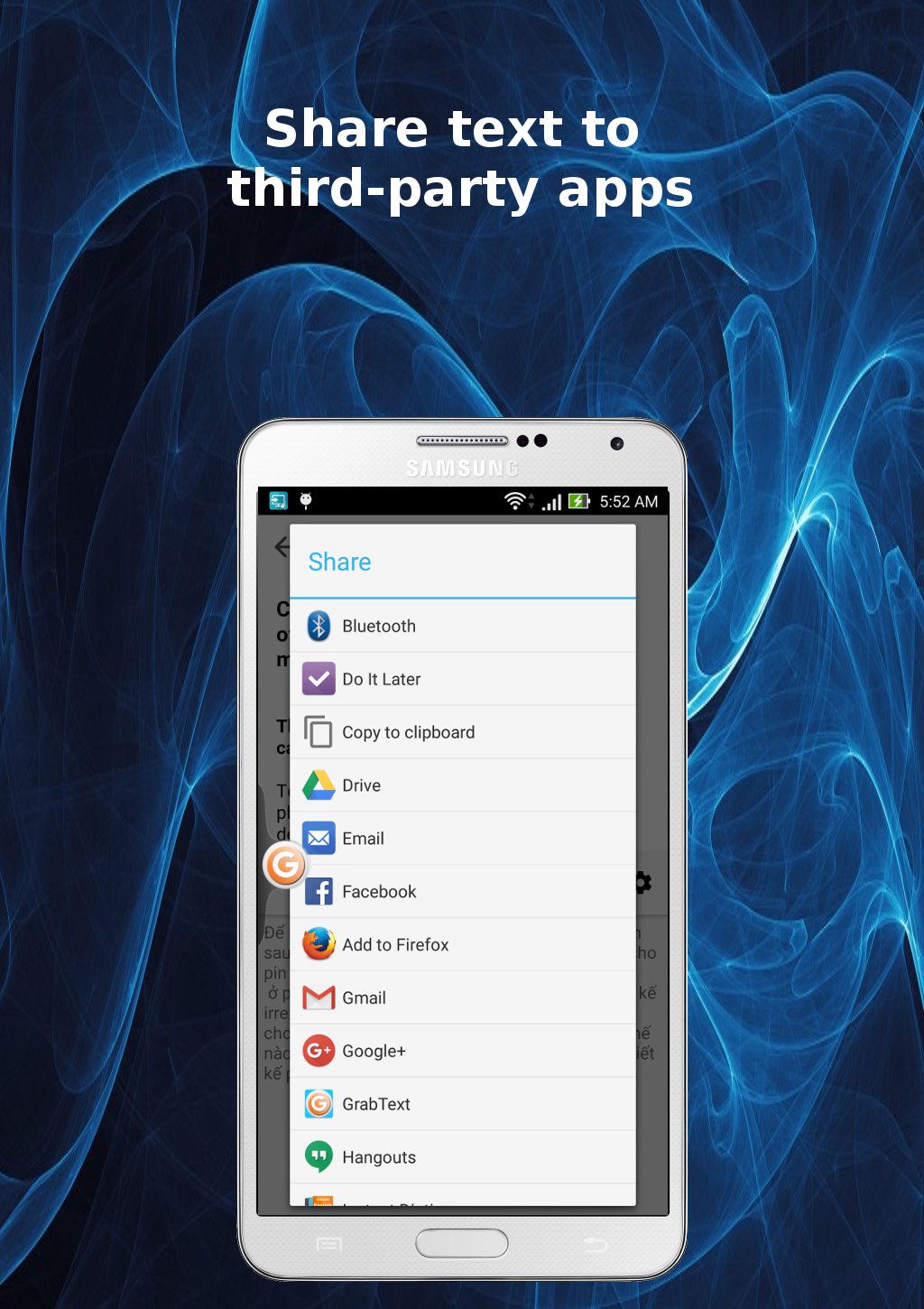
- Quickly copy to clipboard, translate to your language or share to third-party apps.
- Selection of multiple on-screen text blocks at one time.
- Easy access, activation or deactivation with main floating icon.
- Auto-start with selected apps.
How to use:
- Open GrabText.
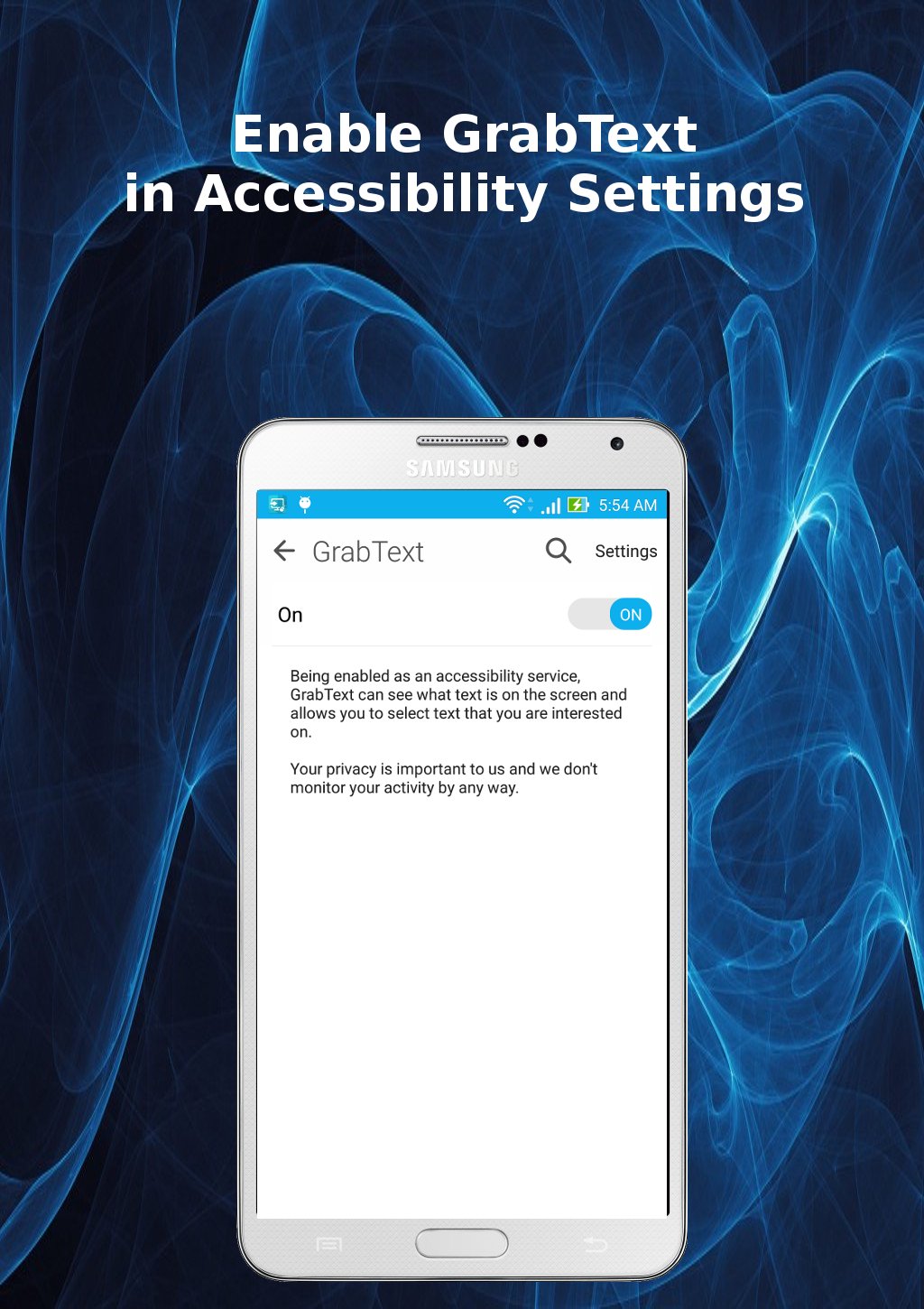
- Click to GrabText floating icon to activate text selection mode. For the first time, you are requested to enable GrabText in Accessibility Service Settings.
- Click to on-screen text blocks to select text. Re-click will remove text block from selection.
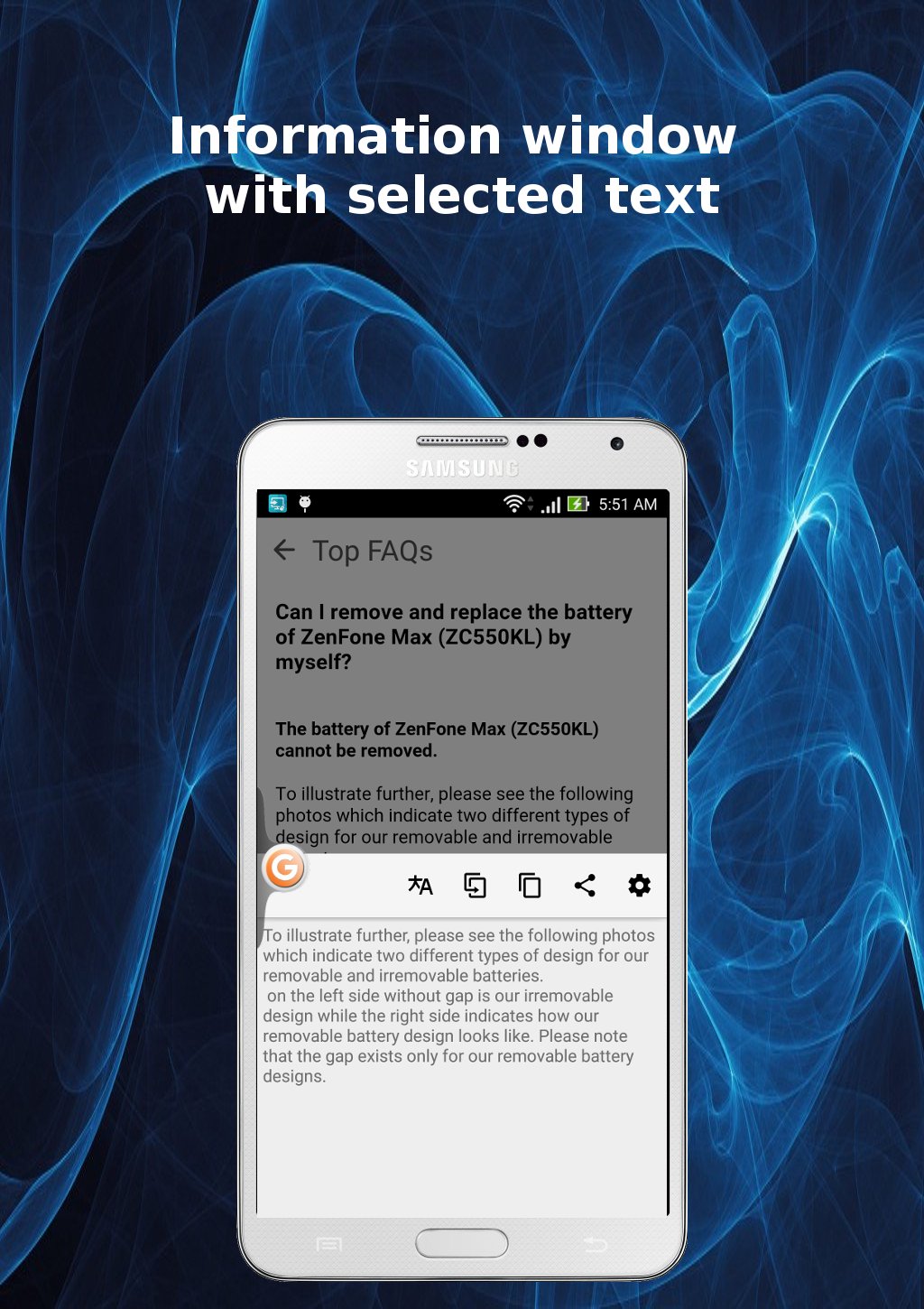
- Click to GrabText floating icon again to open information popup window with selected text.
- Click to Copy Icon, Translate Icon or Share Icon on information window as desired.
- Click back button or re-click GrabText Floating Icon to disable text selection mode.
- GrabText Floating Icon can be moved anywhere on the screen by drag&drop. Moving to X Icon at bottom will shutdown GrabText.
Settings:
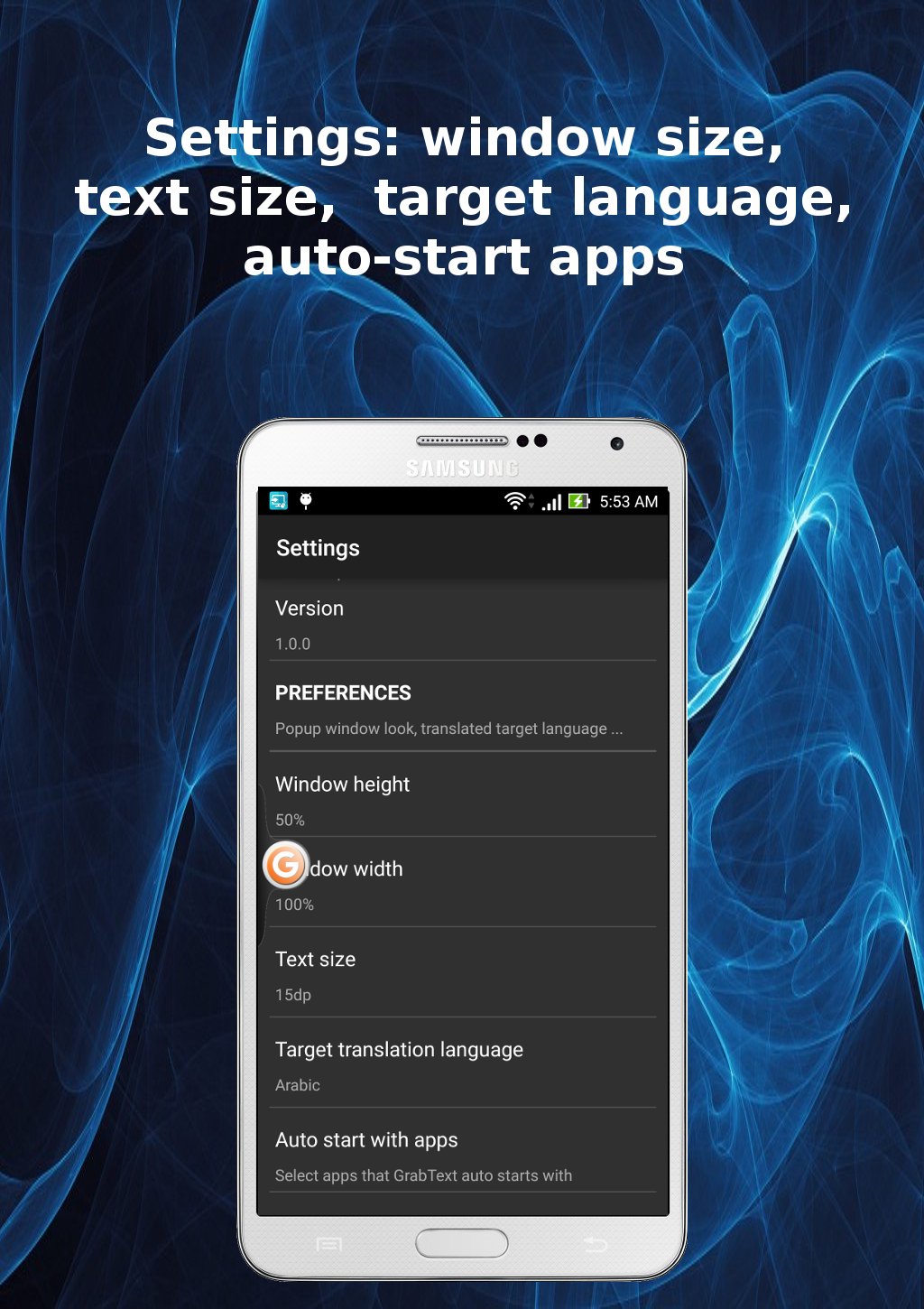
- Opening GrabText Settings window can be achieved by two ways: from Settings > Accessibility > GrabText, or from GrabText's build-in information popup window.
- Settings items: Information window's height, width and text size, target language for translation, list of third-party apps GrabText will auto start with.
Notes:
- GrabText needs system's accessibility features to see what text on screen. We don't monitor and record your activities by any way.
- GrabText can work with many apps like Facebook, Twitter, Instagram, Youtube, Tumblr, News Republic... However, some times GrabText can't recognize text on screen, especially for app with webview.
- In few cases, GrabText can detect on-screen content changes and auto deactivates text selection mode. You have to manually re-enable again.
Last updated on 2016年04月28日
Improved for better work with WebView.