
TimeTac Classic is the ideal employee time management app for medium and large companies. Whether working hours, project time tracking, vacations, or absences, with TimeTac Classic you can record work time easily and quickly via browser, time clock or mobile app. Make attendance tracking, timesheets, and work log creation easier and save valuable time!
*** You need a TimeTac Classic account to use the app. Try TimeTac Classic now 30 days for free: https://www.timetac.com/en/free-trial/
*** Please note that your employees can only use the app if you set mobile access in the TimeTac account for the respective user.
Main Features:
Effortless work time management
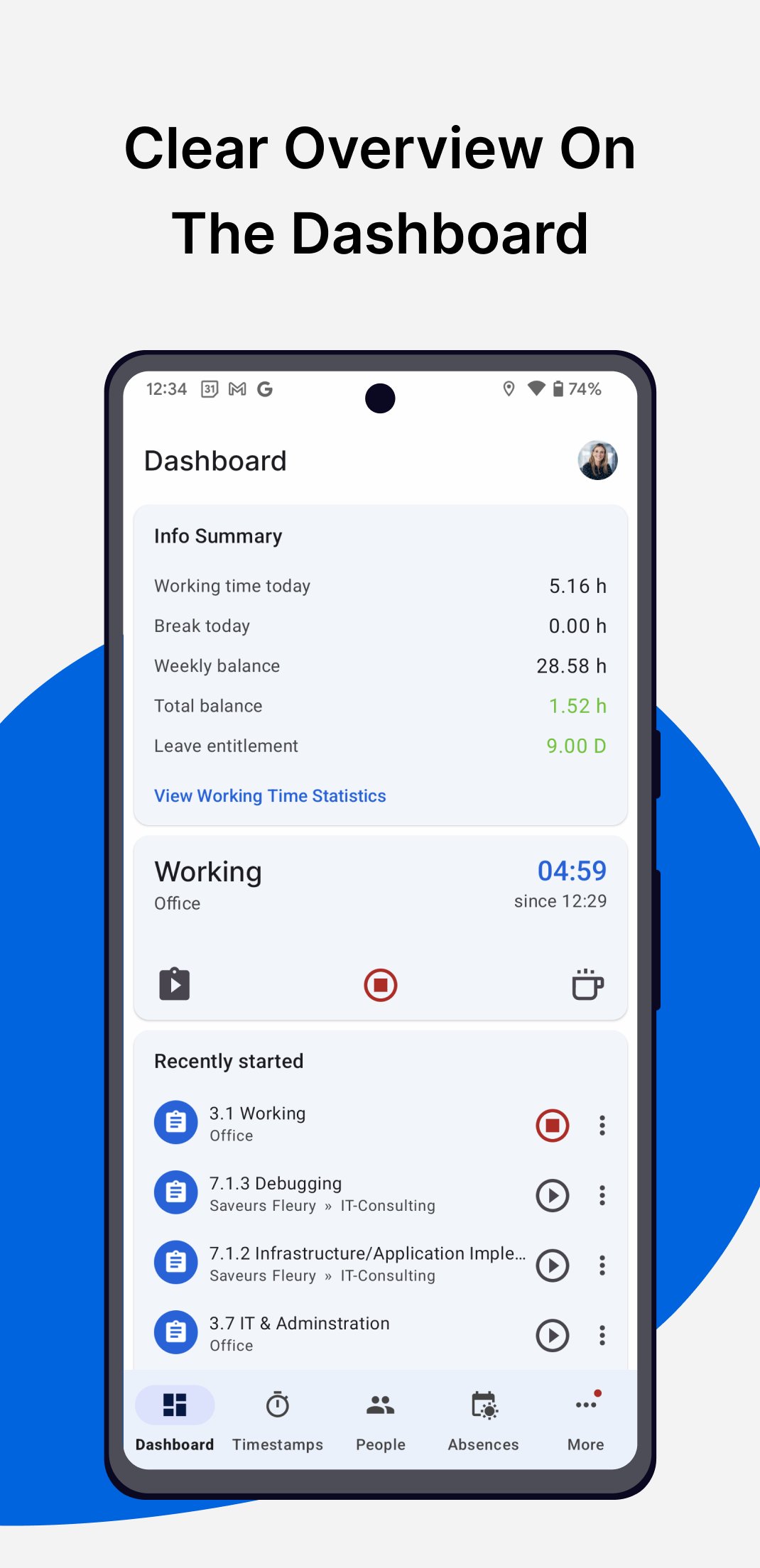
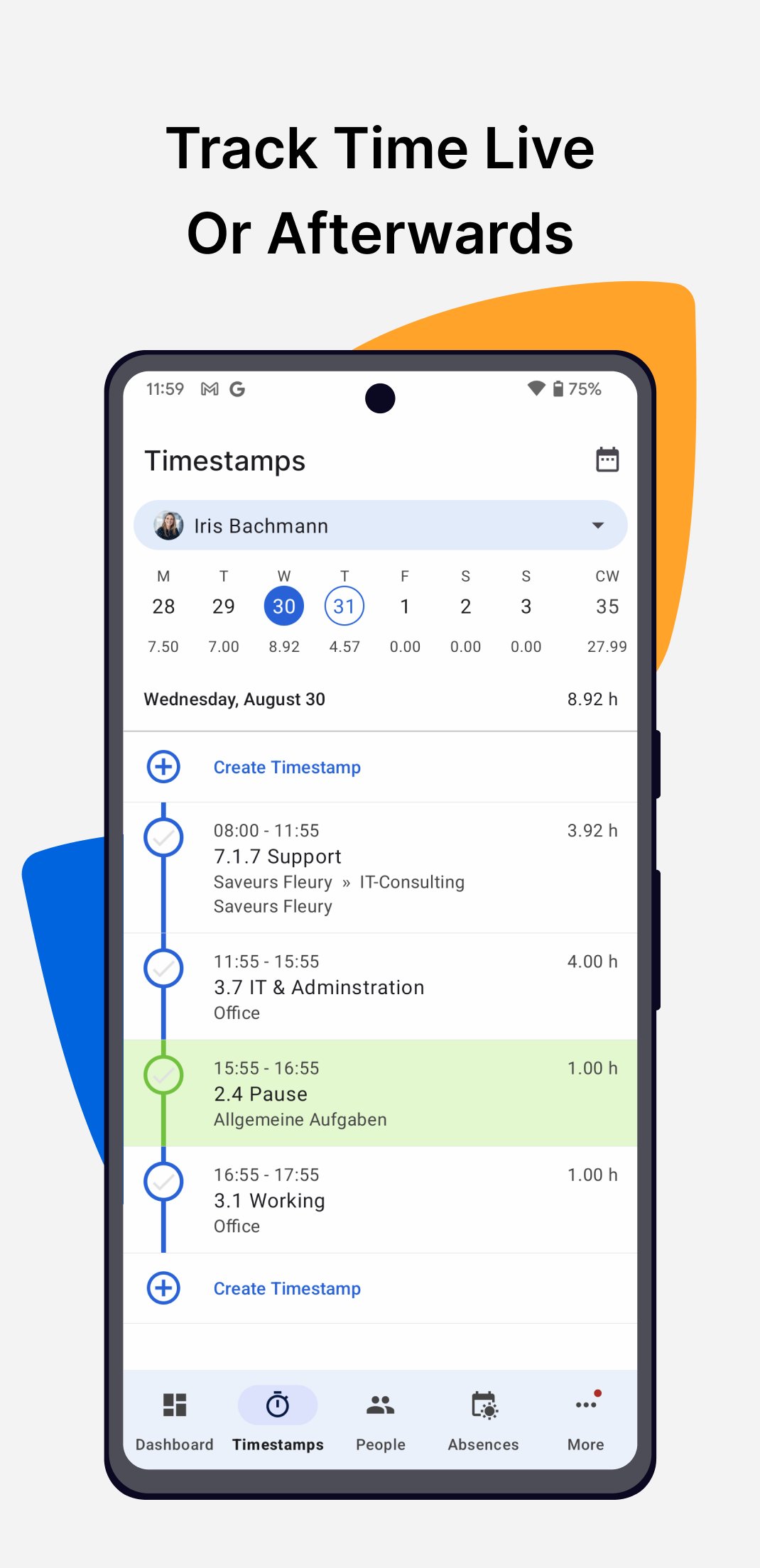
Work hours tracker records time live or subsequently. When you clock in and out, pause or stop the working hours tracking in the app, timestamps are automatically saved in your timesheet, providing a work log overview. In Project Time Tracking, employees can book time for separate tasks, projects or customers.
Transparency in the employee work log
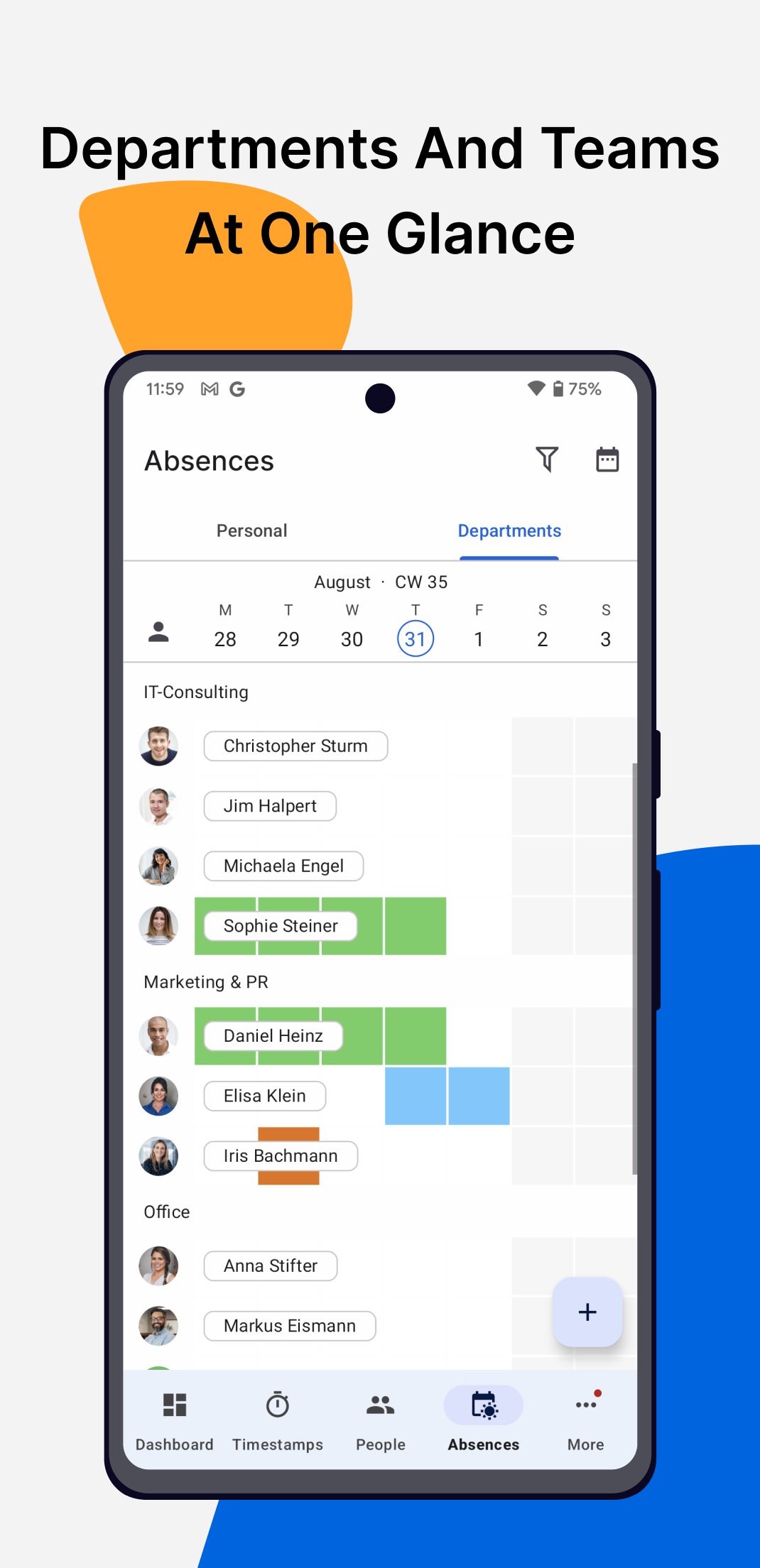
Who is currently working on which task, absent, or working remotely or from the office today? In the status overview, you can see live working time and employees' absences. It is especially interesting for managers and facilitates time management for teams.
Offline functionality
If the Internet connection is interrupted, the app will still work offline. Attendance tracking data is synchronized as soon as the connection is restored.
Optionally combine mobile time recording with GPS, NFC or geo-fences to be able to document time bookings based on location and project.
Schedule to-dos for employees
Plan tasks in advance in project time recording and assign them to your employees. They can then track time directly in the created plan.
Overview of your resources
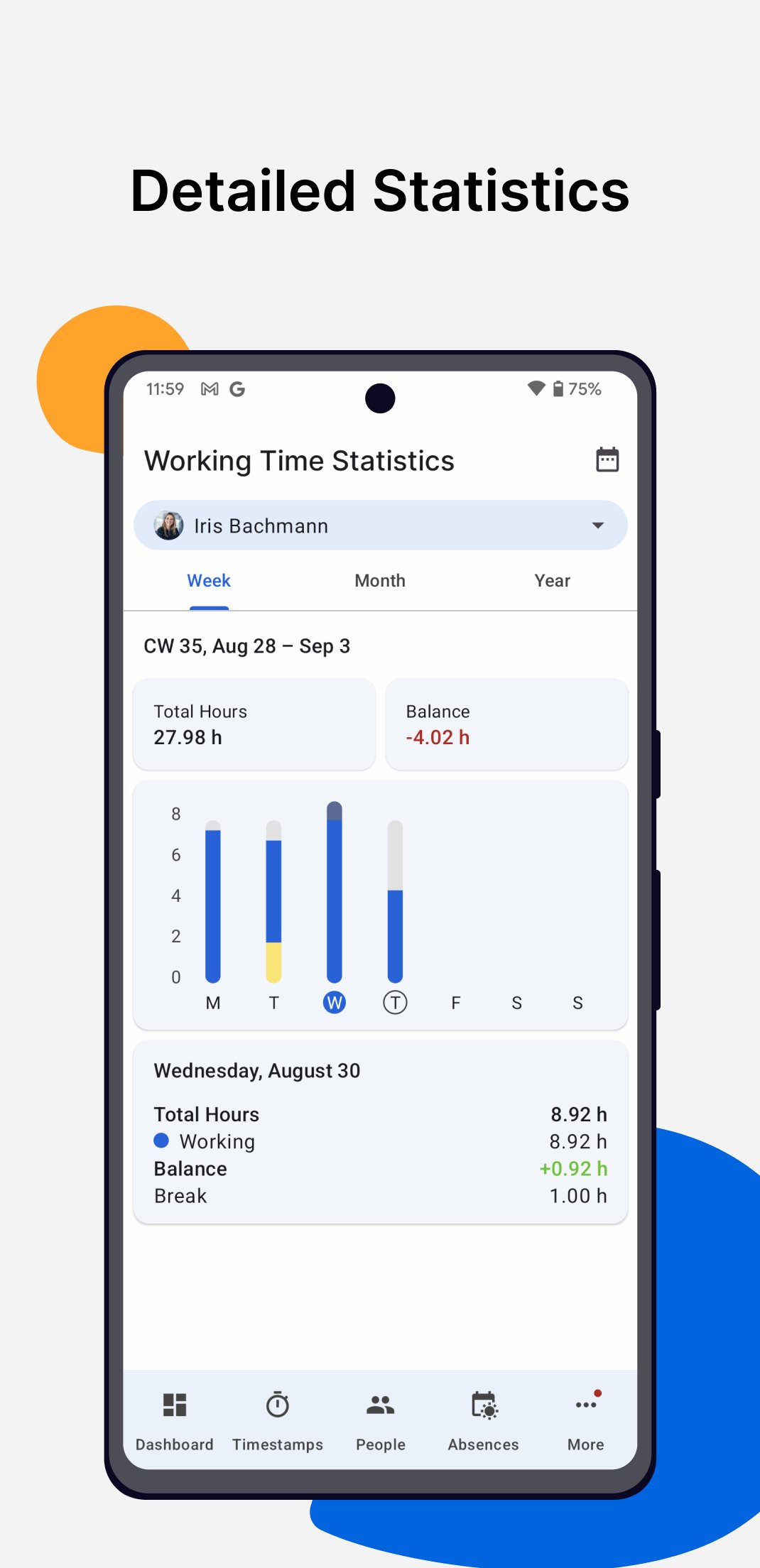
Access various reports in both Working Time Tracking and Project Time Tracking. Keep an eye on the timesheets, clock in and out time and overall attendance of your team. It is possible to record the time spent on a project or task. Efficiently manage time spent on projects, costs, turnover, and the orders' profitability at any time.
Leave Management
Efficiently manage all holidays and absences. TimeTac automatically calculates annual leave and holiday entitlement for all employees based on your settings. Thanks to numerous evaluation options, you can always keep an overview of an employee's work log. Requests and confirmation workflows could also be implemented. Reduce your administrative effort and save valuable time!
Data Export and API integrations
TimeTac can be integrated directly with your company's software, with numerous standard integrations and a configurable API.
Compliant with the law
With TimeTac, you can safely and efficiently fulfil the working time tracking legal requirements and the EU-wide GDPR data protection regulations.
Excellent support
Our award-winning service and support teams will help you with the technical implementation of our time management software, including updates and any further maintenance. TimeTac's support team is available for free via e-mail or phone hotline during the entire contract period.
- More than 3,000 customers and 100,000+ users.
- Quality Choice and Trusted Vendor Badges from Crozdesk
- 4.9 out of 5 stars on Google
- Certified-Cloud-Solution at Cloud-Ecosystem
- "Very good" rating at trusted.de and the Gold Seal at eKomi
*** The range of functions depends on the TimeTac modules used, individual account settings and user permissions within a company account. Create a 30 days free trial account on http://www.timetac.com/de/kostenlos-testen/
TimeTac software and the mobile app are regularly maintained and updated so that you have the best experience with our app. We always appreciate your feedback and reviews!
Latest Version
5.3.3Uploaded by
Haryad Hamza
Requires Android
Android 6.0+
Category
Free Business AppContent Rating
Everyone
Report
Flag as inappropriateLast updated on Aug 24, 2026
Bug fixes and improvements





APKPure - A multi-platform app store primarily focused on Android, providing extensive app-related content. Discover the app you want easier, faster, and safer, with quick and efficient downloads and installations.