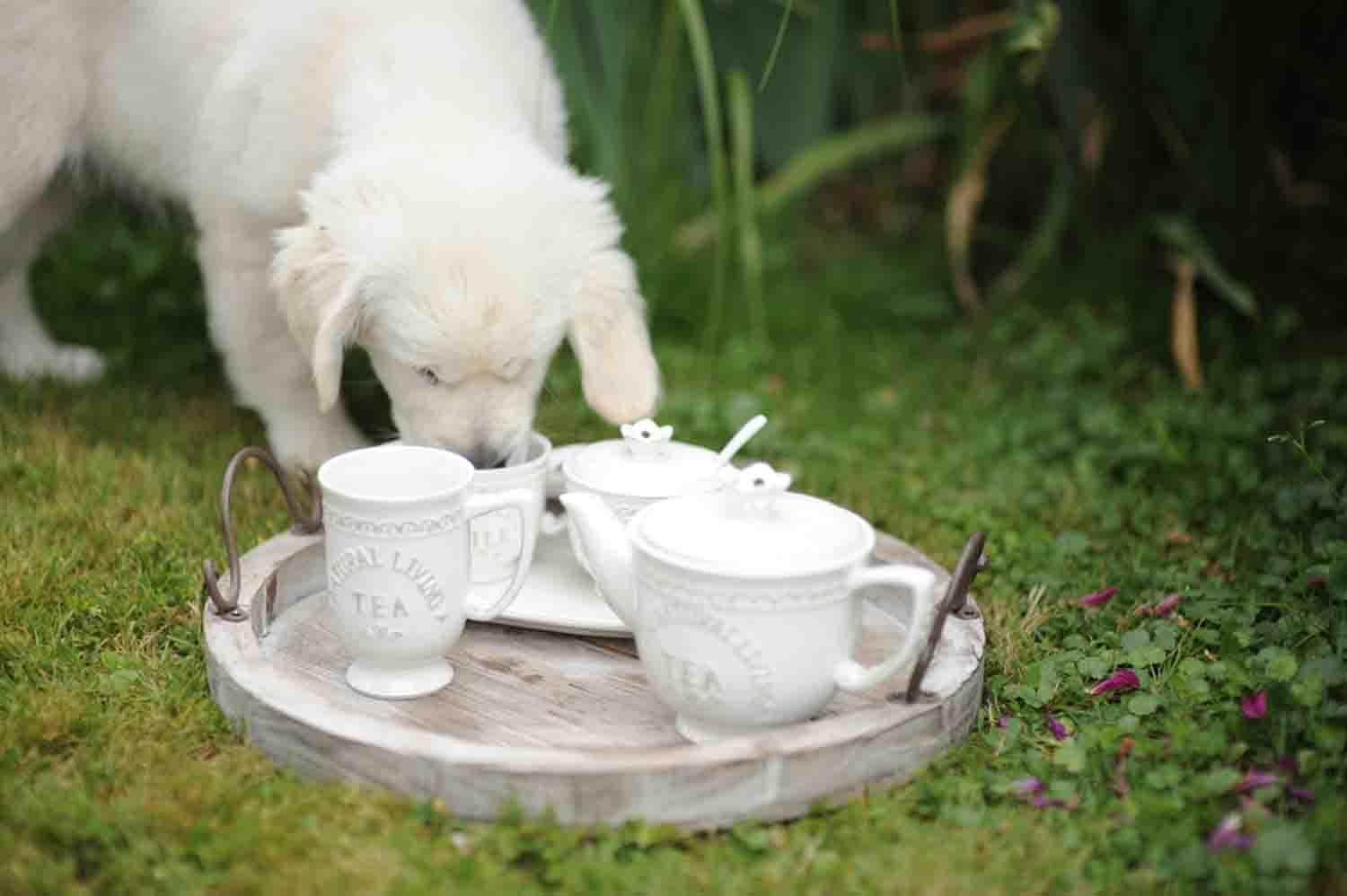
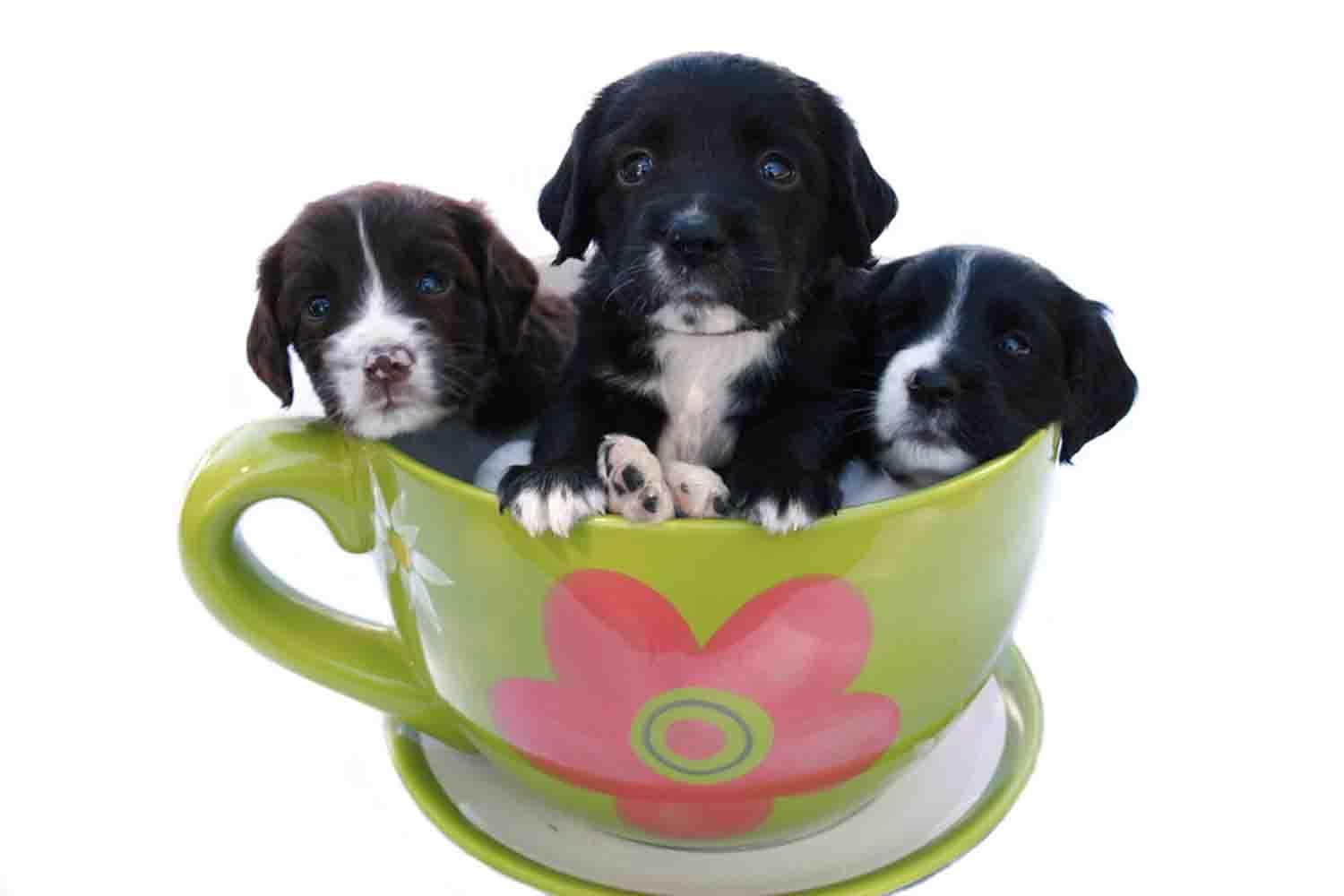
You can start enjoying the coolest tea cup dog wallpapers ever. Just select one of the many tea cup dog available and immediately change the look of your phone background.
Please follow the instructions below in order to start enjoying our wallpapers.
1- Download and install the app.
2-Press and keep pressed for a couple of seconds on the image that you want to set as wallpaper.
3-A small menu window will appear. Select 'Set Picture as' option, then select 'Wallpaper' then Save button. Done. The image will appear as the background of your phone.
Enjoy our cool ea cup dog wallpapers. Do not forget to take a few seconds of your valuable time and rate our app.
NOTE: All the images are paid stock images with full rights.
Latest Version
1.0Uploaded by
رائد محمد علي
Requires Android
Android 2.3.4+
Category
Free Personalization AppContent Rating
Everyone
Report
Flag as inappropriateLast updated on Aug 15, 2016
Minor bug fixes and improvements. Install or update to the newest version to check it out!








APKPure - A multi-platform app store primarily focused on Android, providing extensive app-related content. Discover the app you want easier, faster, and safer, with quick and efficient downloads and installations.