
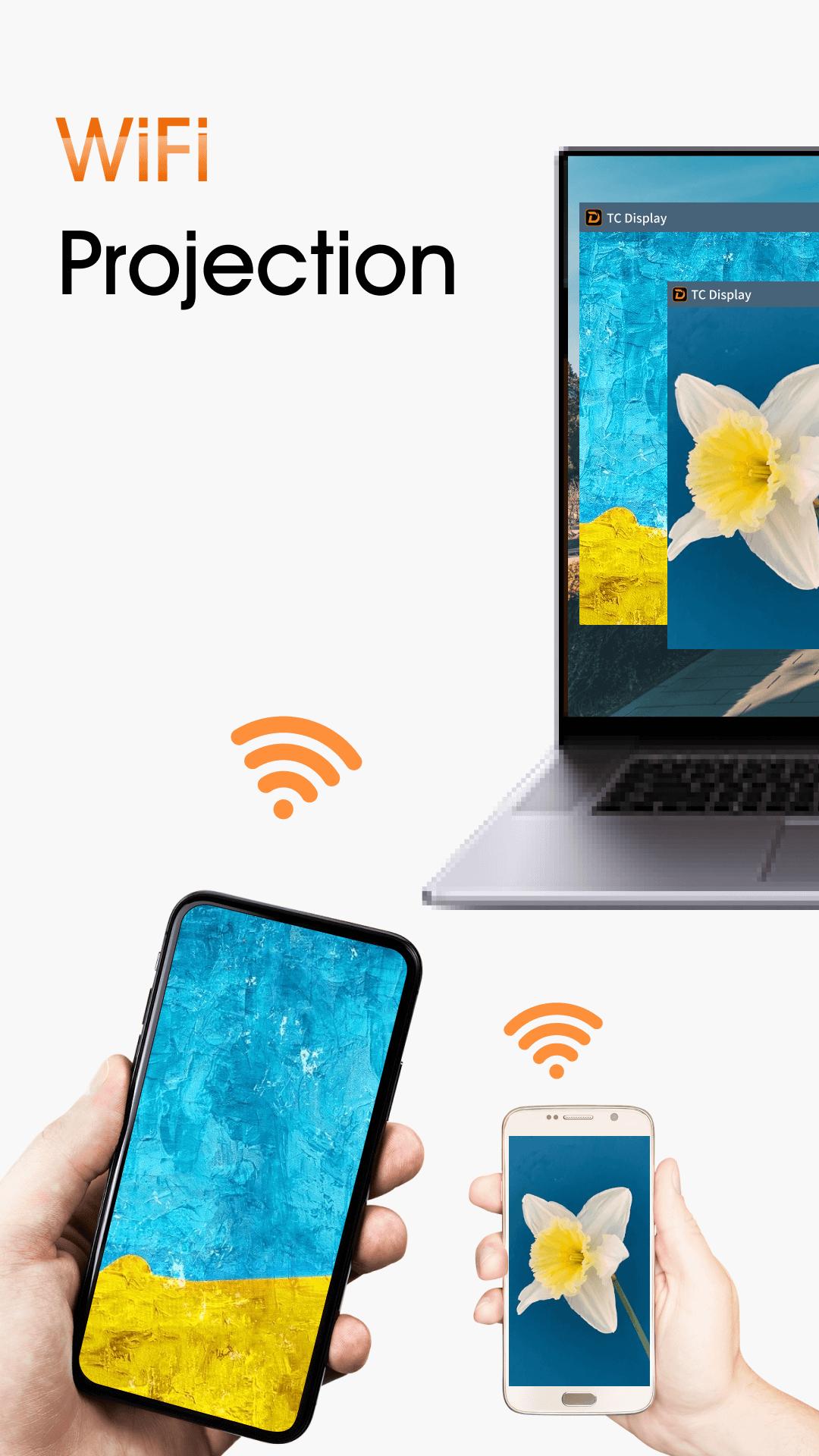
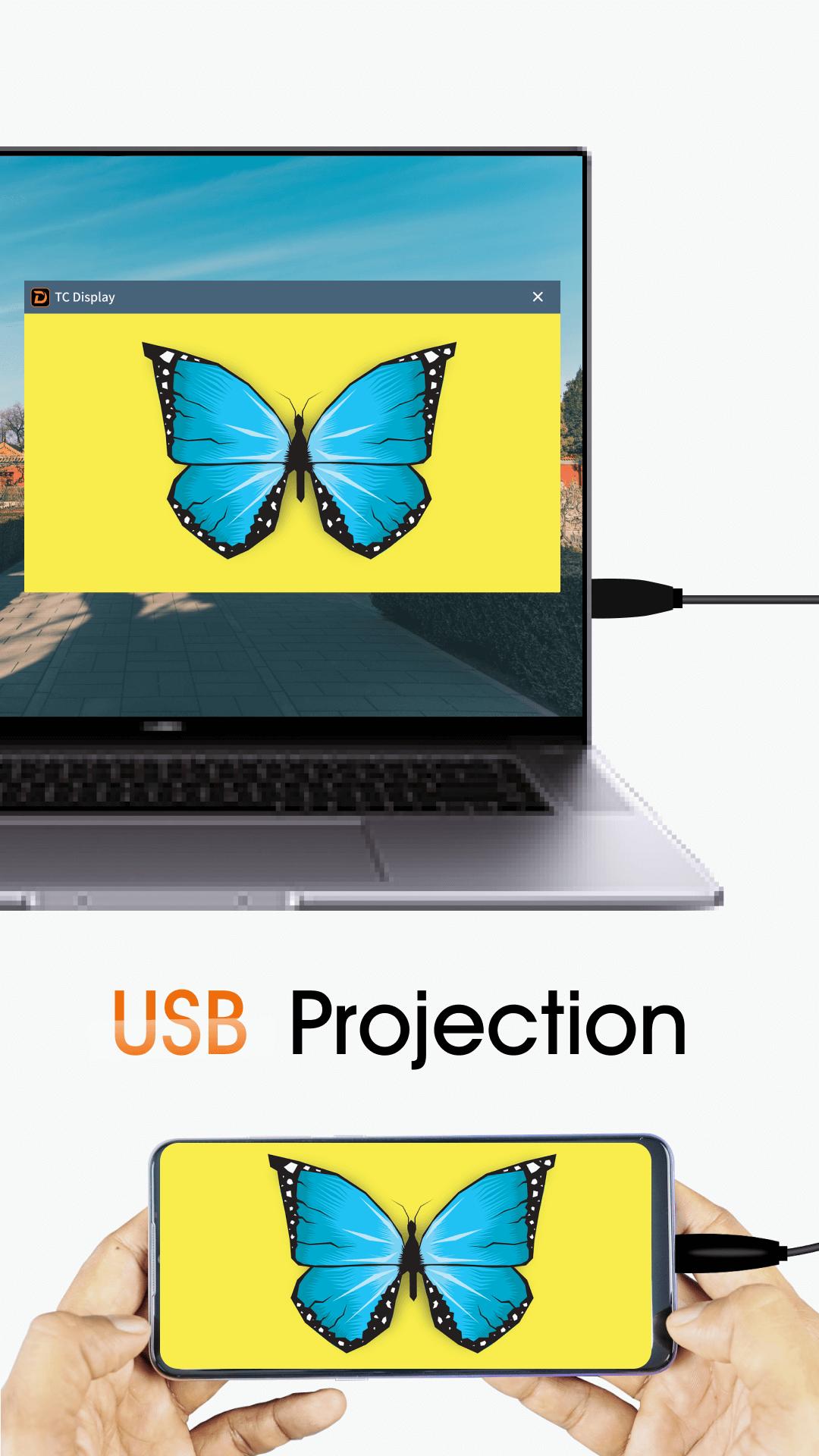
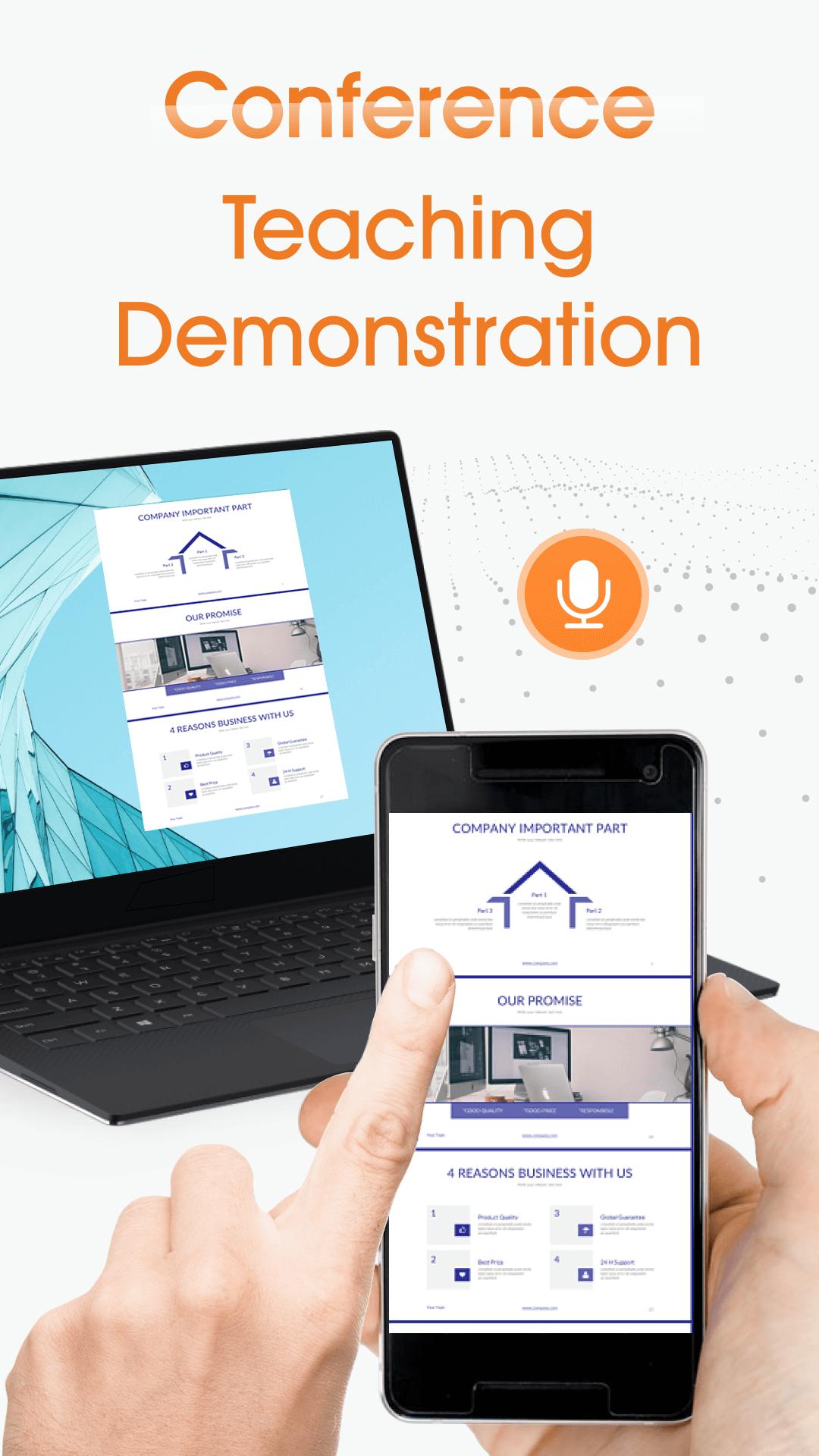
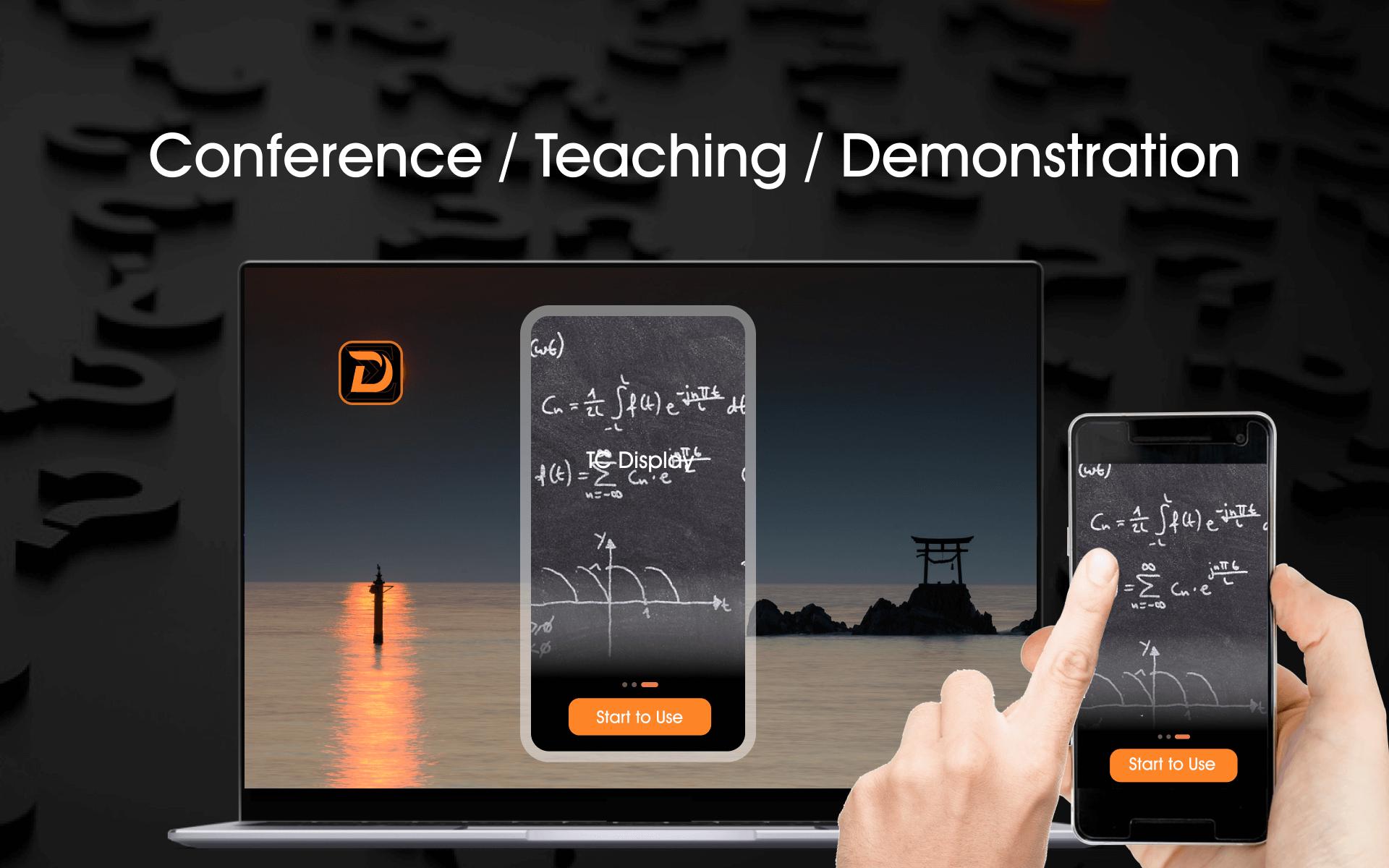
TC Display is a screen mirroring app which will helps to cast your Android & IOS devices(phone or tablet) to PC.With TC Display, you can easily Connect your phone to PC via WIFI/USB.While enjoying the ultimate screen , it can also transmit the sound of your mobile phone to the computer , so that you can easily share your phone content to the big PC screen in real time and with high quality.
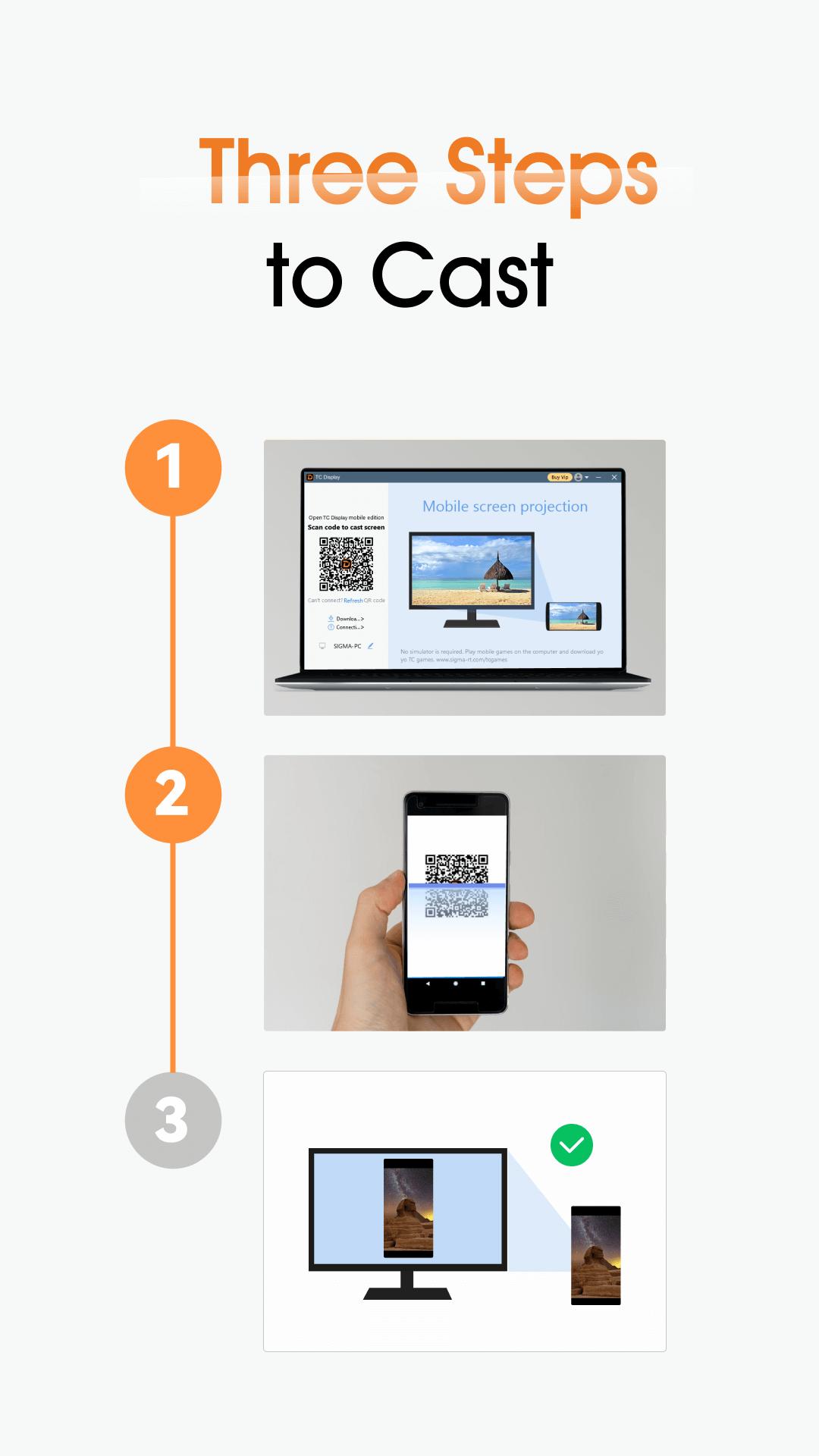
Connecting steps:
1.Download&Install:Download and install the TC Display.exe to the computer, open the PC client and scan the code to install the
mobile APP.
2.Connection: Connect mobile device to PC via USB cable or WiFi. Must be in the same WiFi network with WiFi connection
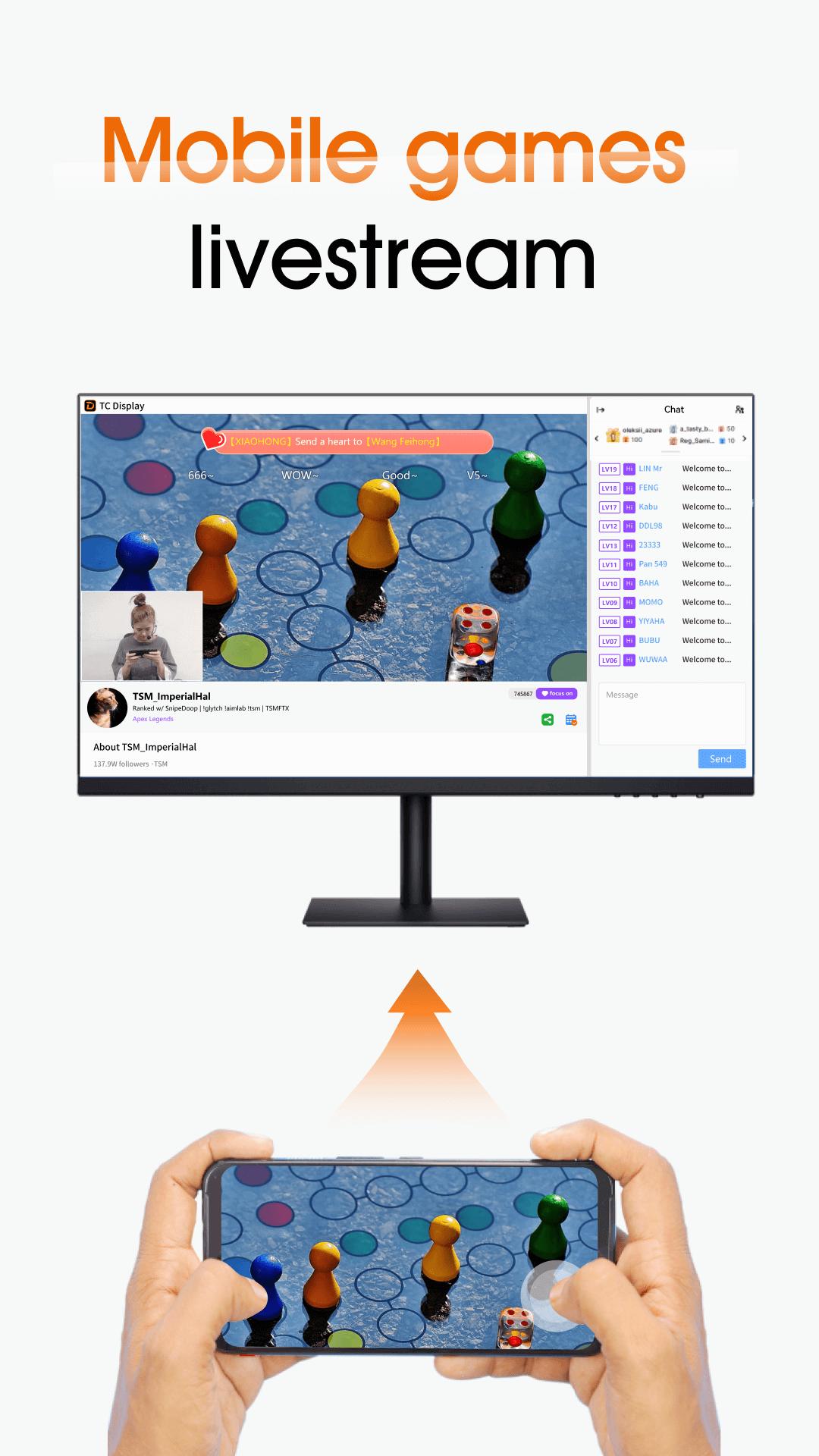
3.Mirror screen: Enjoy the big screen to play games, watch videos, live stream, etc...and
Feature list:
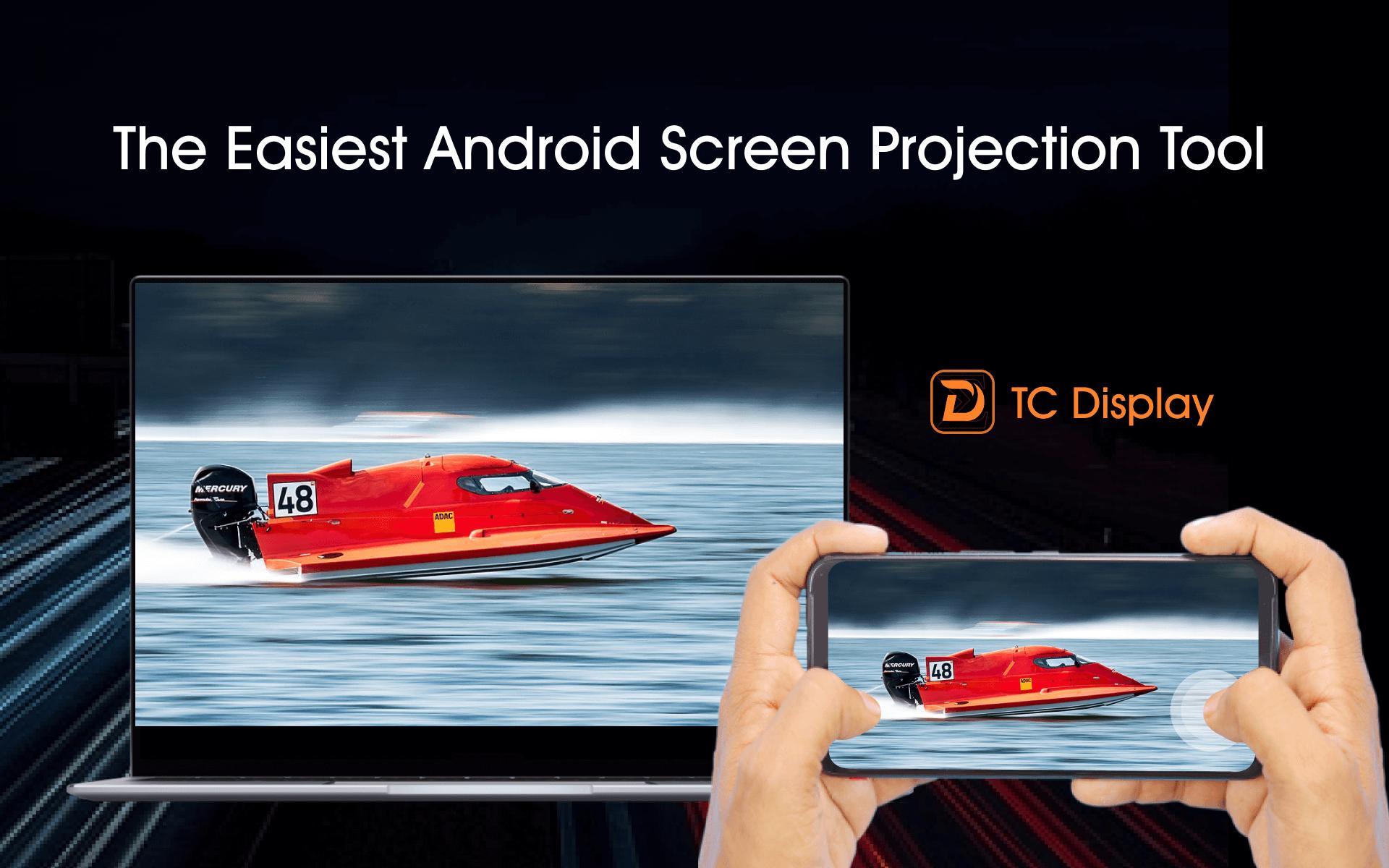
1.mirroring phone screen to PC in real time and with high quality
2.Recording your phone screen and save the file to PC
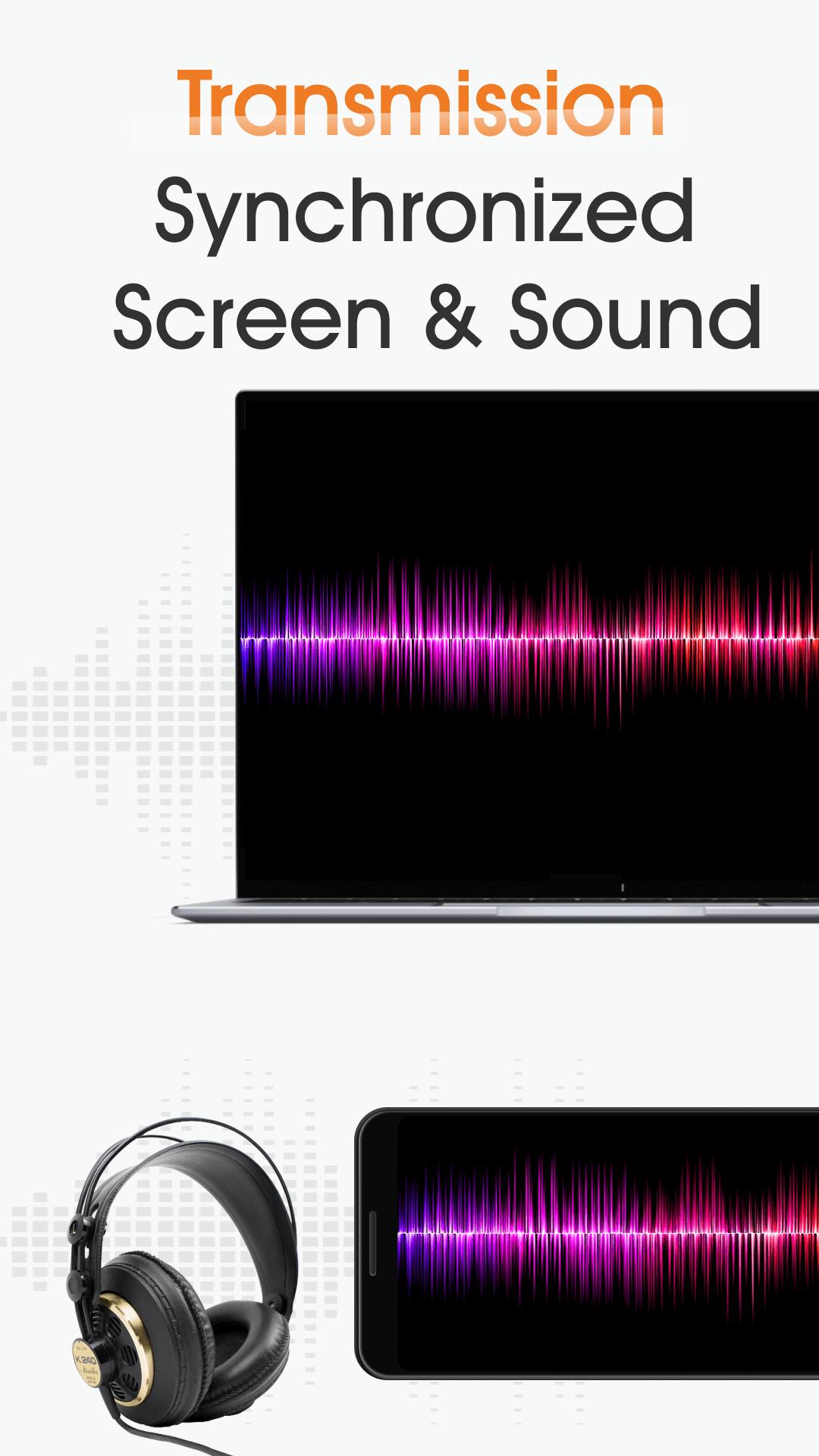
3.Media sound transmission
4.Diy watermark by yourself
5.Hide/show border for better experience
6.Support up to 4 devices
Applicable Situations:
1.Mobile Games livestream
2.Screen sharing for Entertainment
3.More for personal use
Supported Devices:
1.Android & IOS mobile phones
2.Android & IOS tablets
3.Windows PC(windows 7+)
Help and Feedback:
1.Please contact us at support@sigma-rt.com.
2.For software usage problems, please refer to Q&A https://www.sigma-rt.com/en/tcdisplay/qa/
3.Download TC Display for PC: https://www.sigma-rt.com/en/tcdisplay/
Latest Version
2.0.4.2000Uploaded by
Lwintun Lwintunoo
Requires Android
Android 5.0+
Category
Free Tools AppContent Rating
Everyone
Report
Flag as inappropriateLast updated on Oct 13, 2025
Minor bug fixes and improvements. Install or update to the newest version to check it out!


APKPure - A multi-platform app store primarily focused on Android, providing extensive app-related content. Discover the app you want easier, faster, and safer, with quick and efficient downloads and installations.












