
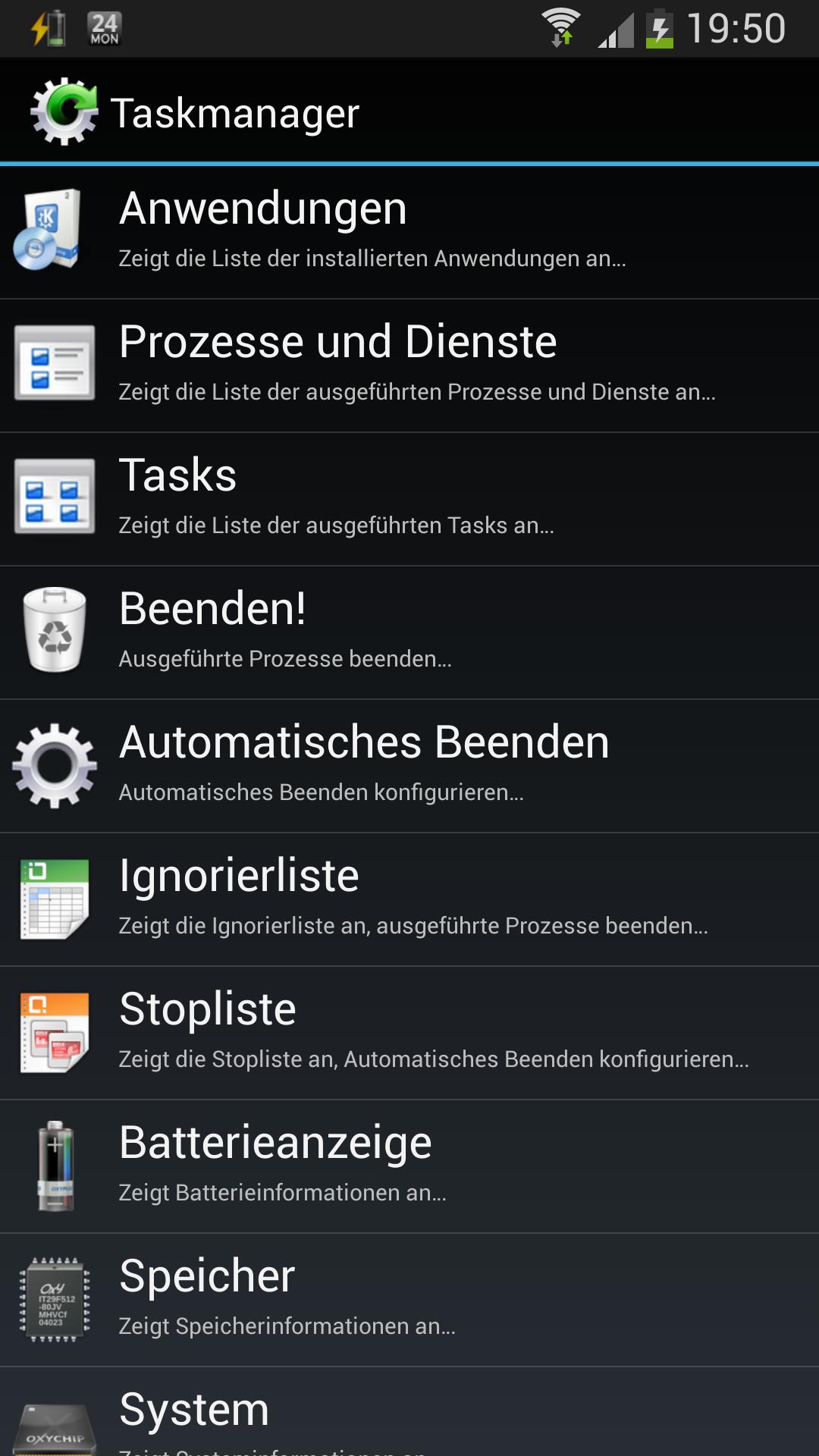
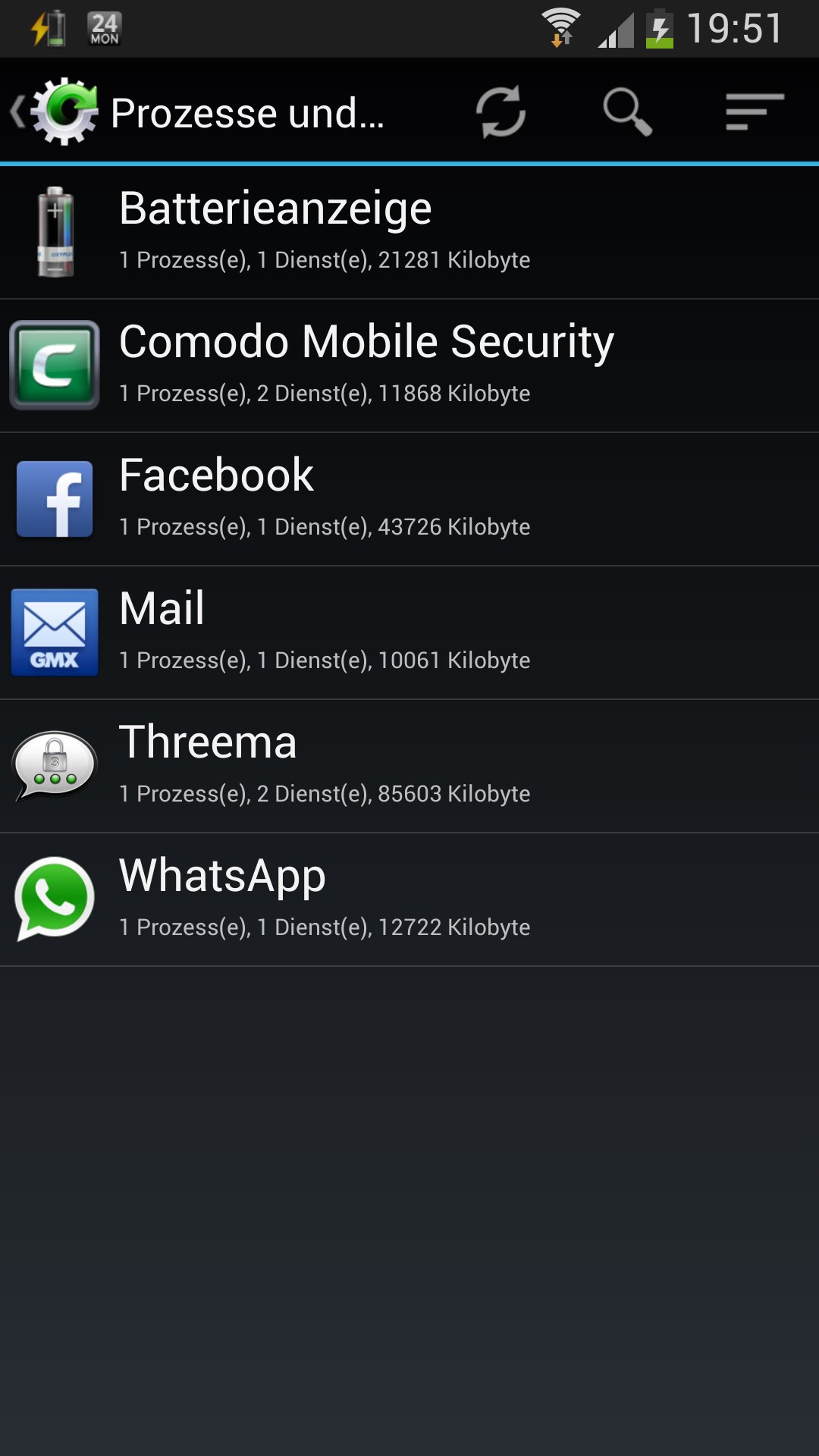
The Task Manager allows viewing and stopping processes, services and tasks. Its main features include application management, process management, battery and other system information. With the auto stop feature processes can be stopped periodically.
Notes:
The SD card icon can only be shown with Android 2.3 and above.
If you don't need a task manager, you can check out the Application Manager, the Battery Display App or the CPU Display App for some of its functions.
Close processes:
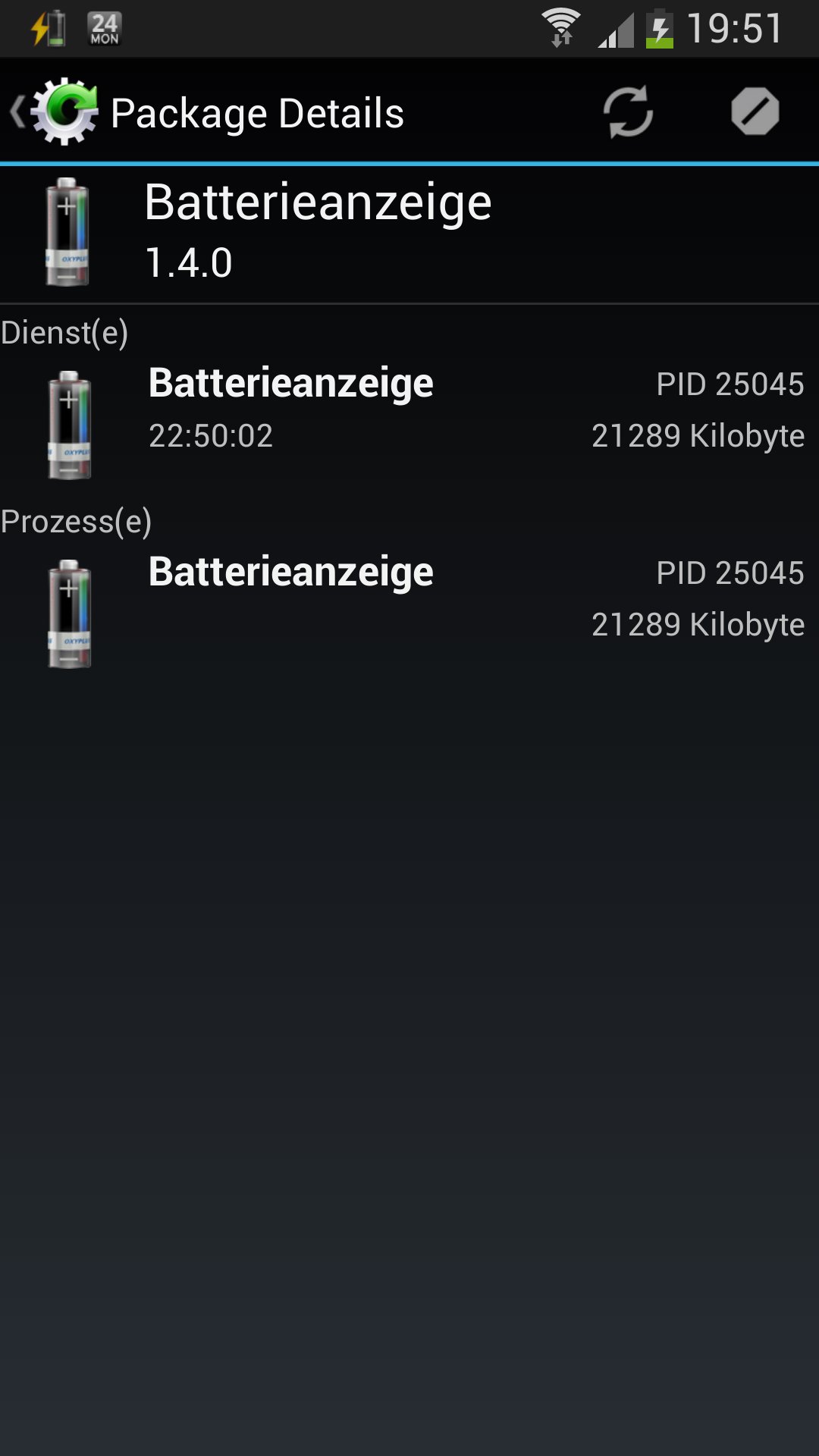
In Android it is possible, that some processes with services (e.g. the Battery Display) will be restarted directly by the system, after they were closed. This behaviour exists in some other task managers, too (e.g. the one of the Galaxy S2). Some processes cannot be killed (noticed on the Galaxy S2 with Android 4.0.4). I am looking for an option, to close processes not the 'light way'. I think you need 'Root' then.
Update notes:
All services of the application will be stopped during the update. Please go to the auto stop feature activity and leave it again to restart them. If the services are not running, no auto stop will occur.
Latest Version
1.8.0Uploaded by
Damian Bello
Requires Android
Android 2.2+
Category
Free Tools AppContent Rating
Everyone
Report
Flag as inappropriateLast updated on Aug 23, 2015
Change: Lots of changes for Lollipop as target platform
Change: Updated the Android-Support-API v4 (Lollipop)
Change: Updated Apache Commons Lang to version 3.3.2




APKPure - A multi-platform app store primarily focused on Android, providing extensive app-related content. Discover the app you want easier, faster, and safer, with quick and efficient downloads and installations.