

Superuser addresses users with rooted phones who need clear control over apps that request elevated access. It organizes approve and deny decisions in one place, and it helps keep the su binary updated for stable behavior. This app requires existing root or a custom recovery image to function. If apps are denied unexpectedly, you can adjust settings and policies to restore access. For a straightforward setup on compatible devices, the Superuser APK provides a direct way to start managing requests.
Per app permissions and request control
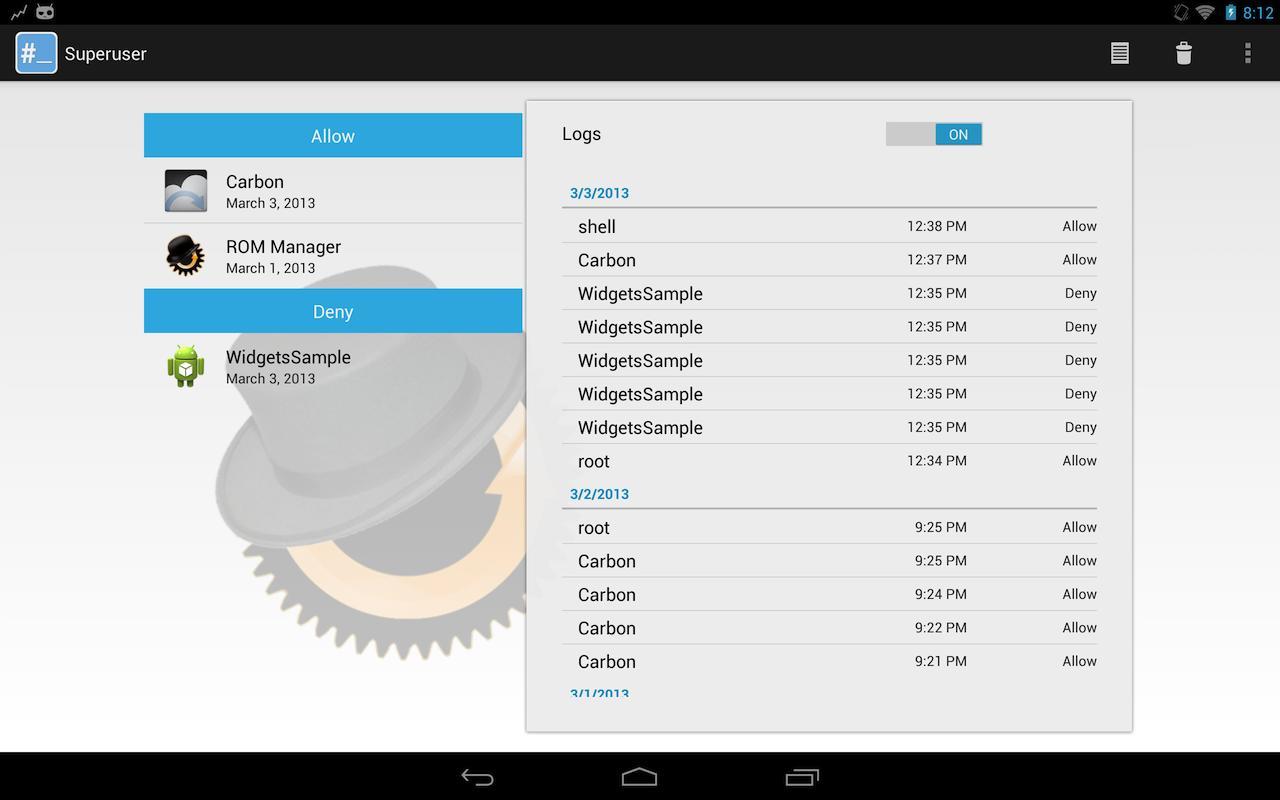
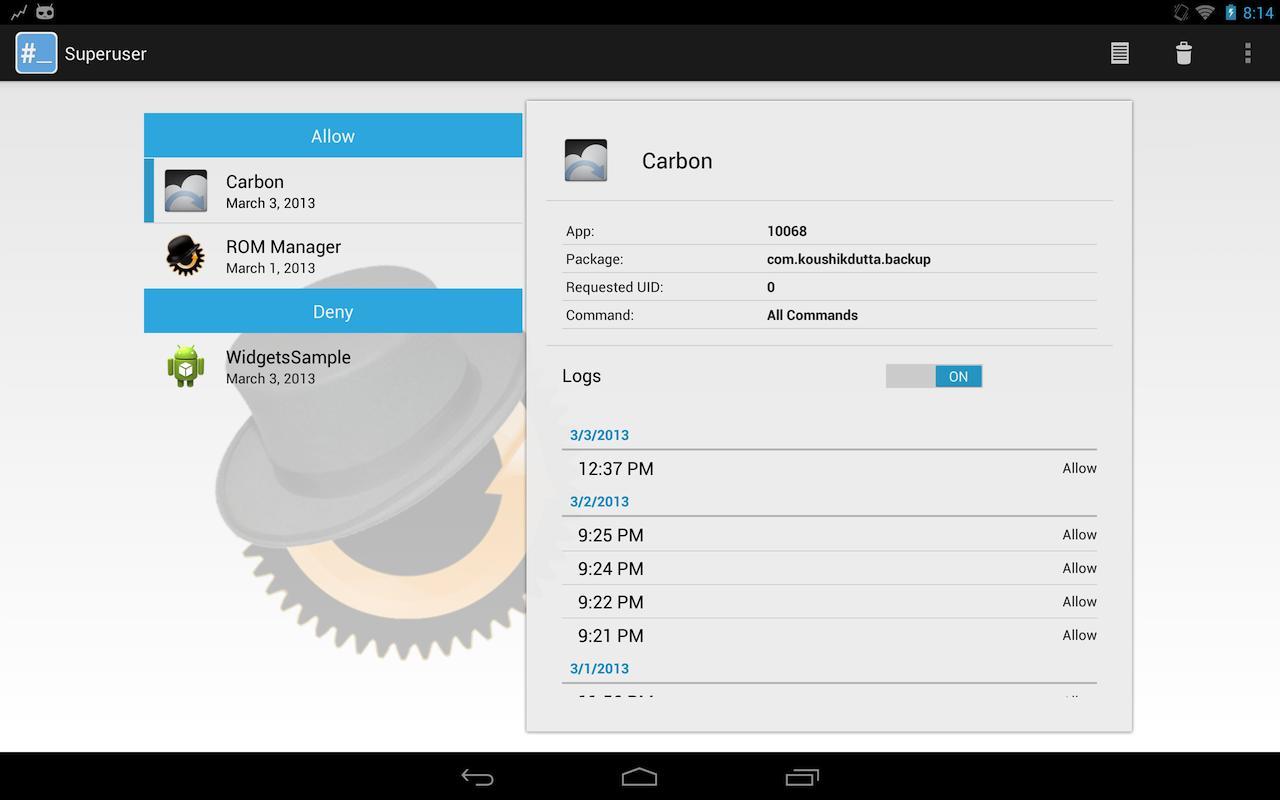
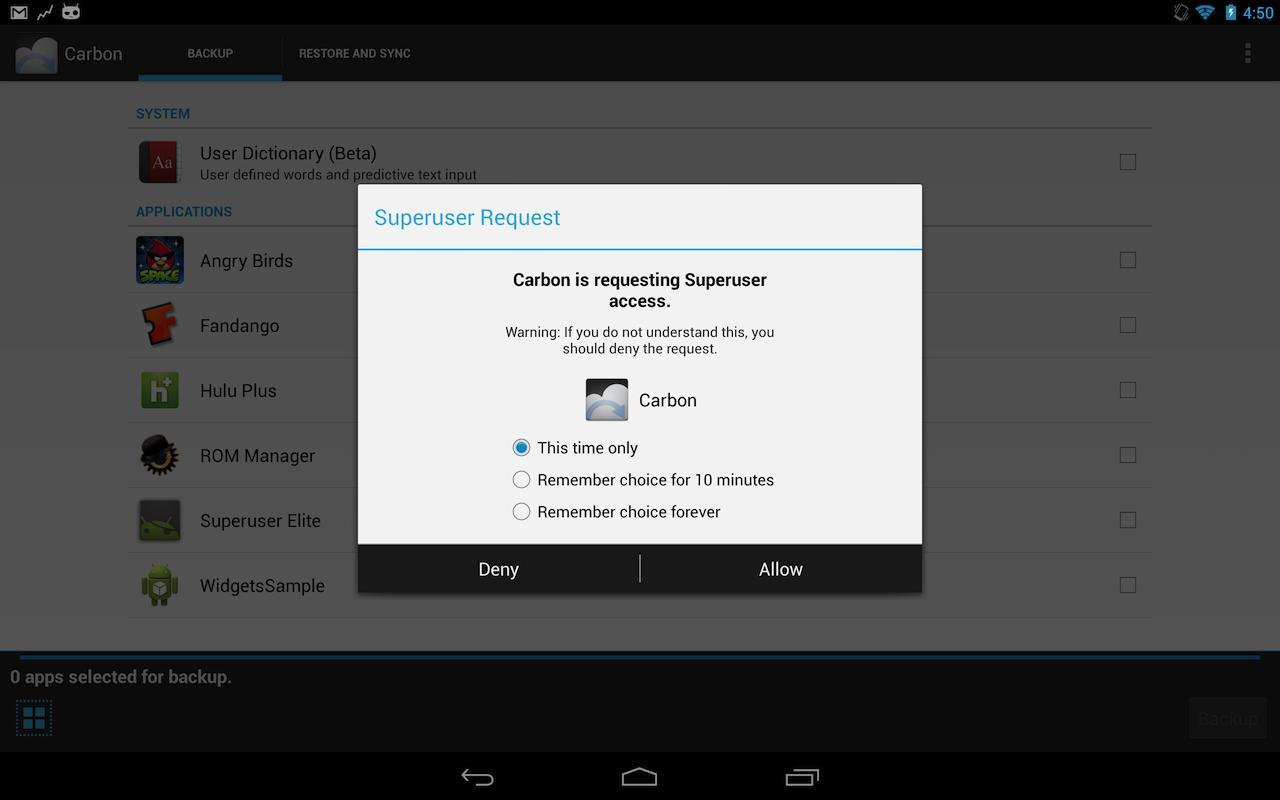
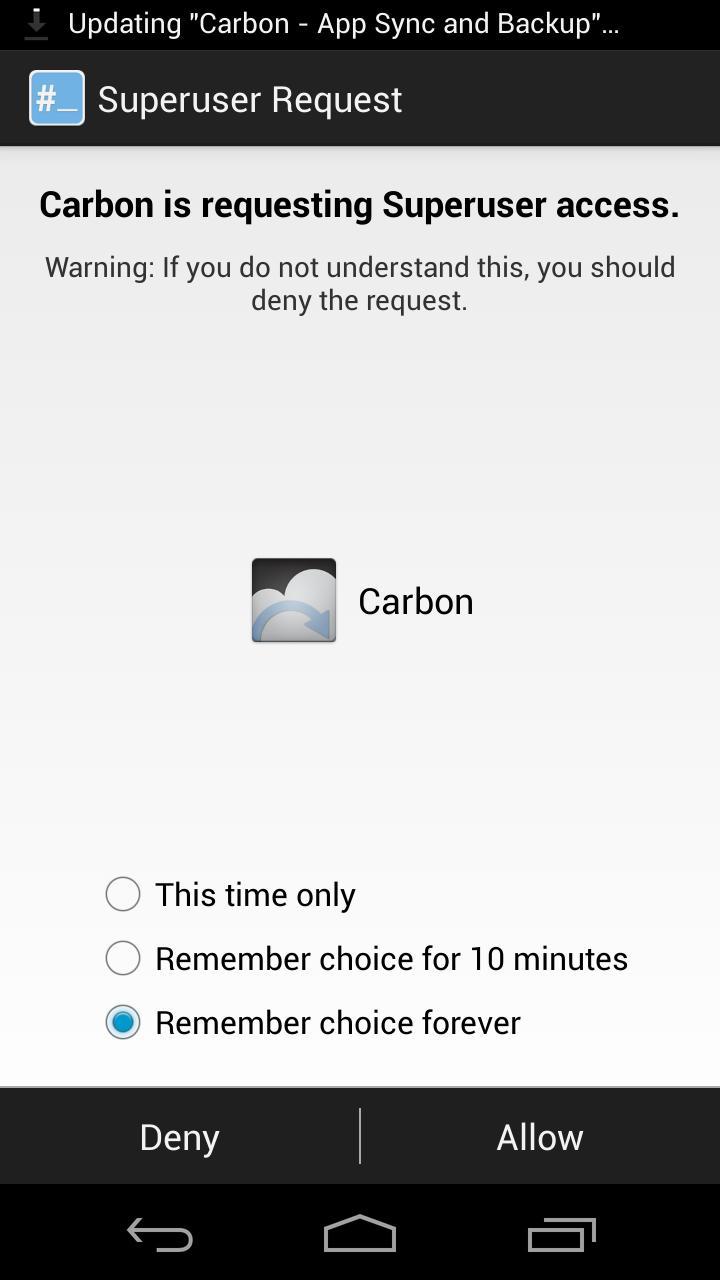
Superuser lets you grant or deny root access per app, then remember those choices. You can set default behavior and edit policies to match how each app should use su. Manifest permission support helps align app declarations with permission handling across your device.
Logging and notifications
Superuser records each su request with timestamps so you can review what happened and when. You receive notifications when an app asks for access, allowing quick decisions without opening the app. This log keeps permission activity transparent for later checks.
Multiuser and tablet friendly
Superuser supports devices with multiple users and provides a proper tablet interface. Permissions remain clear across profiles, and controls are accessible on larger screens. This helps maintain consistent behavior whether you are on a phone or a tablet.
Security options and troubleshooting
You can enable PIN protection to prevent unauthorized changes. Request timeout settings make sure prompts do not stay open indefinitely. If apps are denied after changes, disable the Declared Permission setting, delete any Deny policies, and update the su binary to the Superuser latest version.
Superuser provides focused control over su requests with per app rules, logs, and security options. Ensure your device is rooted or has a compatible recovery before setup. To begin, download Superuser and manage permissions on your device.
Latest Version
1.0.3.0Uploaded by
Cem Berkay Eren
Requires Android
Android 2.2+
Category
Free Tools AppContent Rating
Unrated · Warning – content has not yet been rated. Unrated apps may potentially contain content appropriate for mature audiences only.
Report
Flag as inappropriateLast updated on Jun 15, 2015
Fix Samsung KNOX issues.
Fix adb bugreport toast spam
Several vulnerability fixes: CVE-2013-6768, CVE-2013-6769, CVE-2013-6770
Support for Android 4.3
Security Fix, see here for disclosure: http://bit.ly/Z1WdOQ
Added translations
X86 installation fixes
Fix crashes on Note 2 (caused by dumpstate)
Fix gingerbread crash
Dark theme is now a setting
When su is called, notify user if su is out of date.





APKPure - A multi-platform app store primarily focused on Android, providing extensive app-related content. Discover the app you want easier, faster, and safer, with quick and efficient downloads and installations.






![Kingo SuperUser [ROOT] APK](https://image.winudf.com/v2/image/Y29tLmtpbmdvdXNlci5jb21fNXlrZDJvNjQ/icon.png?w=102&fakeurl=1)