Package Name:com.themechange.iconchange
SHA-256:aaf86fb6886e873b8695871d008738f7b7620a0783709752dbd1d9373bdf2ebb
Show More

Want to change app icons? Looking for an app to personalize icon packs with different themes?
If it's your yes, then, Stylish Icon Changer will allow decorating android phones with the stylish icon.
Icon changer app helps to customize icons and make your home screen look attractive.
How to change the icons?
- Select the app icon to change.
- Pick the app icon from the library or photo gallery or camera or apps.
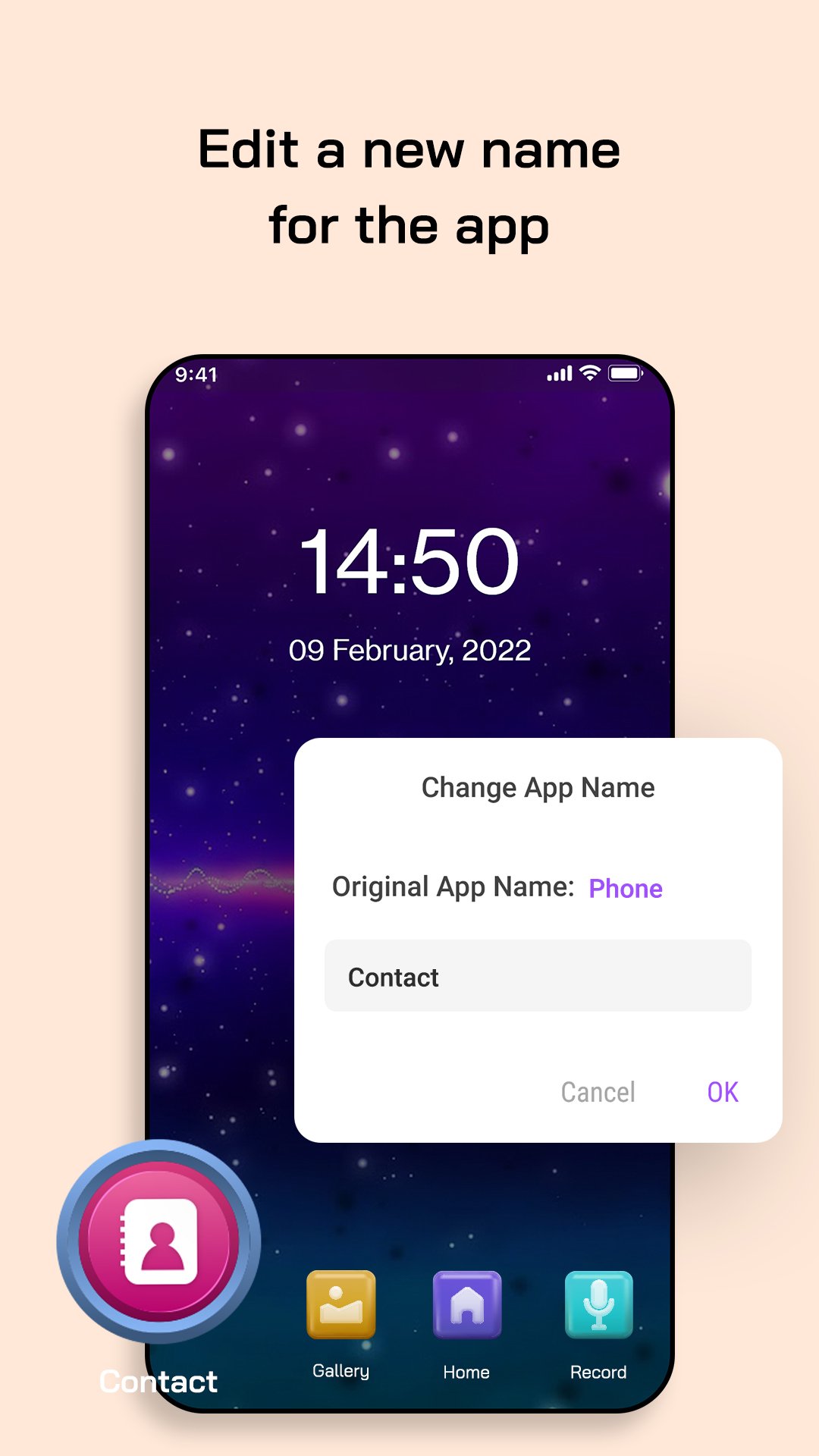
- You can set desired app name and save changes.
- Click on 'Add' to set the icon on the home screen.
How to change theme?
- Search and select the theme from the list.
- Click on use.
- Select the icons to be changed.
- Click on install to use them.
- Add the widget on the screen.
- Select the wallpaper from the wallpaper and set it on the screen.
Latest Version
4.0Uploaded by
Tuyen Nguyen
Requires Android
Android 8.0+
Category
Free Personalization AppContent Rating
Everyone
Security Report
Check Now
Report
Flag as inappropriateLast updated on Sep 28, 2025
Minor bug fixes and improvements. Install or update to the newest version to check it out!






APKPure - A multi-platform app store primarily focused on Android, providing extensive app-related content. Discover the app you want easier, faster, and safer, with quick and efficient downloads and installations.