Package Name:www.cardo.store
SHA-256:ac2e3408699cc7949f387929057217e9b73387dcdc06aa4ff01a9881a2618a8b
Show More

Sell gift cards for local currency with competitive rates and fast, direct processing.
• Direct buyers. No middlemen.
• 6 years of gift card industry experience.
• Serving Nigeria, Ghana, Benin and Côte d’Ivoire.
OCard buys and processes your gift cards directly. Check rates, follow your orders and manage withdrawals in one app.
WHY CHOOSE OCard?
• No Middlemen. More Direct Value.
Sell directly to the team buying and reviewing your cards. Fewer intermediary steps help us keep rates competitive and process orders efficiently.
• Clear Rates Before You Trade
Check the available rate for your card type and value before submitting an order, so you can decide whether to sell.
• 6 Years of Industry Experience
Trade with an experienced team that understands the importance of careful verification, clear communication and dependable service.
• Fast Processing. Visible Progress.
Your gift cards go directly to our team for review. Follow each order’s status and see the result in the app.
• Balance and Withdrawals in One Place
After approval, the applicable amount is credited to your OCard balance. Request a withdrawal using the methods available for your country and account.
• Support for Your Trade
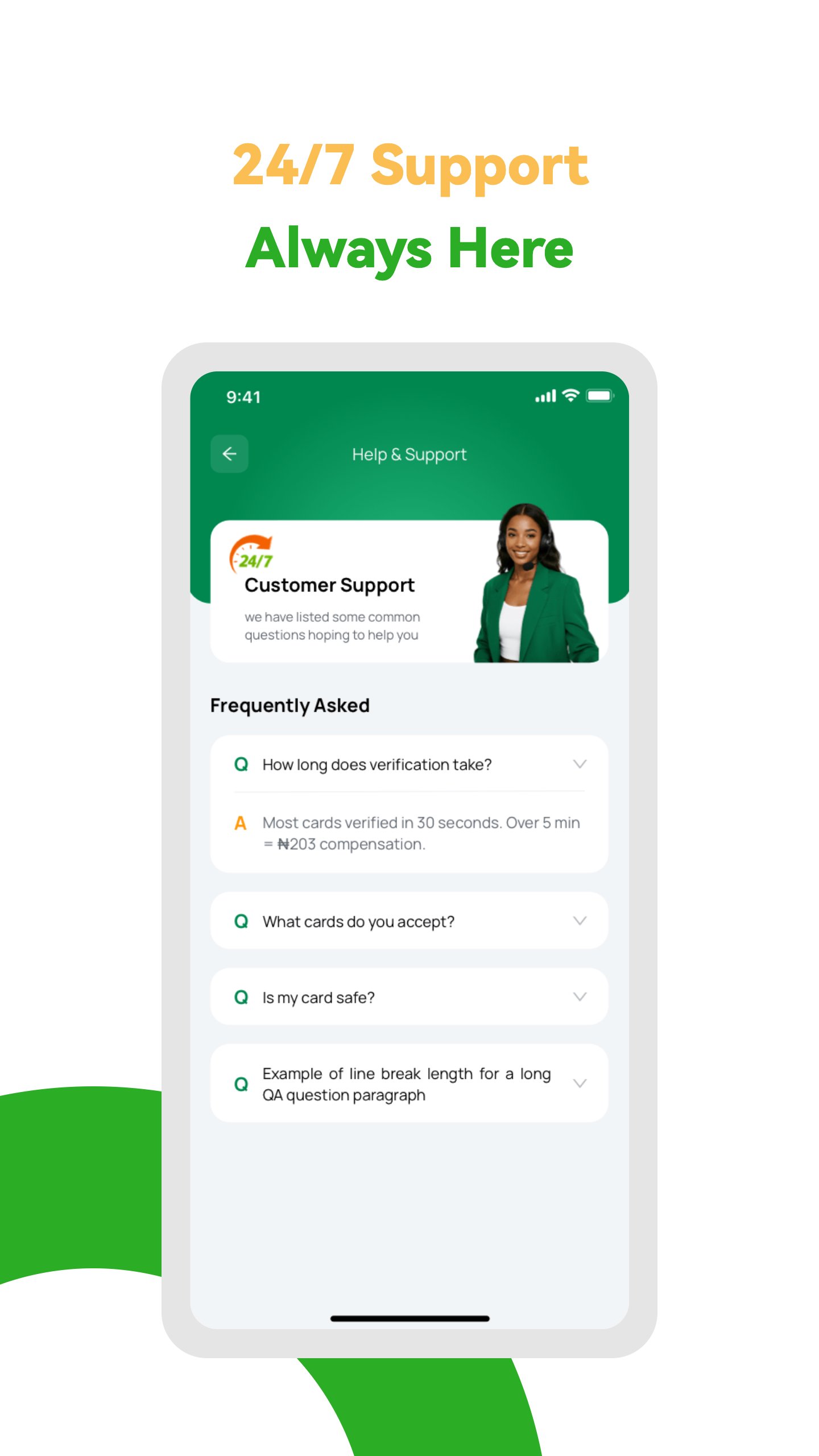
Have questions about a submission, order result, account or withdrawal? Contact our support team for help.
HOW IT WORKS
Create an account or log in, then follow 3 steps:
1. CHOOSE YOUR CARD
Select a supported gift card and check its current rate.
2. SUBMIT FOR REVIEW
Enter the required details, upload clear images and follow your order’s progress.
3. RECEIVE YOUR BALANCE AND WITHDRAW
After approval, receive the applicable amount in your OCard balance, then request a withdrawal through an available method.
GIFT CARDS YOU CAN SELL
Explore supported cards in the app, including selected:
• Apple
• Steam
• Google Play
• Razer
• Xbox
• PlayStation
Supported brands, denominations and issuing regions vary. Check your specific card’s availability and rate before submitting it.
BUILT FOR YOUR MARKET
• Nigeria
• Ghana
• Benin
• Côte d’Ivoire
Check the app for the currencies and withdrawal options available for your country and account.
REGISTRATION AND REFERRAL REWARDS
• New User Registration Bonus
New to OCard? Get a welcome bonus when you register and meet the reward requirements.
• Invite Friends. Earn Rewards.
Invite friends to OCard and earn referral rewards when the qualifying conditions are met.
Check the app for reward amounts, eligibility and claiming rules.
Direct buyers. Experienced people. Clear rates.
Choose OCard for a straightforward way to sell gift cards, follow your trades and manage your withdrawals.
BEFORE YOU TRADE
• Submit only gift cards you legally own or are authorised to use.
• Every card is subject to verification. Invalid, used, unsupported or unreadable cards, or cards that do not meet verification requirements, may be rejected.
• Rates depend on the card’s brand, type, denomination, issuing region and market conditions. Check the app for current rates, supported cards and reward terms.
• Approval credits your OCard balance; it does not mean a bank or other external payout has been completed. Withdrawals are requested separately, and processing times vary by verification requirements and withdrawal method.
• OCard is an independent service, not affiliated with or endorsed by the gift card brands displayed. All trademarks belong to their respective owners.
Latest Version
1.0.7Uploaded by
Ramon Matthew M. Garcia
Requires Android
Category
Free Business AppContent Rating
Everyone
Security Report
Check Now
Report
Flag as inappropriateLast updated on Oct 21, 2026
• Integrated automated testing to improve release quality
• Fixed known issues and improved overall stability
• Performance and reliability enhancements





APKPure - A multi-platform app store primarily focused on Android, providing extensive app-related content. Discover the app you want easier, faster, and safer, with quick and efficient downloads and installations.