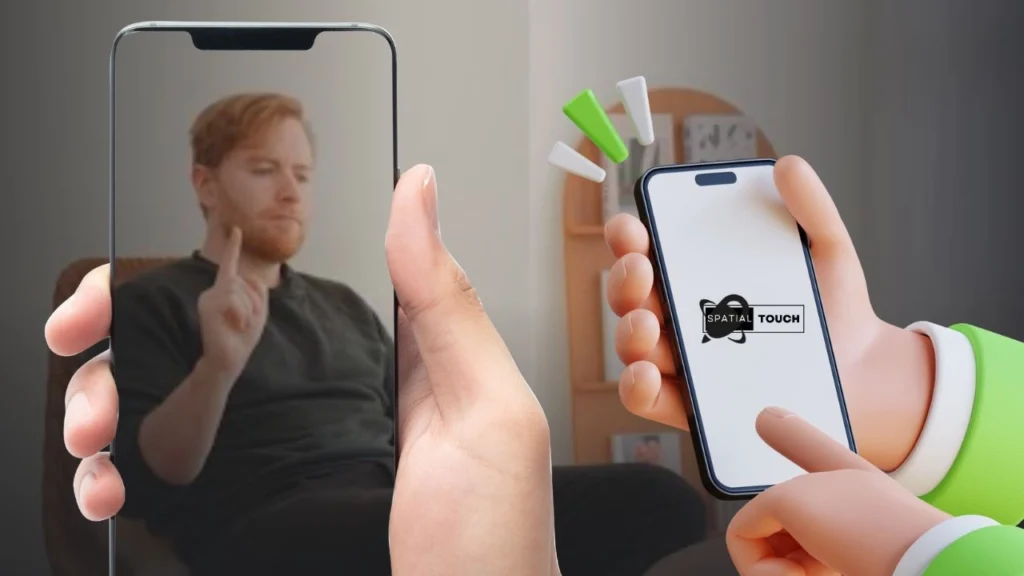
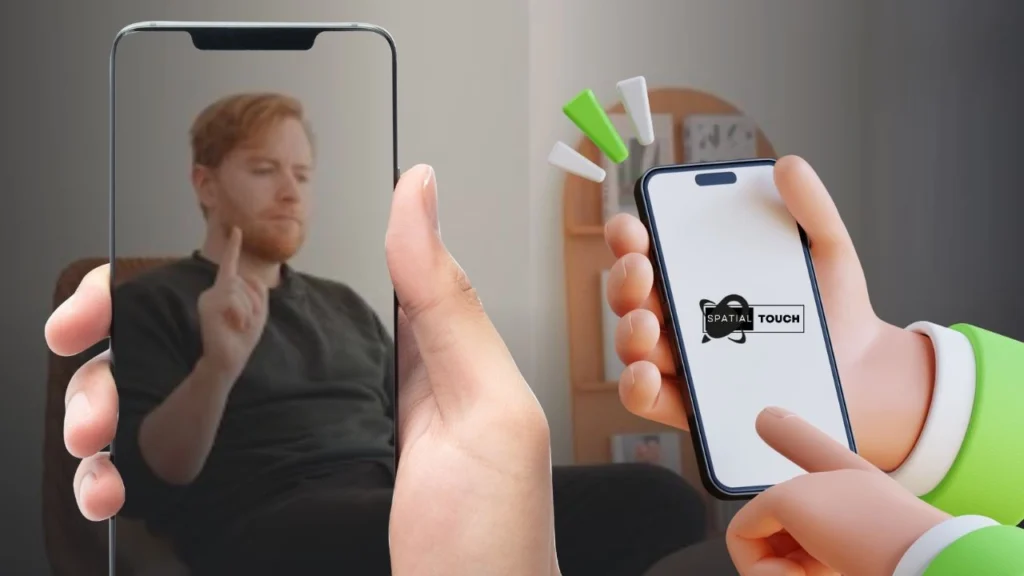
Spatial Touch™ helps when your hands are wet, you are eating, or the phone rests on a table. It uses on device processing with the camera to read simple hand motions, so you can watch or browse from a short distance. It works across popular video, music, and social apps, with more services planned. This Spatial Touch™ APK overview focuses on everyday viewing and browsing without reaching for the screen.
Hands free media controls
Control from up to 2 meters
You can sit back or stand and operate your phone from as far as 2 meters. It recognizes gestures in different postures while the device is on a table, stand, or desk. This helps during cooking, cleaning, workouts, or when relaxing on a couch.
Automatic activation in supported apps
Spatial Touch™ starts in the background when you open supported video, music, or short form services. The camera activates only while those apps are running and stops when you exit, so it is ready when needed and idle when not.
Recognition, privacy, and setup
Spatial Touch™ reduces false gestures with adjustable filters for steadier control. All processing stays on your device, and no images or videos are stored or sent outside. To work correctly, grant camera, accessibility control, and notification permissions. For smoother performance, Android 8.0 or higher, 4 GB RAM, a 720p or better camera, and a Snapdragon 7 series or newer chip are recommended.
Spatial Touch™ offers practical hands free control for videos, music, and social feeds using simple gestures. Check your device and permissions, then download Spatial Touch™ to begin controlling your screen from a short distance.
Latest Version
1.2.17Uploaded by
Su Pyae Min Naing
Requires Android
Category
Free Tools AppContent Rating
Teen · Diverse Content: Discretion Advised
Report
Flag as inappropriateLast updated on Oct 9, 2026
- Dynamic Island customization options added
- Indicator customization options added
- Gesture Performance settings added
- App stability and performance improved



APKPure - A multi-platform app store primarily focused on Android, providing extensive app-related content. Discover the app you want easier, faster, and safer, with quick and efficient downloads and installations.