

Solo VPN - One Tap Proxy helps when you need a quick, private connection on public WiFi or when certain websites are not reachable. It focuses on simple use so you can connect without complicated setup or accounts. In everyday use, it aims to keep your traffic protected while giving you options to switch locations when needed. If you prefer direct installation, you can also find the Solo VPN - One Tap Proxy APK for easy access.
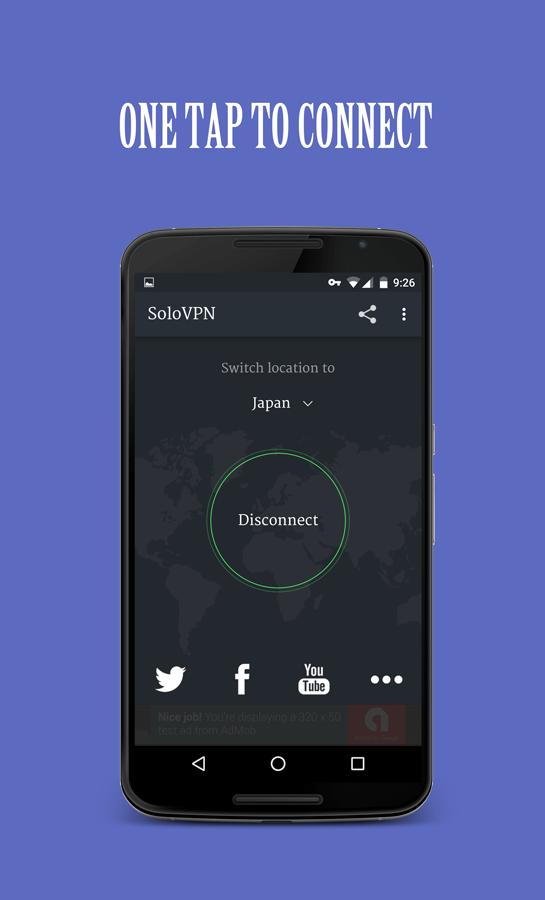
Solo VPN - One Tap Proxy keeps the connection process simple. Tap the connect button and the app finds an available server for you. There is no sign up and no root required, so you can start using it right away.
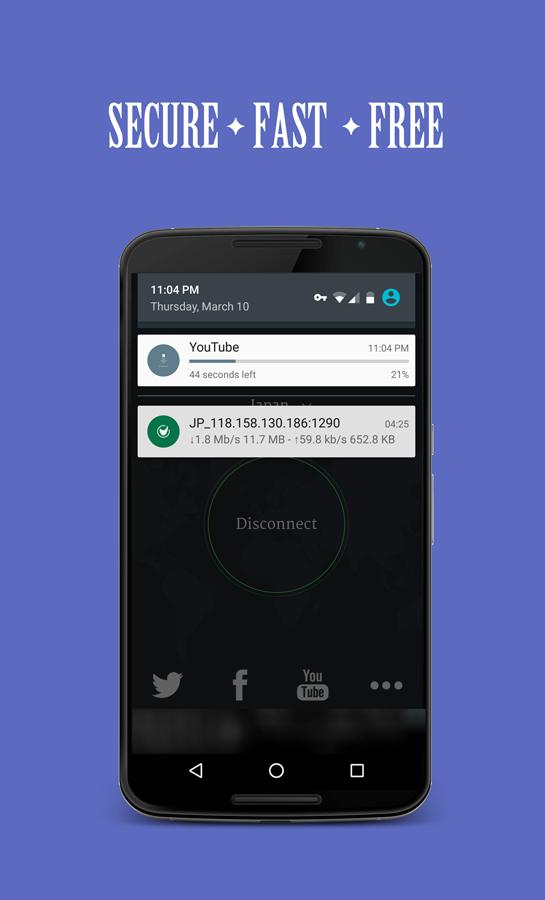
Free service with no time or data limitsYou can keep the VPN on as long as you need, with no bandwidth caps. The app is supported by ads, which helps maintain free access. If you use a lot of data, the connection continues without extra steps.
Access blocked sites and bypass restrictionsThe app routes your traffic through its servers so you can reach sites that may be blocked on your network. It also hides your public IP to reduce tracking and help you bypass local firewalls. This can be useful on school, work, or travel networks with strict rules.
Encryption for public WiFi safetyWhen connected, your data is encrypted in transit to reduce the risk from snoopers and open hotspots. This helps protect logins, messages, and browsing on shared networks. It is especially helpful when you rely on cafes, airports, or hotels.
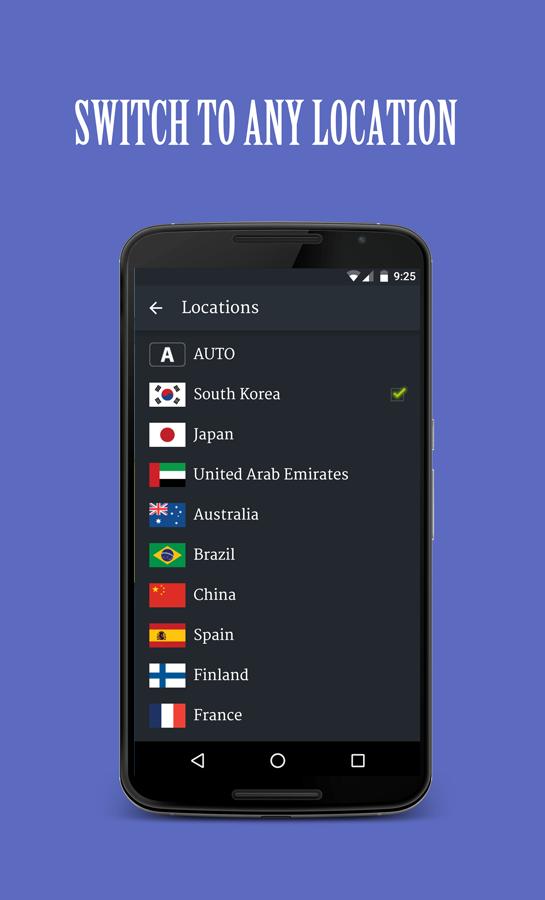
Global servers across many regionsSolo VPN - One Tap Proxy offers coverage in over 30 countries so you can choose a location that fits your needs. Popular regions include Japan, South Korea, United States, United Kingdom, Australia, Canada, Türkiye, and Ukraine. Switching regions can help with access and may improve speed depending on your connection.
The app may share certain data types, such as location or personal information, with third parties; data sent through the VPN tunnel is encrypted in transit. Usage is free and ad supported, so you may see ads during sessions. Permissions are focused on network access and VPN service, and you can adjust app permissions in your device settings at any time. If you are comparing options, review these points to decide if this setup fits your privacy and usage needs.
Getting started is quick, and you can download Solo VPN - One Tap Proxy and connect in a few steps. The app is designed for straightforward use on Android. Follow the steps below to start and switch locations when needed.
Solo VPN - One Tap Proxy provides quick, one tap connections, encryption for public WiFi, and servers in many regions. For the most stable experience, consider updating to the Solo VPN - One Tap Proxy latest version when available.
For support or feedback, contact the developer using the emails below.
Latest Version
2.0.5-2023042826Uploaded by
SoloVPN & NCleaner & Radio
Requires Android
Android 4.4+
Category
Free Productivity AppContent Rating
Everyone
Report
Flag as inappropriateLast updated on Apr 28, 2023
- Optimize search, refresh and connect logic
- Fix policy issue
- Reduce APK size
- Fix minor bugs

APKPure - A multi-platform app store primarily focused on Android, providing extensive app-related content. Discover the app you want easier, faster, and safer, with quick and efficient downloads and installations.