Package Name:free.vpn.unblock.proxy.vpnmonster
SHA-256:3fa4e45749c76cb610b49e125be12e35fe96eef9a855b50c3558ce2587e6122b
Show More


VPN Monster helps when content is restricted in your region, when public hotspots feel risky, or when games and streams need a more stable route. It focuses on simple connections across mobile data and WiFi, so you can get online quickly without extra setup. Moreover, it is designed for everyday use on Android, including common needs in India such as accessing news, apps, and social sites. If needed, you can look for the VPN Monster APK when preparing an offline install.
Free and unlimited usage
VPN Monster provides free access without time, speed, or bandwidth limits. The free tier shows ads, and an optional premium plan offers an ad free experience, often with a trial for first time users. If something is not working as expected, 24/7 customer support is available to help with connection or subscription questions.
Fast global servers for streaming and gaming
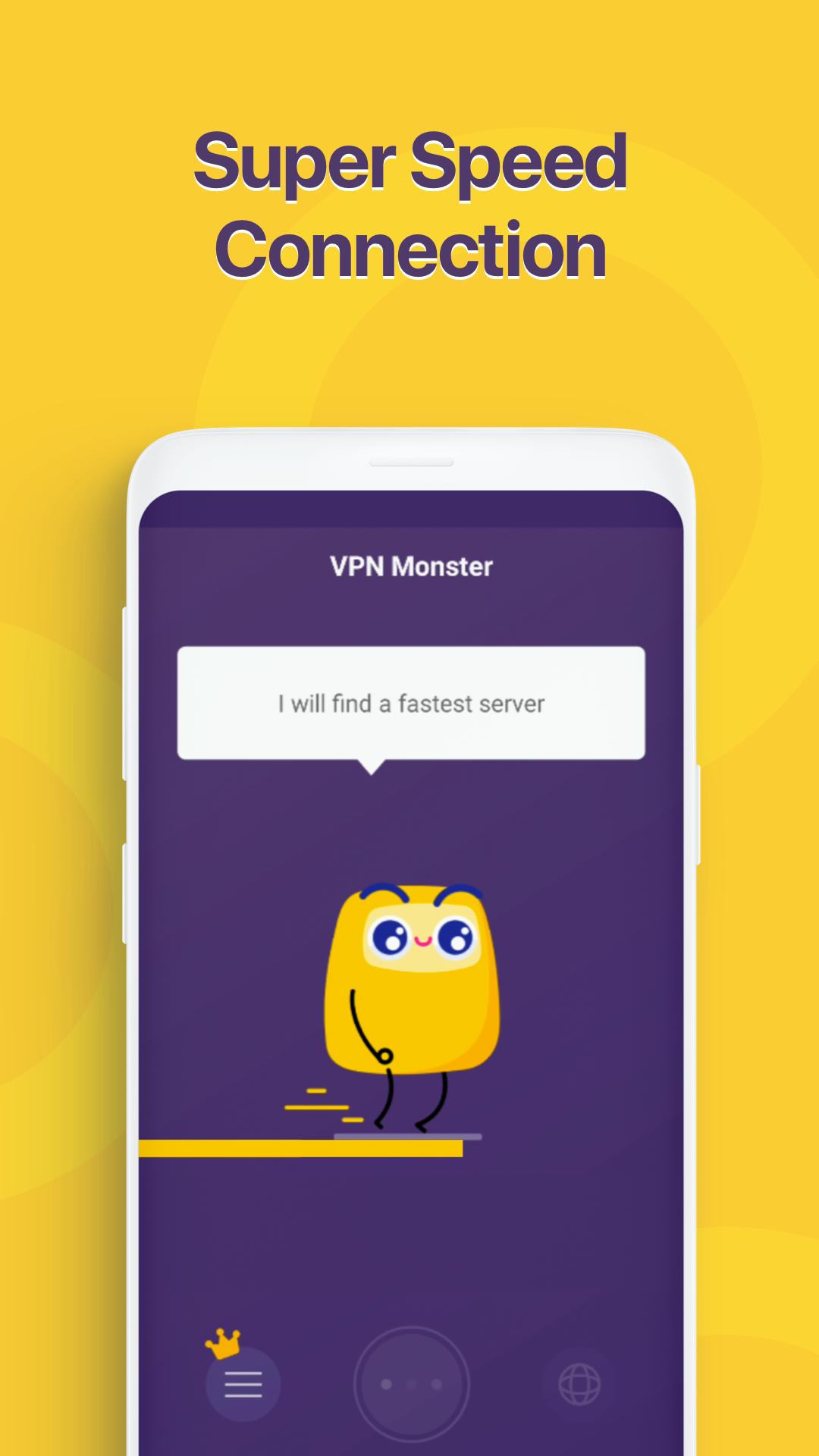
You can connect to worldwide servers that aim to provide quick access for streaming videos and live sports. Popular mobile titles such as PUBG, Free Fire, and Mobile Legends can benefit from more stable routes when local networks are congested. Actual speed depends on your ISP, device, and distance to the server, so switching locations can help find the best result.
Security protocols and privacy tools
VPN Monster uses OpenVPN or IPsec protocols over UDP or TCP, along with AES 128 encryption for data in transit. It masks your IP and location to reduce tracking across WiFi and mobile networks, and it includes a stated no log policy for browsing activity. These settings are designed to create a private tunnel for everyday use without complex configuration.
Protection on public WiFi and restricted networks
Open hotspots at airports, cafes, schools, or offices can expose unencrypted traffic. VPN Monster encrypts your online activity on these networks to reduce the chance of interception and may help you access sites blocked by local firewalls. This is especially useful when you need to check email, make payments, or sign in to work apps away from home.
Simple setup, one tap connection, and private browser
There is no registration required, so you can tap once to connect and start browsing. The built in private browser lets you search and visit sites inside the app without switching tools, which keeps your session in the same encrypted tunnel. Connections work across WiFi, 4G, and 3G on major mobile carriers, and you can change locations at any time.
Using a VPN is generally legal in India for normal personal use, including privacy and security on public hotspots. In 2022, CERT In announced data retention rules for VPN providers that operate physical servers inside India. Some providers adjusted their infrastructure in response to these requirements. You should use VPNs responsibly, follow local laws and workplace policies, and choose server locations that match your needs. If data retention is a concern, consider selecting non India locations in the server list when appropriate.
VPN Monster’s no log claim refers to browsing activity passing through the VPN tunnel. As an ad supported app, it may collect device identifiers, diagnostics, and basic usage information, and advertising partners may use identifiers to deliver and measure ads. Premium plans remove ads, which can also reduce related tracking. You can review in app settings to manage permissions and clear local data, and you can contact support if you have questions about what information is collected.
To get started quickly, download VPN Monster, open it, and prepare to connect with one tap. The app focuses on simple choices so you can secure your session and find a suitable server without extra steps.
VPN Monster offers encrypted connections, global server options, and simple one tap control for everyday browsing, streaming, and gaming. To begin, install the VPN Monster latest version, connect to a location, and browse with more privacy on public and home networks.
For support or feedback, contact the developer using the details below.
Latest Version
2.0.5Uploaded by
Heitham Da Ana
Requires Android
Android 6.0+
Category
Free Tools AppContent Rating
Everyone
Security Report
Check Now
Report
Flag as inappropriateLast updated on Nov 19, 2025
- Optimized VPN connection for faster and more stable performance
- Enhanced privacy protection and overall user experience
- Fixed minor bugs



APKPure - A multi-platform app store primarily focused on Android, providing extensive app-related content. Discover the app you want easier, faster, and safer, with quick and efficient downloads and installations.