Package Name:com.lwfd.koreavpn
SHA-256:cf2305c9fa2896c8fd95ba94074114f87f8d0f0981cb1a0577efc78dcead736d
Show More


Korea VPN fits users who already use OpenVPN for Android and want fewer steps to start a connection. It runs as a companion rather than a standalone tool, so the OpenVPN client must be installed first. After launch, it communicates with that client to prepare and request a connection, which reduces manual profile handling. Because free servers can be busy, results may vary; however, actions stay simple for quick retries. Installing the Korea VPN APK alongside the client keeps this setup straightforward.
Companion to OpenVPN for Android
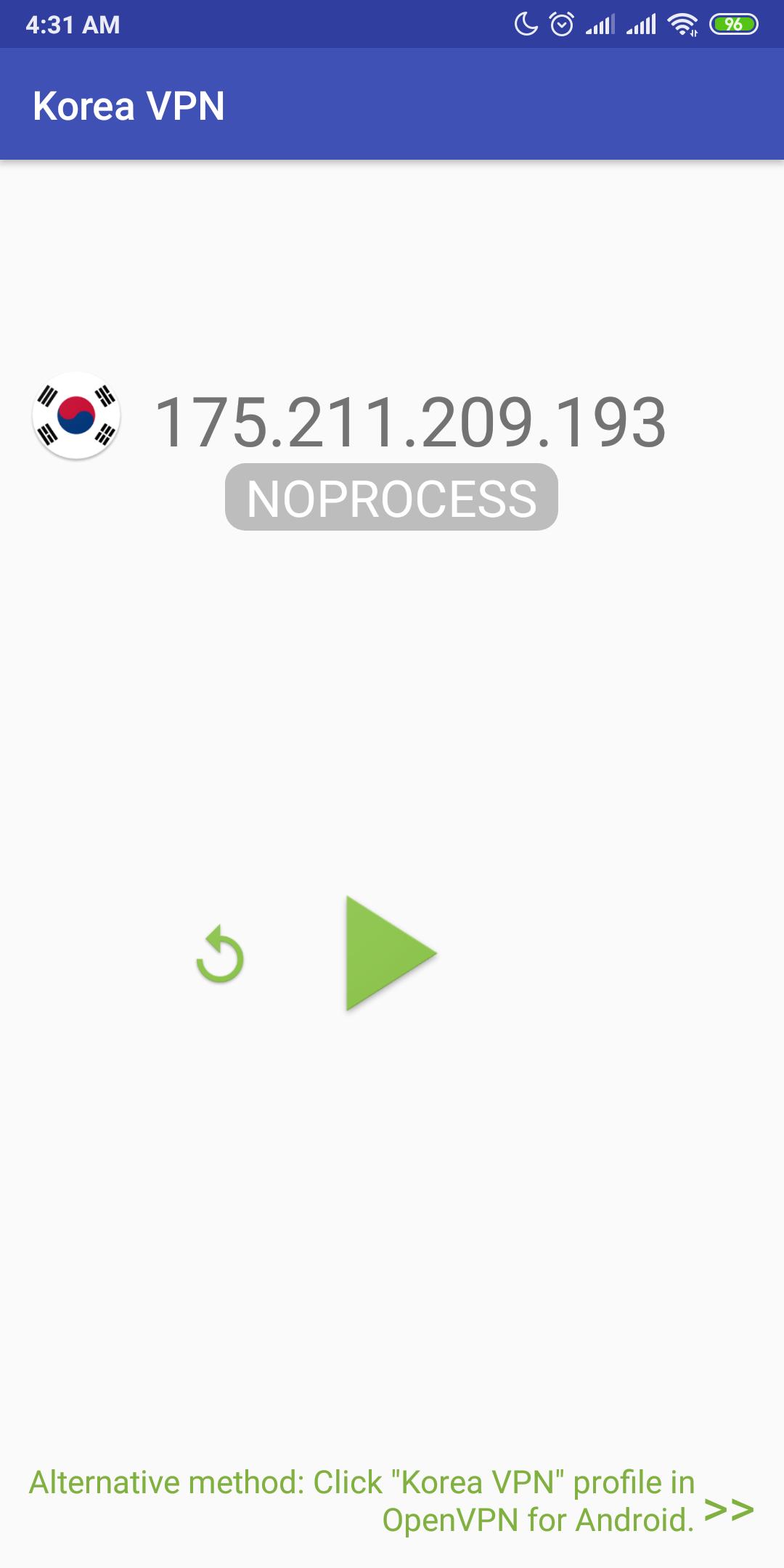
First, Korea VPN does not work on its own. It relies on the OpenVPN for Android client to handle connections. When you open the app, it prepares the profile details and asks the client to connect. Users should download Korea VPN only as a companion to the OpenVPN client, since it cannot create connections by itself.
Quick server refresh
Next, you can tap Refresh to request a new VPN server IP. This gives another option if the current server is busy. It helps cycle through available endpoints without editing files.
One tap import and connect
Then, tapping the Play button saves the chosen IP to a profile, imports it, and passes it to the OpenVPN client. The client starts the connection process right away. This keeps the flow consistent between scans and connection attempts.
Troubleshooting and limits
Set up the OpenVPN for Android client, then open Korea VPN to refresh servers and request a connection. If a server fails, reload and try another. For stability improvements and updated behavior, install the Korea VPN latest version when available. Review any prompts in the client.
Latest Version
3.8.1Uploaded by
Rahmat Enginer
Requires Android
Android 6.0+
Category
Free Productivity AppContent Rating
Everyone
Security Report
Check Now
Report
Flag as inappropriateLast updated on Jan 9, 2026
Minor bug fixes and improvements. Install or update to the newest version to check it out!




APKPure - A multi-platform app store primarily focused on Android, providing extensive app-related content. Discover the app you want easier, faster, and safer, with quick and efficient downloads and installations.