Scan Date:Feb 12, 2026
Show More

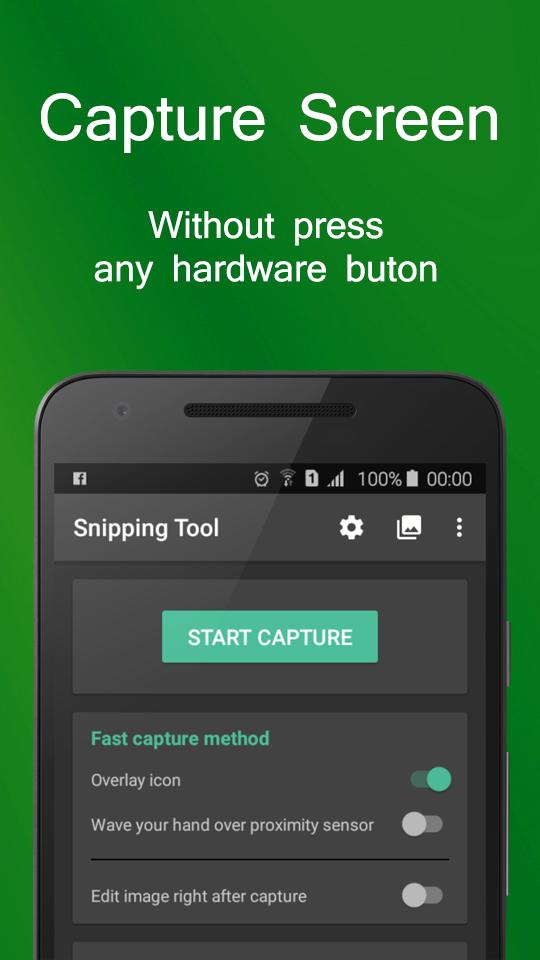
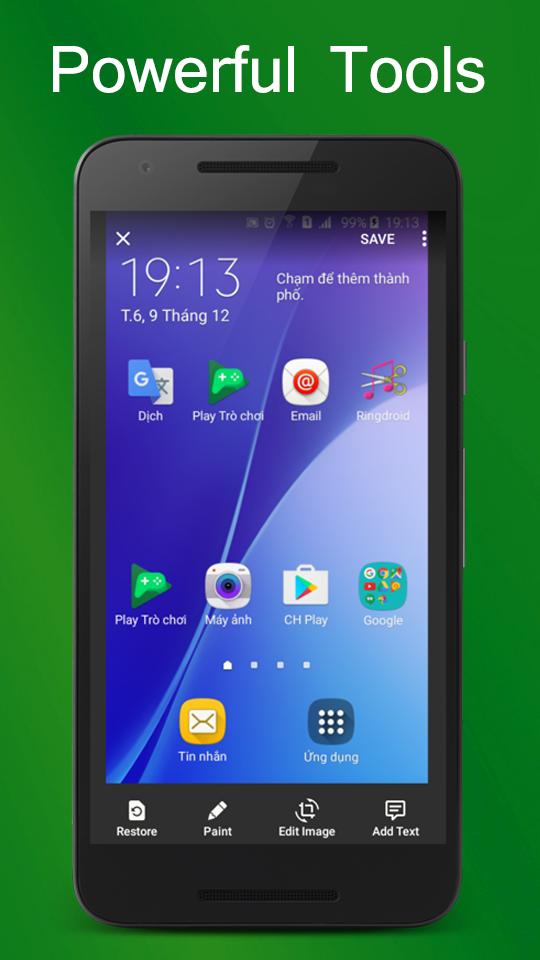
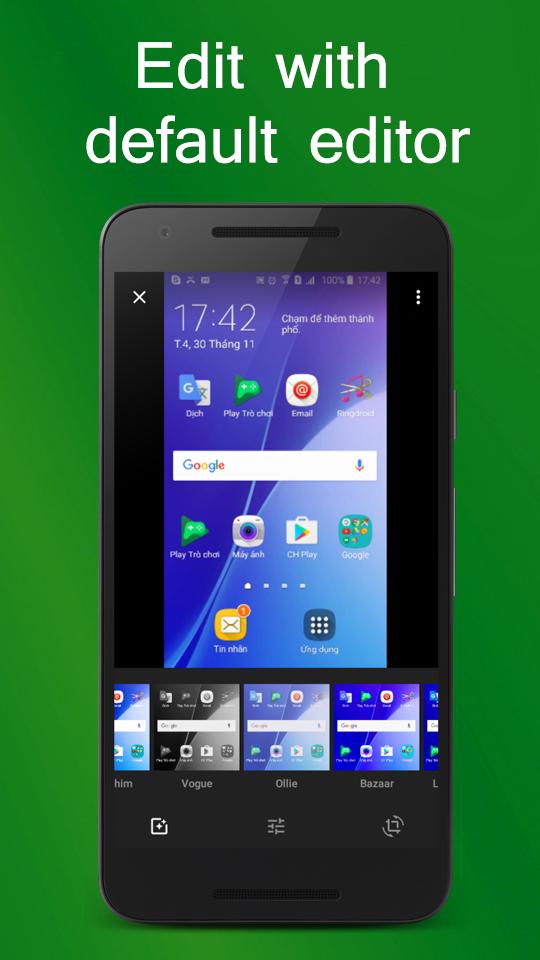
Snipping Tool - Screenshots is a free application that help you capture device's screen easily, conveniently. You can take a screenshot quickly without pressing any hardware button, just one touch for screenshot. You can also edit screen capture image after that with many powerful tools then share your file.
With Snipping Tool, you can:
- Capture screen easily by:
+ Touch the overlay icon.
+ Wave your hand over proximity sensor.
- Edit screenshot with many tools:
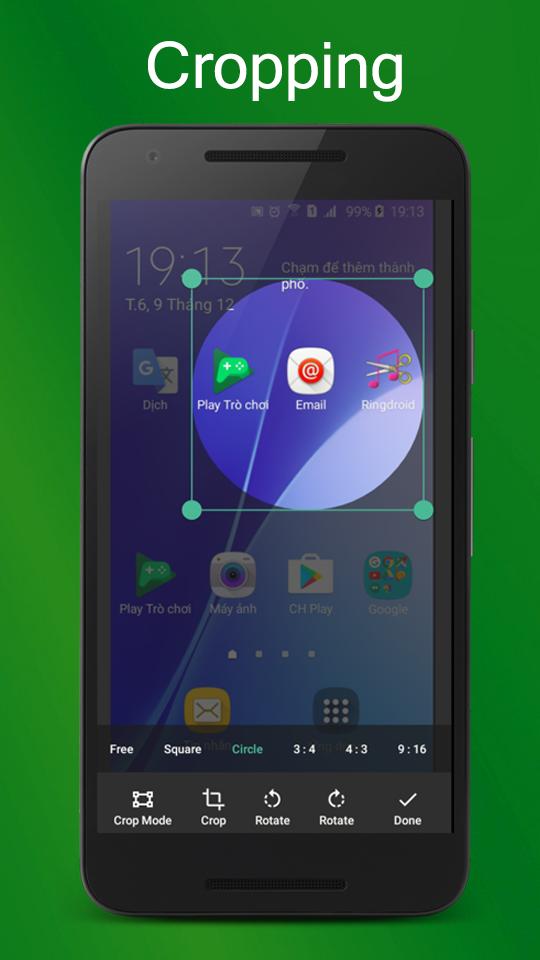
+ Rotate, crop image.
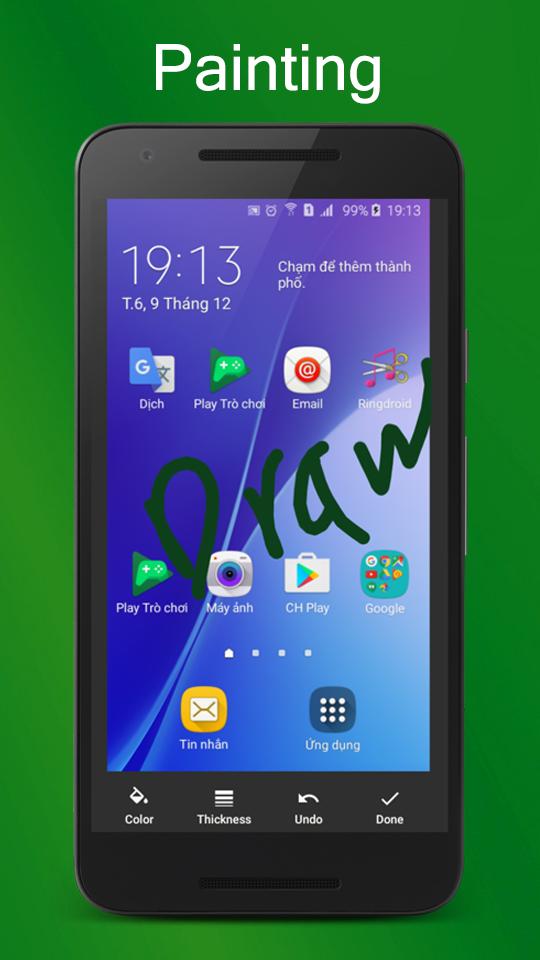
+ Draw on the captured image.
+ Add text to image.
+ And many other powerful tools.
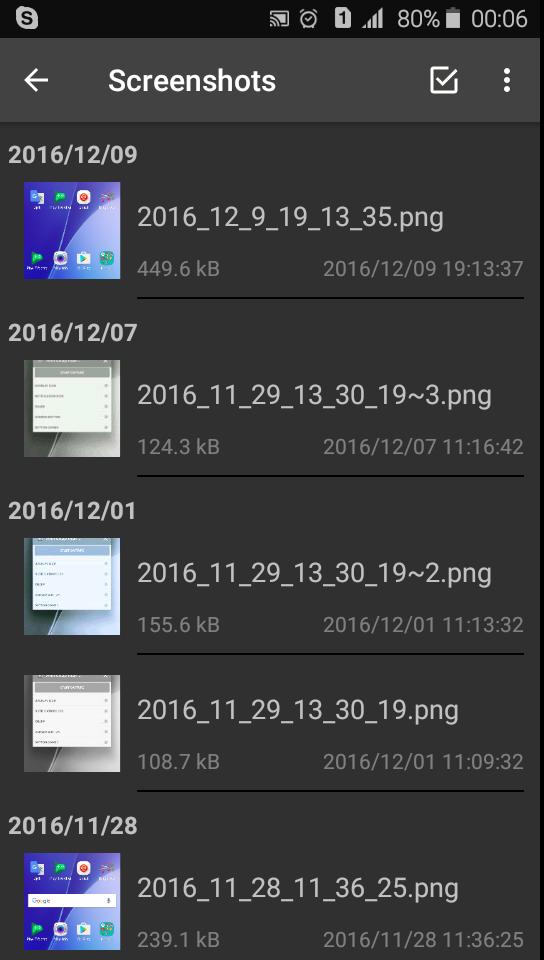
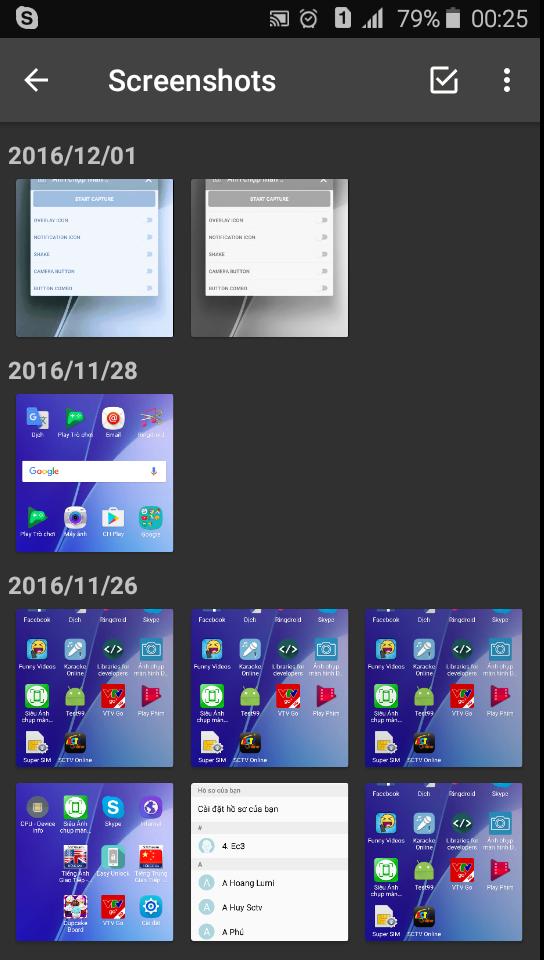
- Manage screen capture image (change name, zip, share and so on)
- Support save screen capture images as png, jpg, webp.
Let's try capturing screen by Snipping Tool - Screenshot Touch free for android, you will enjoy it ^^
Note:
- Application support Android 5.0 and up.
- Application requires WRITE_EXTERNAL_STORAGE Permission to save screen capture images to device storage.
- Application requires SYSTEM_ALERT_WINDOW Permission to draw the fast capture icon over other applications.
Thank you for using Snipping Tool - Screenshots. Any questions please contact email: lta1292@gmail.com
Latest Version
1.23Uploaded by
नादान बालक
Requires Android
Android 5.0+
Category
Free Tools AppContent Rating
Teen · Language
Security Report
Report
Flag as inappropriateLast updated on Jul 11, 2025
- Supported the newest Android version
- Fixed some bugs that users reported
- Optimized the application


APKPure - A multi-platform app store primarily focused on Android, providing extensive app-related content. Discover the app you want easier, faster, and safer, with quick and efficient downloads and installations.