Scan Date:Jan 19, 2026
Show More

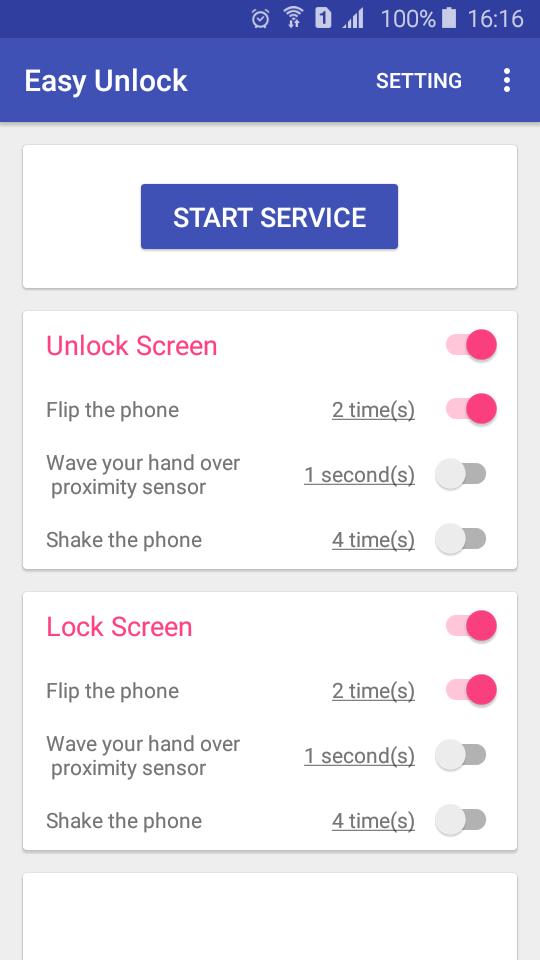
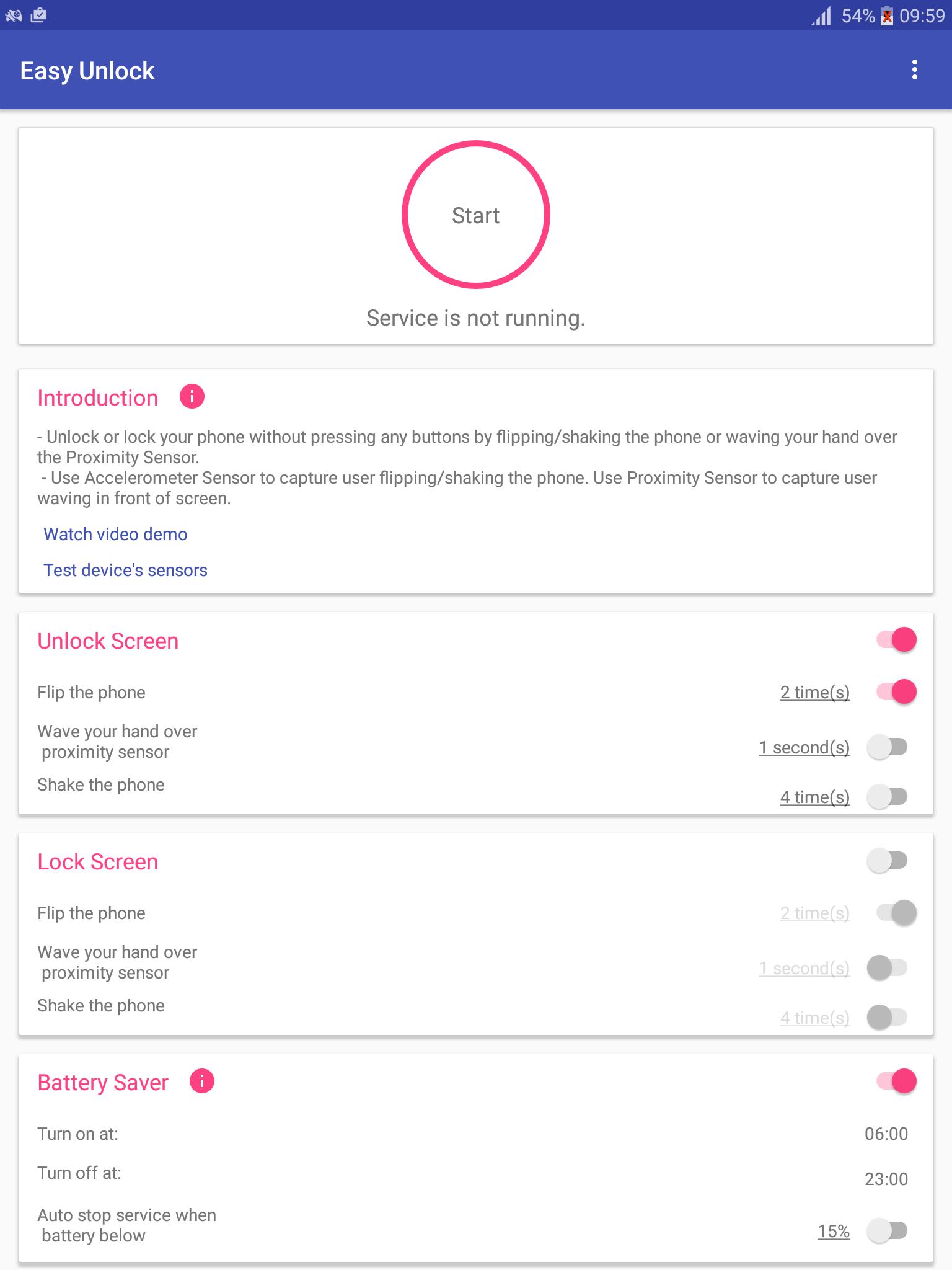
Turn on screen, turn off screen too easy with Easy Unlock. When using smart phone, normally you need to press Home / Power button to lock screen or unlock screen. And by the time, Home / Power button can be weakened. Let's using Easy Unlock app with many features: Wave to lock, wave to unlock, shake to lock, shake to unlock, flip to turn on / off screen.
Easy Unlock uses device's sensors, very suitable for devices with weak Home / Power button. You can protect Home / Power button when using Easy Unlock. Drain less battery and easy to use:
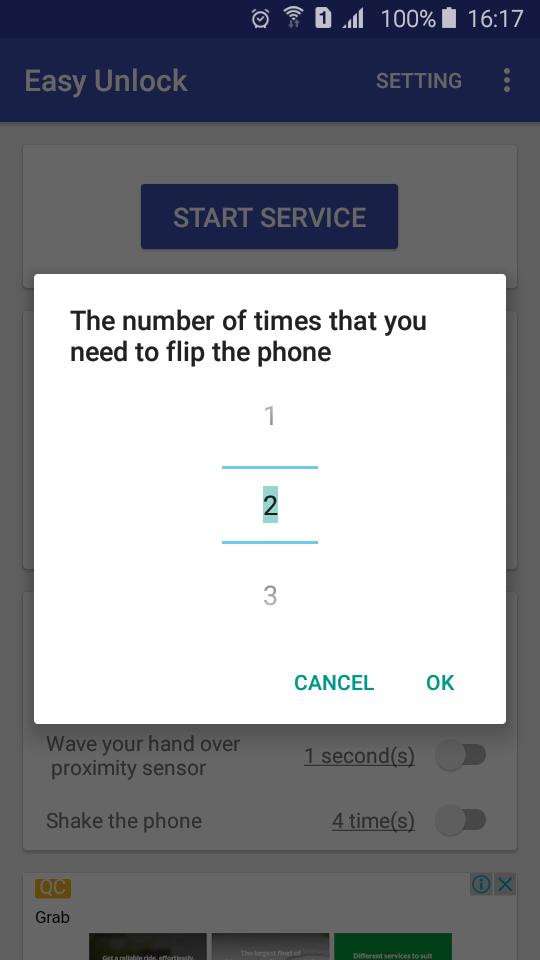
- Flip your phone, you can setting the number of times that you need to flip the phone. Besides that, Easy Unlock can detect when your device was flipped in backpack, pocket..., it just unlock screen when user flip phone.
- Wave your hand over proximity sensor, you can setting the number of seconds that you need to wave your hand. In my opinion, you should not use feature Wave To Lock Screen, because of Easy Unlock maybe detect wrong when you are using device and wave your hand over proximity sensor by mistake.
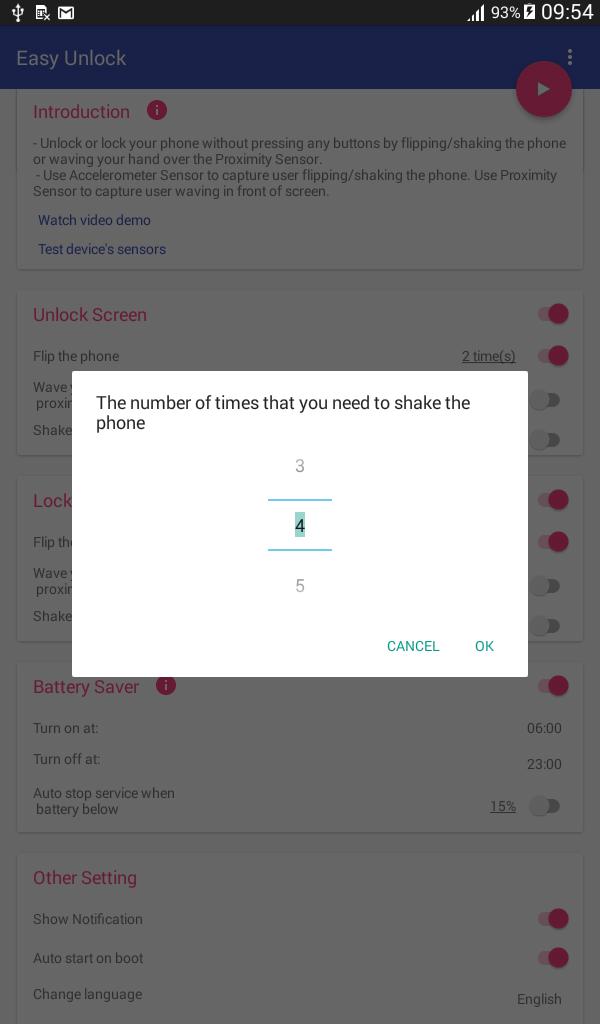
- Shake your phone, you can setting the number of times that you need to shake the phone. Like the Flip feature, Easy Unlock just unlock screen when user shake the phone.
You can use feature Wave To Unlock, Flip To Lock or Shake To Unlock together to have the easy way to lock screen, unlock screen.
This app uses the Device Administrator permission. The security policy that we request is "Lock device immediately". We need this because with this security policy, the application can lock the screen (turn off the screen) without power button. If you allow this permission, you will not be able to uninstall the application until you disable it. You can disable this permission in the setting screen of this app or simply disable the lock screen feature.
Notice:
- This app support Android 4.0 +
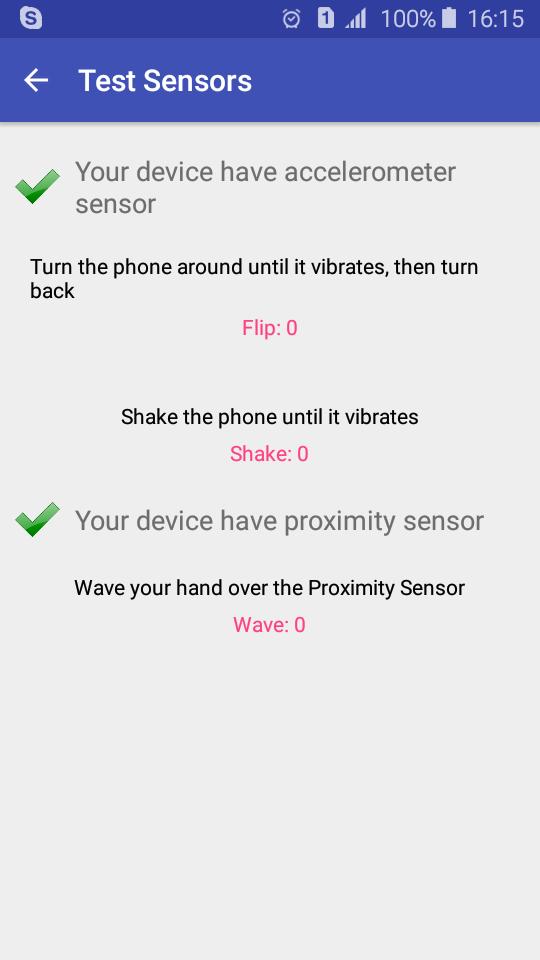
- To use this app, your device must have accelerometer sensor or proximity sensor.
- If you want using Lock Screen feature, you need to enable this function in setting.
- If you use some apps like Task Killer, Memory Booster, Battery Manager..., it maybe stop this service. Please put the app on Whitelist to better working.
- Application will automatic turn off sensors when not using to save battery. Ie if you use accelerometer sensor to unlock screen, then when screen is unlocked, application will turn off the sensor.
I recommend that you should use one way to turn on screen and one way to turn off screen (i.e: wave to unlock, shake to lock). Because if you use many ways, it may drain more battery.
Thank you for using Easy Unlock. Any questions please contact email: lta1292@gmail.com
Latest Version
1.15Uploaded by
Salah Al Tawaf
Requires Android
Android 5.0+
Category
Free Tools AppContent Rating
Teen · Language
Security Report
Report
Flag as inappropriateLast updated on Jul 16, 2025
- Optimized application.
- Supported latest Android version





APKPure - A multi-platform app store primarily focused on Android, providing extensive app-related content. Discover the app you want easier, faster, and safer, with quick and efficient downloads and installations.