
Smart Task Killer will optimize your smartphone at the touch of a button.
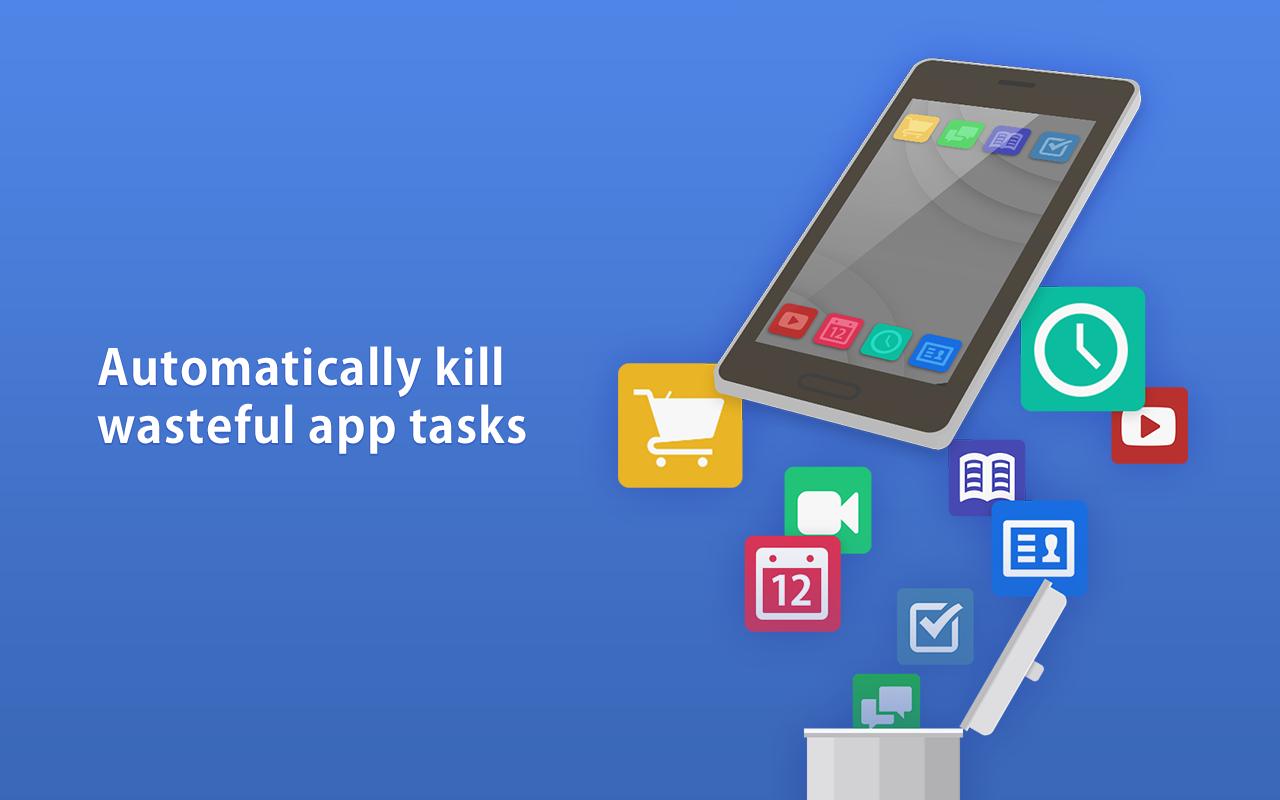
Just one press will kill tasks run by other apps, free up memory and make your smartphone experience faster.
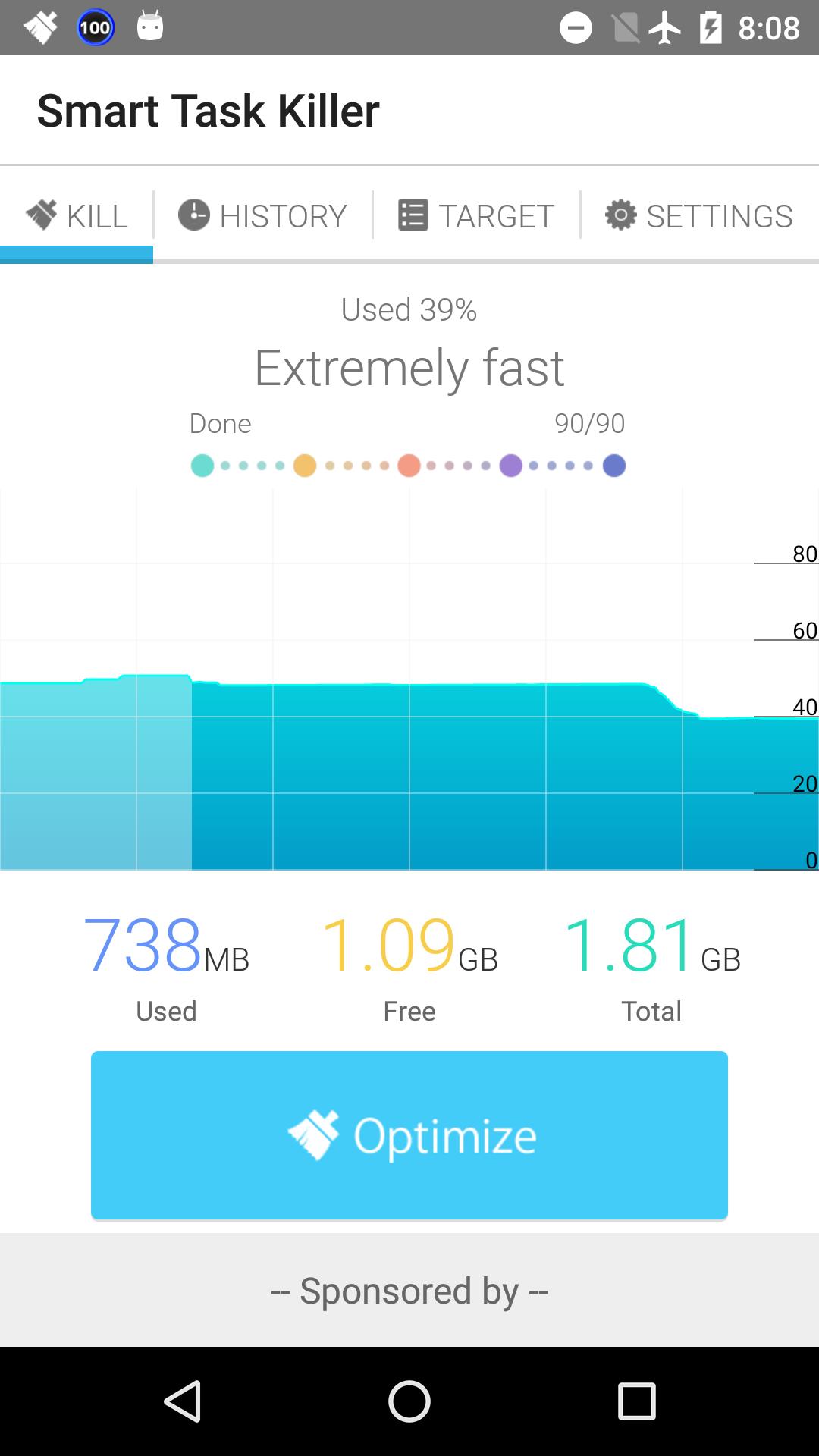
The amount of memory used is displayed in an easy-to-see graph. It can also automatically kill tasks to make everyday usage faster and your battery last longer.
You can easily configure which apps to target, and you'll clearly see how the optimization is being done.
You needn't worry about the Home App, since it's excluded from the kill target list.
■ Main Functions
- Graph of memory usage, optimization at the touch of a button.
- Shows optimization history.
- Can configure target apps.
- Optimization from the notification bar and widgets.
- Quick optimization without opening the app each time.
Latest Version
1.4Uploaded by
Rayen Mzoughi
Requires Android
Android 4.0.3+
Category
Free Tools AppContent Rating
Everyone
Report
Flag as inappropriateLast updated on Feb 16, 2016
v1.1-1.4 : Fixed bugs
v1.0 : Released



APKPure - A multi-platform app store primarily focused on Android, providing extensive app-related content. Discover the app you want easier, faster, and safer, with quick and efficient downloads and installations.