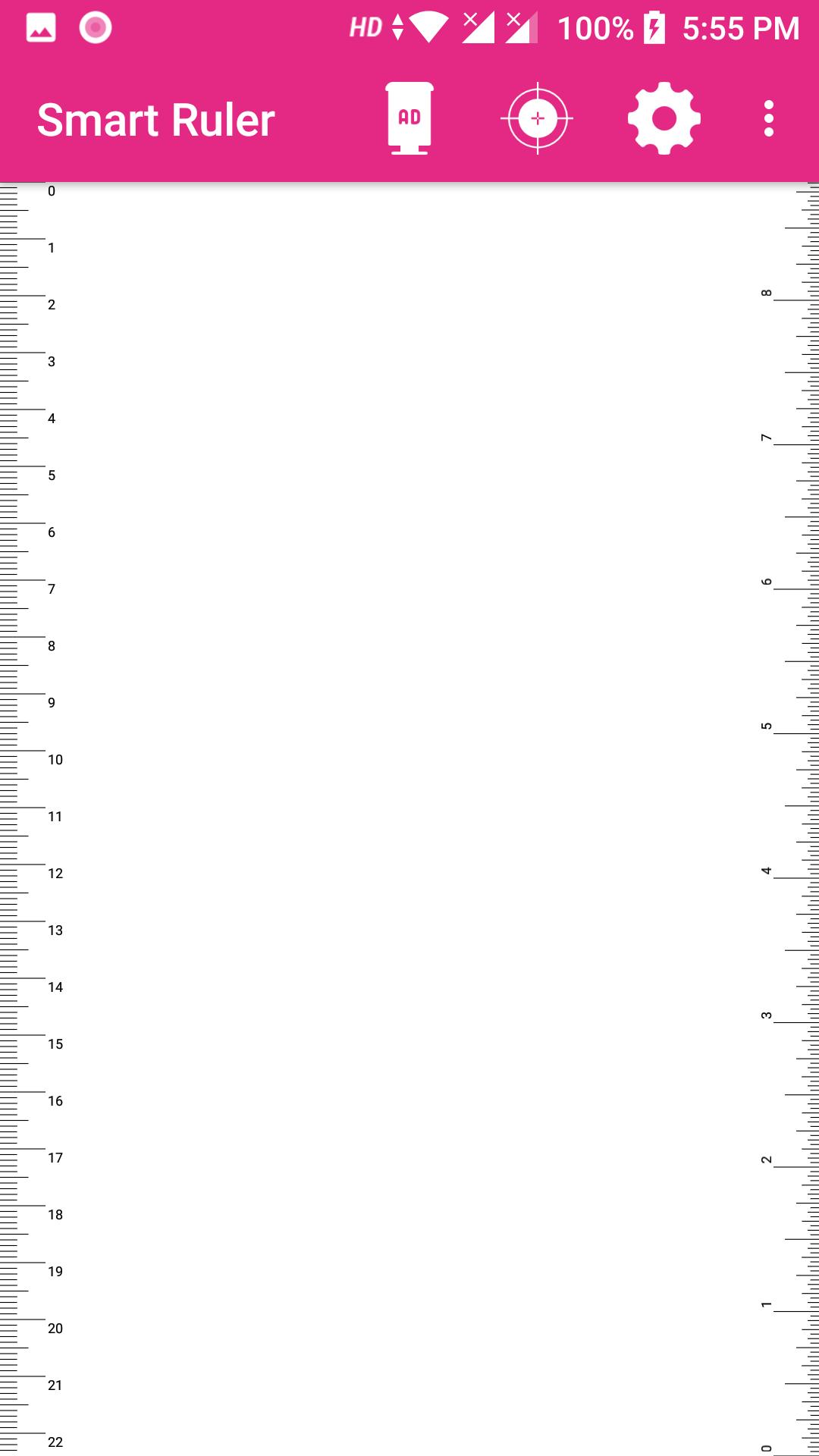
Use your smartphone screen as a ruler, and measure the length/size of small objects. You always have this smart tool with you when you carry your smartphone. You easily measure the length or size of the object by placing it at the screen and adjusting the measuring area tightly. The phone is calibrated already at the factory, but you can also do a calibration yourself by using another ruler, or a suitable object of known size. This app does not show ads.
Automatically sizes to most screens. However, check scaling with a normal ruler on first use. If it is not correct, touch CAL and stretch the ruler to the correct size.
Ruler app includes the following functions:unit converter (mm to inches, centimeters to inches), calculation of the length, straight line, calculation of area, defining the thread pitch, caliper, ruler online, etc.
Ruler (tape measure) - is beautiful, functional and easy to use tool on every smartphone or tablet.
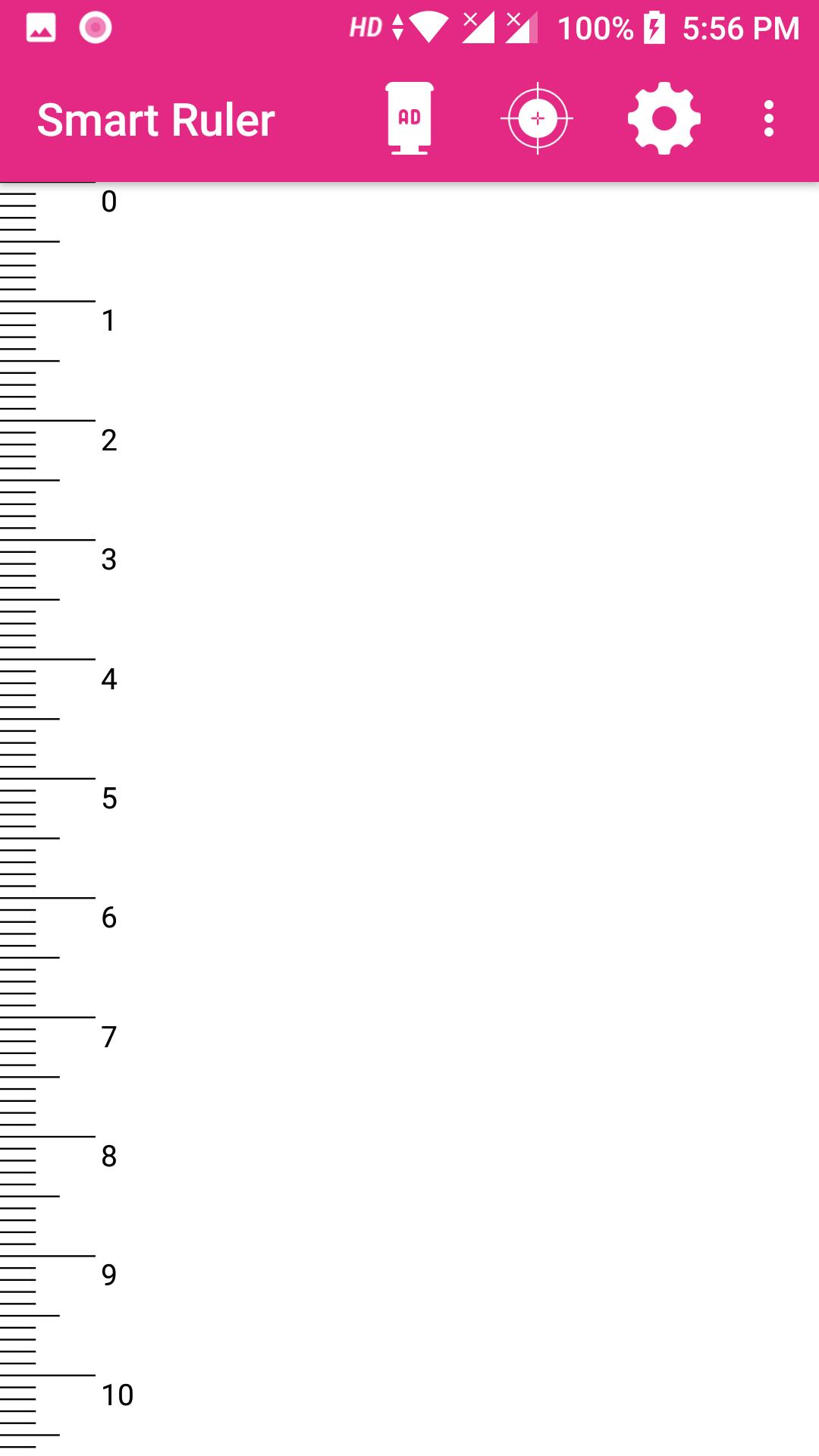
Screen ruler has inflicted strokes (scale), multiple units of length (centimeter, meter, inch) used to measure the distance.
Key features:
✓ Handy ruler
✓ Measures in cm, or inches (decimal or fraction)
✓ Just measure anything that fits into the screen
✓ Measures just length, or length and width at the same time.
✓ Has a high precision caliper mode for accurate adjustment of the measuring area.
✓ The measurements can be stored in a list. A listed measurement can be retrieved back to the screen.
✓ Calibrated already at the factory. If that is not good enough it is possibe to calibrate by using another ruler or a suitable object of known size such as a credit card.
✓ Easy to use
Electronic ruler Features:
- accuracy of measurement;
- easy to use;
- stylish design;
- simple calibration;
- set the units: cm, mm, inch;
- measurement of the length (with hold function) either side of the device;
- graph paper, vertical and horizontal line;
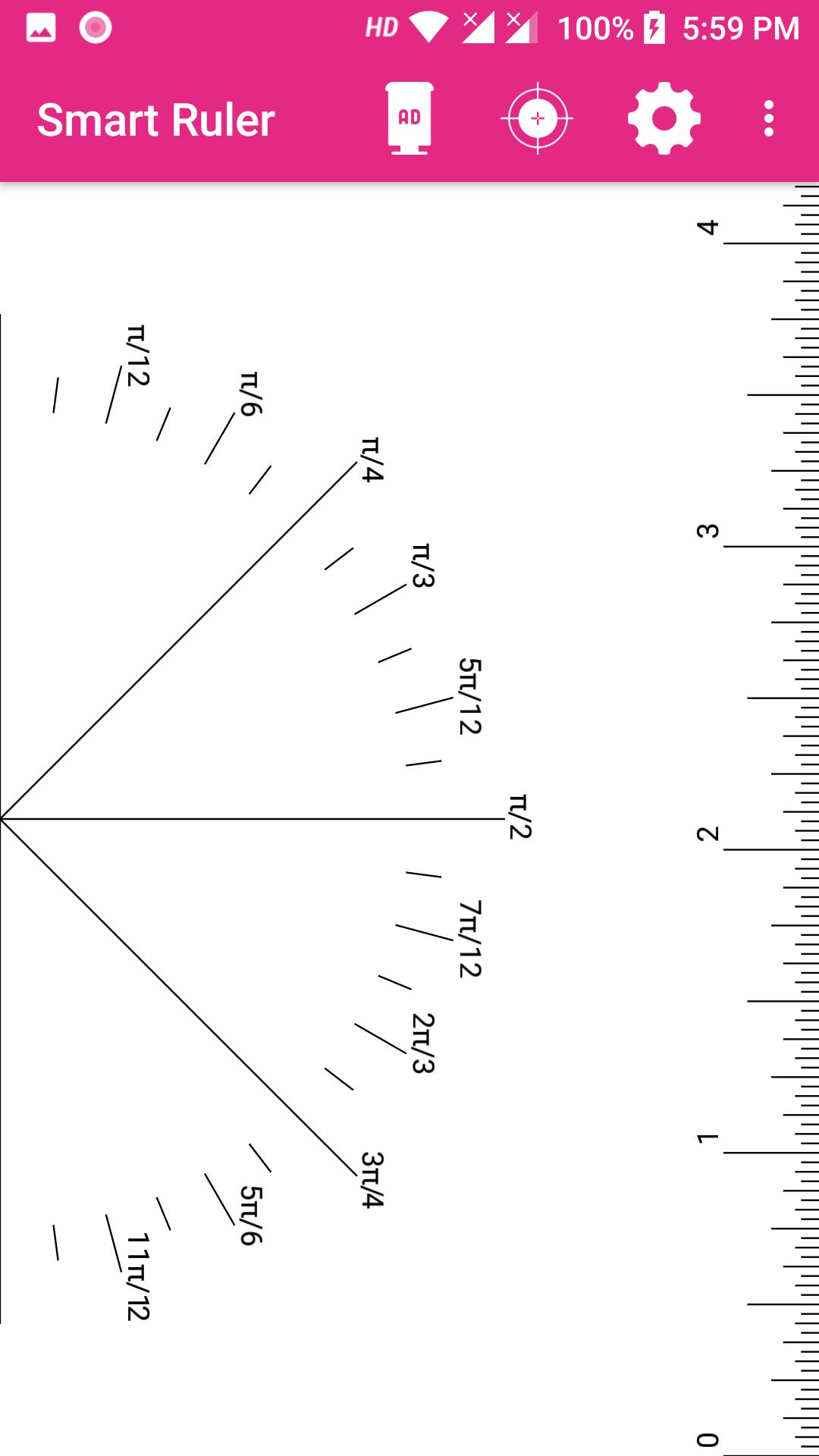
- measurement in 4 modes: point, line, plane, level;
- Half Round Measurement.
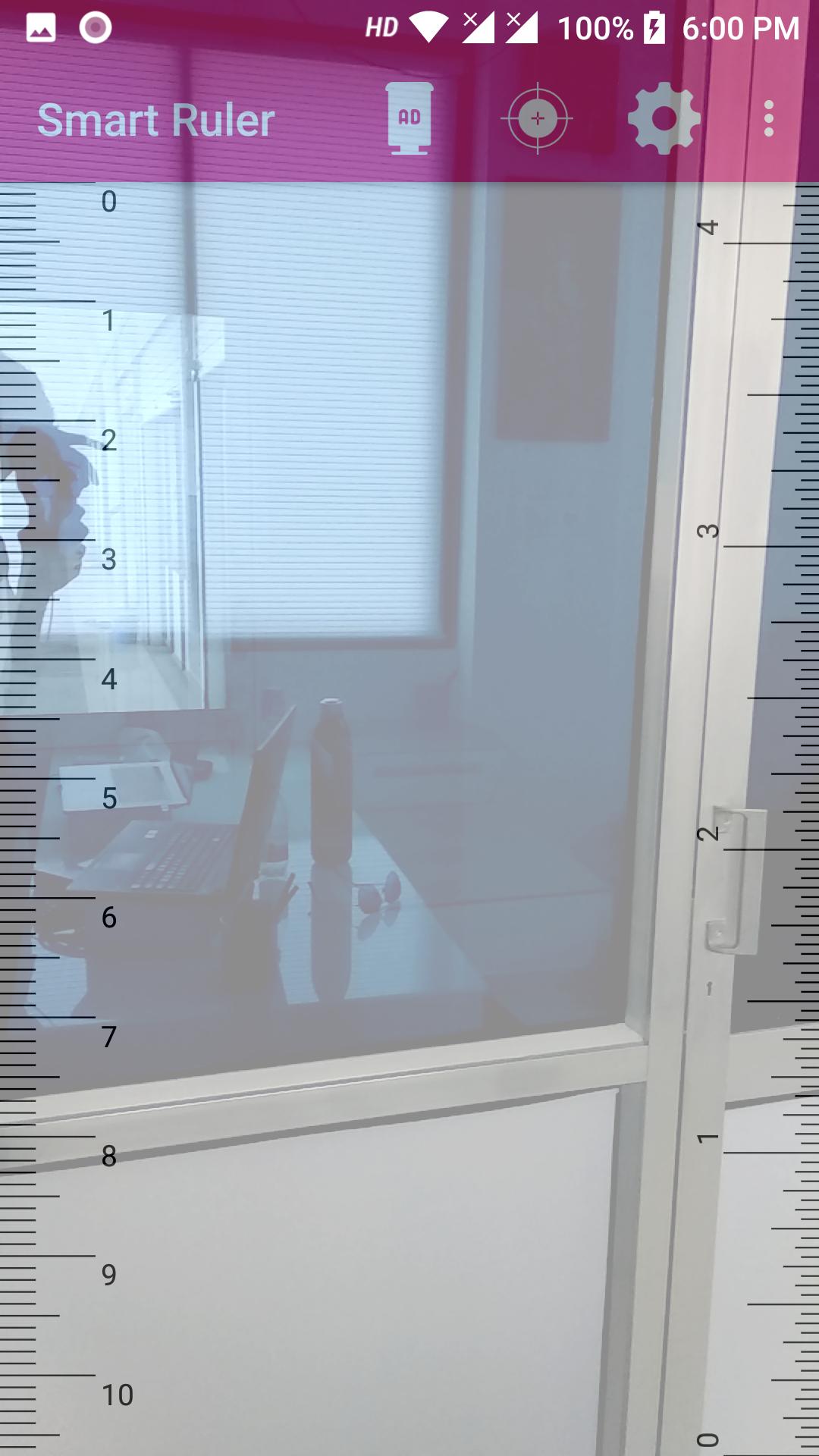
Tap the screen to start using the best multi-touch measuring system and find size of all curious objects around you.
Latest Version
1.0.8Uploaded by
Chitlon Thulay
Requires Android
Android 5.0+
Category
Free Tools AppContent Rating
Everyone
Report
Flag as inappropriateLast updated on Nov 13, 2021
This release includes minor bug fixes and general improvements. Update to the latest version for the best experience.







APKPure - A multi-platform app store primarily focused on Android, providing extensive app-related content. Discover the app you want easier, faster, and safer, with quick and efficient downloads and installations.