
Simple word book app
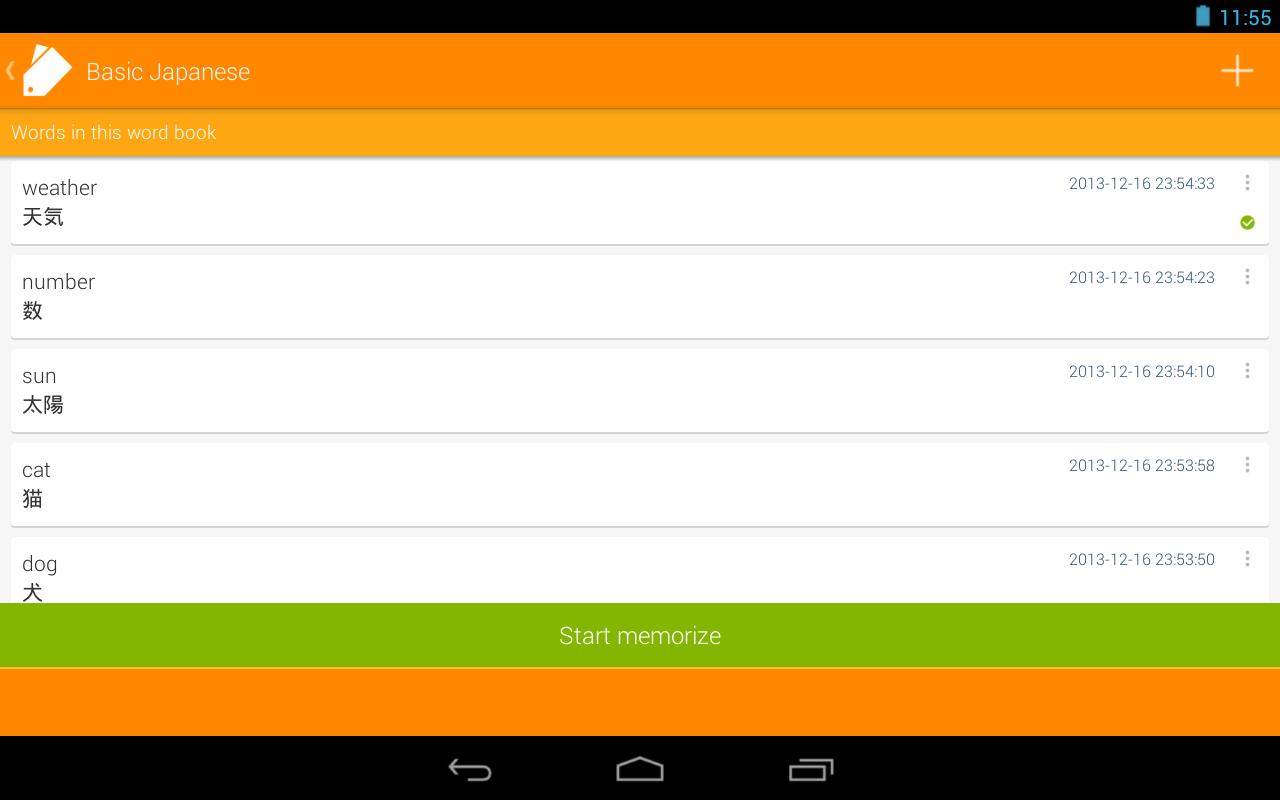
✔You can register multiple word books.
✔You can import words from files: tab delimited, CSV.
✔There is no limitation about number of words in a word book.
About permissions
・This app uses Internet access permission to show ads.
・This app uses reading storage permission to import words from files on the external storage.
File format for import
■Charset
Shift_JIS or UTF-8
■形式
Write word and answer(meaning) in 1 line delimited with one of the "Available delimiters".
e.g.
word1[delimiter]answer1
word2[delimiter]answer2
word3[delimiter]answer3
:
■Available delimiters
Tab or comma
How to import
1. Put some word files on your device.
2. Select your file using some third party app such as ES File Explorer.
* ES File Explorer File Manager:
https://play.google.com/store/apps/details?id=com.estrongs.android.pop
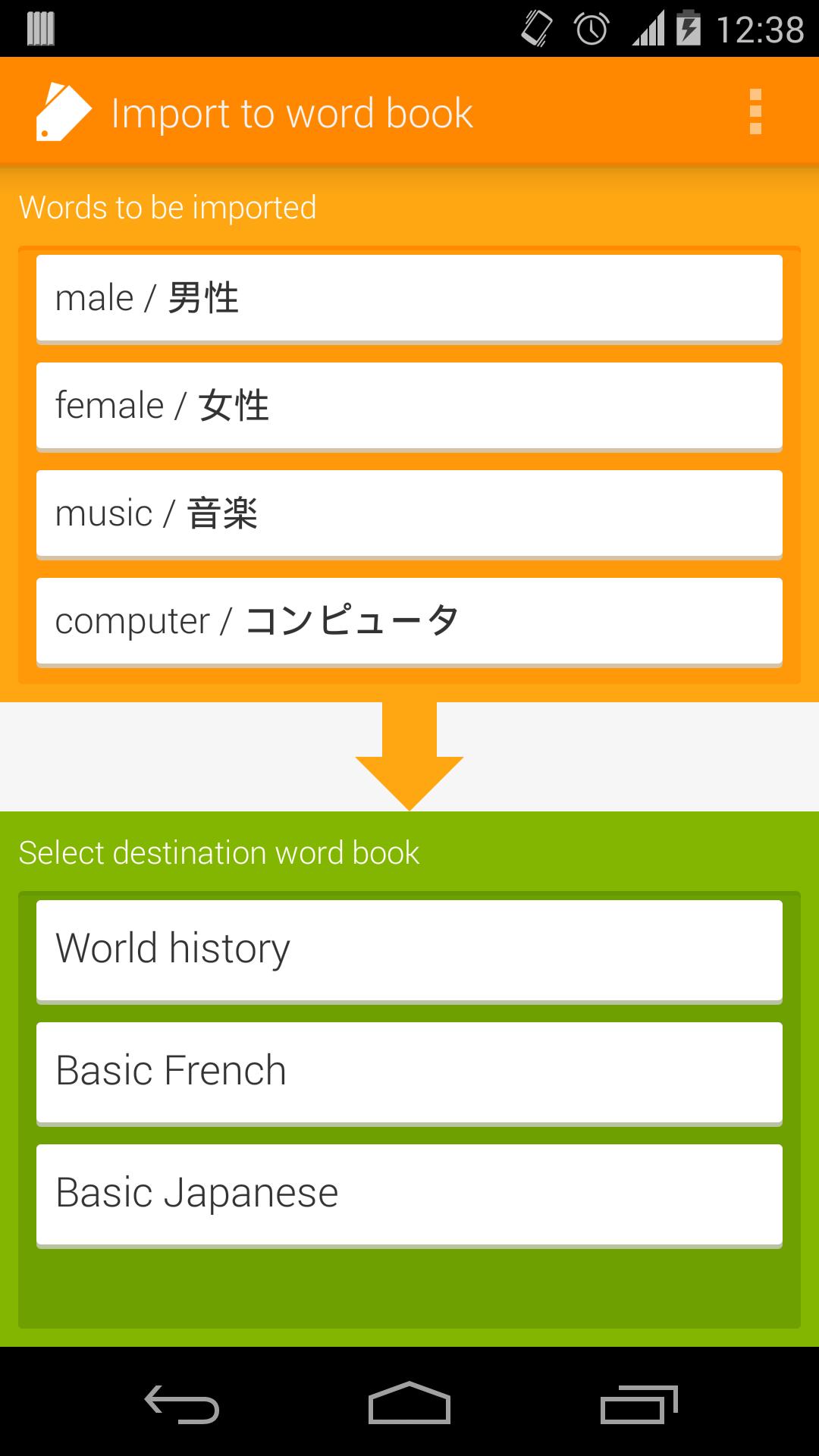
3. Tap "Import to word book".
4. The import screen will be opened.
If you have any troubles, adjust charset and delimiter settings from "Settings" screen.
5. Tap the destination word book, then the words will be imported.
* You can also create new word book for imported words.
Follow the updates
Google+
https://plus.google.com/u/0/114542232871046503427
https://twitter.com/sika_app
Latest Version
1.7.0Uploaded by
Jhorman Ibarra Gomez
Requires Android
Android 4.0+
Category
Free Education AppContent Rating
Everyone
Report
Flag as inappropriateLast updated on Apr 5, 2018
- Added folder feature
- Added Google Drive backup/restore feature
- Fixed a bug that selection is reset while scrolling list view in selection mode




APKPure - A multi-platform app store primarily focused on Android, providing extensive app-related content. Discover the app you want easier, faster, and safer, with quick and efficient downloads and installations.