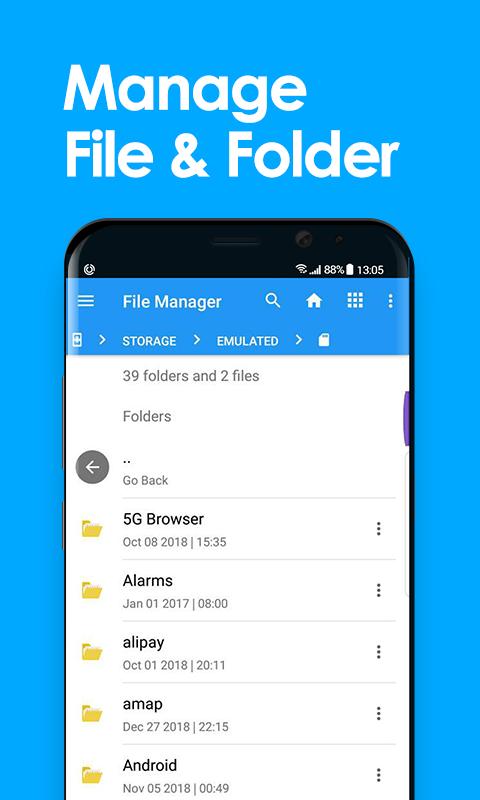
Simple File Explorer is the best tool for managing files on Android. It comes with multiple features such copy, paste, cut, create, delete, rename, unzip , share.
Key features
Experience and enjoy these features that EX File Explorer has to offer:
- Your light and savvy file explorer: Search, access, save, move, delete, or share files that are stored in your smart device's internal storage to or from a microSD card, LAN, or Cloud storage accounts and vice-versa.
- More storage options via Cloud storages: Supports cloud storage accounts such as , Dropbox, Google Drive and Microsoft OneDrive
- Suave and smooth multimedia streamlining: Stream multimedia files such as music or videos or open documents, pictures, or photos stored in any of your Cloud storage accounts.
- Save disk space by packaging files: Compress files to save space of your storage and extract compressed files in Zip and RAR formats
- Easy file browsing: Browse files easily by category right from File Manager’s home screen: images, videos, music, applications, downloaded, and favorites.
- Disk tools: Storage analyzer, recycle bin and hidden cabinet let you manage your disk easily.
Latest Version
2.0.0Uploaded by
Braitor Valentin
Requires Android
Android 4.0+
Category
Free Productivity AppContent Rating
Everyone
Report
Flag as inappropriateLast updated on Sep 11, 2022
New Updates



APKPure - A multi-platform app store primarily focused on Android, providing extensive app-related content. Discover the app you want easier, faster, and safer, with quick and efficient downloads and installations.