Scan Date:Feb 27, 2026
Show More

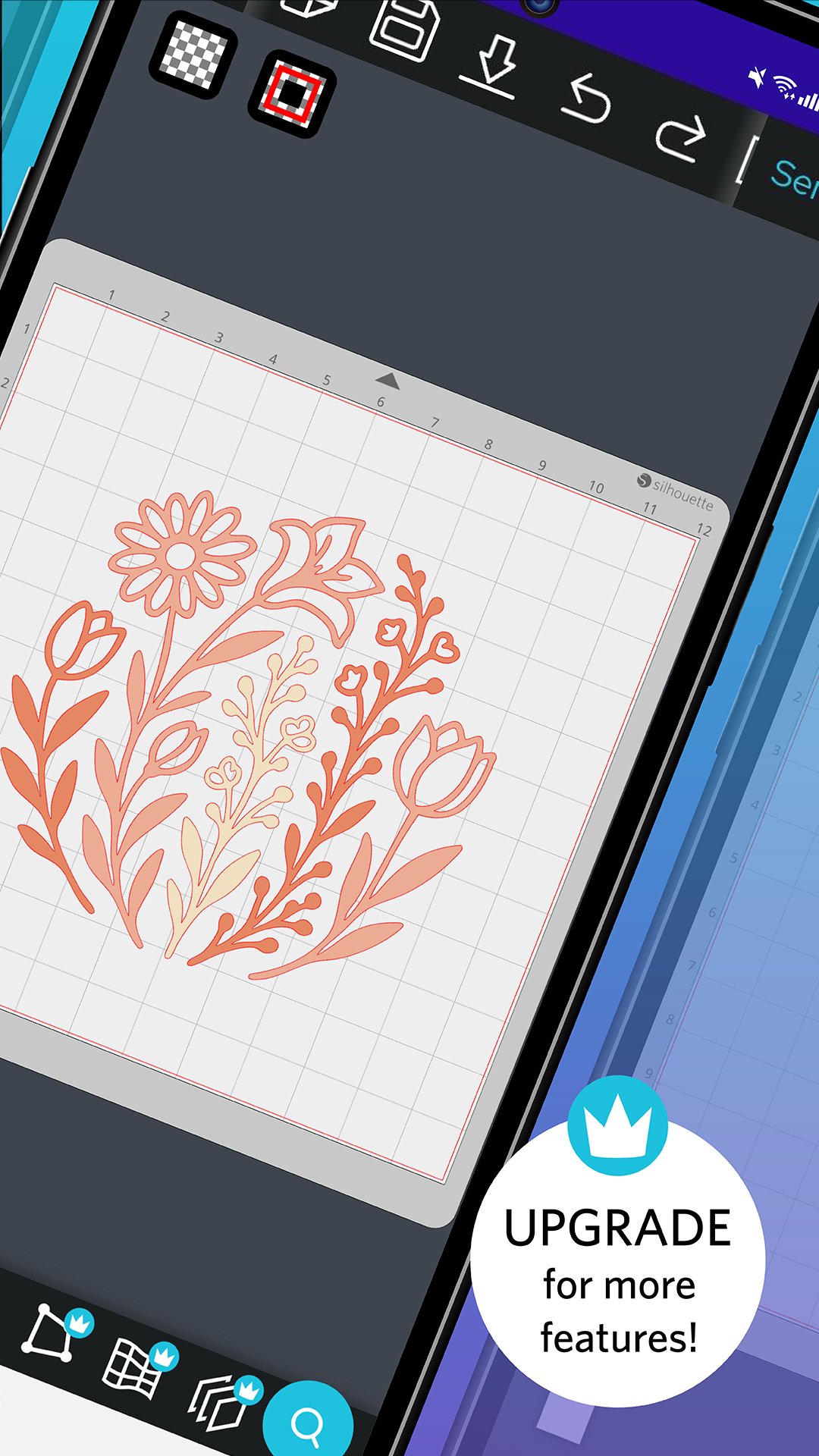
Silhouette Go, the companion app for Silhouette Studio, allows you to be more mobile than ever. Use your Silhouette cutting machine in any room or on the go with just your mobile device. Quickly and easily select designs from your Silhouette Library and send them to a Silhouette cutting machine using a Bluetooth connection.
● SIMPLE FLOW
Silhouette Go makes selecting and cutting your jobs easier than ever by walking you through each step. Simply open the application on your mobile device, select your design, select your cut settings, and send the job to your Silhouette machine.
● MODIFY YOUR DESIGN, ADD TEXT & TRACE
New features for customising your designs on-the-go. Designers can now use Offset, Modify, Warp, new Trace options and more.
● PRINT & CUT
Send print jobs to your printer and then cut them out using your Silhouette cutting machine, all from your mobile device.Send print jobs to your printer and then cut them out using your Silhouette cutting machine, all from your mobile device.
● PAID EDITION DESIGN FEATURES
Silhouette Studio Paid Edition users now have access to paid features in Silhouette Go at no additional cost. Simply sign in to your Silhouette America account with an attached license to accre
Latest Version
1.2.071Uploaded by
اللهم احفظ أحبابي
Requires Android
Android 6.0+
Category
Free Art & Design AppContent Rating
Everyone
Security Report
Report
Flag as inappropriateLast updated on Feb 27, 2026
Changes since 1.2.055:
• Fixed sending to Cameo 3
• Improved Library login reliability
• Shear now works for text objects
• Fix for cutting dashed lines
• Improvements to test cutting
• Fixed issue with emergency stop
• Improvements to layers feature (Business Edition)
• Improvements to JPG export (Business Edition)
• Improvements to SVG import/export (Business Edition)





APKPure - A multi-platform app store primarily focused on Android, providing extensive app-related content. Discover the app you want easier, faster, and safer, with quick and efficient downloads and installations.